


 +100宝石


产品功能
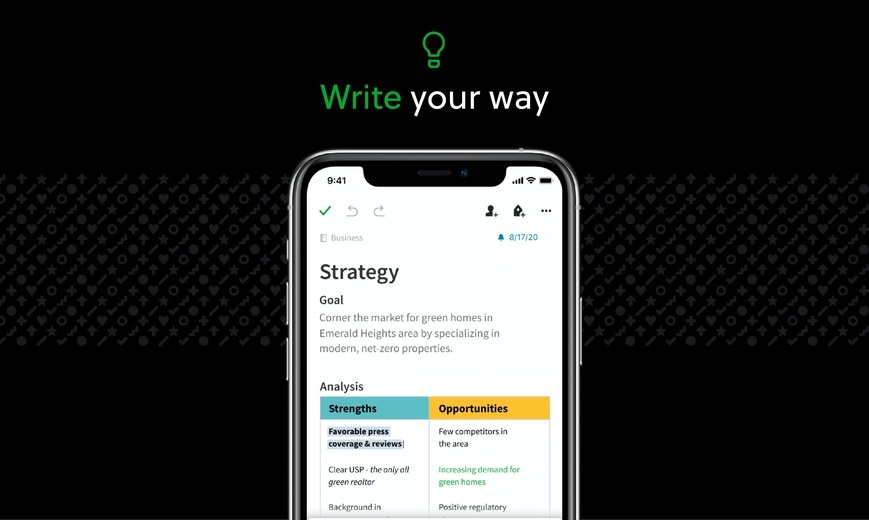
Capture ideas when inspiration strikes. Bring your notes, to-dos, and schedule together to tame life’s distractions and accomplish more—at work, at home, and everywhere in between.
Evernote syncs to all your devices, so you can stay productive on the go. Tackle your to-do list with Tasks, connect your Google Calendar to stay on top of your schedule, and see your most relevant information quickly with a customizable Home dashboard.
---
“Use Evernote as the place you put everything… Don’t ask yourself which device it’s on—it’s in Evernote” – The New York Times
“When it comes to taking all manner of notes and getting work done, Evernote is an indispensable tool.” – PC Mag
---
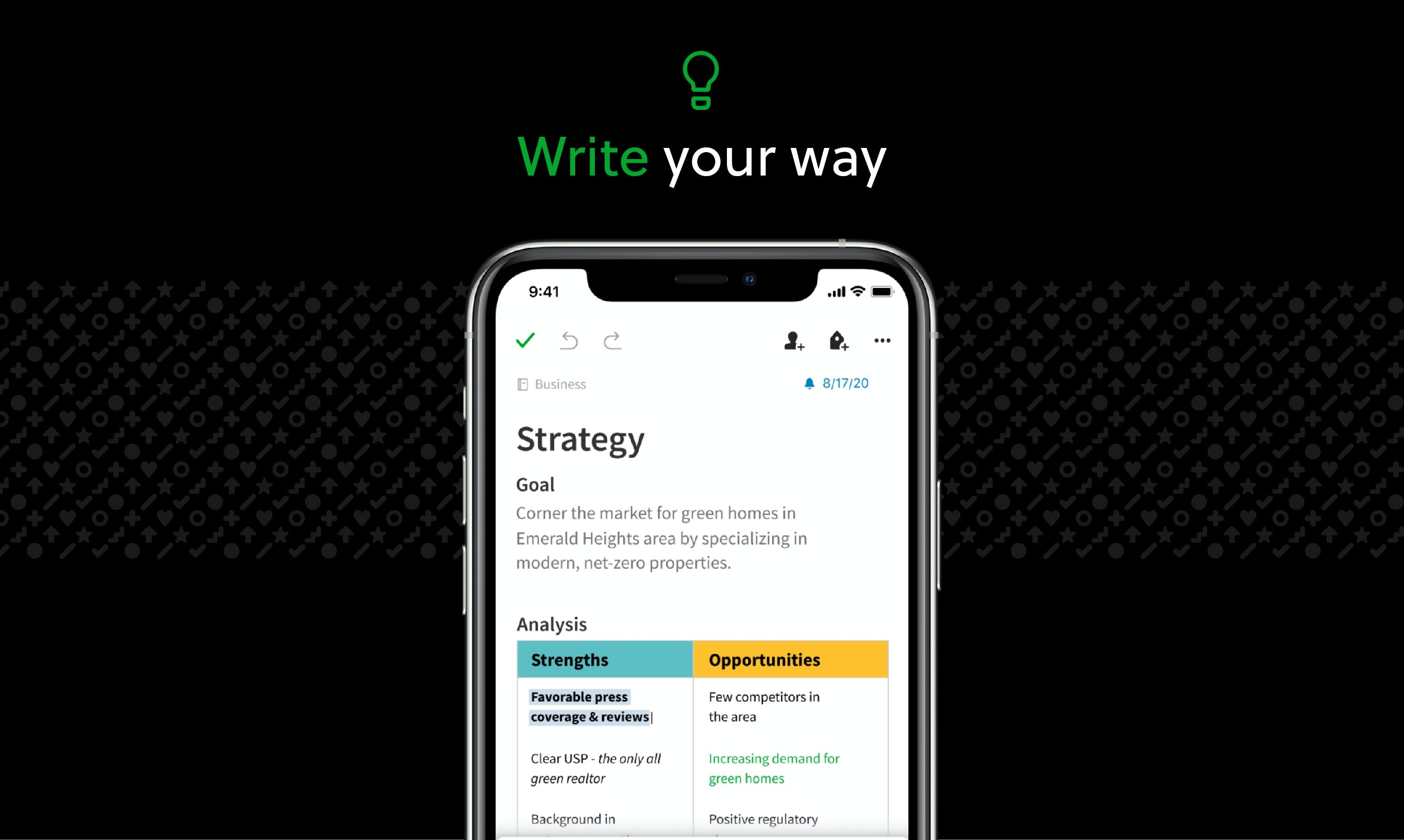
CAPTURE IDEAS
• Write, collect, and capture ideas as searchable notes, notebooks, and to-do lists.
• Clip interesting articles and web pages to read or use later.
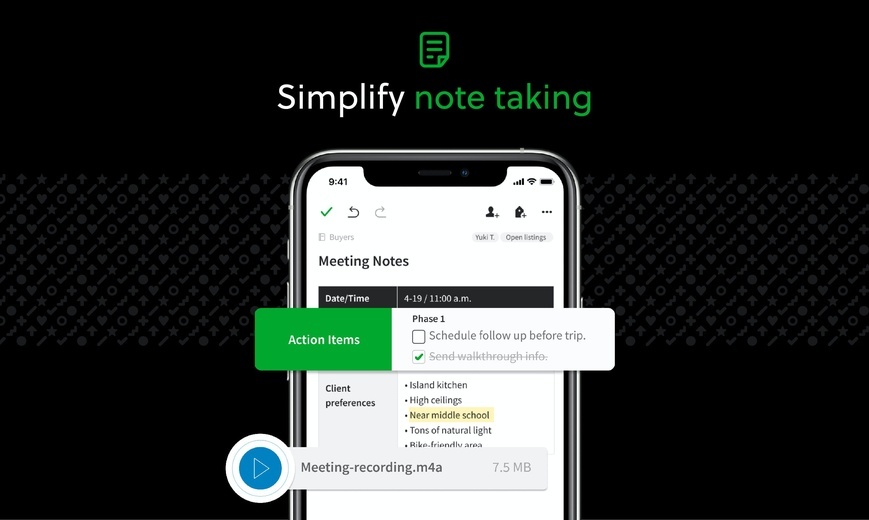
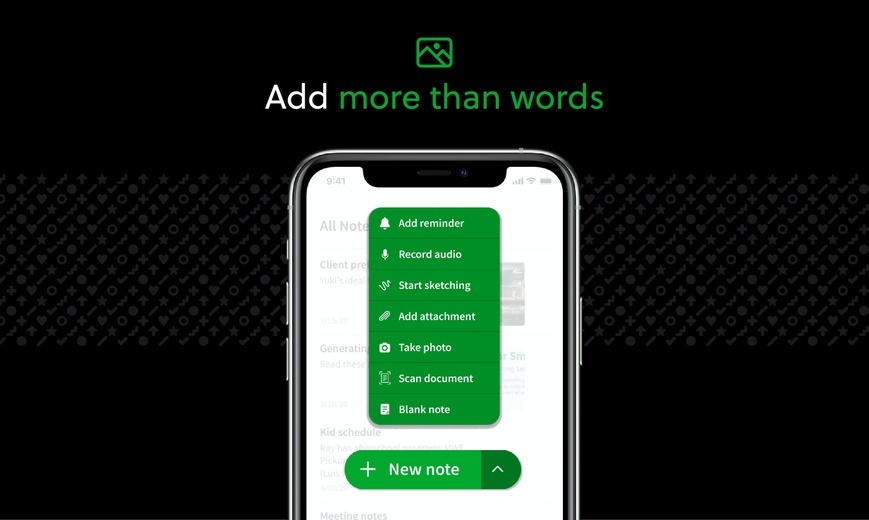
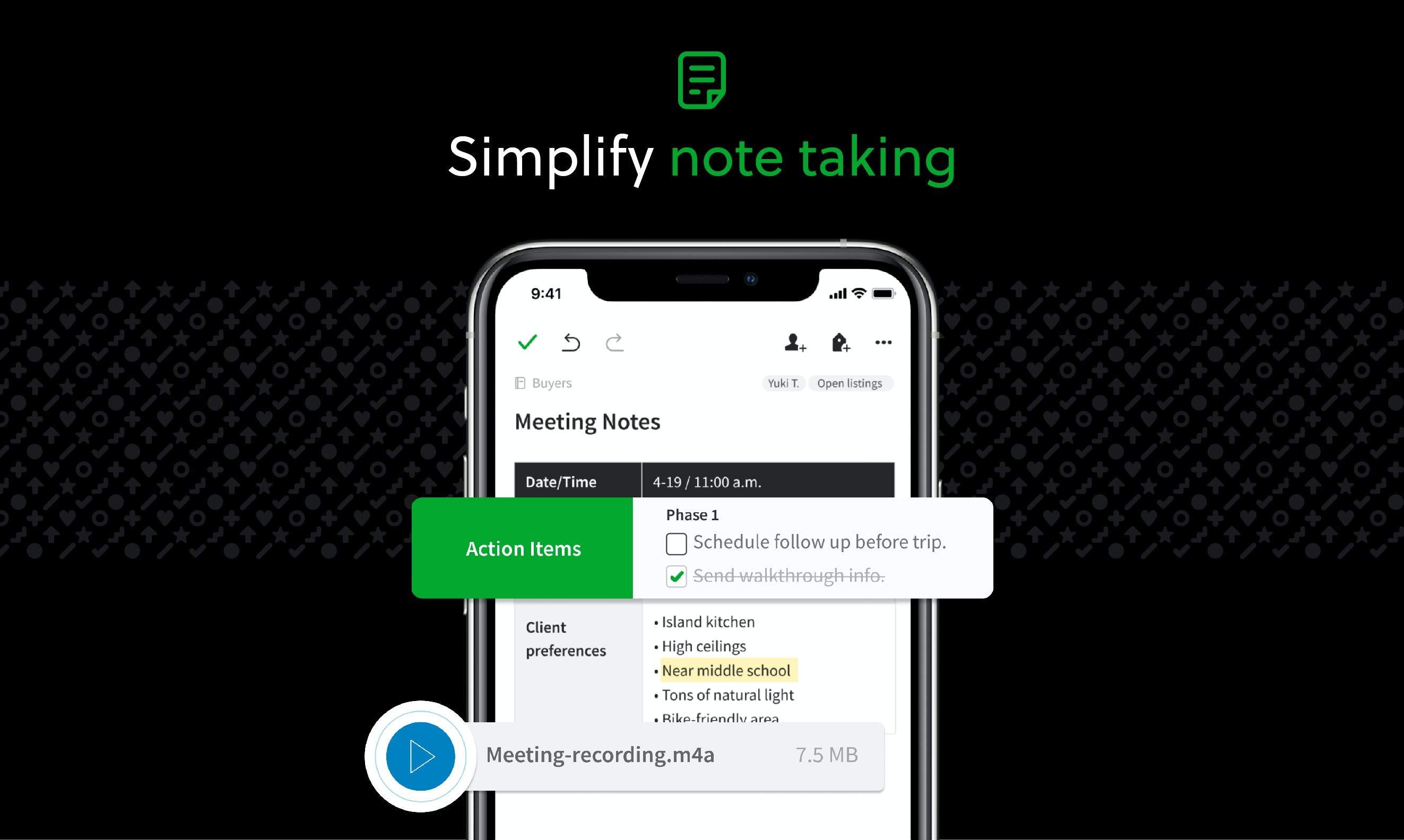
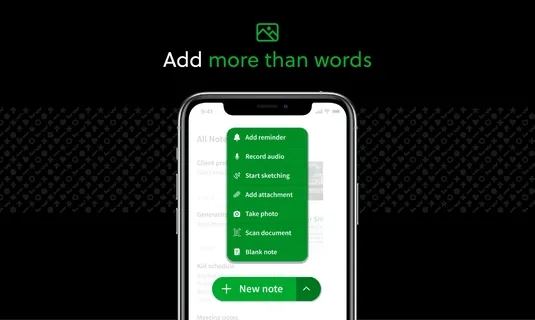
• Add different types of content to your notes: text, docs, PDFs, sketches, photos, audio, web clippings, and more.
• Use your camera to scan and organize paper documents, business cards, whiteboards, and handwritten notes.
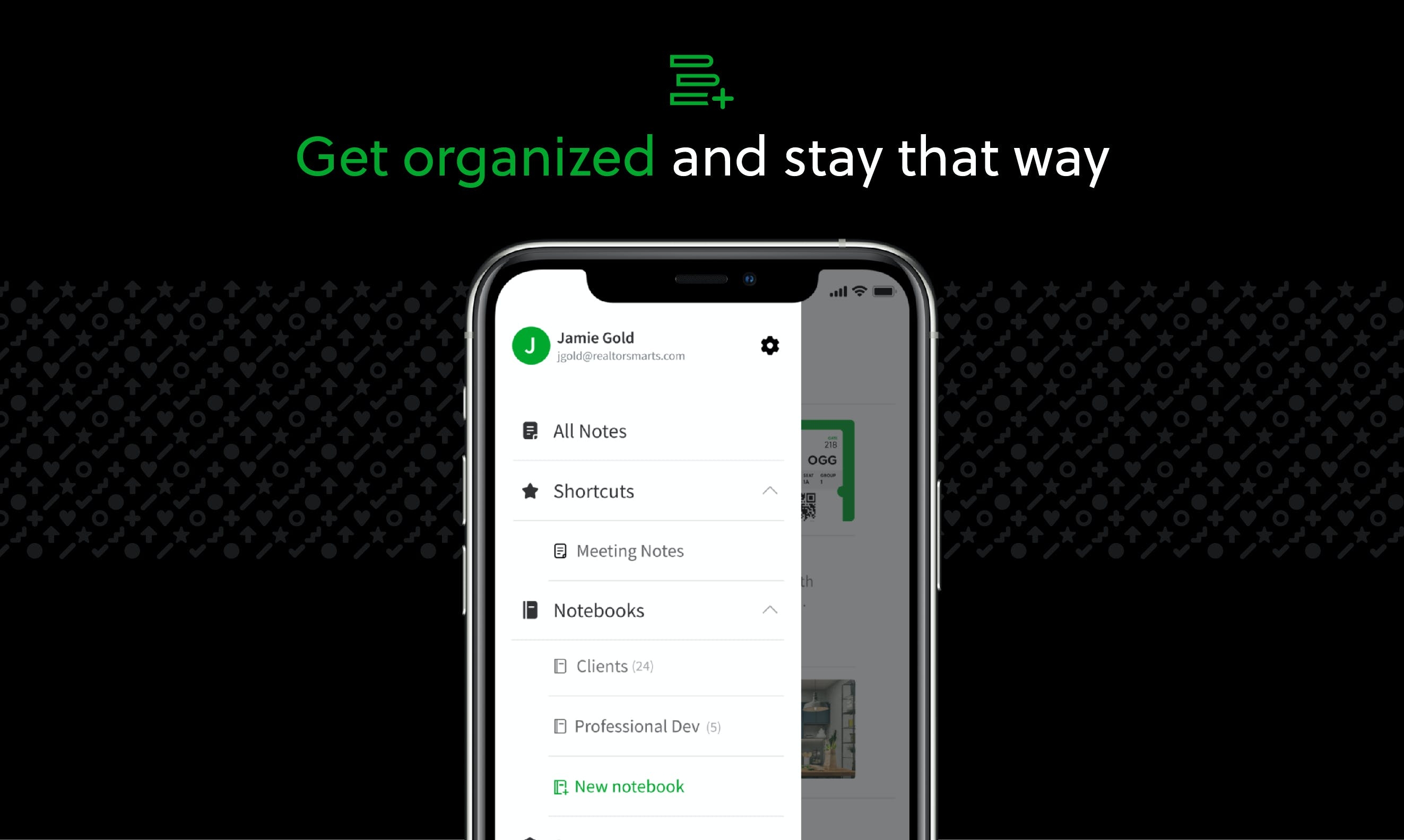
GET ORGANIZED
• Manage your to-do list with Tasks—set due dates and reminders, so you never miss a deadline.
• Connect Evernote and Google Calendar to bring your schedule and your notes together.
• See your most relevant information instantly on the Home dashboard.
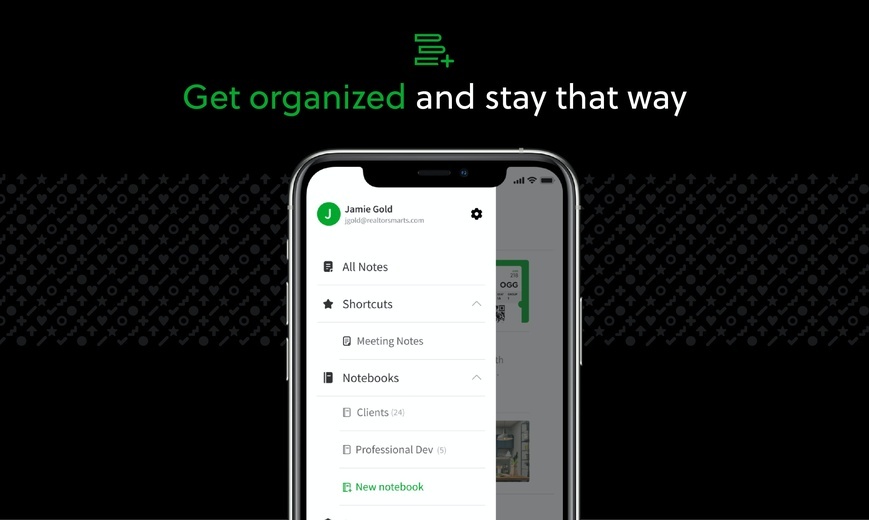
• Create separate notebooks to organize receipts, bills, and invoices.
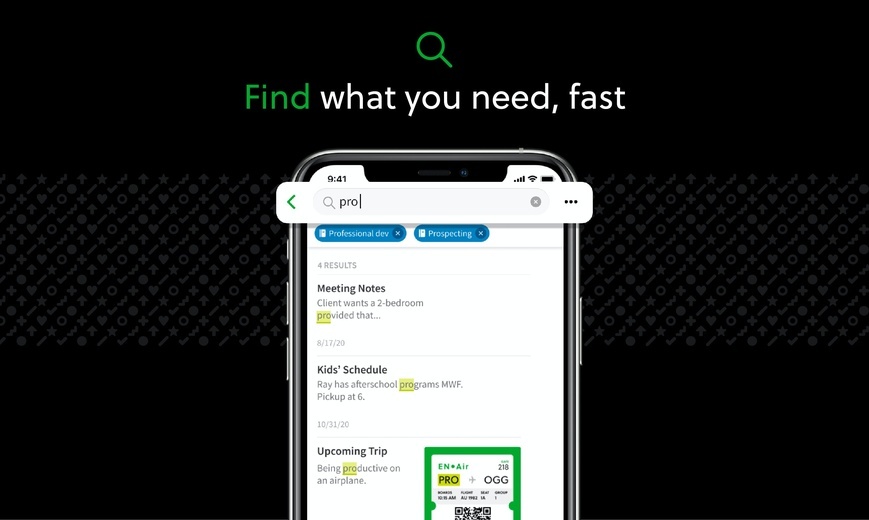
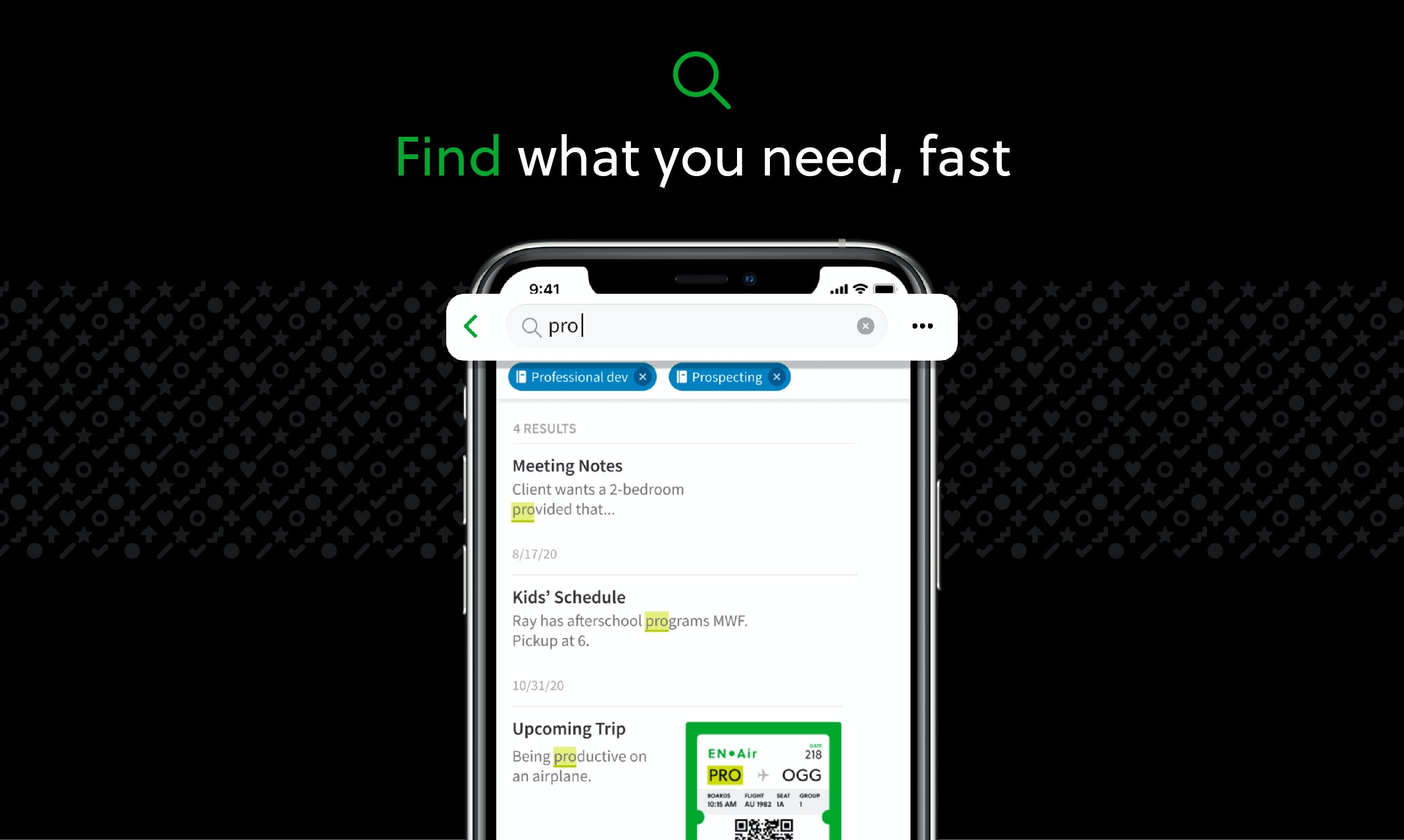
• Find anything fast—Evernote's powerful search can even find text in images and handwritten notes.
ACCESS ANYWHERE
• Sync your notes and notebooks automatically across any computer, phone, or tablet.
• Start work on one device and continue on another without missing a beat.
EVERNOTE IN EVERYDAY LIFE
• Keep a journal to keep your thoughts organized.
• Go paperless by scanning receipts and important documents.
EVERNOTE IN BUSINESS
• Keep everyone up to date by capturing meeting notes and sharing notebooks with your team.
• Bring people, projects, and ideas together with shared Spaces.
EVERNOTE IN EDUCATION
• Keep track of lecture notes, exams, and assignments so you don’t miss important details.
• Create notebooks for each class and keep everything organized.
---
Also available from Evernote:
EVERNOTE PERSONAL
• 10 GB of new uploads each month
• Unlimited number of devices
• Create and manage tasks
• Connect one Google Calendar account
• Access your notes and notebooks offline
EVERNOTE PROFESSIONAL
• 20 GB of new uploads each month
• Unlimited number of devices
• Create, manage, and assign tasks
• Connect multiple Google Calendar accounts
• Access your notes and notebooks offline
• Home dashboard - Full customization
--
Price may vary by location. Subscriptions will be charged to your credit card through your iTunes account. Where applicable, your subscription will automatically renew unless canceled at least 24 hours before the end of the current period. Subscriptions may not be cancelled for refund except as provided in Evernote's Commercial Terms. Manage your subscriptions in Account Settings after purchase.
---
Privacy Policy: https://evernote.com/legal/privacy.php
Terms of Service: https://evernote.com/legal/tos.php
Commercial terms: https://evernote.com/legal/commercial-terms
分享「」体验,参与「」抽奖!
分享 1~3 张你对这个产品最满意的截图或效果图
分享「」体验,参与「」抽奖!
用你的故事点亮社区✨!你的真实体验,将会永久展示在 官方主页 📌,为其他朋友提供宝贵参考 💡。立即分享吧!🚀
请为产品评分
请选择问题回答,为大家提供宝贵参考
选择要回答的问题
温馨提示
你尚未上传产品截图。
上传截图可立即获得宝石积分奖励!
如果你赶时间,也可稍后修改评论,补上截图领取宝石。
温馨提醒
你尚未添加产品截图
⚠️ 不添加截图将降低抽奖权重

感谢参加,你已成功参加!
为了确保你能及时收到审核结果和领奖码通知

扫描二维码关注 Mergeek 公众号
在后台回复 「获奖通知」
完成上述操作,即可保障奖励发放成功













用户评价
立即分享产品体验
你的真实体验,为其他用户提供宝贵参考
💎 分享获得宝石
【分享体验 · 获得宝石 · 增加抽奖机会】
将你的产品体验分享给更多人,获得更多宝石奖励!
💎 宝石奖励
每当有用户点击你分享的体验链接并点赞"对我有用",你将获得:
🔗 如何分享
复制下方专属链接,分享到社交媒体、群聊或好友:
💡 小贴士
分享时可以添加你的个人推荐语,让更多人了解这款产品的优点!
示例分享文案:
"推荐一款我最近体验过的应用,界面设计很精美,功能也很实用。有兴趣的朋友可以看看我的详细体验评价~"
关注 Mergeek 公众号
领奖遇到问题?联系小门助手