RAW+

RAW+

Fixed Aperture Manual Exposure

Creator
Dynamic App Design LLC
平台
iOS
摄影与录像APP

RAW+是极简相机,适合极简主义者和专业人士。始终手动曝光,支持RAW格式,快门和ISO控件在屏幕上,通过大滑块轻松调节。手动对焦可覆盖,有自定义白平衡设置。支持RAW、JPG或两者同时拍摄,具备多种白平衡预设、RGB直方图、网格和水平叠加层、高光和阴影修剪警告等功能。兼容iPhone SE、6s及更新设备,iPhone 12 Pro、12 Pro Max及之后的所有Pro机型。
COMMUNITY PERKSMergeek 社区专属福利
独家限免 NEW每天发现一份惊喜
PRODUCT SCREENS / 4

点击查看界面细节

RAW+ 产品截图 1RAW+ 产品截图 2RAW+ 产品截图 3RAW+ 产品截图 4

RAW+ is a minimalist camera for purists and professionals. 
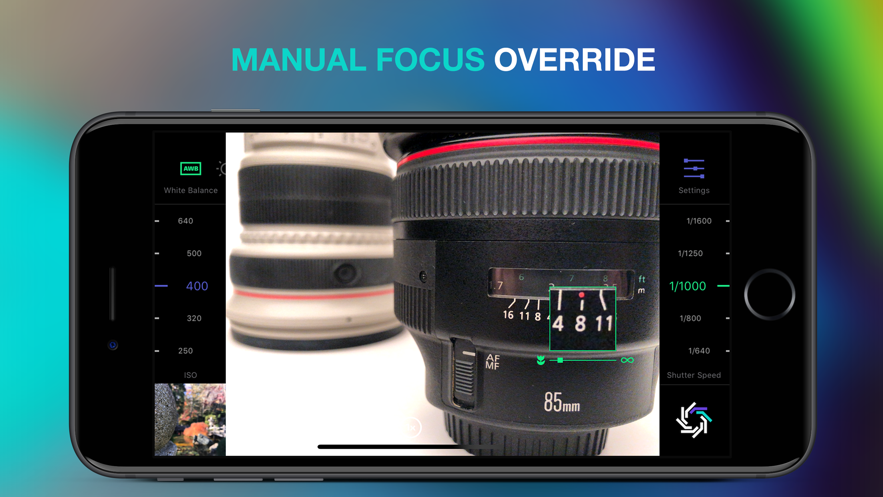
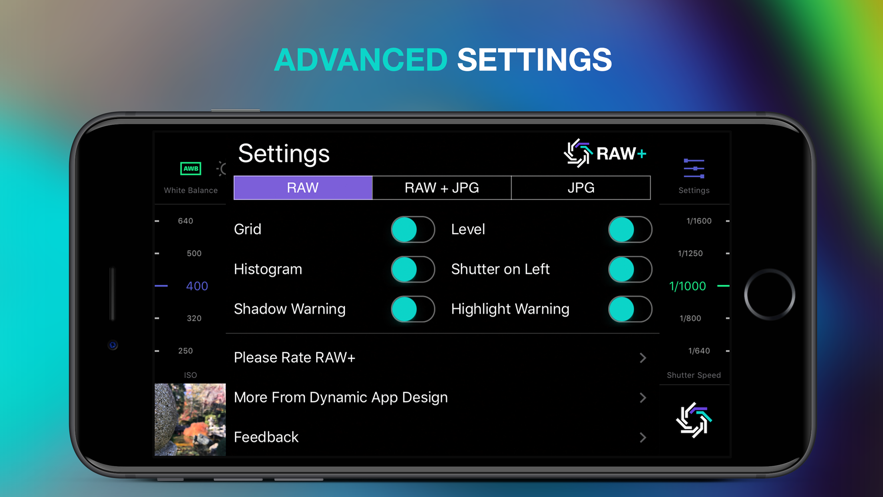
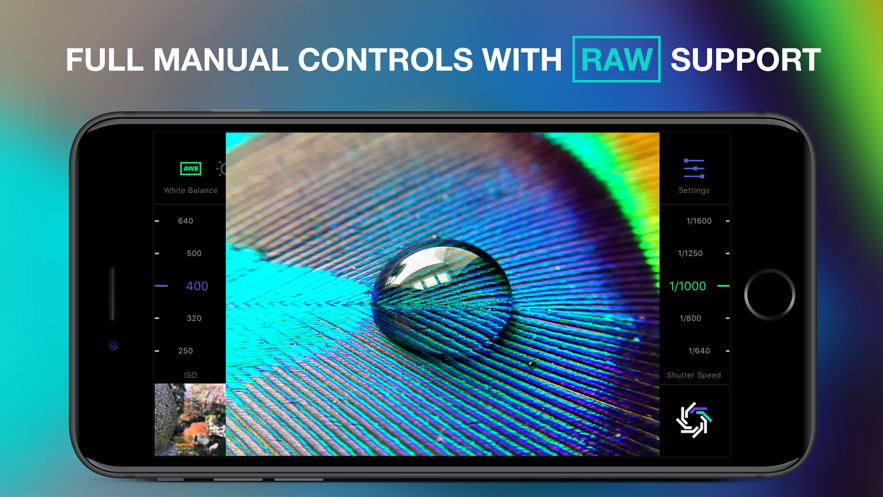
It's always manual exposure and supports the RAW and ProRAW formats. Shutter and ISO controls are always on screen and easily accessible via huge sliders(The aperture is fixed on the iPhone and thus not adjustable- but you knew that already). Manual focus override any time and custom white balance settings. Toggle advanced features on or off in the settings menu.
Try the first 5 shots for free and upgrade to unlock forever.
Features:
Manual Exposure- Always
Manual Focus Override
RAW
ProRAW(compatible devices only)
Optional JPG Shooting
8 White Balance Presets including Auto and Custom Kelvin
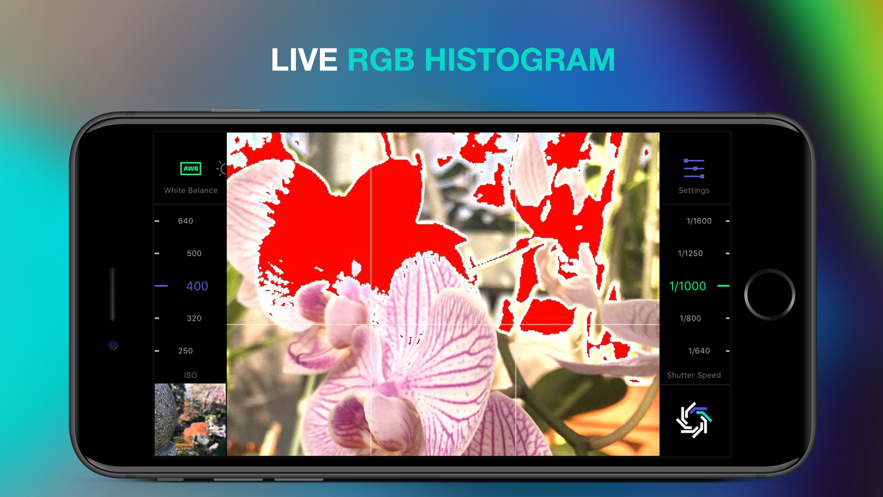
RGB Histogram
Grid & Level Overlays
Highlight and Shadow Clipping Warnings
RAW support is available on iPhones SE, 6s, and newer devices
ProRAW support is available on iPhone 12 pro and 12 Pro Max and above
Terms of Service: http://dynamicappdesign.com/tos

版本

1.2.36

1.2.36 版本更新内容

修复崩溃问题

1.2.35 版本更新内容

新功能

• 光圈拨盘(仅限 iPhone 18 Pro 和 iPhone 18 Pro Max):在 ISO 和快门速度旁边直接设置可变光圈镜头的 f 值。固定光圈镜头将显示"固定光圈镜头"提示。
• 自拍定时器:在设置中选择 3 秒或 10 秒。快门按钮倒计时显示;再次点击可取消。
• 亮度直方图:直方图设置现可在 RGB 与纯白亮度直方图之间切换。
• 水平线:类似系统相机 App,屏幕中央显示地平线,水平时变为黄色。
• 手动对焦时显示峰值对焦和放大取景框(可在设置中关闭)。
• 支持使用相机控制按钮或音量键拍照。
• 已移除广告。

重新设计的控制界面

• 每个曝光拨盘拥有独立颜色(快门速度为绿色、ISO 为紫色、光圈为琥珀色),配有图标及更大、更易读的数字。
• 新增刻度标记,转动拨盘时每一格均有触感反馈。
• 已选白平衡现以白色高亮显示。
• 全新设置图标,设置界面更加简洁紧凑。

改进与修复

• 实时预览现与实际拍摄照片的曝光一致,TrueRAW 照片亮度与预览匹配。
• RAW+JPG 拍摄的照片将分别保存为两张独立图片。
• 修复了拍摄 48 MP JPG、切换镜头及设置白平衡时的崩溃问题。
• 照片查看器更流畅:滑动不再卡顿,f 值显示正确。
• 已适配 iOS 26。

查看完整更新记录 ↗

你的真实体验,为其他用户提供宝贵参考,获得宝石奖励

REWARD MARKET100 宝石可兑换什么?

还没有公开评论,欢迎分享你的体验。

广告

提交反馈

每一个想法,都让 Mergeek 更好一点。