【Supported CAD Formats and Software】
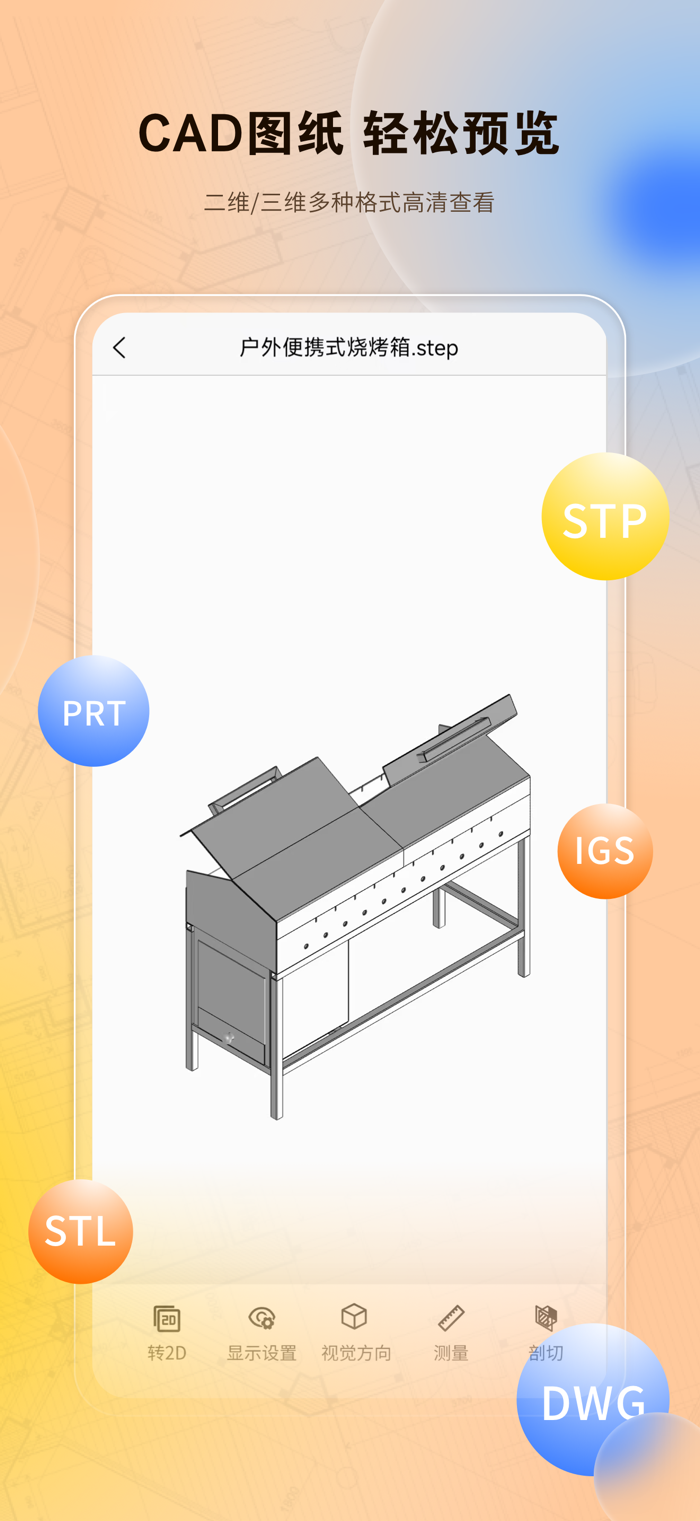
Cover mainstream CAD software, including: SolidWorks, ProE/Creo, NX/UG, CATIA, Inventor, Parasolid, Rhino, Revit, Navisworks, Solid Edge, SketchUp, etc.
Support opening 40 formats, including: stp, step, sldprt, sldasm, catproduct; catpart, igs, iges, 3dm, stl, obj, 3mf, dxf, dwg, ifc, rvt, gltf, glb, fbx, 3ds, dae, ply, 3dxml, prt, asm, x_t, x_b, nwd, par, psm, ipt, iam, blend, pmx, pmd, skp, amf, etc.
【Main Product Functions】
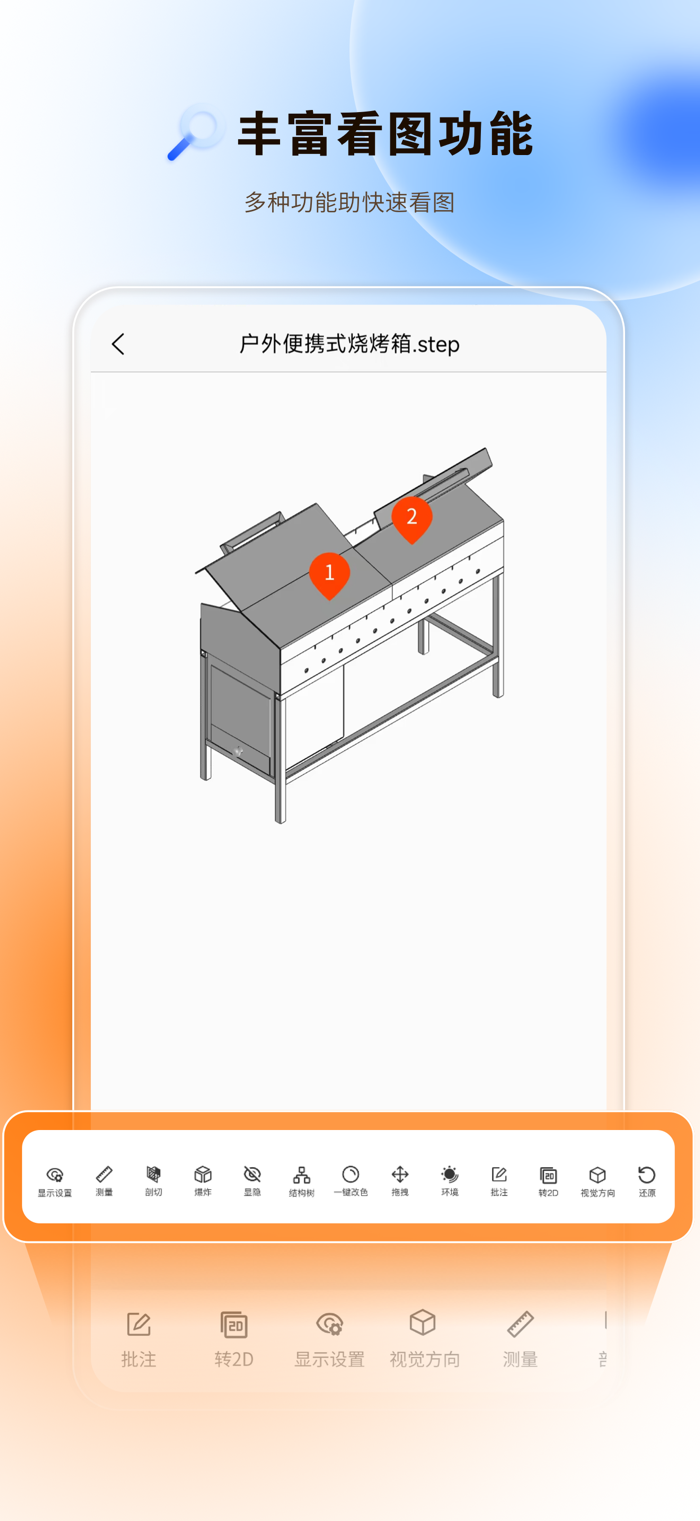
Powerful measurement function: Support various measurement methods, such as line segment length, point-to-point distance, volume, bounding box, area, angle, radius and other data, greatly improving office efficiency.
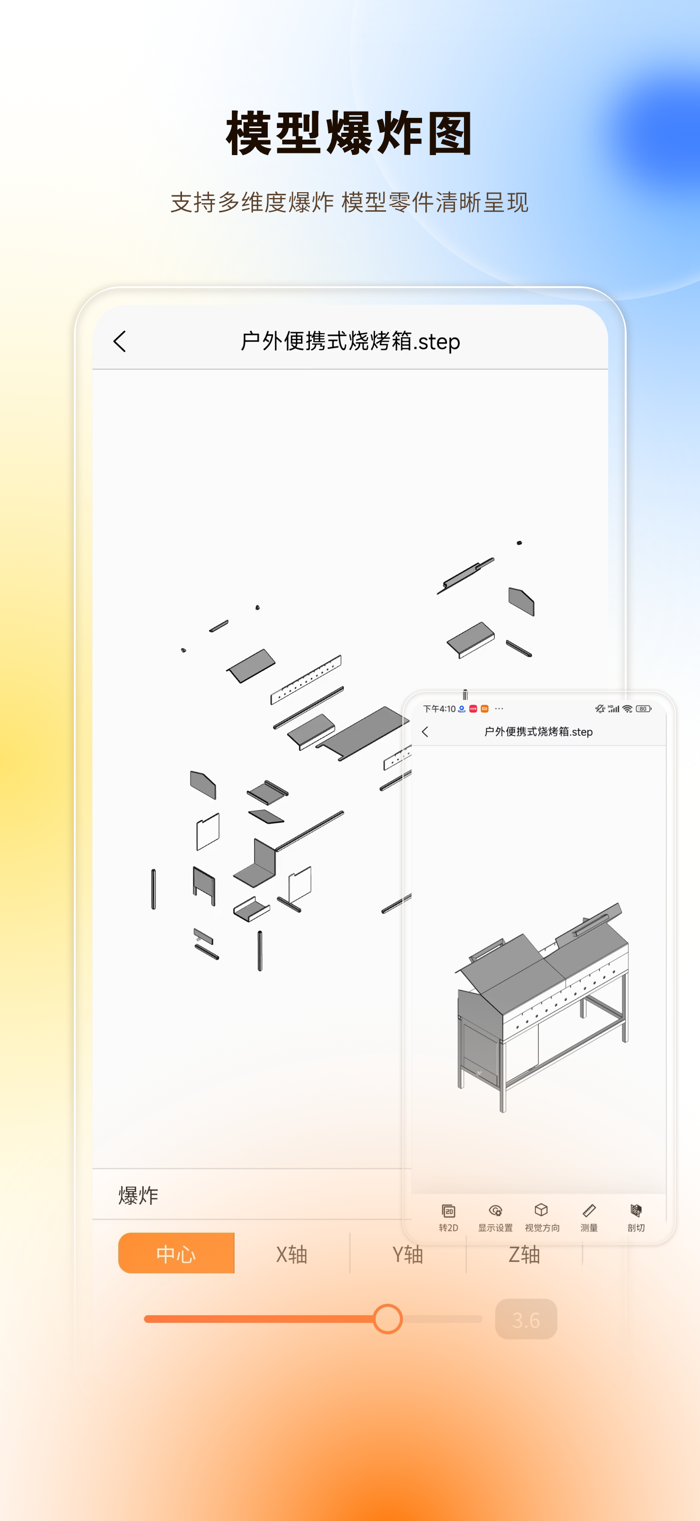
Smooth interaction experience: View the local and details of 3D models without dead ends in all directions. Support arbitrary angle movement, zoom in and out, explode the model, move parts, hide parts, display separately, and剖切 the model. Meet the model viewing in multiple scenarios.
Secure sharing and collaboration: Generate a sharing browsing link with one click, set the viewing permissions of the model, and maximize the protection of model data leakage. Model annotations are clear at a glance, realizing an efficient collaborative scenario.
Comprehensive drawing management: Open the drawing model, automatically save the drawing to the cloud library, realize file synchronization backup across different devices, and browse across devices anytime and anywhere.
【Feature Functions】
Drawing function: Generate 3D model engineering drawings with one click, and can export svg and pdf formats.
Format conversion: Support more than 30 CAD drawing format conversions, such as dwg to dxf, 3D model format to stp, 3D model format to stl, etc., solving the problem of difficult model viewing across different CAD software for users.
【Software Advantages】
Free to use: Lower the user's usage threshold
Ad-free: Improve the user's usage experience
Smooth viewing: Supported by a powerful geometric kernel
Fully compa…