INTRODUCTION产品介绍
iPalettes: Color Palette Creator
The easiest way to discover, create, and capture stunning color palettes, and now to turn them into mood boards.
** NEW: Mood Board **
- Type a mood like "golden hour" or "coffee morning", or tap a suggestion, and get three designed mood boards of matching photos in seconds.
- Every board comes with its color palette, taken from all of its photos, with HEX codes under each swatch.
- Already have a palette? Open it and choose Make mood boards to see your exact colors in real photos.
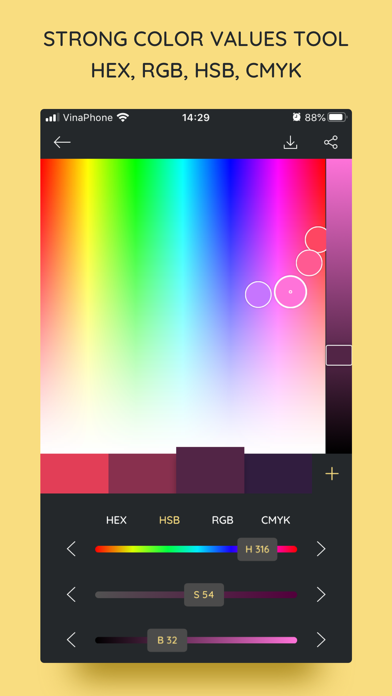
- Tap any color for HEX, RGB, CMYK and HSB, copy it, pick a new one straight from the board, or lock it while you shuffle.
- Check text contrast, try color variants, and save a board's colors to My Palettes.
- Export swatches for Procreate and Adobe (.ase), copy CSS variables or JSON design tokens, or share the board with its color specs.
- Photos come from Unsplash and Pixabay, with every photographer credited.
** Why iPalettes? **
- Stuck for ideas? Browse 1,000+ curated color schemes in the Inspiration tab.
- Need precision? Use our advanced converter for HEX, HSB, RGB, and CMYK.
- Creative freedom: Extract palettes from photos, use the manual Color Picker, or browse the Pantone range.
- Seamless workflow: Save, edit, and share your palettes via AirDrop or Email.
** Powerful Ways to Create **
- Image Extraction: Pick a photo from your Albums or use the Camera. iPalettes automatically analyzes images to generate the perfect palette.
- Color Picker: Build your own from scratch using our intuitive interface.
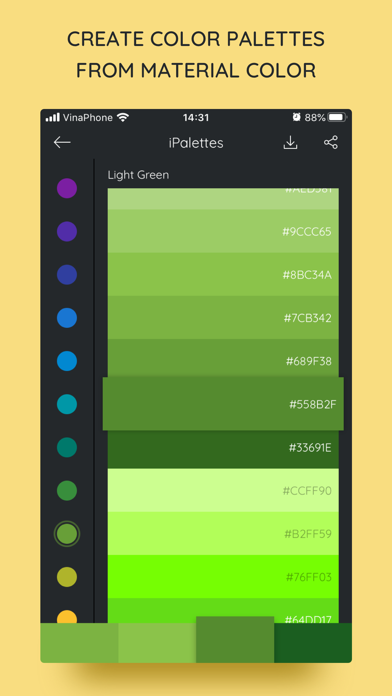
- Pantone Integration: Use the industry-standard Pantone range for professional-grade schemes, now right inside the palette editor too.
** Key Features **
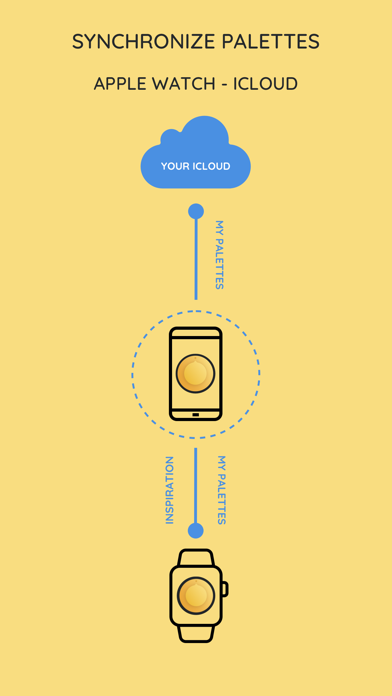
- iCloud Sync: Your palettes are automatically backed up and synced across all your iOS devices.
- Share Extension: Send images directly from the Photos app or other apps to iPalettes to start a project instantly.
- Expanded Palettes: Support for up to 10 colors on iPhone and 15 colors on iPad.
- Search Unsplash & Pixabay…