产品功能

应用市场介绍


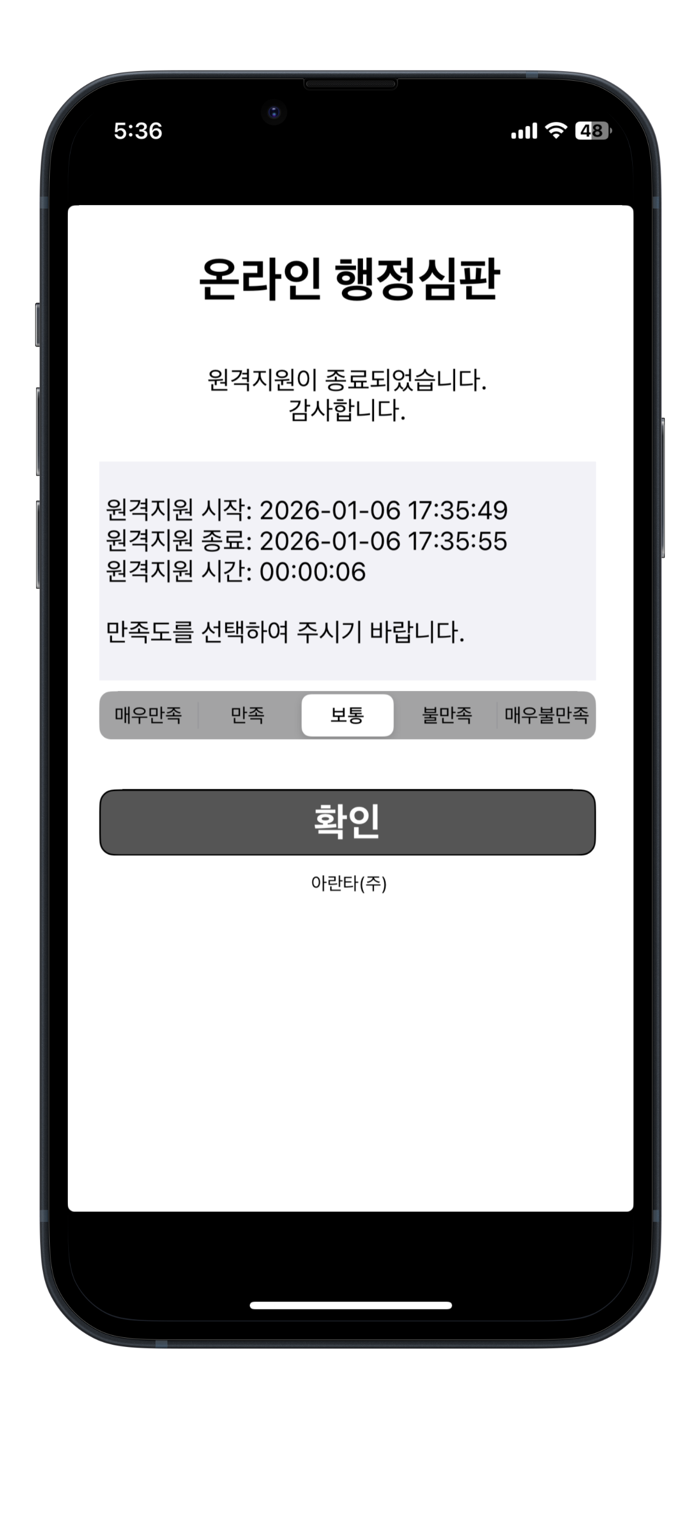
Online Administrative Trial Remote Support is a solution that enables customers to quickly and conveniently obtain remote support through consultants. Now, please accept the remote support provided by a consultant who has directly viewed the problem in real time. The consultant will provide assistance by performing various operations such as text conversations, viewing device information and system status, sending notifications, transmitting images, and drawing.
Main functions:
- Easily establish a connection with the consultant by entering only 4 digits
- Automatically transmit the screen capture image of the device in real time
- Have the function of viewing pre-prepared web pages together with the consultant
- Communicate with the consultant through familiar text conversations
- Provide the function that the consultant can use the drawing function to give help on the screen capture image
- Online Administrative Trial Remote Support can only perform real-time screen sharing for the application screen after obtaining the customer's permission
- The consultant can view and help with the information and system status of the remotely supported device in real time
Customers can easily obtain remote support by simply entering the access number and clicking Connect. Customers can have text conversations with the consultant, and the consultant can also view the information and system status of the supported device in real time. At the request of the consultant, customers can easily achieve screen sharing by simply taking a screenshot of the device screen. If necessary, the consultant can use the drawing function to provide intuitive help on the image captured by the customer. Online Administrative Trial Remote Support can only automatically perform real-time sharing for the application screen after obtaining the customer's permission. All these operations are carried out with the customer's consent.
Now solve the problem easily and simply.
Simple usage method:
1) Download and install the Online Administrative Trial Remote Support application and then run it.
2) Enter the access number obtained from the consultant and then click Connect.
3) After establishing a remote connection with the consultant, accept the required support.
4) End after the remote support is completed.

收起

用户评价

立即分享产品体验

你的真实体验,为其他用户提供宝贵参考

宝石
评论可得 100 宝石
宝石随心兑换应用高级会员,每周更新 前往查看 >>
活动动态 0 人参加
查看更多评论