INTRODUCTION产品介绍
Markup is an efficient professional reading software. It incorporates AI artificial intelligence to extract key knowledge from a vast amount of information for you, learns your reading habits and interests, recommends content that best suits the user's interests, and enhances the depth and breadth of your reading. Markup offers you the most focused and high-quality reading experience!
***********Markup has received extensive praise and recognition from the media and users***********
+ Recommended by All Digital School, a digital tool resource network – Editor’s Choice for Reading
+ Recommended by the Yale Language Research Center as "the best tool for extracurricular annotation & screenshot"
+ Warmly reported by TechCrunch: Kdan Creative Cloud: Another option outside the Adobe series of suites
+ Selected as one of the "9 best PDF apps on Apple iPad" by TabletPC Review
+ User Val Sigler's feedback: I can use PDF Markup to work even when I'm not in the office. This tool has really made my work more efficient!
Highlight Features
Auto Summary* – Upgrade your reading combat power!
• Enhance reading concentration by automatically extracting key points from long web pages and PDF documents
• Automatically extract content and present it in a summary list
• Add notes to the list with one click to easily organize your reading thoughts
• All note materials can be copied to your personal clipboard or shared on other platforms for extended reading
Web Highlighting Tool - You can also install the extension in the Google Chrome store
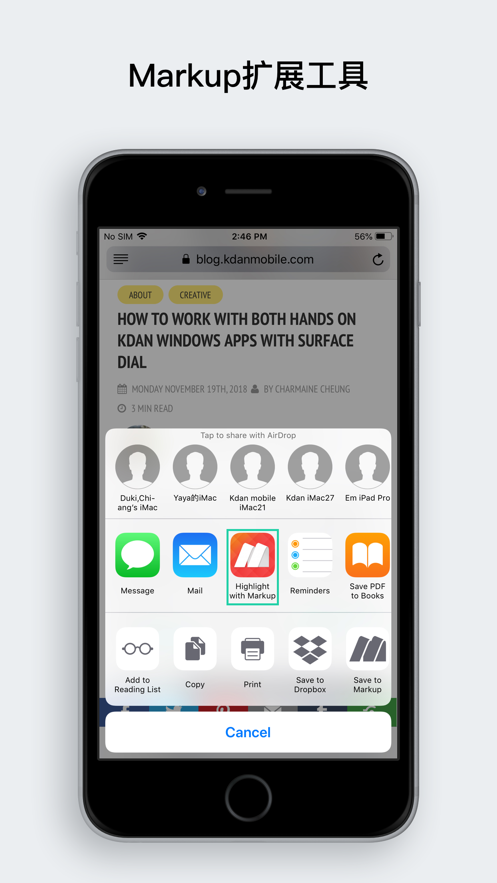
• Highlight text directly on web pages through the built-in browser or Safari
• Generate a summary mode for all highlighted content
• Synchronize highlighted web pages across multiple devices
• Discover more interesting content shared by users in the Markup community
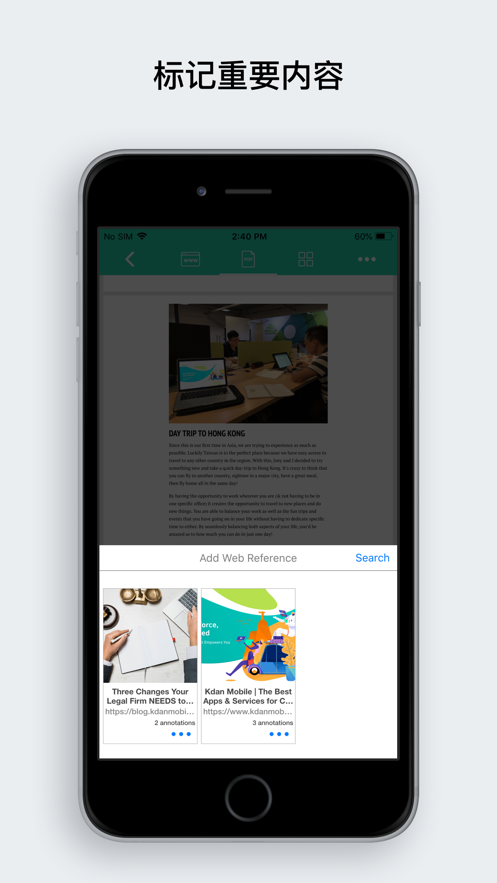
• Link web page content to PDF files for reference
PDF Document Annotation, Marking, and Form Filling
• BOTA: Summary list of marked PDF content
• Save your personal electronic signature (Sign) and support PDF form filling (Fill form)
• Provide various marking tools such as a highlighter (Highlight), text box (Text), freehand drawing (Freehand), annotation (Annotation), and stamp (Stamp)
• Text-to-Speech – Read text in a natural voice so you can listen to your document content during commuting or on the go*
• Multimedia Notes – Insert hyperlinks, images, audio recordings, and screenshots*
• Advanced PDF Document Editing – File merging and splitting, page rotation, sorting, adding or deleting, inserting or removing watermarks, presentation mode, night reading mode, and creating a flattened copy of marked content (Flatten PDF), etc.*
AI Artificial Intelligence Integration
• Analyze the annotated web page content through big data computing
• Automatically classify the annotated web page content by attributes
• Click on the classification to filter out more content that you are interested in
Instant Team Collaboration
• Shared folders enable seamless team communication, including sharing materials, pictures, articles, videos, and URLs.
• Create teams, manage team members, and join teams to promote teamwork
• Share web page annotations and key points directly with team members
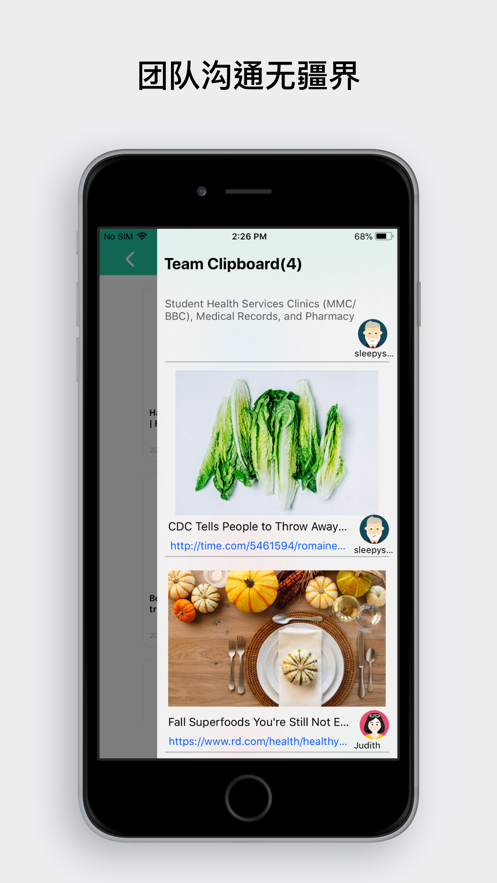
• The team clipboard can collect various digital materials to help you effectively gather various ideas
• The team dashboard allows members to clearly view the history
PDF File Transfer and Backup
• Integrate cloud systems such as Dropbox and GoogleDrive, and you can also import files from the device's photo album and local folders
• Provide WiFi, iTunes USB backup transfer, AirDrop, and Open-in to open documents in other apps
Kdan Cloud Service (Cloud)
• 500GB Kdan Cloud storage space
• Support for resuming interrupted document transfers
• Share document download links via Email or in the community
• Support for sending and encrypting document download links from the Web端
• Support for directly performing file transfer, viewing, and management functions in a Web browser
(*These are features of the subscription plan. You can start using them by subscribing to either Markup Pro or Creativity 365!)
Greatly enhance your reading experience and turn your iOS device into your exclusive mobile reading weapon:
- Markup Pro: $5.99 per month, $12.99 for three months, and $39.99 for one year
- Kdan Cloud: $2.99 per month or $9.99 for one year
- Creativity 365: $9.99 per month, $19.99 for three months, or $59.99 for one year – Enjoy a free trial period!
**Subscription Plan**
Subscribe to Creativity 365 to convert, edit, and synchronize PDF files at any time, and easily read and edit PDF files across platforms and devices!
What is Creativity 365?
The premium privilege package