INTRODUCTION产品介绍
# Recommended by Many Media
※※※ Minority ※※※
※※※ WeiPhone.com ※※※
※※※ DigitalTail ※※※
※※※ PriceTag App ※※※
※※※ ifanr AppSo ※※※
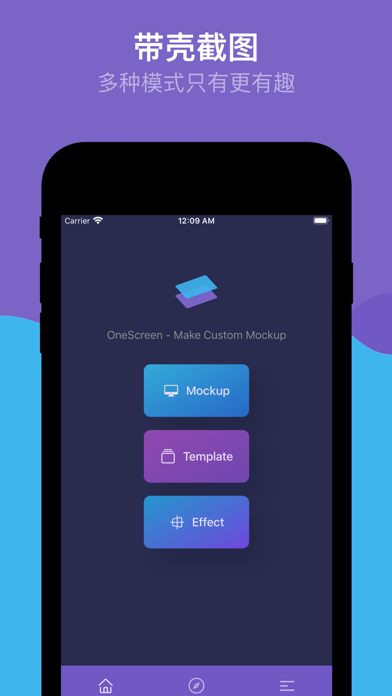
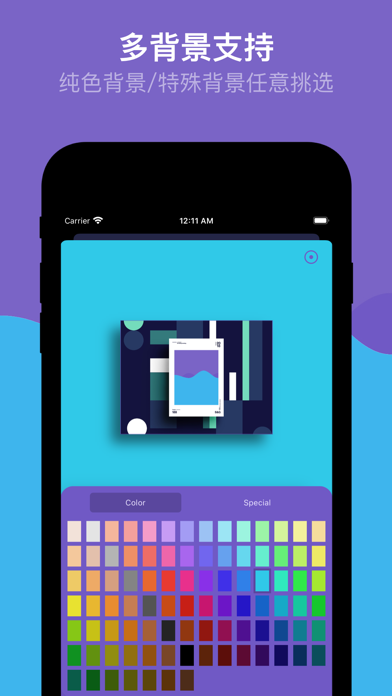
This is a screenshot tool with a shell that offers a brand-new experience. You can create your own exclusive works by importing your own photos and selecting a rich variety of models. It supports customization of multiple devices, multiple angles, and multiple backgrounds, as well as customization of 3D rotation, shadows, canvases, displacements, zooms, picture fills, picture rotations, and picture round corners. It also pioneeringly supports template creation and pure picture mode, making screenshot with shell more interesting.
# Product Features
1. Screenshot with Shell - Abundant Tools
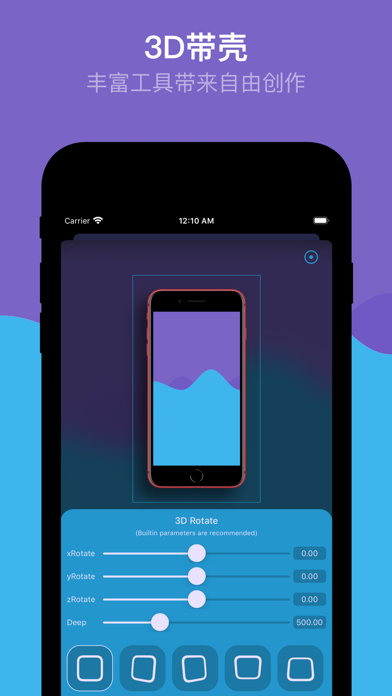
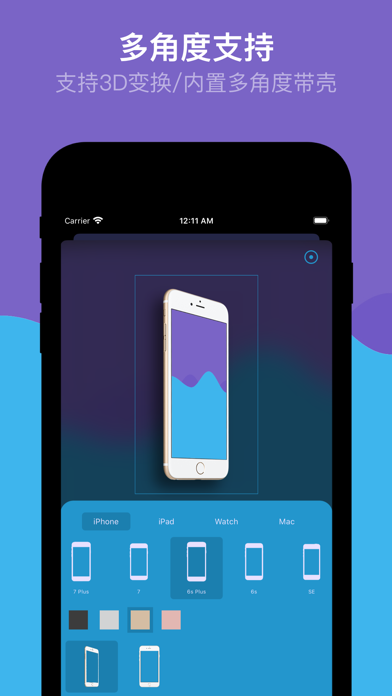
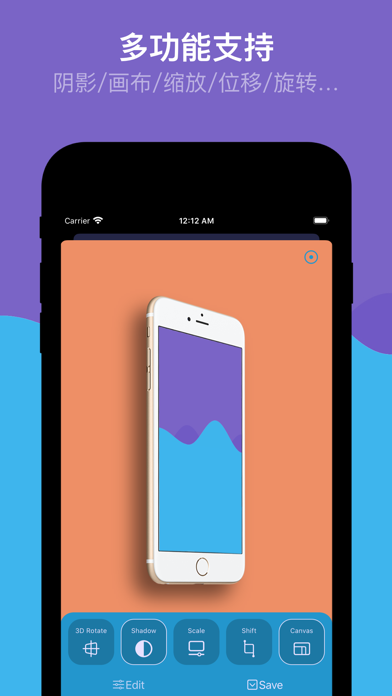
It supports creating screenshots with shells through a variety of built-in device models, including the latest and most comprehensive devices. It also supports setting various parameters, such as 3D rotation, shadows, canvases, zooms, displacements... giving you a powerful production experience.
2. Template Sets - First to Create Template Sets
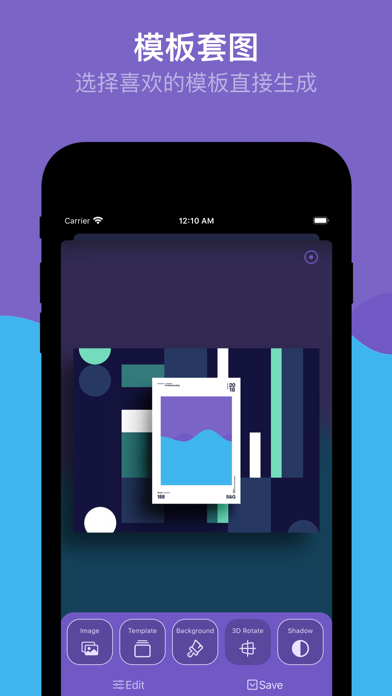
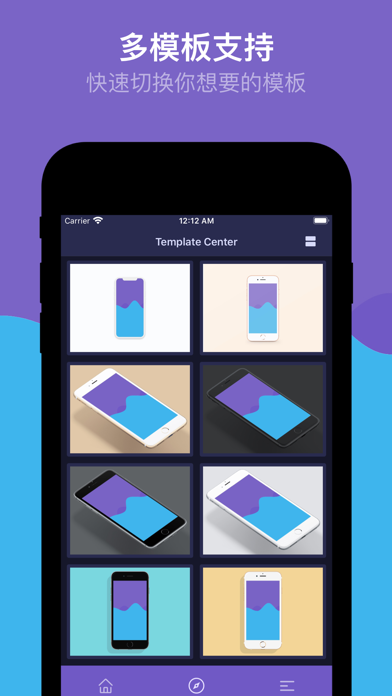
It is the first to create your own screenshot sets with shells through templates. In addition, there are also various scenarios supported: photo frame templates, poster templates, device templates... The default exported pictures are in 4:3 ratio, and it also supports setting various parameters.
3. Pure Picture Effect - Shell-less Mode
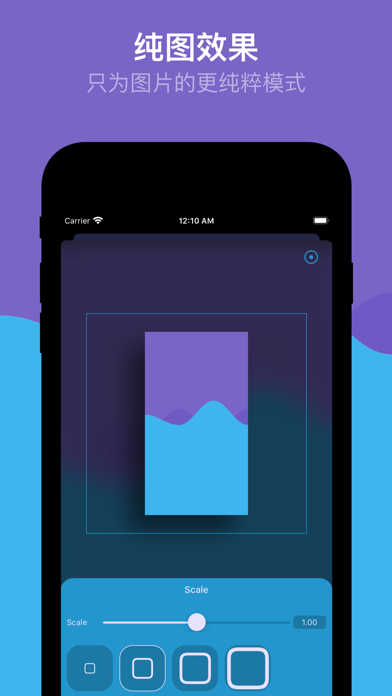
It makes the picture presentation more direct. It is a mode that only processes pictures. In addition to 3D rotation, shadows, canvases, zooms, displacements....., it also separately adds the setting of round corners, making the picture display more free and interesting.
# Functional Features
Select any picture from the album
Support batch processing of up to 9 pictures
Support various device models including the latest iPhone 11 series
Support four devices: iPhone, iPad, Apple Watch, and Mac
Support multiple angle models of common models
Support models without notches
Support nearl…