INTRODUCTION产品介绍
Dear user, hello!
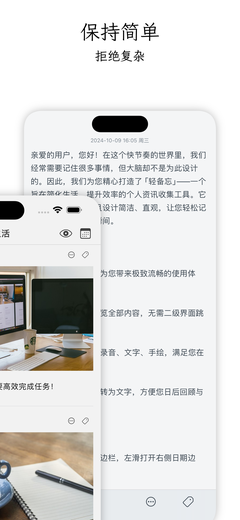
In this fast-paced world, we often need to remember a lot of things, but the brain is not designed for that. Therefore, we have carefully created "Light Memo" for you - a personal information collection tool designed to simplify life and improve efficiency. It is not only powerful in function, but also simple and intuitive in design, allowing you to easily record every moment in life.
Highlighted features:
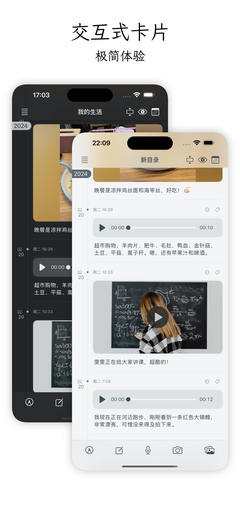
- Interactive card design, bringing you an extremely smooth user experience.
- With a light swipe of your fingertips, you can browse all the content without the need to jump to a secondary interface.
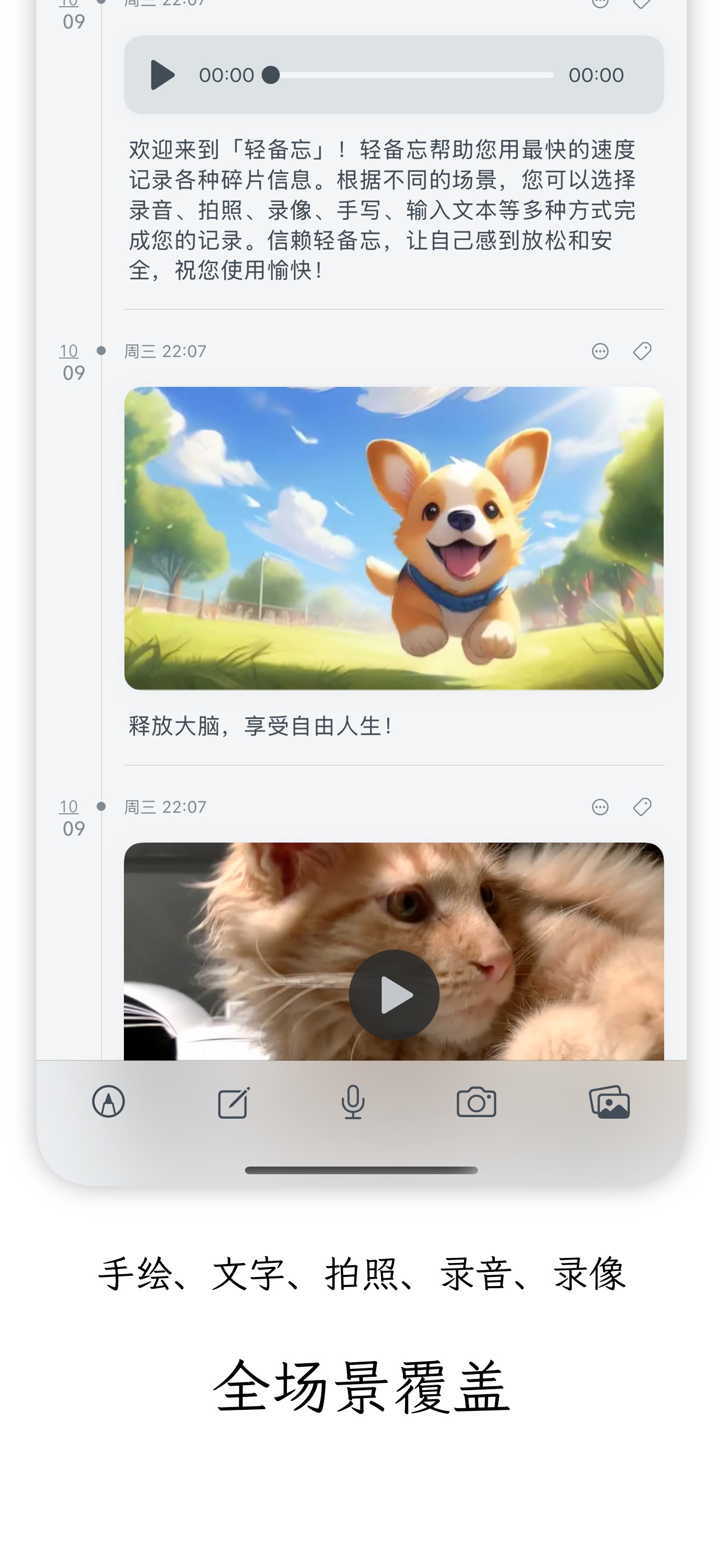
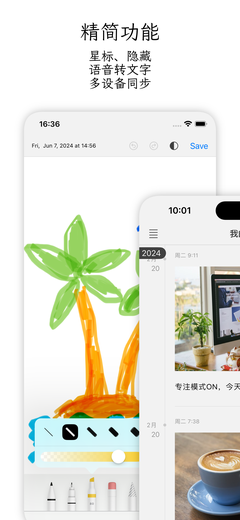
- Supports photos, videos, recordings, text, and hand-drawn sketches, meeting your needs in different scenarios.
- When recording, the voice is dynamically converted into text, facilitating your future review and organization.
Usage tips:
- Swipe right to open the left-side directory sidebar, and swipe left to open the right-side date sidebar.
- Long-press the recording button to start quick recording, and release to stop.
- In the default standard mode, you can directly play the voice and video on the card.
- In the standard mode, long texts will be truncated, and you can click to expand the full text.
- When creating a hand-drawn sketch, swipe two fingers to increase the canvas area; when viewing, scroll with two fingers to view more content.
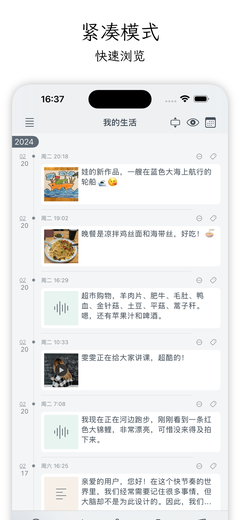
- The compact mode is suitable for a quick overview.
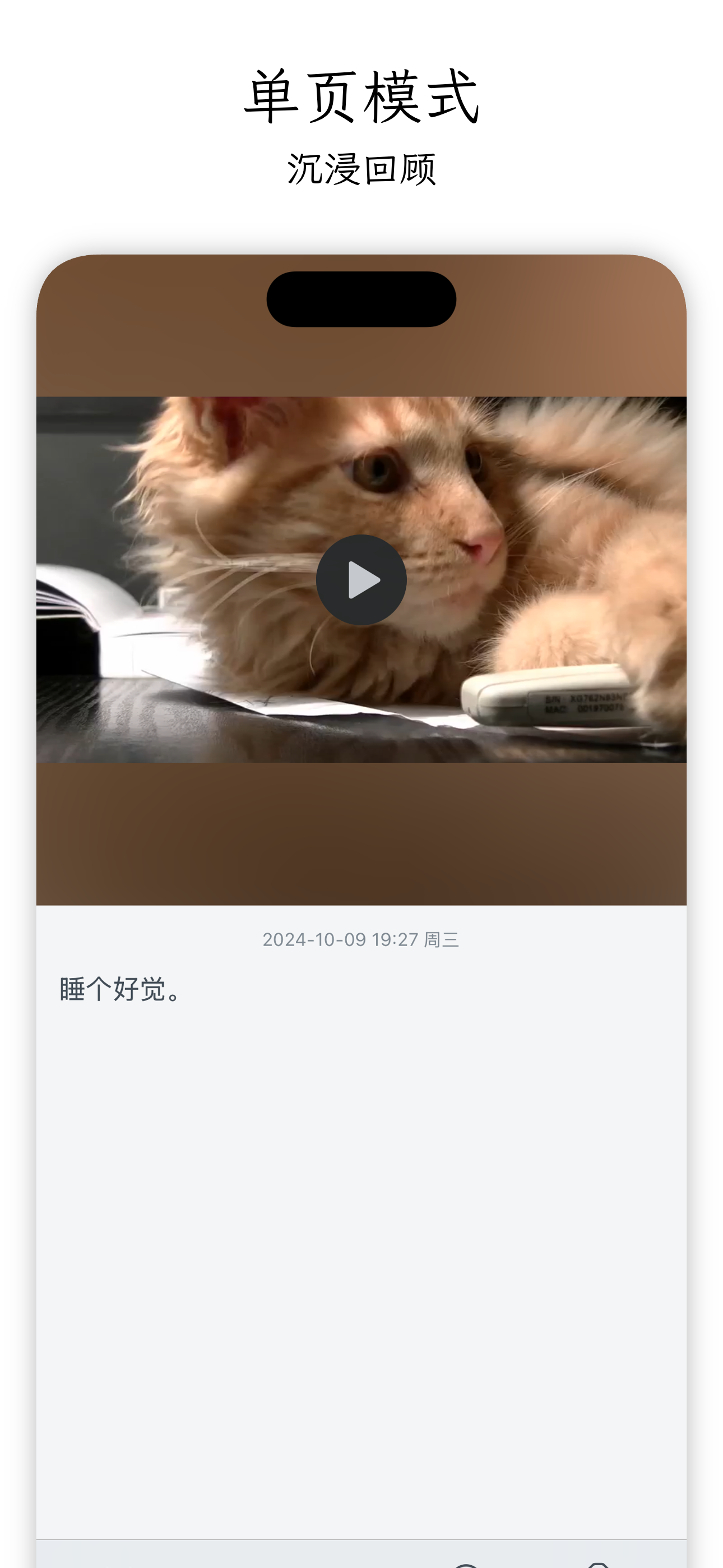
- Click on a card in the compact mode to enter the single-page mode, which is suitable for immersive browsing, and swipe left and right to switch memos.
- Long-press a card to pop up the context menu for convenient operations such as editing, starring, and hiding.
- The card menu contains a "Multi-select" button for convenient batch operations on the cards.
- Long-press the directory in the left sidebar to pop up the context function menu.
- You can back up and synchronize data across devices via iCloud (VIP function).
- You can create custom directories to categorize and manage memos (VIP function).
"Light Memo" is our commitment to a convenient life. We hope it can help you better record your life, relieve stress, and enjoy every moment. If you have any suggestions or feedback, please feel free to let us know at any time. We will keep improving to make your user experience more perfect. Thank you for your support!