Miracast — Cast to TV, Mirror Your iPhone & iPad
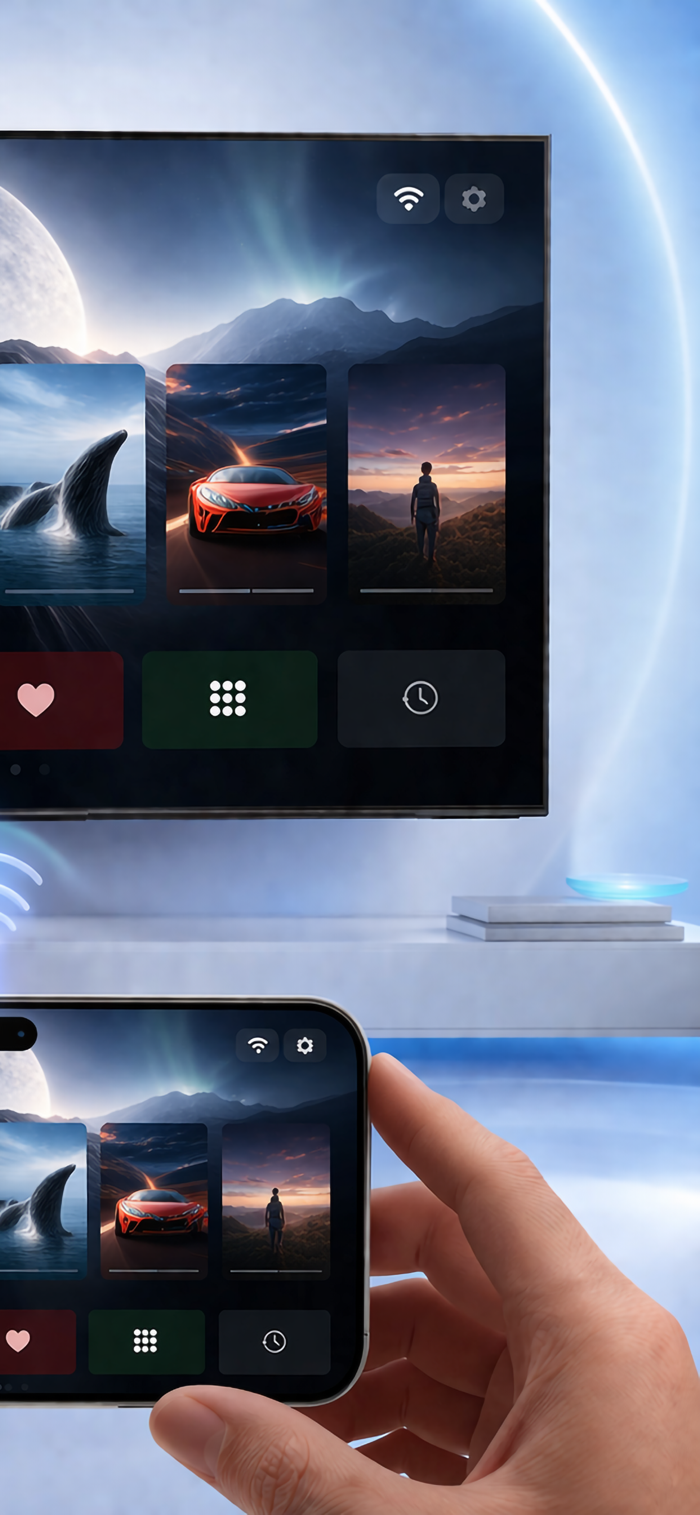
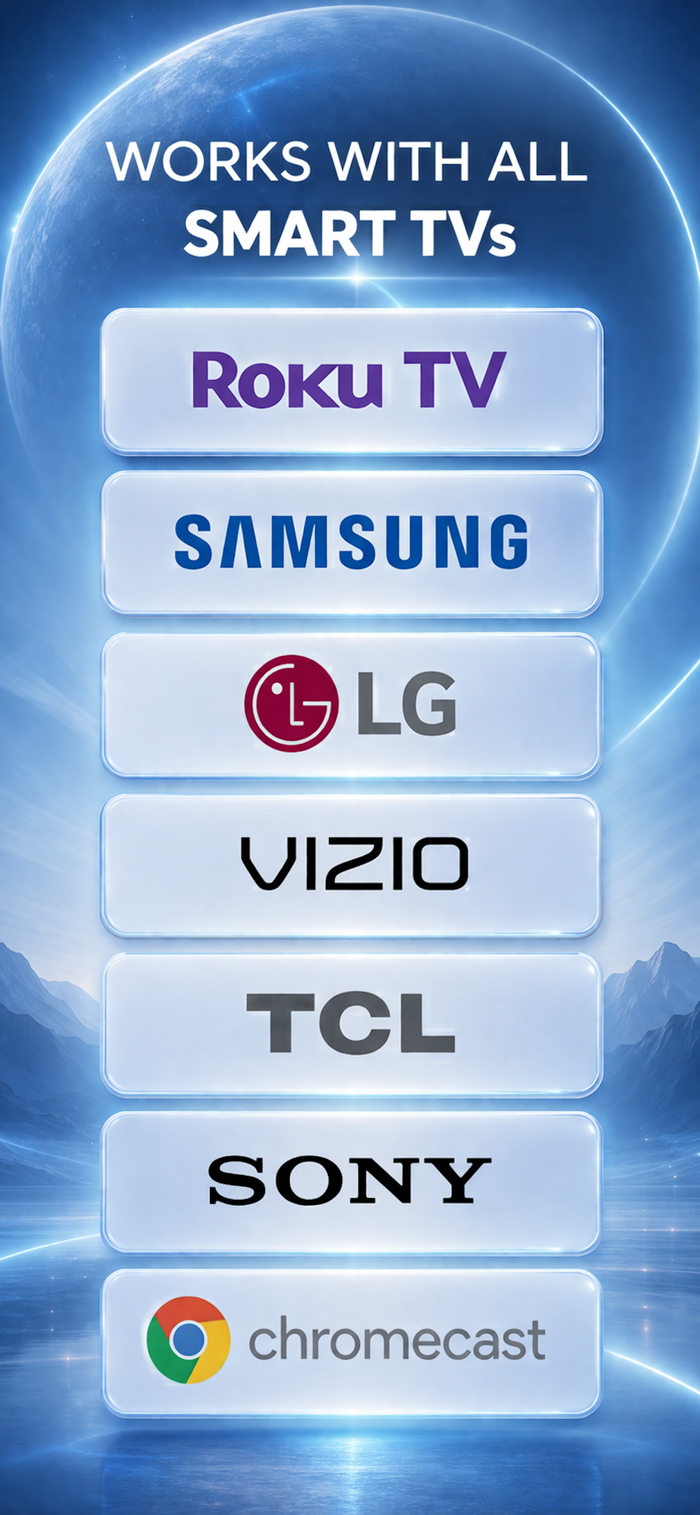
Bring your phone to the wall everyone is already watching. Miracast is built for everyday screen mirroring and wireless display: find compatible Smart TVs on your home Wi‑Fi, connect in a few taps, and stream to TV without cables, adapters, or a complicated setup. Whether you call it phone to TV cast, TV screen share, or simply “put this on the big screen,” Lunacast keeps the path short—discover, connect, share.
Why people download Lunacast
Life happens around the TV: movie nights, photo albums, quick tutorials, and “show everyone this link.” Lunacast turns those moments into a smooth routine instead of a tech project. The app centers on clarity—what you’re sharing, whether you’re ready to cast, and how to get back to discovery when you switch rooms or devices.
What you can do (features at a glance)
• Mirror screen to TV — share apps, interfaces, and anything visible on your display when mirroring fits the moment
• Cast videos — pick local clips, preview in‑app, then send playback to the television
• Cast photos — share memories on the largest display in the home
• Music & audio casting — keep the room in sync with what you’re playing
• Web browser cast — open websites and present them on the TV for group viewing
• Files, PDFs, and presentations — ideal for study sessions, small meetings, and walkthroughs
• Clipboard-friendly sharing — move text or images into a casting workflow when you need speed
• Live camera — show a real‑time angle on the TV for demos, pets, baby monitors, or creative setups
• Whiteboard — sketch ideas, annotate thinking, and keep the conversation visual
• IPTV & streaming-style experiences — when your setup supports it, route compatible playback toward the TV
Built for real networks (not a lab demo)
Homes have busy Wi‑Fi, sleeping TVs, and routers that don’t always behave. Lunacast includes practical guidance for discovery and connection so you’re not left guessing when a device takes a few seconds to appear. The goal is simple: fewer interruptions between “I want this on the TV” and “everyone can see it.”
Who it’s for
Families sharing weekend videos. Friends passing the phone around at a party. Students presenting a document. Anyone who treats the television as shared space—not a private second screen. If you want wireless screen share that feels intentional rather than experimental, Lunacast is designed around that expectation.
Privacy & peace of mind
Casting works best on a network you trust. Lunacast is oriented around local discovery and controlled sharing so you stay aware of what you’re sending to the TV and when you’re connected.
Get started
Download Miracast, open Discovery, choose your TV, and start with the content type that matches your moment—mirror, media, web, or presentation. When you’re done, disconnect cleanly and switch rooms without friction.
Make your Smart TV the easiest screen in the house to share—cast, mirror, and stream with Lunacast.
Full access to all features requires an in-app purchase.
Terms of Use: https://webcast-lab.github.io/miracast/term.html

 +100宝石


 分享
分享



















用户评价
立即分享产品体验
你的真实体验,为其他用户提供宝贵参考
💎 分享获得宝石
【分享体验 · 获得宝石 · 增加抽奖机会】
将你的产品体验分享给更多人,获得更多宝石奖励!
💎 宝石奖励
每当有用户点击你分享的体验链接并点赞"对我有用",你将获得:
🔗 如何分享
复制下方专属链接,分享到社交媒体、群聊或好友:
💡 小贴士
分享时可以添加你的个人推荐语,让更多人了解这款产品的优点!
示例分享文案:
"推荐一款我最近体验过的应用,界面设计很精美,功能也很实用。有兴趣的朋友可以看看我的详细体验评价~"
关注 Mergeek 公众号
领奖遇到问题?联系小门助手