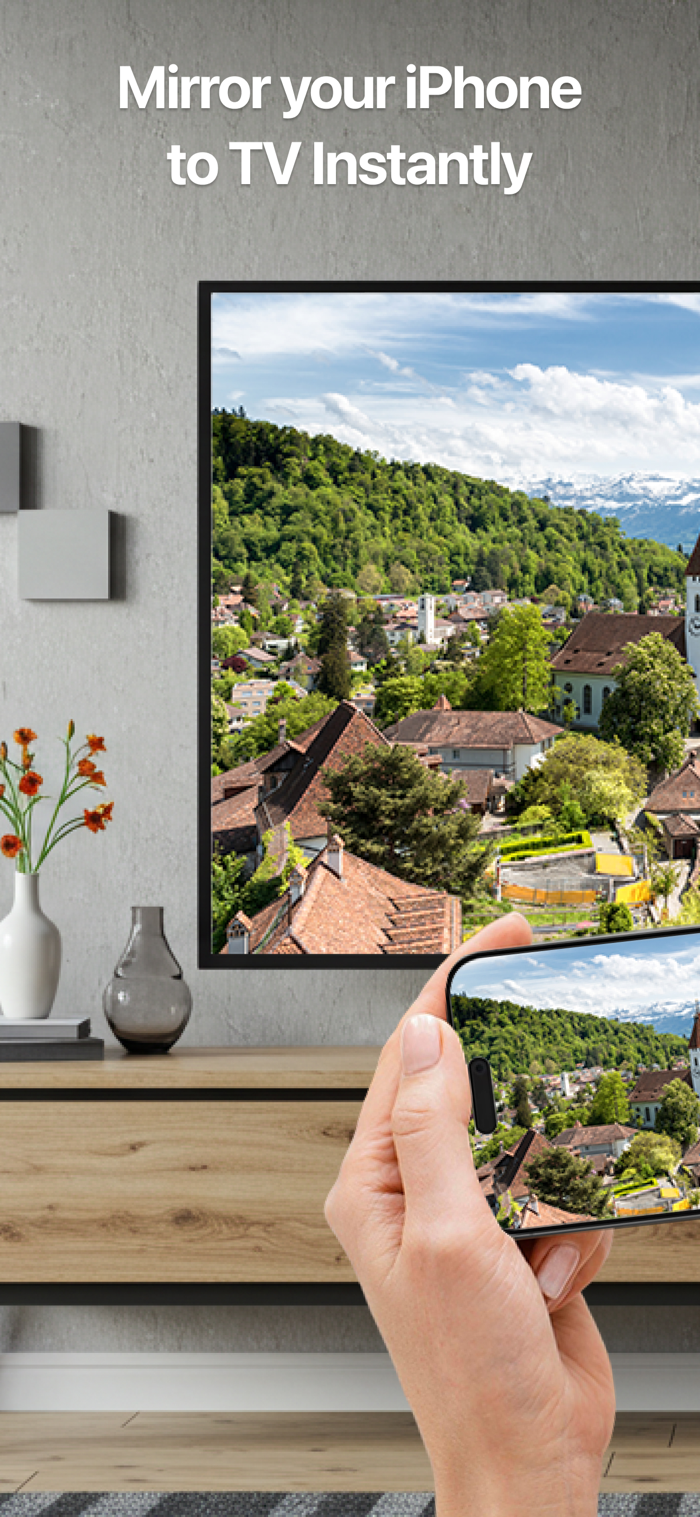
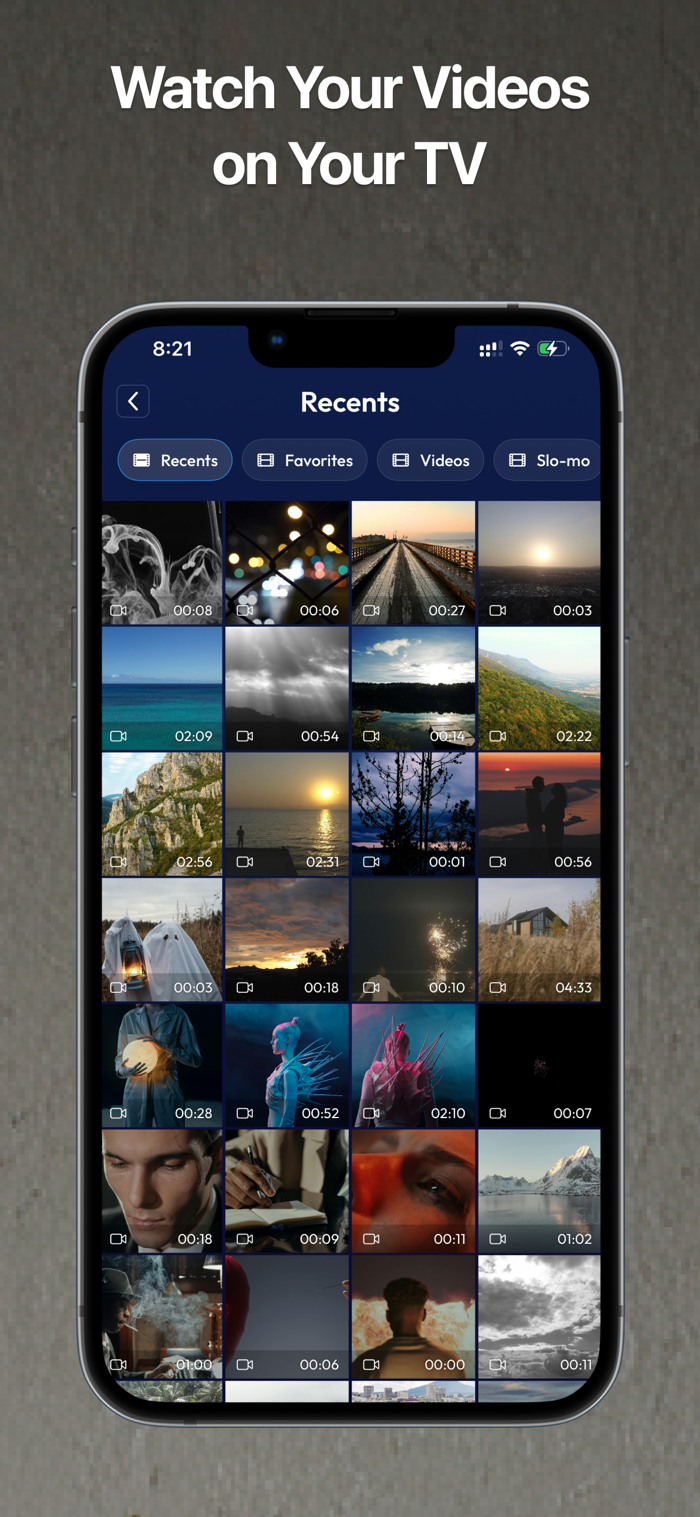
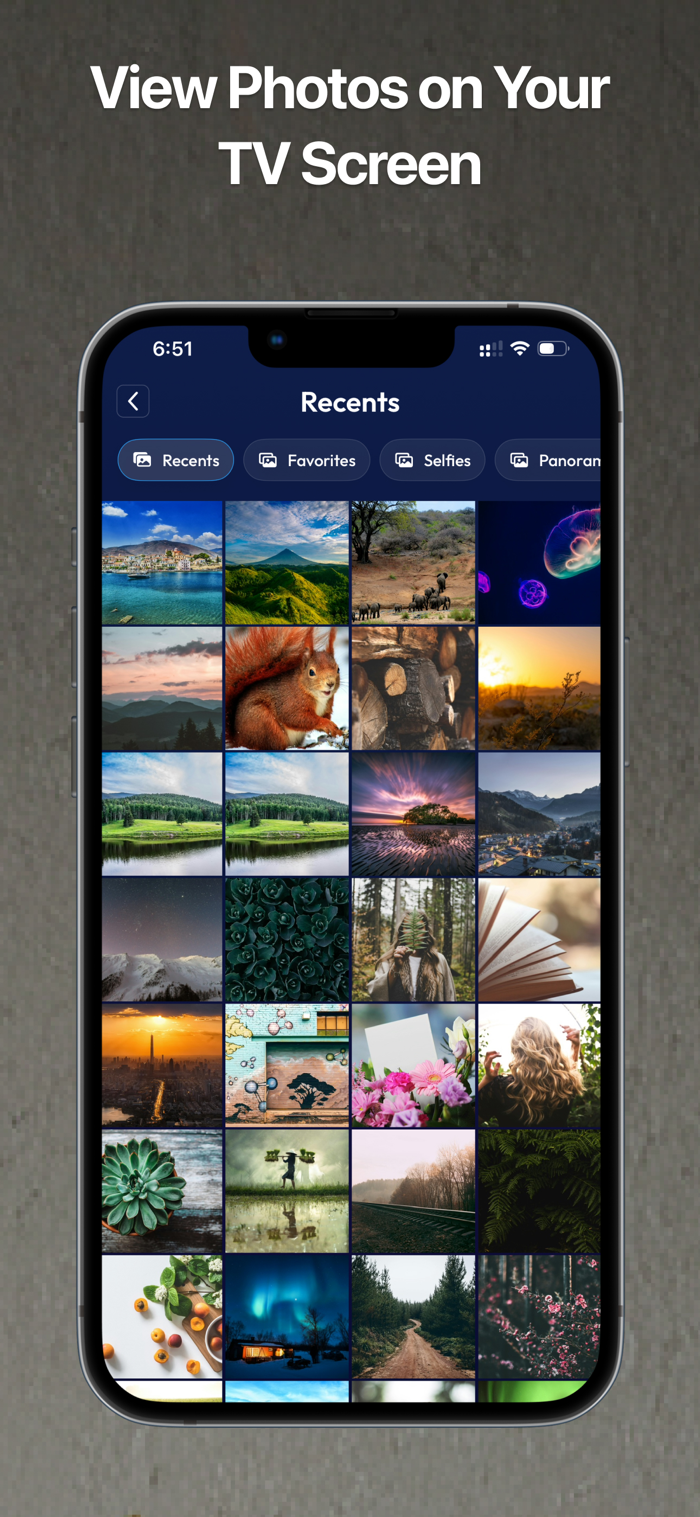
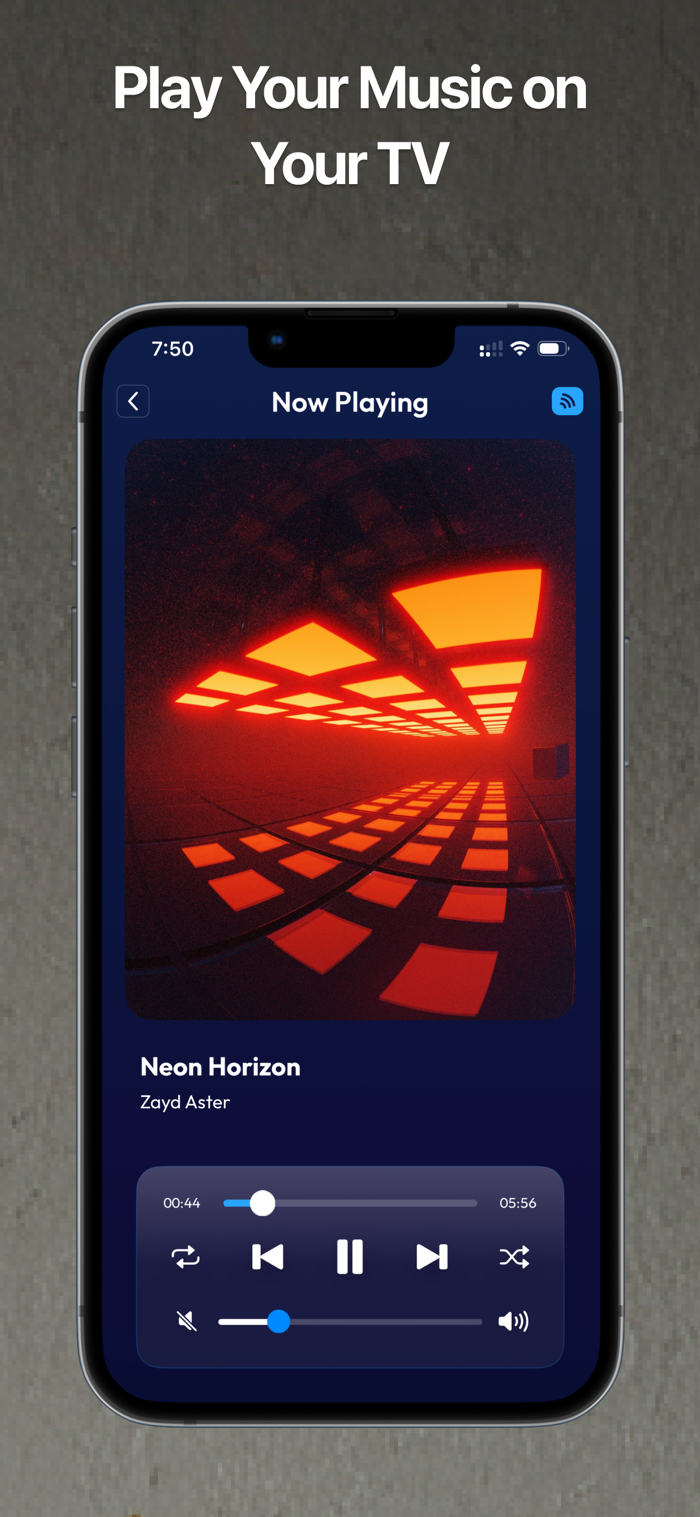
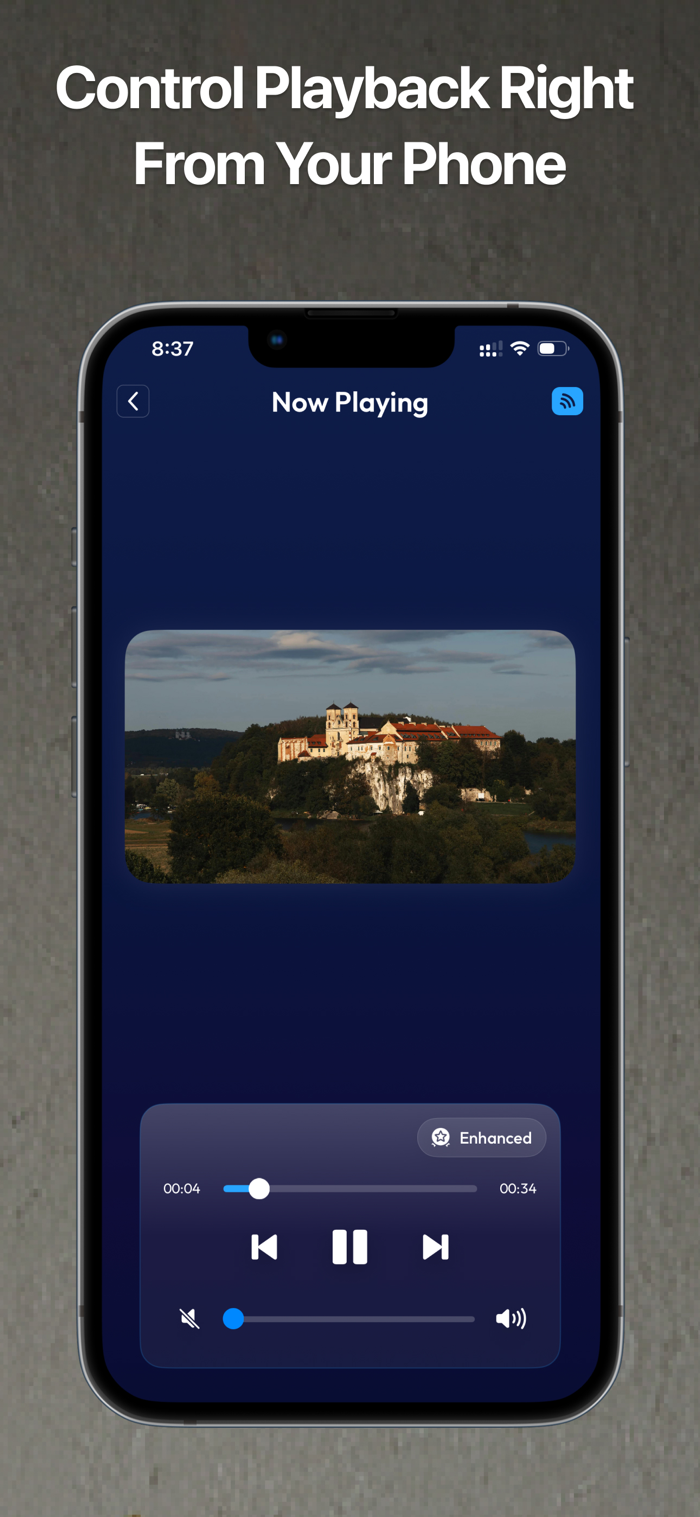
Elevate your media experience with CastStream Hub. This app allows you to effortlessly mirror your screen and cast your favorite photos, videos, music, and web videos directly to your Smart TV, Chromecast, and Roku devices, including popular brands like Samsung, LG, Sony, and more. You can also mirror your iPhone or iPad screen to your PC, tablet, or another phone instantly using your browser without installing any app. Whether you’re watching a movie, browsing and casting videos from websites, sharing vacation photos, streaming music, casting content from media servers such as Kodi or Plex, using your own IPTV sources by importing remote M3U or W3U playlists and playing their M3U8 channels, or mirroring to another device, CastStream Hub transforms your iPhone or iPad into a powerful casting and mirroring device.
Key Features
Fast Screen Mirroring – Mirror your iPhone or iPad to Smart TV, Chromecast, Roku, PC, tablet, or phone with ultra-low latency and high performance.
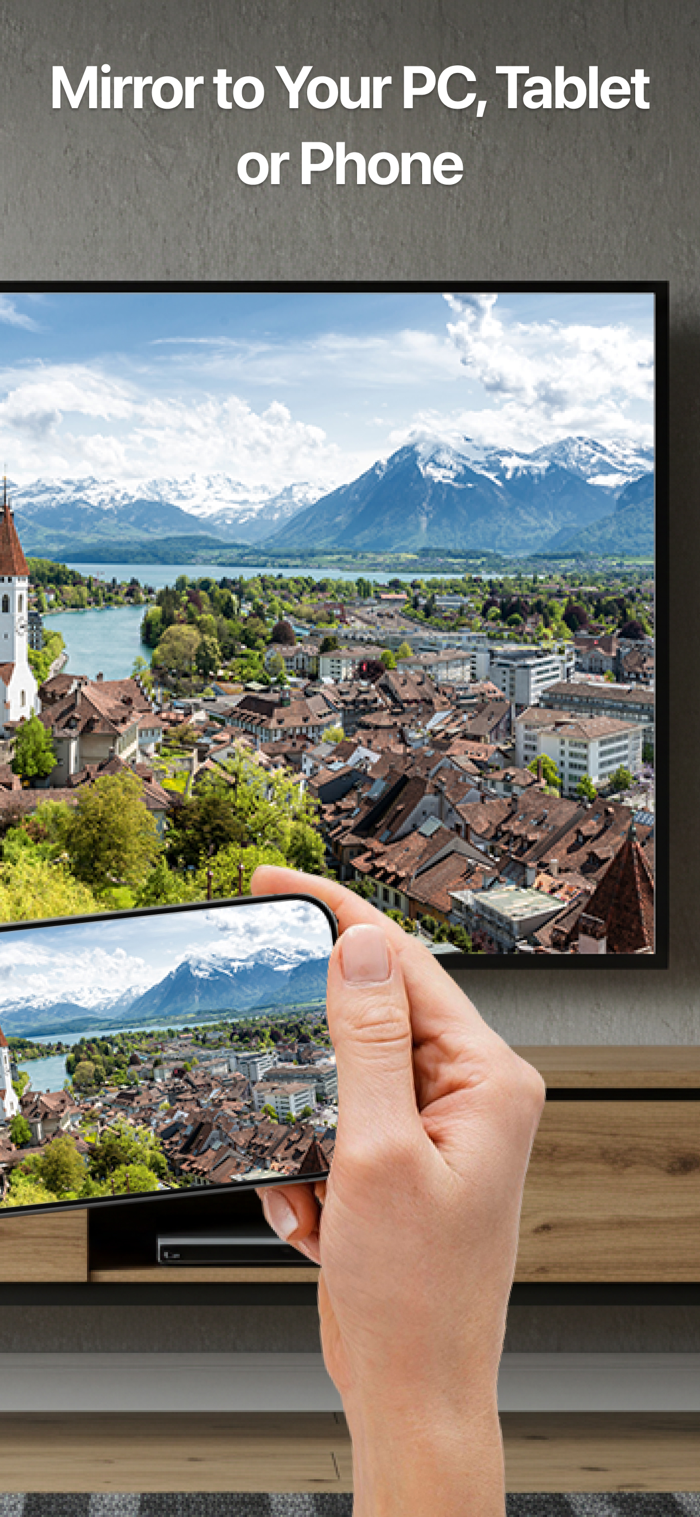
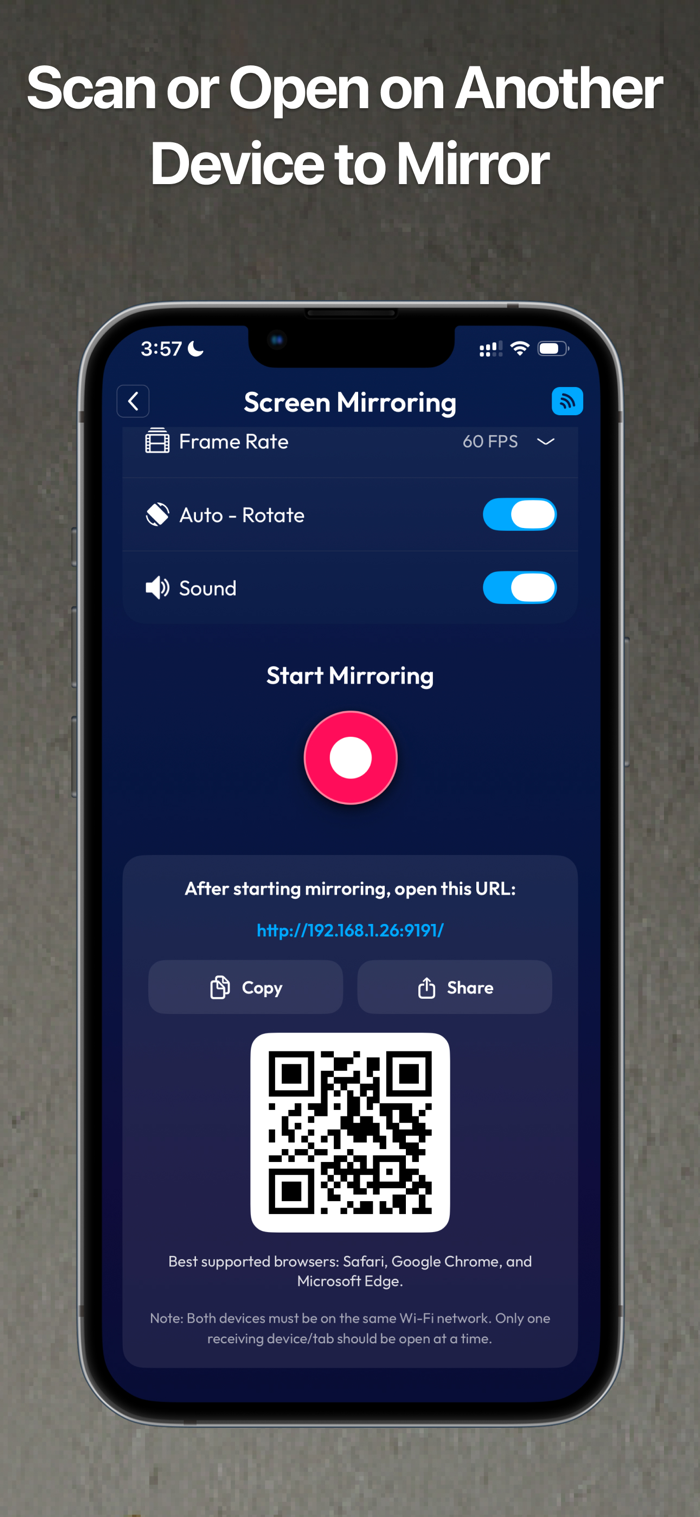
Mirror to PC, Tablet, or Phone – Instantly mirror your screen using a simple link or QR code in your browser without installing any app.
Cast to Smart TV, Chromecast, and Roku – Stream videos, photos, music, and web videos effortlessly.
Web Video Casting – Browse supported websites inside the app, detect playable video streams, and cast them directly to your TV.
IPTV Casting – Import remote M3U or W3U playlists, browse their channels, and play M3U8 channels on your TV.
Playlist Management – Refresh playlists to fetch the latest channels or delete playlists you no longer need.
Media Server Support – Browse and play content directly from DLNA or UPnP media servers such as Kodi or Plex to your Smart TV, Chromecast, or Roku.
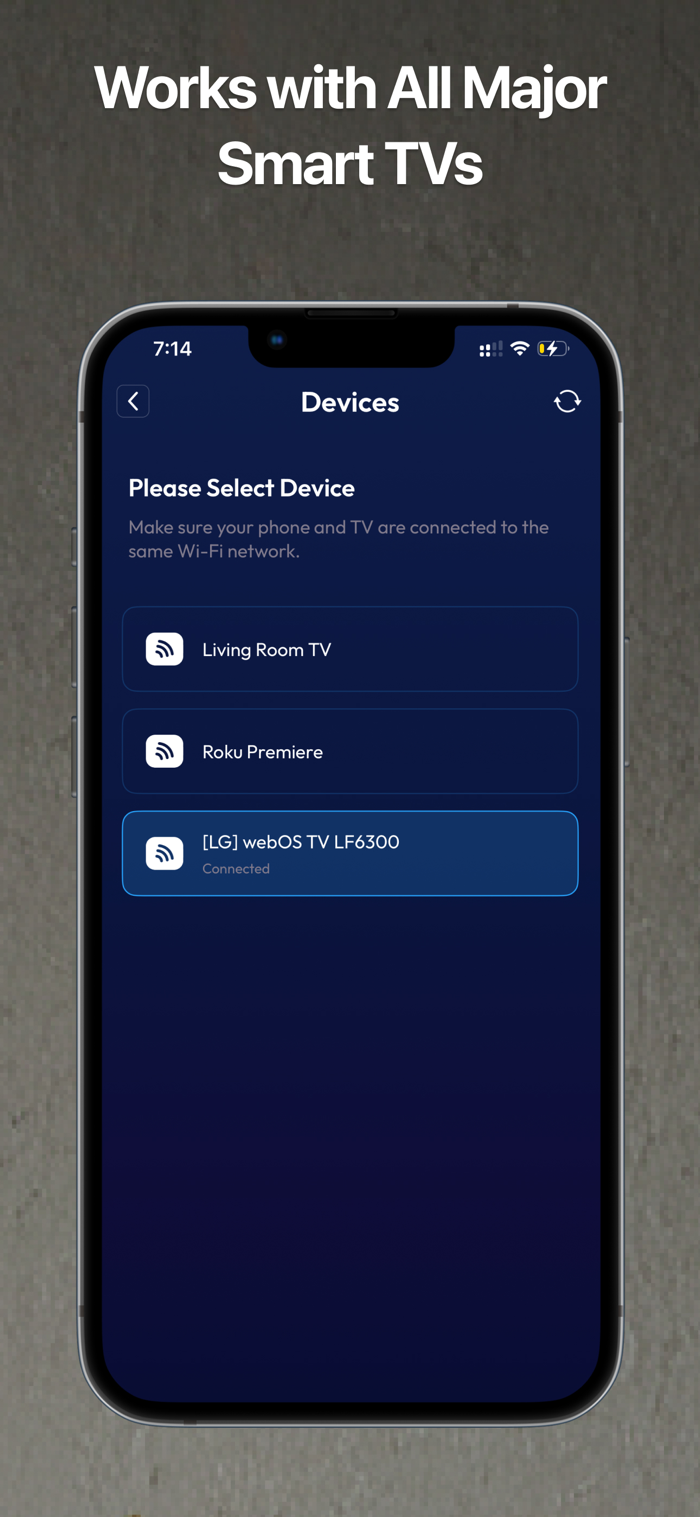
Easy Device Detection – Automatically detects Smart TVs, Chromecast, Roku, and media servers on the same Wi-Fi network.
High-Quality Casting – Enjoy smooth, stable streaming without interruptions.
No Extra Hardware Required – No cables or additional devices are needed to start streaming.
How to Cast
Ensure that your iPhone or iPad and the Smart TV, Chromecast, Roku, or receiving device such as a PC, tablet, or phone are connected to the same Wi-Fi network.
Open CastStream Hub, select the content you wish to cast such as local media, web videos, IPTV channels, or media server content, choose your Smart TV, Chromecast, or Roku from the list, or start mirroring to your PC, tablet, or phone using the provided link or QR code, and enjoy seamless streaming on the big screen or another device.
For IPTV, paste a remote M3U or W3U playlist URL to import channels, then open the playlist and play any available M3U8 channel on your TV. You can refresh a playlist to update channels or delete it at any time.
Important Note
While mirroring your screen or casting web videos, you may encounter content restrictions from certain platforms like Netflix and Amazon Prime Video, resulting in a black screen due to DRM protection. The app fully supports mirroring and casting from most other apps and websites. Playback of DRM-protected or geo-restricted streams may not be supported. Use only content for which you have the necessary rights.
Disclaimer
This app is not affiliated with Google, YouTube, Roku, or any other trademarks mentioned. All content is provided through third-party services. IPTV and web video functionality are for user-provided sources only; you are responsible for ensuring you have the rights to access and cast such content, including M3U and W3U playlists, web videos, and the streams within them.
Terms of Use & Privacy Policy
By using CastStream Hub, you agree to our Terms of Use and Privacy Policy.
Terms of Use: [https://caststreamhub.com/terms-condition.html](https://caststreamhub.com/terms-condition.html)
Privacy Policy: [https://caststreamhub.com/privacy-policy.html](https://caststreamhub.com/privacy-policy.html)

 +100宝石


 分享
分享




















用户评价
立即分享产品体验
你的真实体验,为其他用户提供宝贵参考
💎 分享获得宝石
【分享体验 · 获得宝石 · 增加抽奖机会】
将你的产品体验分享给更多人,获得更多宝石奖励!
💎 宝石奖励
每当有用户点击你分享的体验链接并点赞"对我有用",你将获得:
🔗 如何分享
复制下方专属链接,分享到社交媒体、群聊或好友:
💡 小贴士
分享时可以添加你的个人推荐语,让更多人了解这款产品的优点!
示例分享文案:
"推荐一款我最近体验过的应用,界面设计很精美,功能也很实用。有兴趣的朋友可以看看我的详细体验评价~"
关注 Mergeek 公众号
领奖遇到问题?联系小门助手