A multiplication app that kids in 3rd, 4th, and 5th grade actually keep coming back to. Built for homework time and the ten minutes before school, with quick rounds and five game modes so practice doesn't feel like a worksheet.
Covers the multiplication facts in the Common Core 3.OA standard, plus division, in tables from 1 to 12. Pick a few tables to focus on, or set up a longer mixed session. Tap the answer or type it. When one mode starts to feel routine, you switch.
Made in Belgium by Titans of Industry, with help from primary-school teachers and the kids who actually use it.
WHAT'S NEW IN VERSION 3.0
The whole app has been rebuilt from the ground up. It opens faster, runs lighter on the battery, and lays out properly on iPad now. The result feels less like a website in a box and more like a native app.
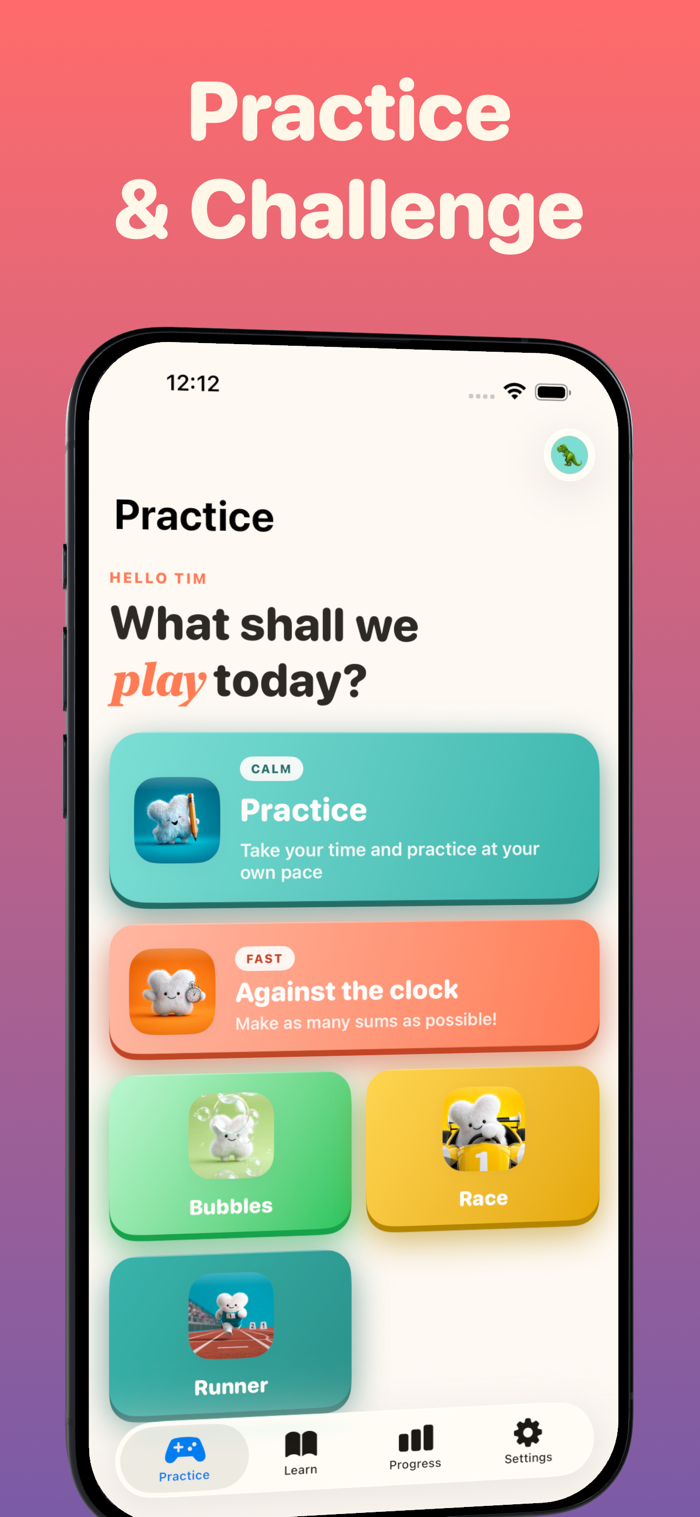
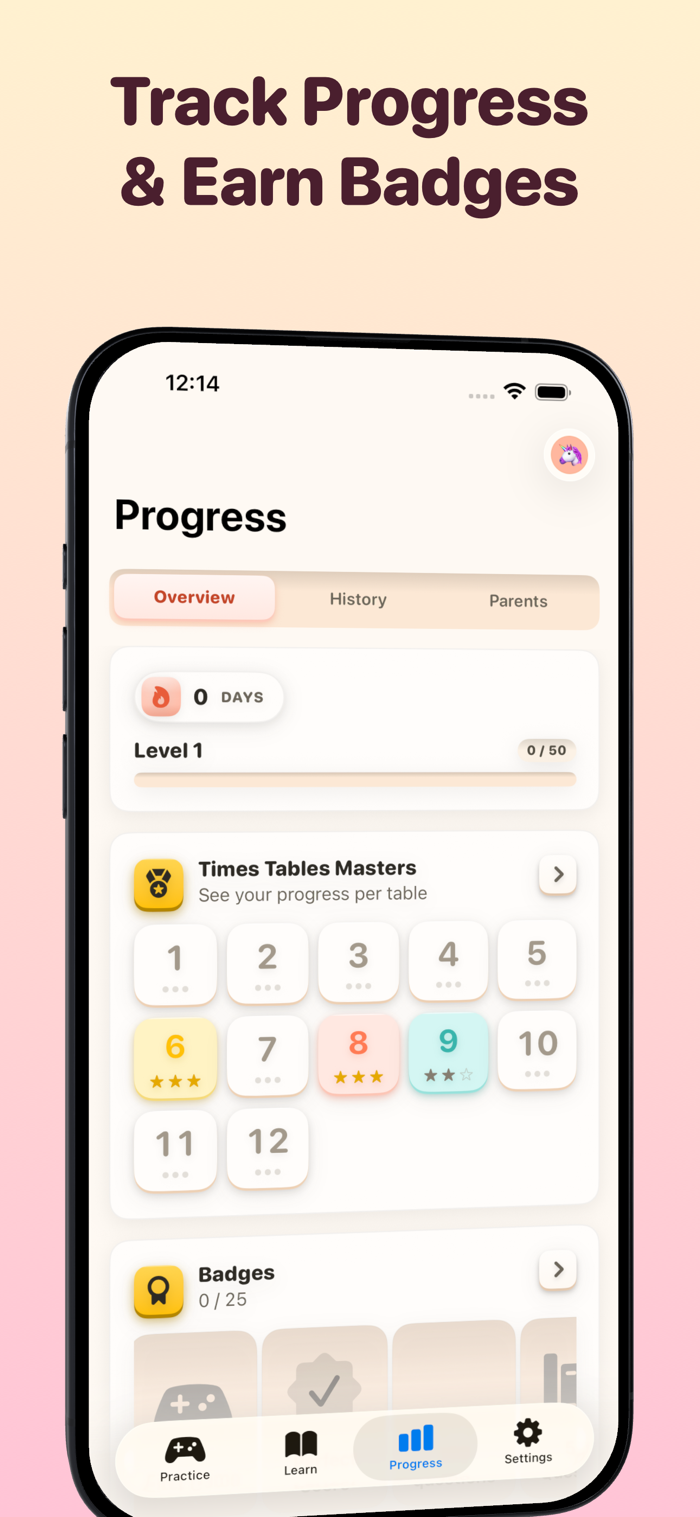
We also added the things kids kept asking for. Badges to earn for each table you master. A streak that grows day by day. XP points on every correct answer, with a per-device leaderboard so siblings sharing one iPad can compete. And a new game mode, Runner, where you jump through gates and pick the right answer mid-sprint.
Siri Shortcuts work too, if your kid wants to say "start practice" and skip the menus. Home Screen and Lock Screen widgets show the current streak at a glance.
GAME MODES
Classic. A question, an answer, the next question. Good for building the basics.
Beat the Clock. How many can you get in 60 seconds? For kids who focus better when they feel the pressure.
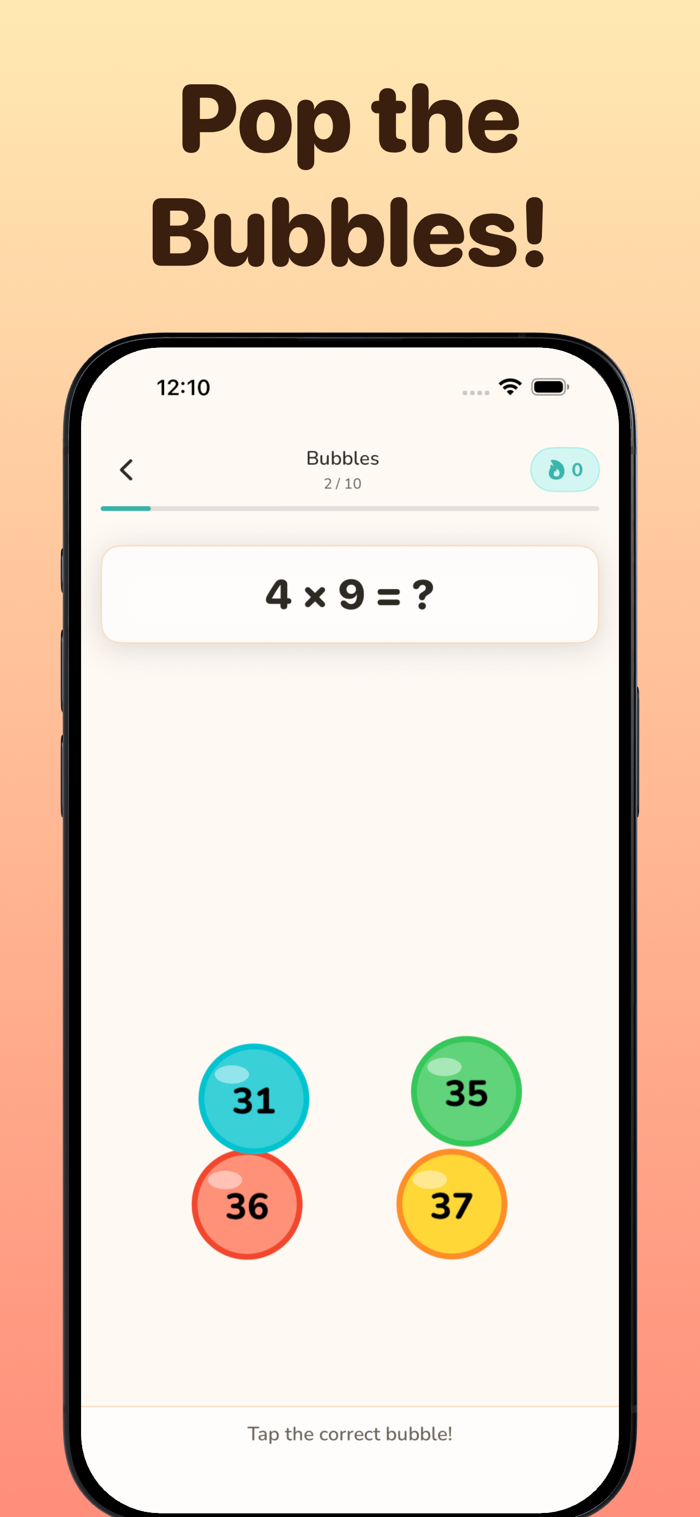
Bubbles. Tap the correct answers as they float past. Lower stakes, more playful.
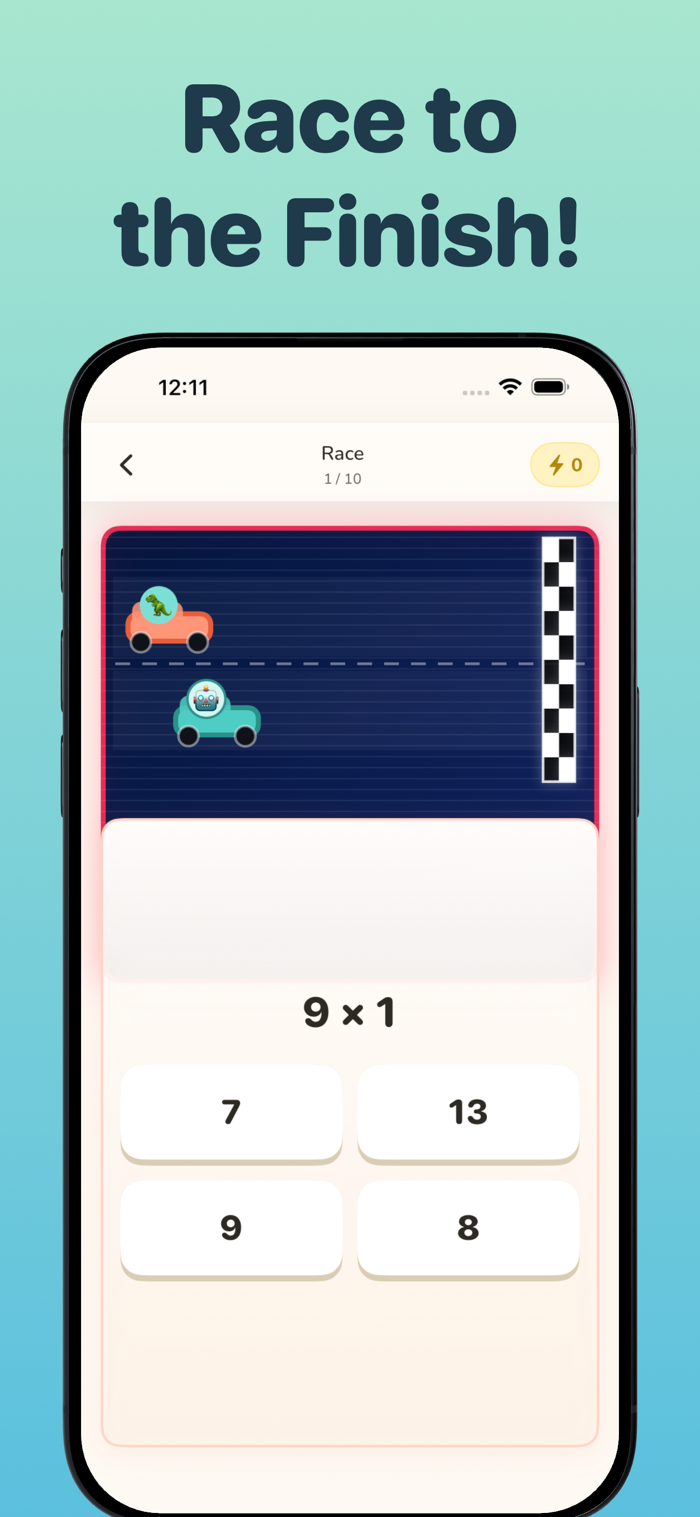
Race. You and a robot, sprinting to the finish line. A wrong answer slows you down.
Runner. New in 3.0. Jump through the gate with the right answer on it.
QUESTION TYPES
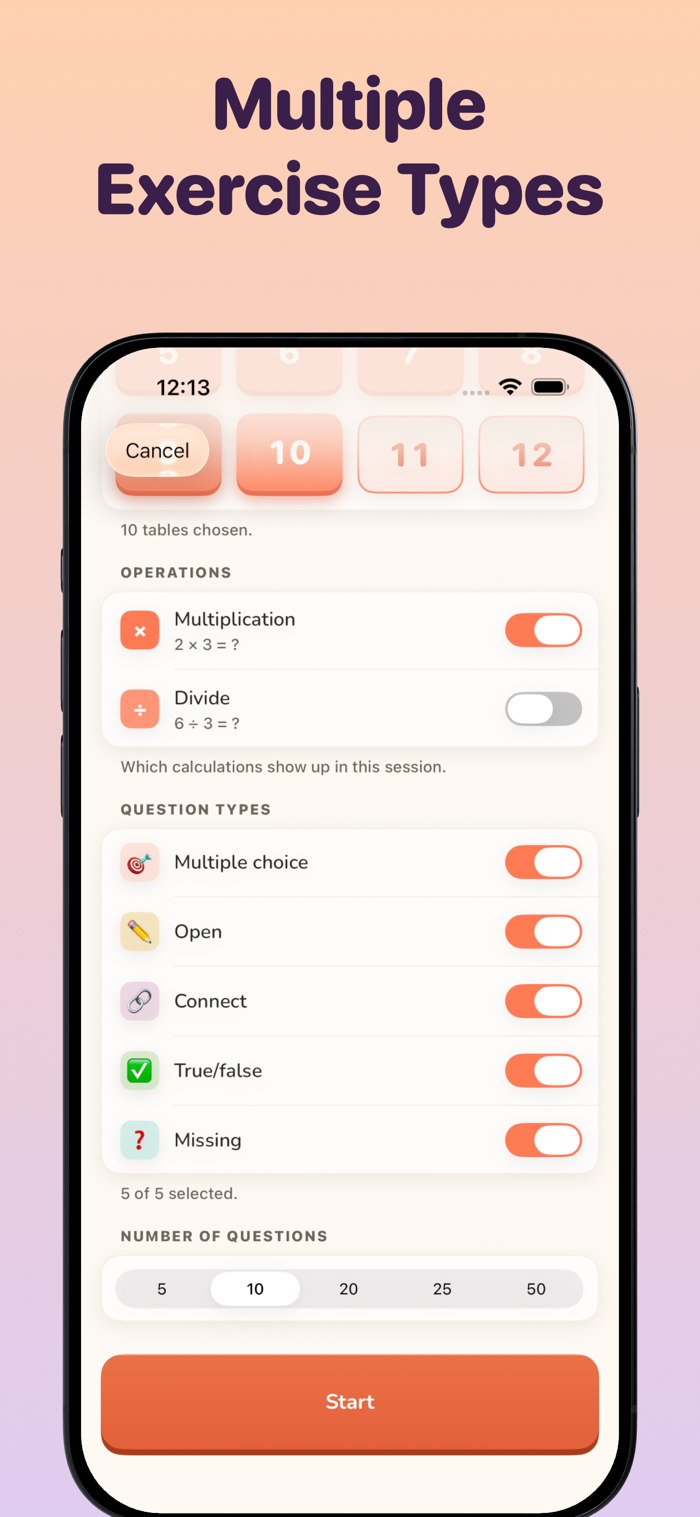
You can mix the question shapes in any session. Type the answer. Pick from multiple choice. Judge a true-or-false statement. Fill in the missing number. Match four pairs in one round. Variety keeps practice from sliding into autopilot.
FOR PARENTS
There's a Parent Report you can unlock that shows you what your child has actually been working on. Which tables they're confident with, which ones still trip them up, how their streak is going, how many minutes they've practiced this week. Kids see their badges and points. Parents get the picture behind them.
Tables 1 through 5 are open from day one. Tables 6 through 12 and the Parent Report sit behind a one-time purchase. No subscriptions, no ads. You buy it once, your family has it on every device on your Apple ID.
QUIET BITS
Works without an internet connection once installed. No ads, anywhere.
LEGAL
Terms of use (EULA): https://www.apple.com/legal/internet-services/itunes/dev/stdeula/
Privacy policy: https://titansofindustry.be/privacy-table-champion/en

 +100宝石


 分享
分享


















用户评价
立即分享产品体验
你的真实体验,为其他用户提供宝贵参考
💎 分享获得宝石
【分享体验 · 获得宝石 · 增加抽奖机会】
将你的产品体验分享给更多人,获得更多宝石奖励!
💎 宝石奖励
每当有用户点击你分享的体验链接并点赞"对我有用",你将获得:
🔗 如何分享
复制下方专属链接,分享到社交媒体、群聊或好友:
💡 小贴士
分享时可以添加你的个人推荐语,让更多人了解这款产品的优点!
示例分享文案:
"推荐一款我最近体验过的应用,界面设计很精美,功能也很实用。有兴趣的朋友可以看看我的详细体验评价~"
关注 Mergeek 公众号
领奖遇到问题?联系小门助手