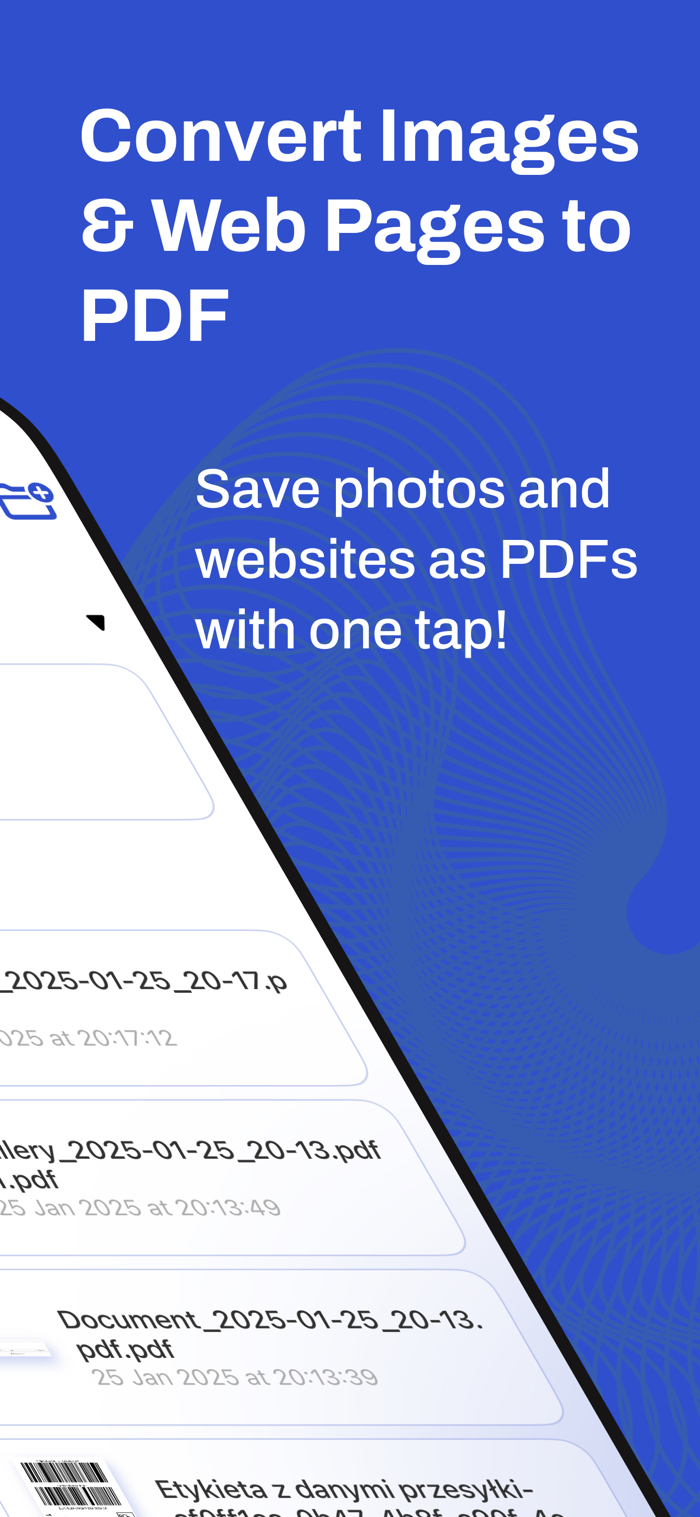
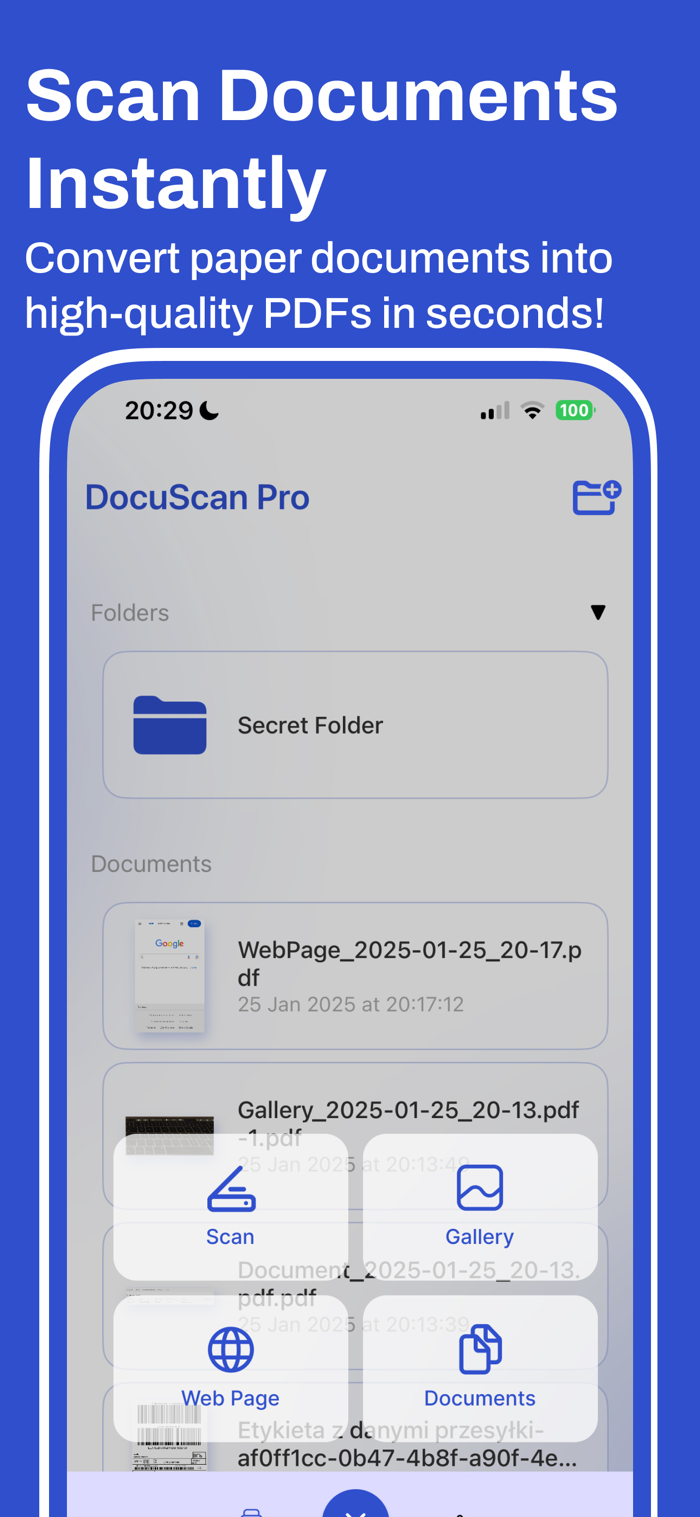
Turn your iPhone into a fast, simple PDF tool. Capture paper with the camera, turn photos into PDFs, save webpages as clean PDFs from a built-in browser or link, and keep everything neatly organized in folders.
What you can do
• Scan to PDF: Photograph documents in seconds and save as high-quality PDFs.
• Photo → PDF: Pick one or many images from your gallery and instantly convert them.
• Web → PDF: Open a page in the in-app browser or paste a URL to save a clean PDF copy (great for articles, tickets, receipts, and research).
• Import from Files: Add PDFs and images straight from the Files app (Documents, iCloud Drive, third-party providers).
• Folders & order: Create folders for projects, travel, finance, school—keep scans and saved pages easy to find.
• Share & print: Send your PDFs via Mail, Messages, or any app, or print right from your phone.
Why people choose this app
• It’s everything in one place: camera scans, photo conversion, and webpage-to-PDF.
• Simple organization: folders make ongoing work—like taxes, study notes, or client files—manageable.
• Lightweight & quick: no clutter, just the essentials that save you time.
Great for
Receipts and invoices, contracts and forms, ID pages, manuals, articles and blog posts, tickets and confirmations, study materials, travel plans.
Download now to build a clean, paperless workflow—without losing anything important again.
Subscriptions:
Weekly with 3 days trial - $1.99
Monthly without trial period - $4.99
Annual without trial period - $19.99
Terms and Conditions - https://telegra.ph/Terms-and-Conditions-06-27-5
Privacy Policy - https://telegra.ph/Privacy-Policy-06-27-86

 +100宝石


 分享
分享
























用户评价
立即分享产品体验
你的真实体验,为其他用户提供宝贵参考
💎 分享获得宝石
【分享体验 · 获得宝石 · 增加抽奖机会】
将你的产品体验分享给更多人,获得更多宝石奖励!
💎 宝石奖励
每当有用户点击你分享的体验链接并点赞"对我有用",你将获得:
🔗 如何分享
复制下方专属链接,分享到社交媒体、群聊或好友:
💡 小贴士
分享时可以添加你的个人推荐语,让更多人了解这款产品的优点!
示例分享文案:
"推荐一款我最近体验过的应用,界面设计很精美,功能也很实用。有兴趣的朋友可以看看我的详细体验评价~"
领取结果