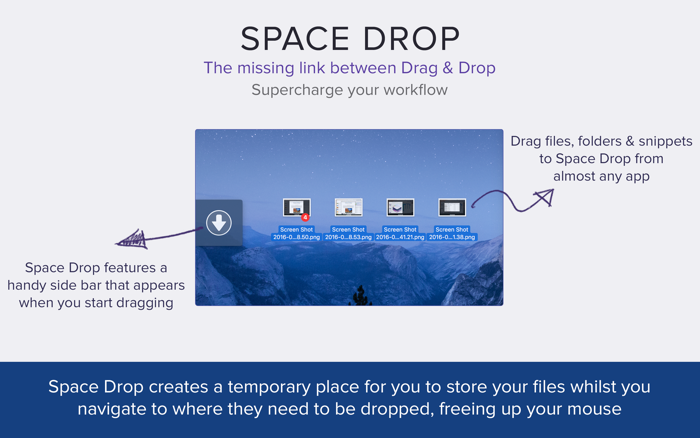
Park files mid-drag. Space Drop adds a frosted glass shelf to the side of your screen that appears the moment you start dragging. Drop files onto it, switch apps, browse folders, then drag them out wherever they need to go.
No more holding files hostage with your mouse.
WHAT IT DOES:
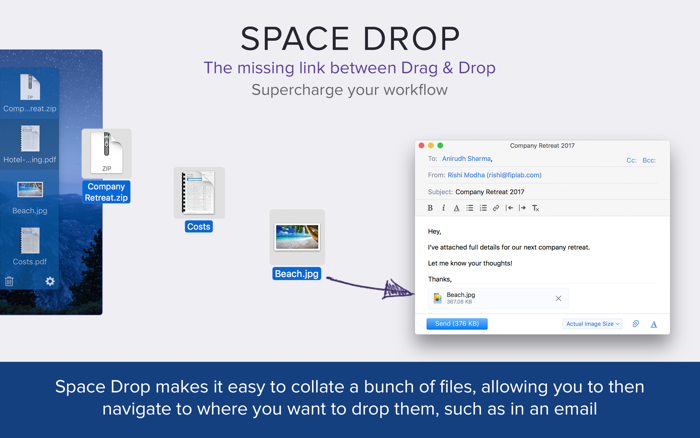
Drag files from any app onto the shelf. They stay there while you navigate. When you're ready, drag them out to their destination - a different folder, another app, an email, wherever.
Drop multiple files together and they automatically form a stack, keeping your shelf tidy with a count badge.
FEATURES:
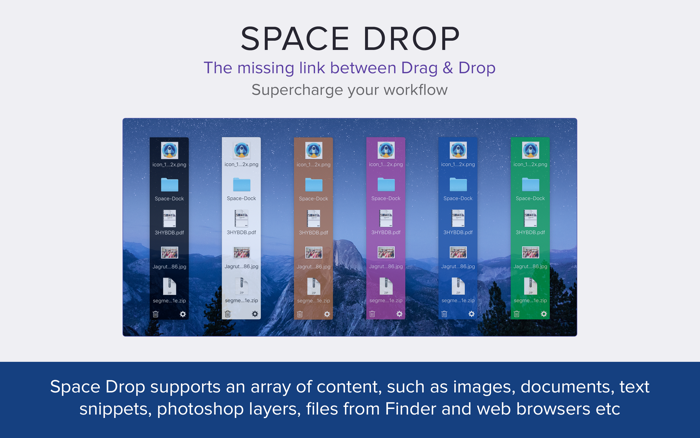
• Frosted glass shelf - blurs your desktop behind it, adapts to light and dark mode
• Stacks - drop files together or group them manually into a single icon
• Screenshot capture - every screenshot you take is automatically added to the shelf
• Keyboard navigation - arrow keys to browse, Delete to remove, Space for Quick Look
• Multi-monitor - the shelf appears on whichever screen your mouse is on
• Rocket Drop Zone - a compact drop target follows your cursor during drags
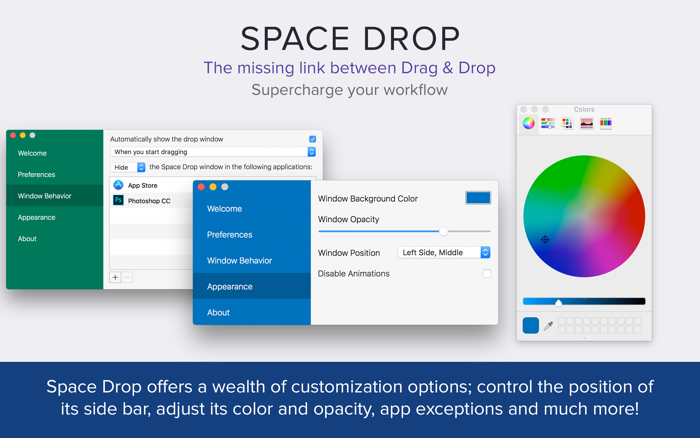
• Customizable - tint color, intensity, icon size, window position, file name display
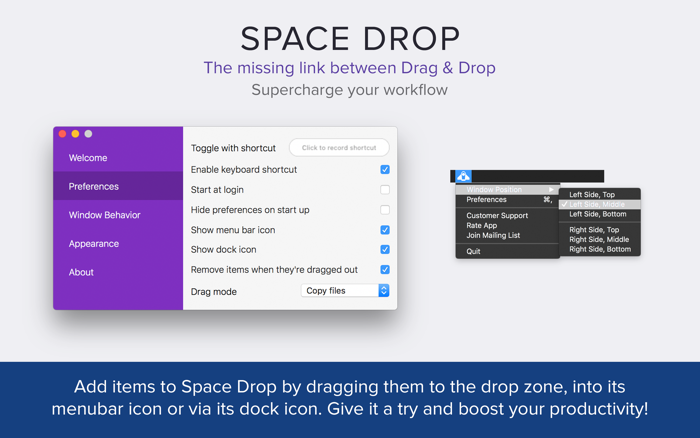
• Menu bar drop - drag files directly to the Space Drop icon in your menu bar
• Copy or move - choose whether files are copied or moved when dragged out
• Works everywhere - full screen apps, Spaces, and virtually every Mac app
• Quick Look - preview files without leaving the shelf
• Launch at login - always ready when you are
Some features above require you to enable them via the app's preferences/settings panel.
GETTING STARTED:
Start dragging any file and the shelf slides in from the side of your screen. Drop the file, let go, navigate to where it needs to be, then drag it back out from the shelf. That's it.
Customize everything from the preferences - shelf position, tint color, icon size, keyboard shortcuts, and more.
Questions or feedback? Visit support.fiplab.com

 +100宝石


 分享
分享






















用户评价
立即分享产品体验
你的真实体验,为其他用户提供宝贵参考
💎 分享获得宝石
【分享体验 · 获得宝石 · 增加抽奖机会】
将你的产品体验分享给更多人,获得更多宝石奖励!
💎 宝石奖励
每当有用户点击你分享的体验链接并点赞"对我有用",你将获得:
🔗 如何分享
复制下方专属链接,分享到社交媒体、群聊或好友:
💡 小贴士
分享时可以添加你的个人推荐语,让更多人了解这款产品的优点!
示例分享文案:
"推荐一款我最近体验过的应用,界面设计很精美,功能也很实用。有兴趣的朋友可以看看我的详细体验评价~"
领取结果