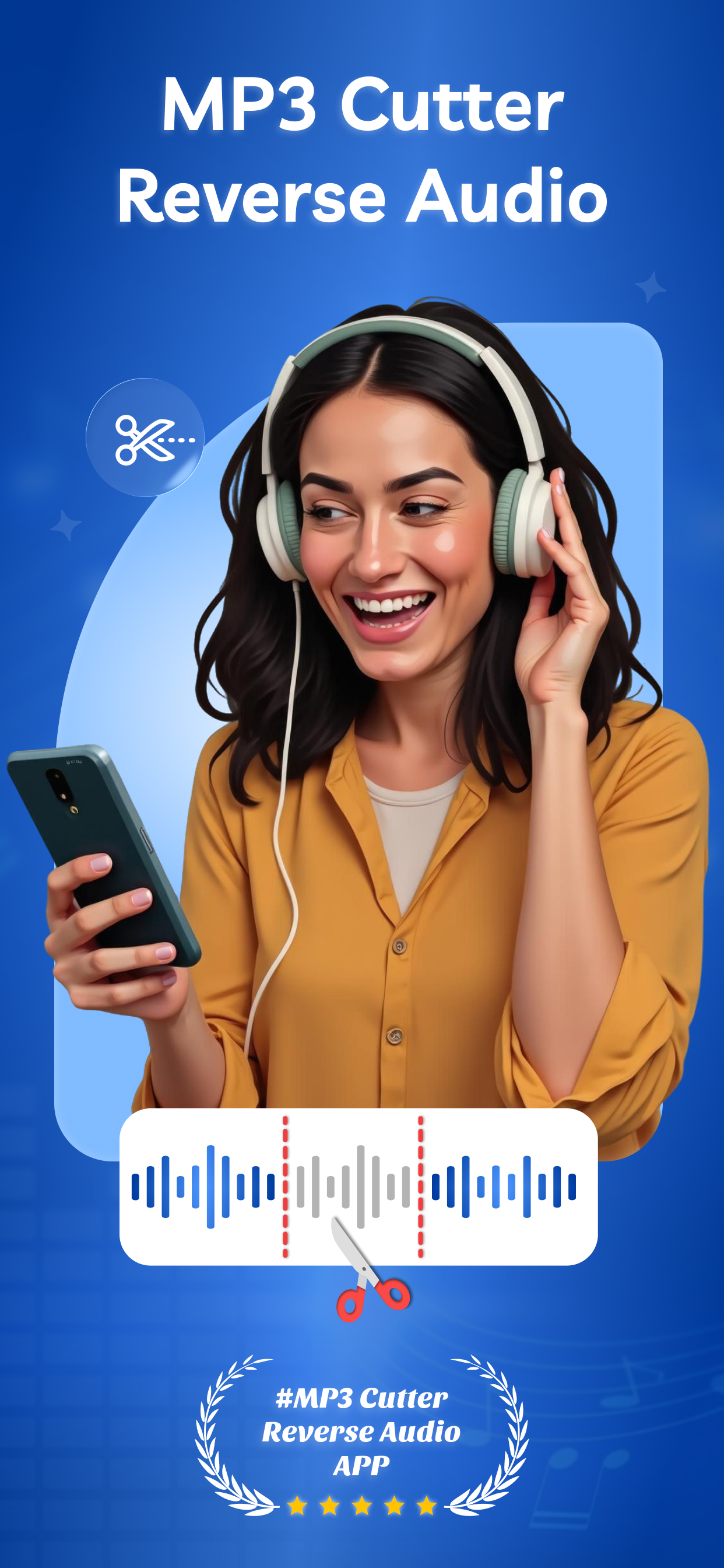
Unlock full control of your audio files with MP3 Cutter – Reverse Audio, the complete audio editor built for precision trimming, editing and reversing tracks. Whether you want to clip a song, reverse sound, extract a specific clip from an MP3 or fine-tune your audio library, this app delivers reliable performance and intuitive features.
Core Features:
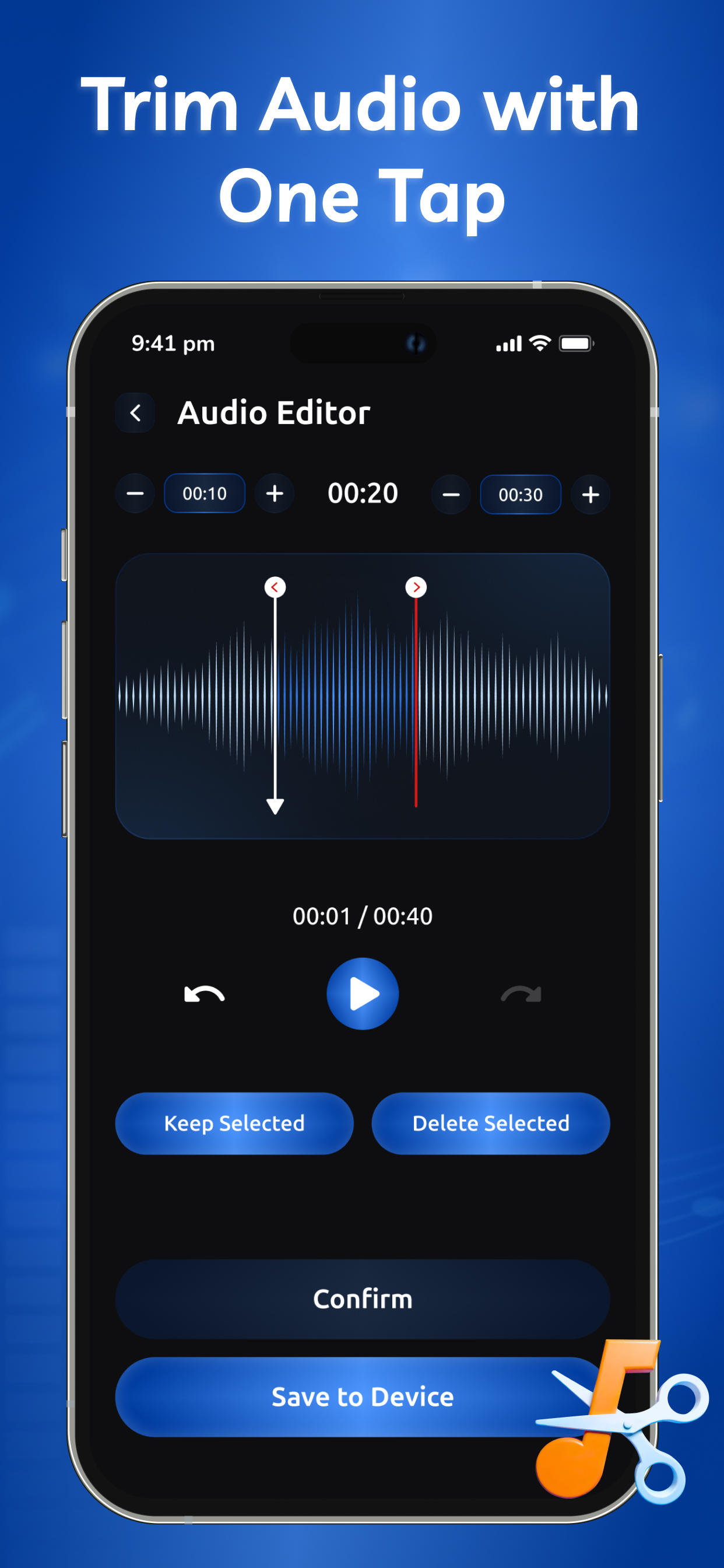
High-precision audio trimmer: select the exact start and end point of an audio file, then trim or cut with ease.
MP3 cutter functionality: easily extract segments from MP3 files; keep the parts you want and discard the rest.
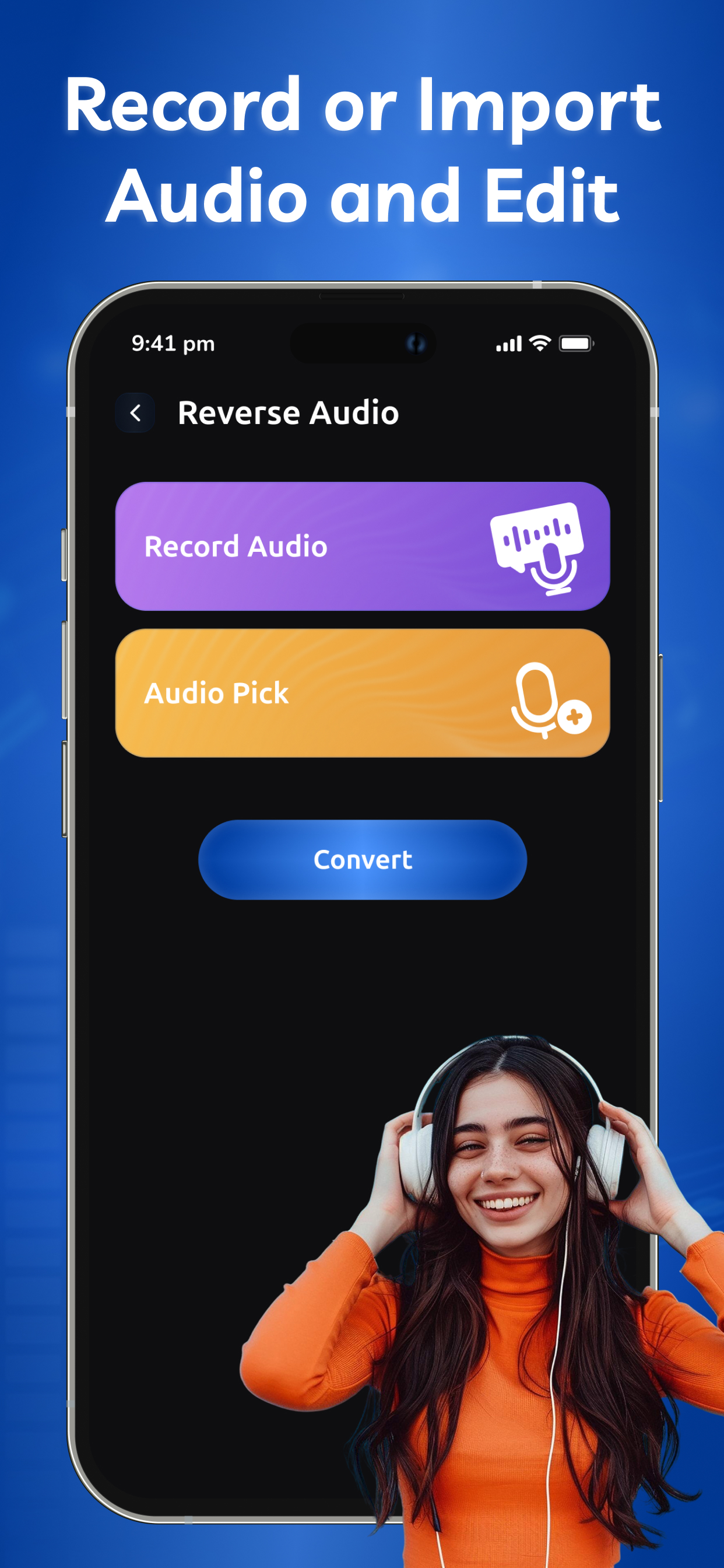
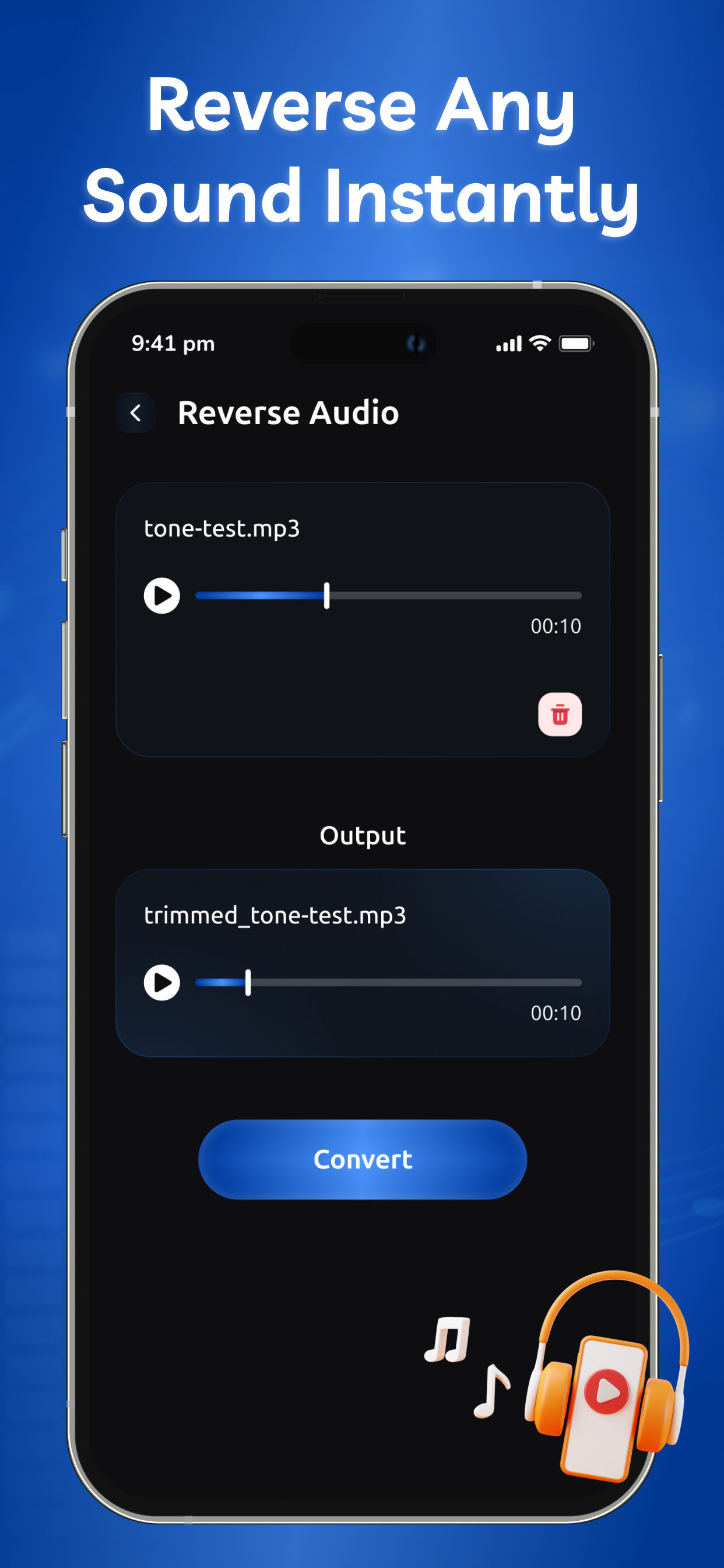
Reverse audio mode: flip your audio tracks so the sound plays backwards—perfect for creative effects, intros or unique soundscapes.
Built-in MP3 editor environment: edit audio files directly in the app, apply changes without needing multiple tools.
Support for standard audio formats, fast processing and preview so you hear your edits immediately.
Save your edited, trimmed or reversed clips in high quality, ready to share or integrate into other projects.
Simple, streamlined interface that focuses on the task: trim audio, reverse tracks, edit MP3 — no unnecessary complexity.
Dedicated audio cutter mode for isolating parts of a song (intros, loops, ringtones) and exporting them.
Designed for both casual users who want quick edits and power users who need precision trimming or reversing.
Why choose MP3 Cutter – Reverse Audio?
This audio tool brings together the best of MP3 cutting and reversing in one app. Instead of juggling separate tools for trimming, editing and reversing, you’ll have everything in one place. This app is your go-to audio editor when you need to trim audio, reverse a track, or cut an MP3 for sharing, looping or display. With powerful features and a clear focus on editing, you’ll spend less time wrestling with multiple apps and more time creating exactly the audio you want.
Who benefits from this app?
Creators or musicians who need to edit MP3 files, cut segments or reverse audio for their projects.
Anyone wanting to create ringtones, intros, or unique sound effects by trimming and reversing audio.
Users seeking a reliable audio cutter tool with reversing capability and full MP3 editing support.
Editors needing precise control over audio segments and one-step export of trimmed or reversed files.
Get started now:
Open the app, select an audio file, define your trim points, apply cut or reverse, preview the result, and save or share. No extra complexity, just smart editing and fast results with our audio cutter, MP3 editor and reverse audio features all combined. Download MP3 Cutter – Reverse Audio today and make your audio edits seamless and powerful.
To find out more about automatic subscription renewals:
Ad-free version
Unlimited access
Premium Subscription :
RevAudio One Week - 6.99 USD
RevAudio One Year - 49.99 USD
Your payment will be charged to your iTunes Account. The app offering is auto-renewable subscriptions
For More Information :
Privacy Policy : https://s11parasania.blogspot.com/2025/05/sps-privacy-policy.html
Terms of Use : https://s11parasania.blogspot.com/2025/05/sps-terms-of-use.html

 +100宝石


 分享
分享




















用户评价
立即分享产品体验
你的真实体验,为其他用户提供宝贵参考
💎 分享获得宝石
【分享体验 · 获得宝石 · 增加抽奖机会】
将你的产品体验分享给更多人,获得更多宝石奖励!
💎 宝石奖励
每当有用户点击你分享的体验链接并点赞"对我有用",你将获得:
🔗 如何分享
复制下方专属链接,分享到社交媒体、群聊或好友:
💡 小贴士
分享时可以添加你的个人推荐语,让更多人了解这款产品的优点!
示例分享文案:
"推荐一款我最近体验过的应用,界面设计很精美,功能也很实用。有兴趣的朋友可以看看我的详细体验评价~"
领取结果