Turn your PDF files into fully editable Excel spreadsheets with accuracy and control. This PDF to Excel Converter is designed for users who need reliable data extraction from documents such as reports, invoices, bank statements, research papers, and more. Instead of manually retyping tables or copying messy data, the app helps you transform structured content into organized spreadsheet files while maintaining the original layout as closely as possible.
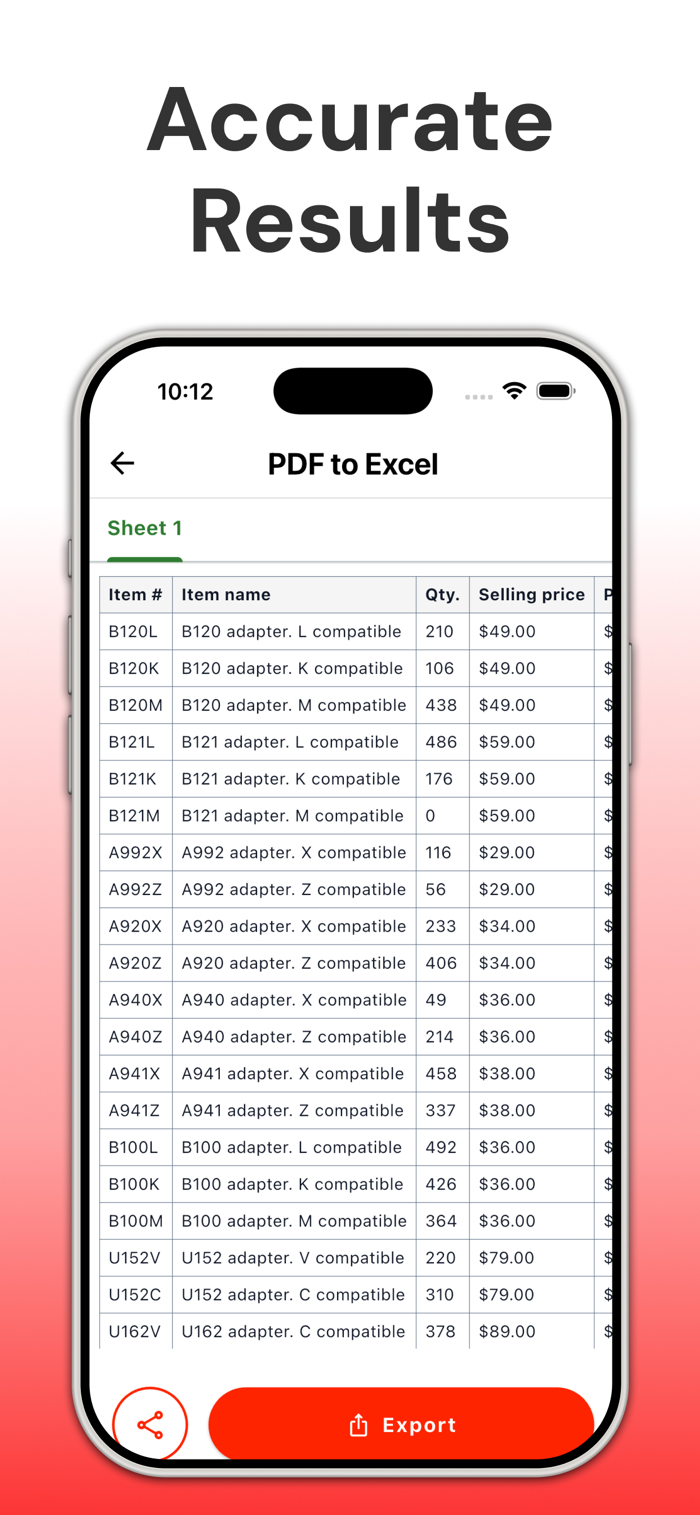
The app uses advanced table recognition technology to detect rows, columns, and cell boundaries within your PDF files. This ensures that even complex tables are converted into clean and structured formats that are ready for editing, sorting, and analysis. Whether you are working with financial data, business records, or academic material, you can depend on consistent and accurate results.
One of the key advantages of this converter is its ability to preserve formatting. Fonts, alignment, and table structure are retained to minimize the need for adjustments after conversion. This allows you to continue working on your data without wasting time fixing broken layouts or misplaced values. The result is a smooth transition from static documents to dynamic spreadsheet files.
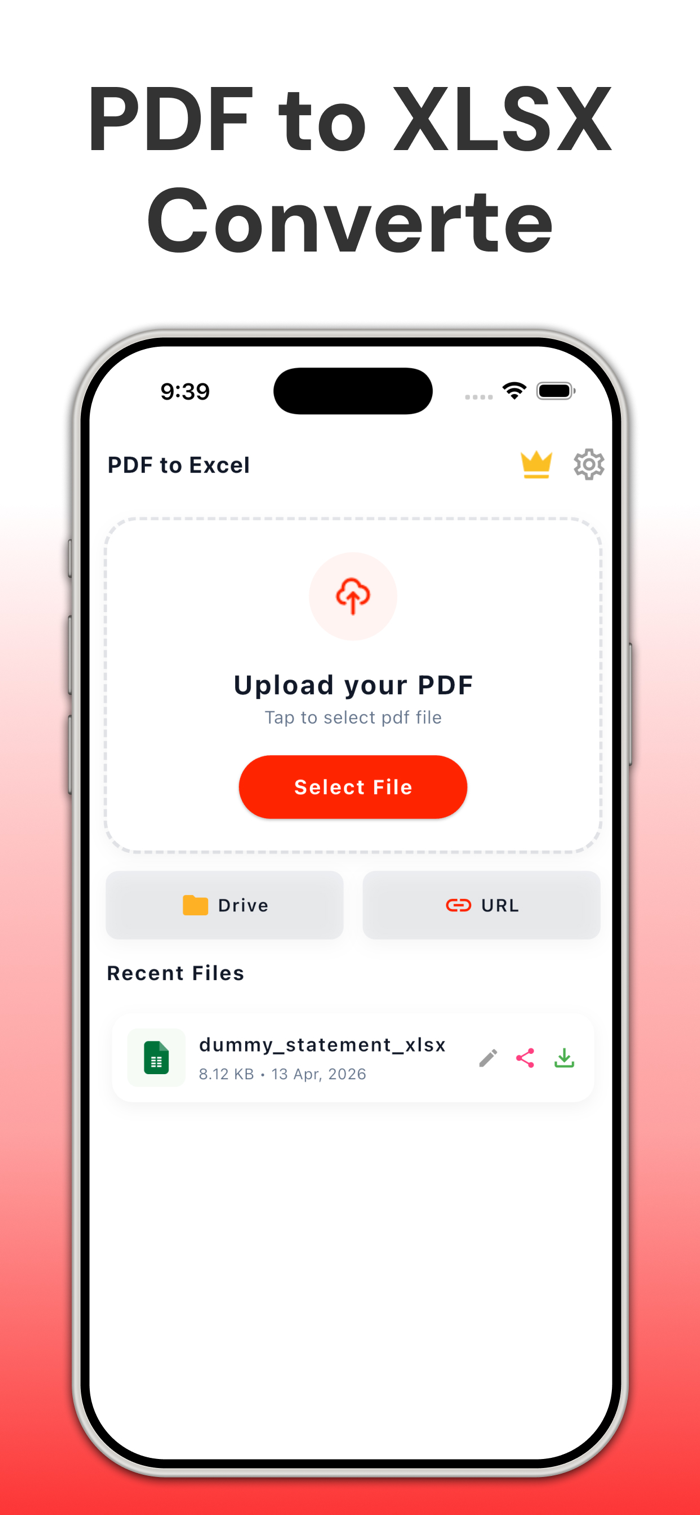
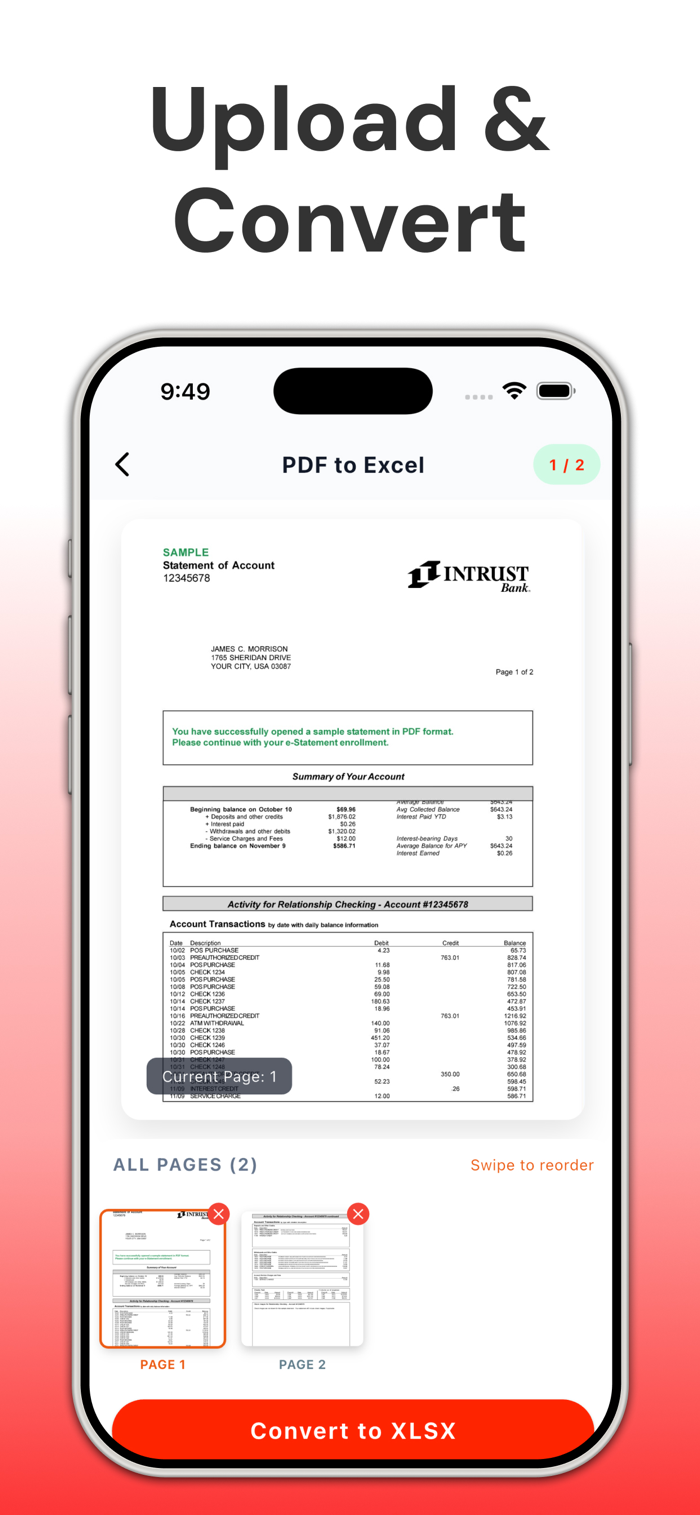
The interface is designed with simplicity and clarity in mind. You can select your PDF file, start the conversion process, and receive your excel output in just a few steps. No technical knowledge is required, making it suitable for students, professionals, and anyone who frequently handles document-based data.
The app also supports a wide range of PDF types. Whether your file contains single-page tables or multi-page datasets, the converter processes them efficiently and delivers consistent results. It is optimized to handle different document structures, ensuring that your data remains usable and well-organized.
Privacy is an important priority. Your files are processed securely, and you remain in control of your data throughout the conversion process. This makes the app suitable for handling sensitive documents such as financial records and confidential reports.
Key Features:
* Accurate table detection and structured data extraction
* Maintains original layout and formatting
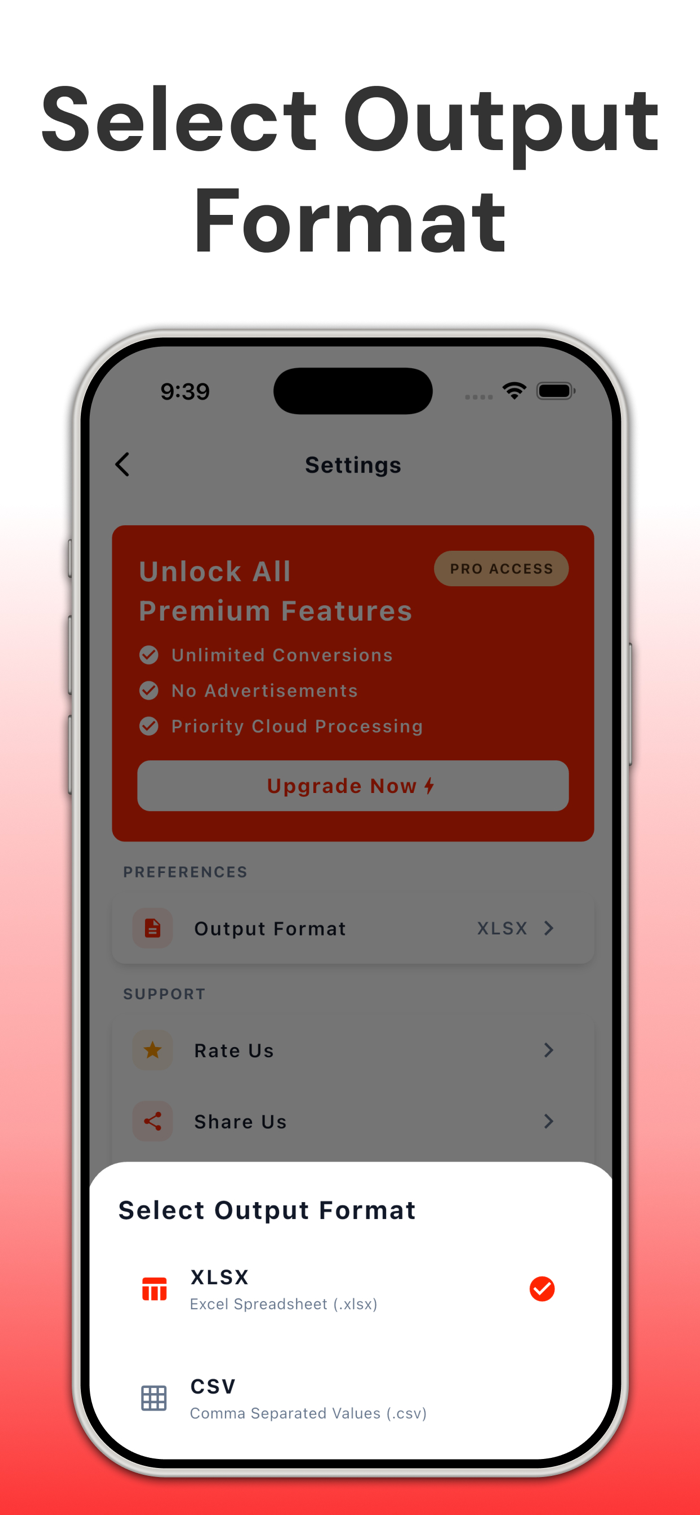
* Converts multi-page PDFs into organized XLSX files
* Simple and user-friendly interface
* Suitable for business, academic, and personal use
* Secure file handling and data privacy
Save time, reduce manual effort, and improve your workflow by converting PDFs into structured spreadsheet files whenever you need them. Whether you are managing data, preparing reports, or analyzing information, this PDF to excel Converter provides a dependable solution for transforming static content into editable formats.
Disclaimer: This application is an independent tool. It is not an official product and is not affiliated with, endorsed by, or associated with any company, brand, or organization.
Privacy Policy:
https://nexadestudio.com/privacy-policy
Terms of use:
https://nexadestudio.com/terms-of-service

 +100宝石

 分享
分享
















用户评价
立即分享产品体验
你的真实体验,为其他用户提供宝贵参考
💎 分享获得宝石
【分享体验 · 获得宝石 · 增加抽奖机会】
将你的产品体验分享给更多人,获得更多宝石奖励!
💎 宝石奖励
每当有用户点击你分享的体验链接并点赞"对我有用",你将获得:
🔗 如何分享
复制下方专属链接,分享到社交媒体、群聊或好友:
💡 小贴士
分享时可以添加你的个人推荐语,让更多人了解这款产品的优点!
示例分享文案:
"推荐一款我最近体验过的应用,界面设计很精美,功能也很实用。有兴趣的朋友可以看看我的详细体验评价~"
关注 Mergeek 公众号
领奖遇到问题?联系小门助手