How It Works — Screen by Screen
Projects
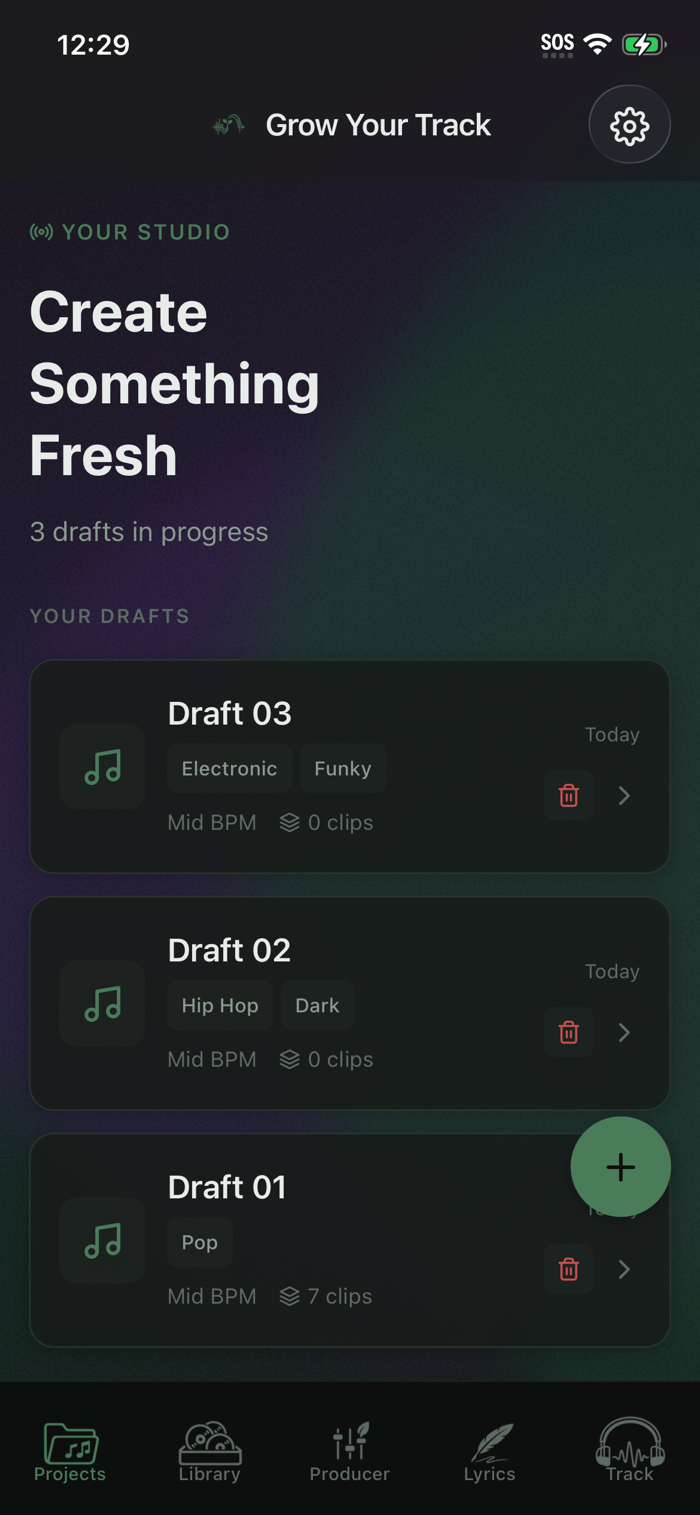
Your studio home and project overview.
Projects store everything tied to a song: your vibe “seed,” your progress, and where you left off. Open an existing draft to continue, or tap + to start a new one and set your vibe again.
You can:
Create, rename, and delete drafts
Adjust genre, mood, energy, tempo, and lyric direction
Jump into the rest of the workflow from a single place
Best for: managing projects and making high-level decisions (not building audio/lyrics).
Sample Library
Browse and choose the building blocks of your instrumental.
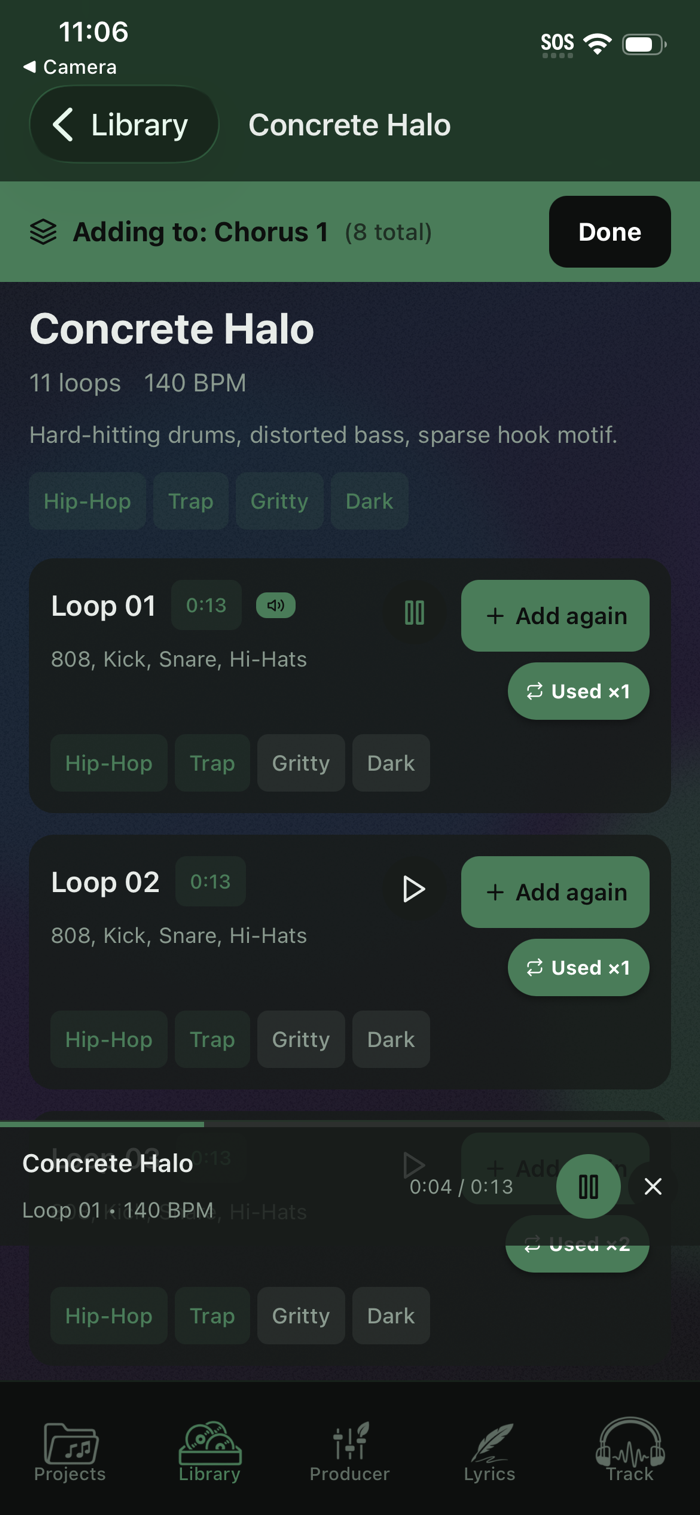
Preview tempo-matched loops, search by name/vibe/tag/instrument, and add loops to your project. You can reuse loops for hooks and callbacks — the app tracks how often you’ve used each one.
You can:
Preview loops
Add loops to your project (including re-adding)
Search and explore by tags, vibe, or instruments
Tip: shorter arrangements perform best — you’ll see a warning as your loop count grows.
Producer
Build and refine your instrumental arrangement.
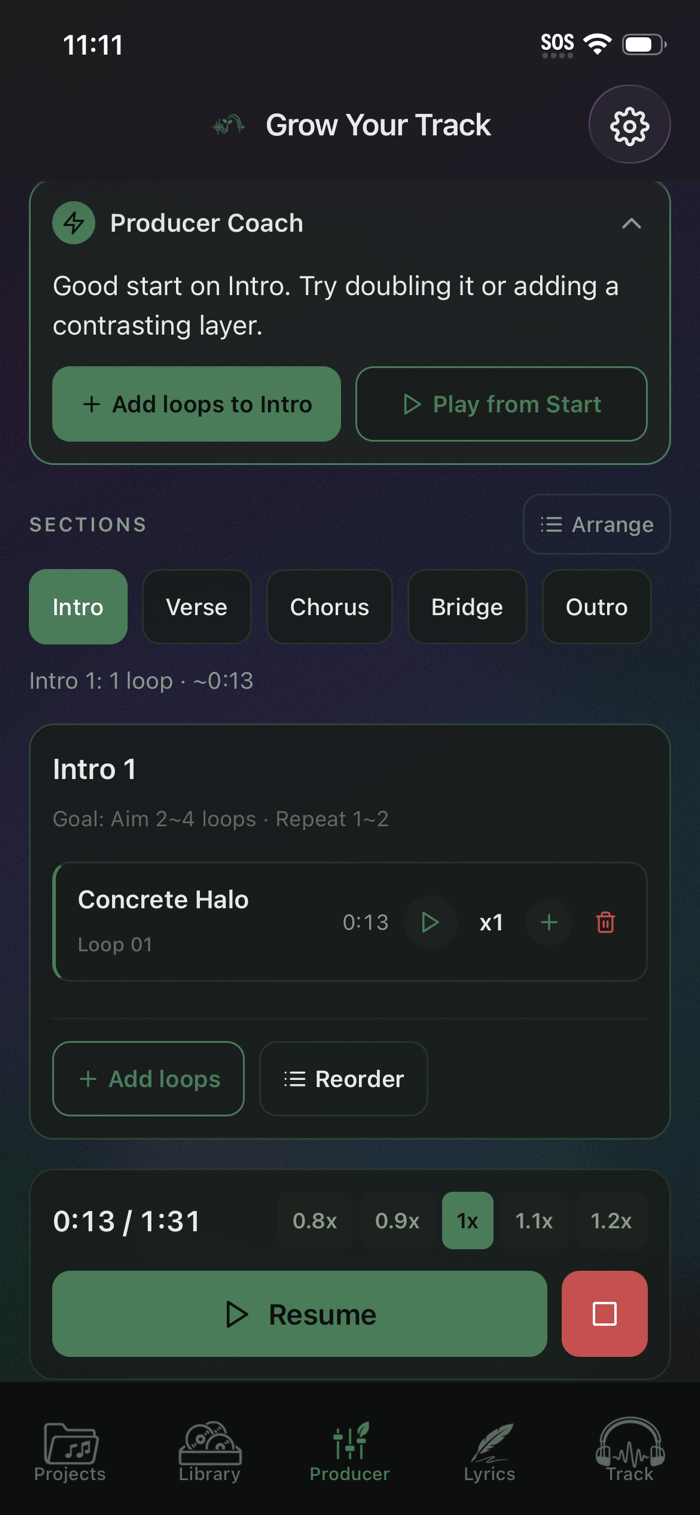
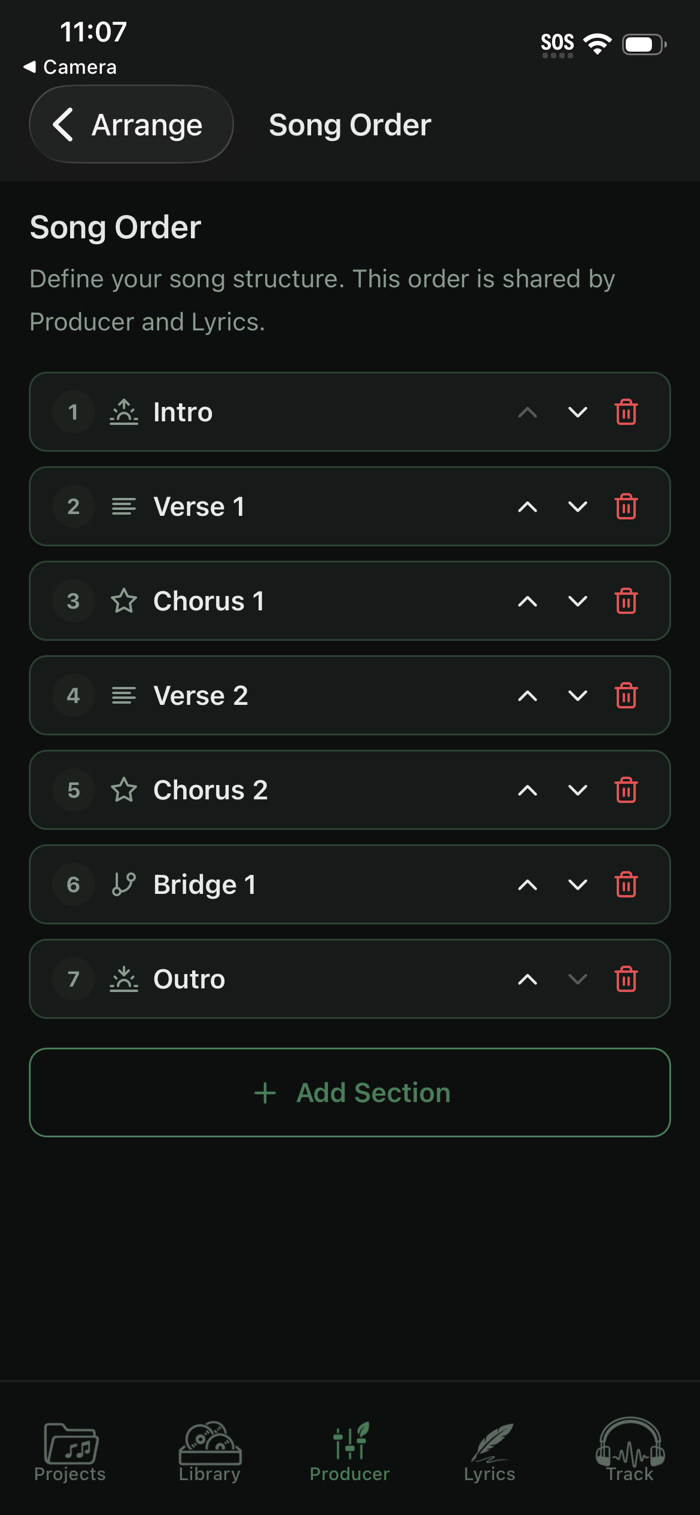
This is where your track takes shape. Arrange loops by section, preview parts, play your full song, and experiment with structure. You can also capture quick ideas with voice notes and text notes while you listen.
You can:
Arrange and preview loops
Repeat loops (up to 4×)
Play your full arrangement (or a section)
Record voice notes and wri...

 +100宝石


 分享
分享


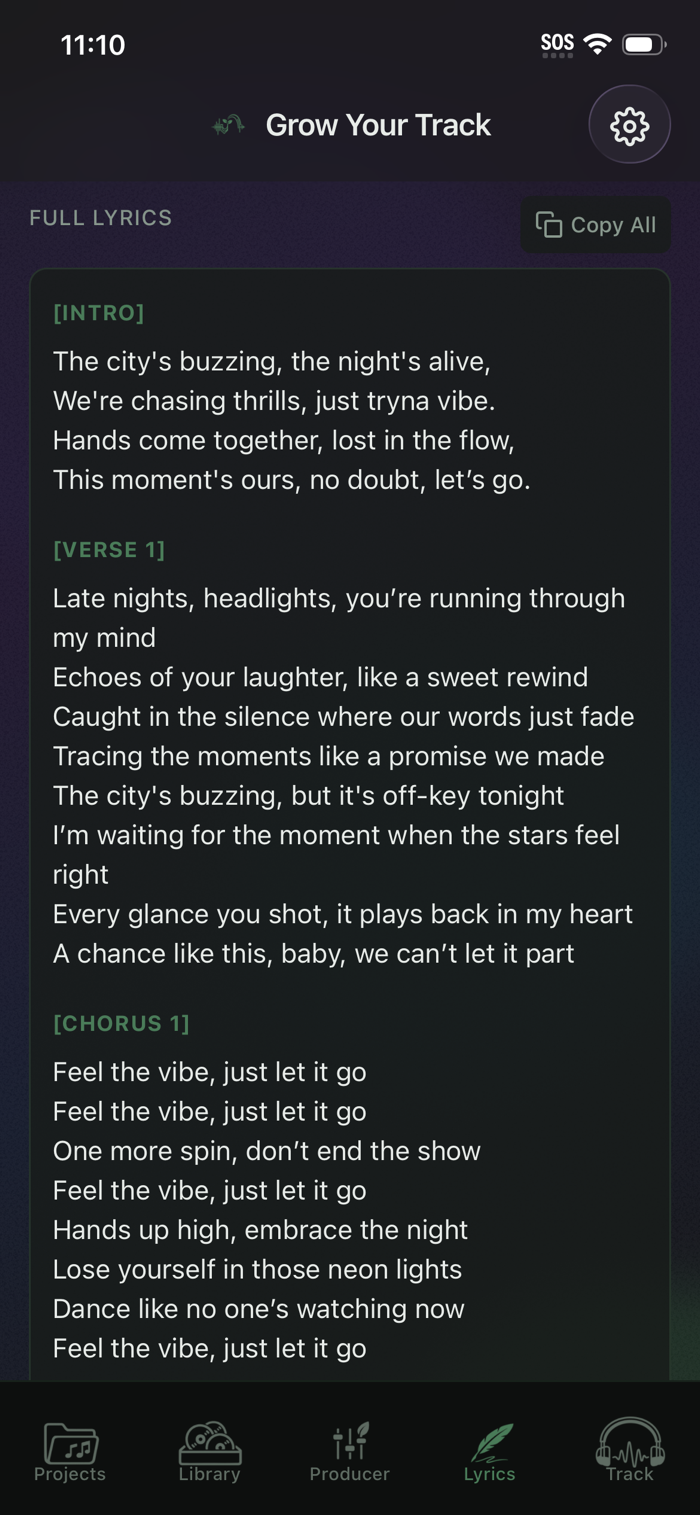
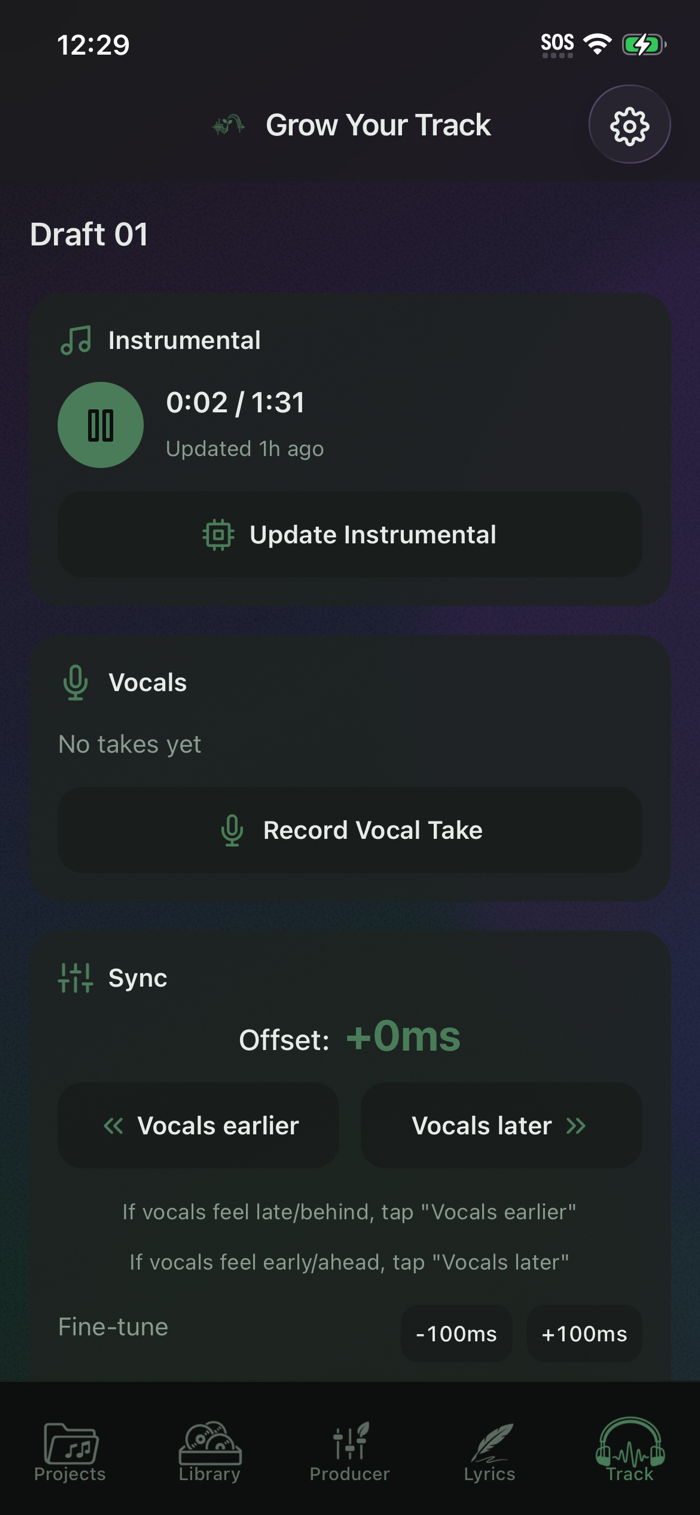
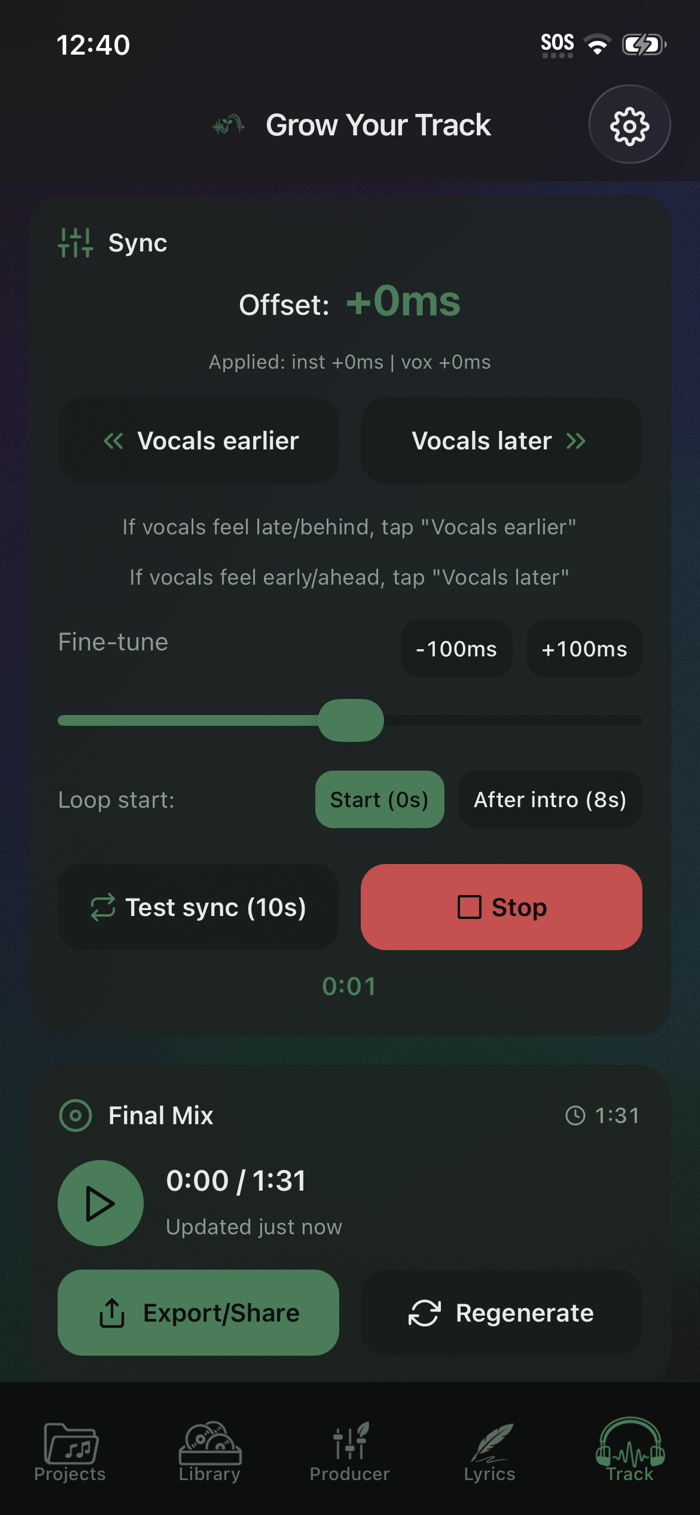



















用户评价
立即分享产品体验
你的真实体验,为其他用户提供宝贵参考
💎 分享获得宝石
【分享体验 · 获得宝石 · 增加抽奖机会】
将你的产品体验分享给更多人,获得更多宝石奖励!
💎 宝石奖励
每当有用户点击你分享的体验链接并点赞"对我有用",你将获得:
🔗 如何分享
复制下方专属链接,分享到社交媒体、群聊或好友:
💡 小贴士
分享时可以添加你的个人推荐语,让更多人了解这款产品的优点!
示例分享文案:
"推荐一款我最近体验过的应用,界面设计很精美,功能也很实用。有兴趣的朋友可以看看我的详细体验评价~"
领取结果