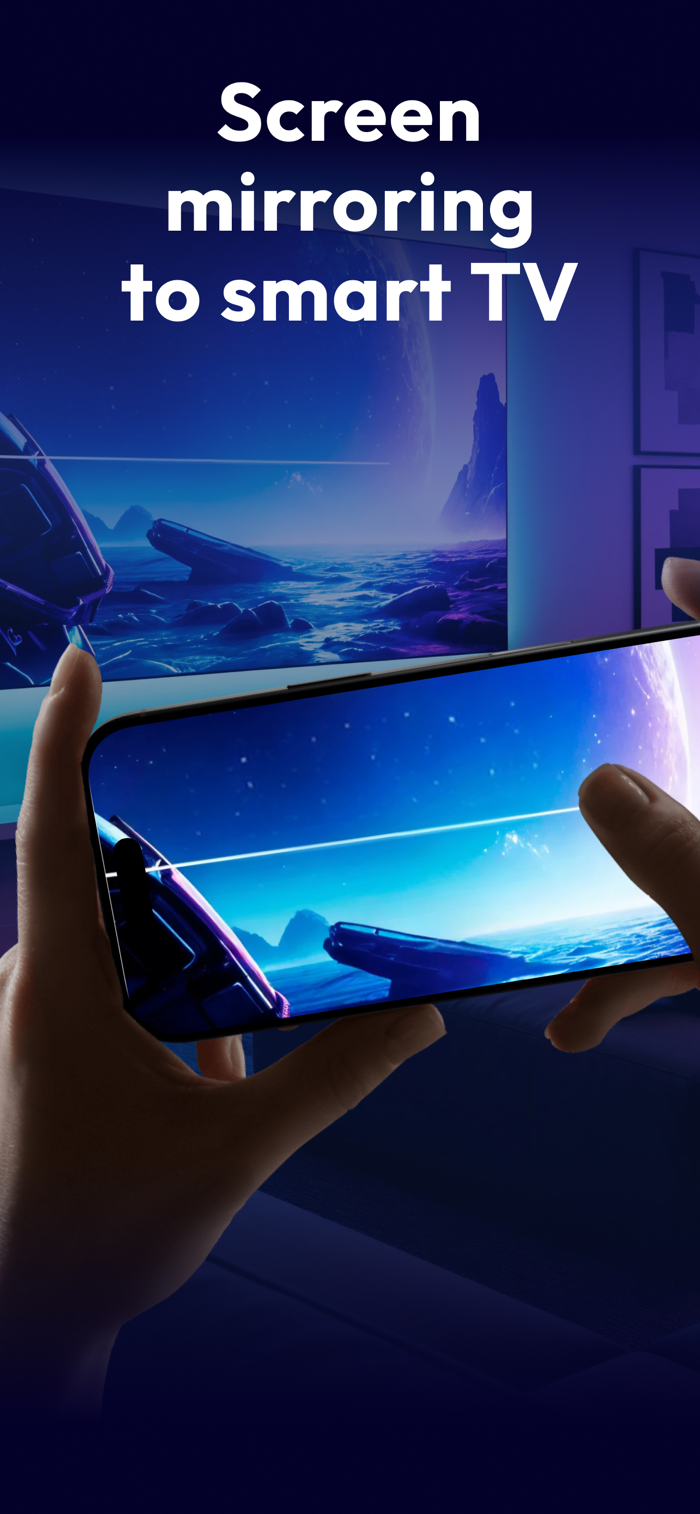
Turn your phone into a big-screen experience with Mirror Share.
Mirror your iPhone to a compatible Smart TV or streaming device, and easily cast your favorite media in seconds.
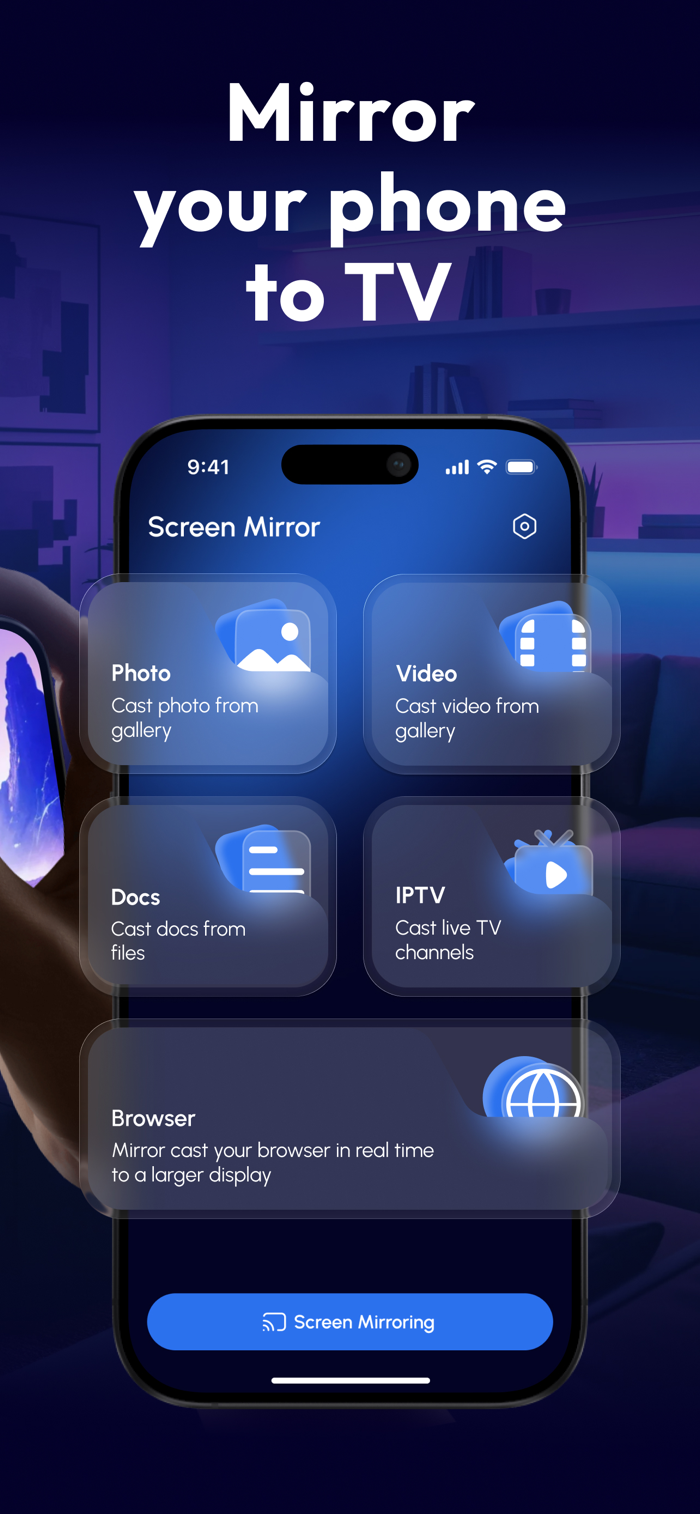
What you can do with Mirror Share
Screen Mirroring: share your screen to a TV for presentations, browsing, apps, and more.
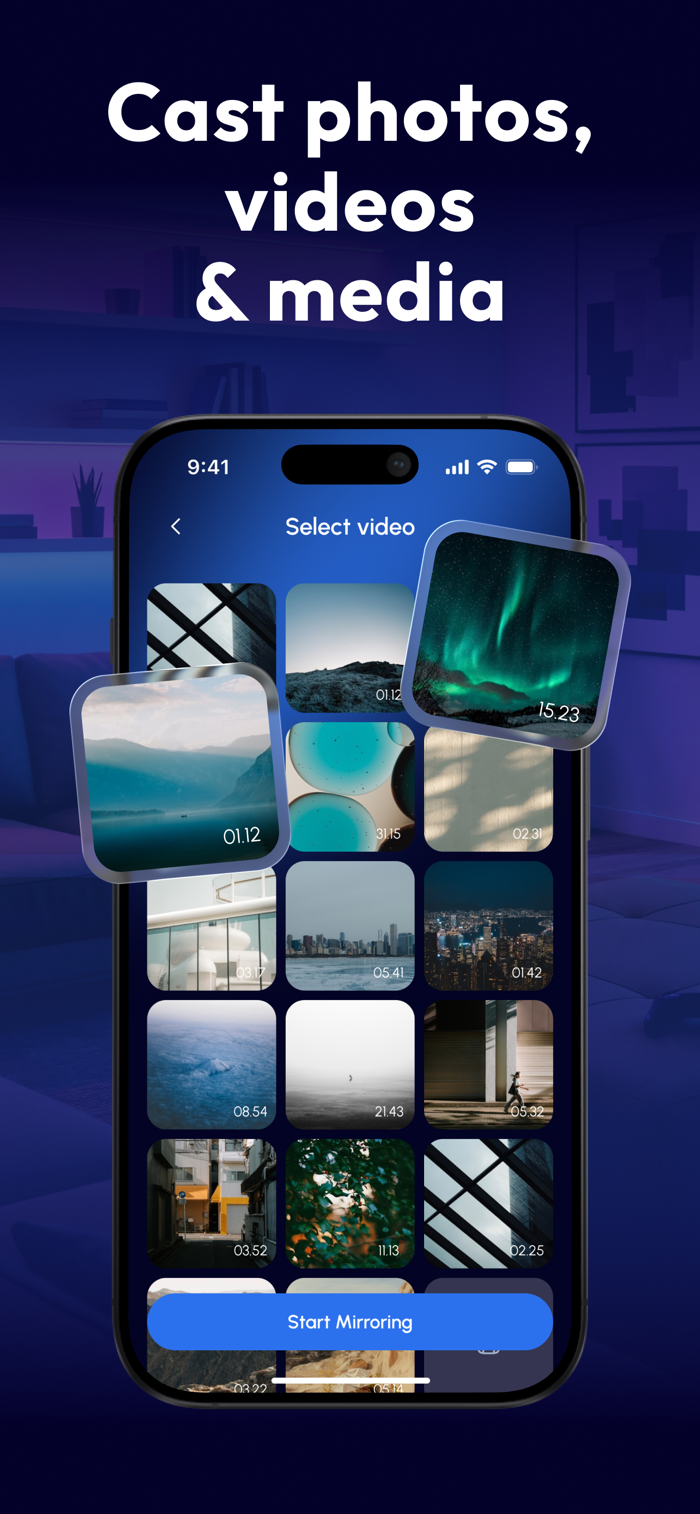
Cast Photos & Videos: enjoy your gallery on a larger display with smooth playback.
Stream IPTV (M3U): add an M3U playlist link and watch live TV channels.
Cast Documents: display files from your device for work or study.
Browser Mirroring: open websites on your phone and watch them on the TV in real time.
Simple & fast setup
Connect your phone and TV to the same Wi-Fi network.
Open Mirror Share and choose what you want to cast.
Tap to start mirroring or streaming.
Notes
Performance depends on your Wi-Fi network, TV model, and supported protocols.
Some apps may restrict mirroring due to content protection (DRM).
Subscription Information:
- Payment. Charges apply to your iTunes Account at purchase confirmation.
- Auto-Renewal. Subscriptions renew automatically unless canceled at least 24 hours before the current period ends.
- Renewal Charges. Your account will be charged for renewal within 24 hours prior to the end of the current period, based on the selected plan.
- Manage Your Subscription. Go to your Account Settings after purchase to handle auto-renewal and othe...

 +100宝石


 分享
分享














用户评价
立即分享产品体验
你的真实体验,为其他用户提供宝贵参考
💎 分享获得宝石
【分享体验 · 获得宝石 · 增加抽奖机会】
将你的产品体验分享给更多人,获得更多宝石奖励!
💎 宝石奖励
每当有用户点击你分享的体验链接并点赞"对我有用",你将获得:
🔗 如何分享
复制下方专属链接,分享到社交媒体、群聊或好友:
💡 小贴士
分享时可以添加你的个人推荐语,让更多人了解这款产品的优点!
示例分享文案:
"推荐一款我最近体验过的应用,界面设计很精美,功能也很实用。有兴趣的朋友可以看看我的详细体验评价~"
领取结果