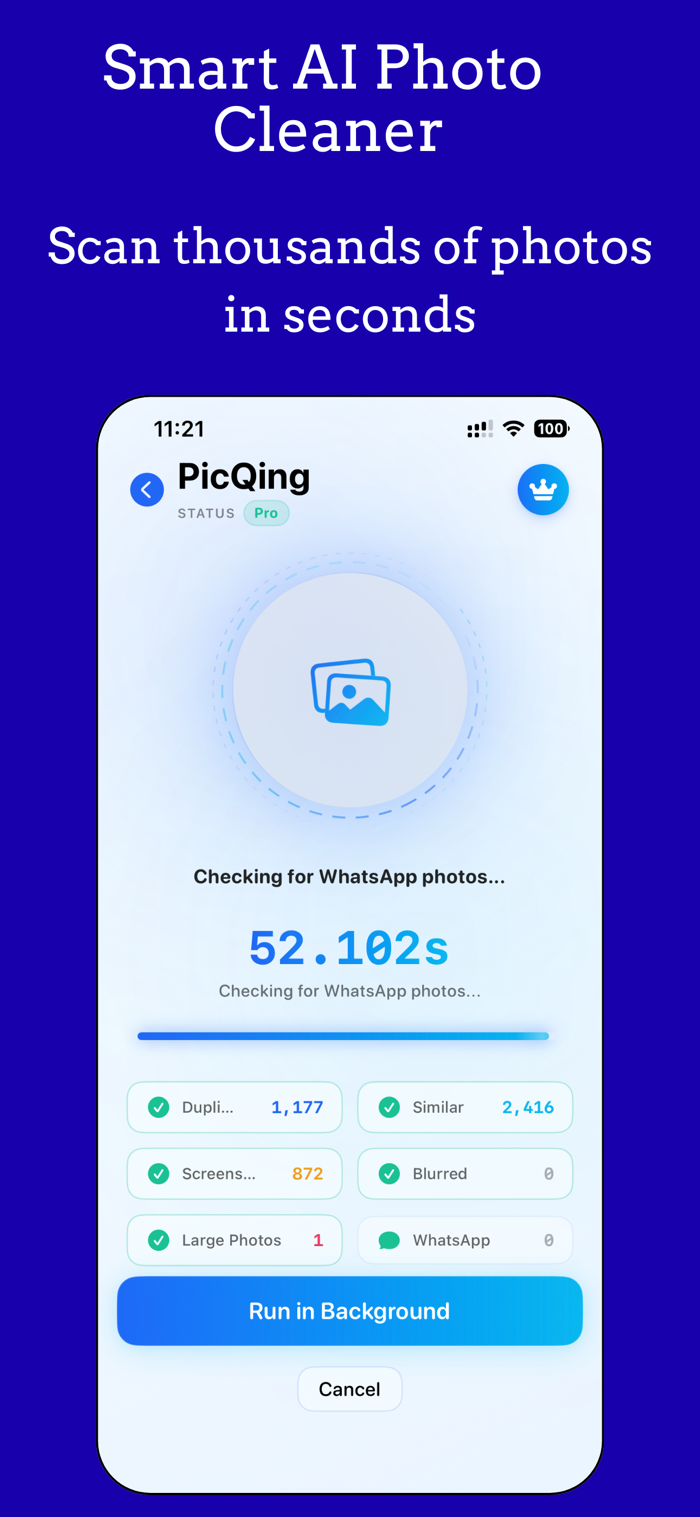
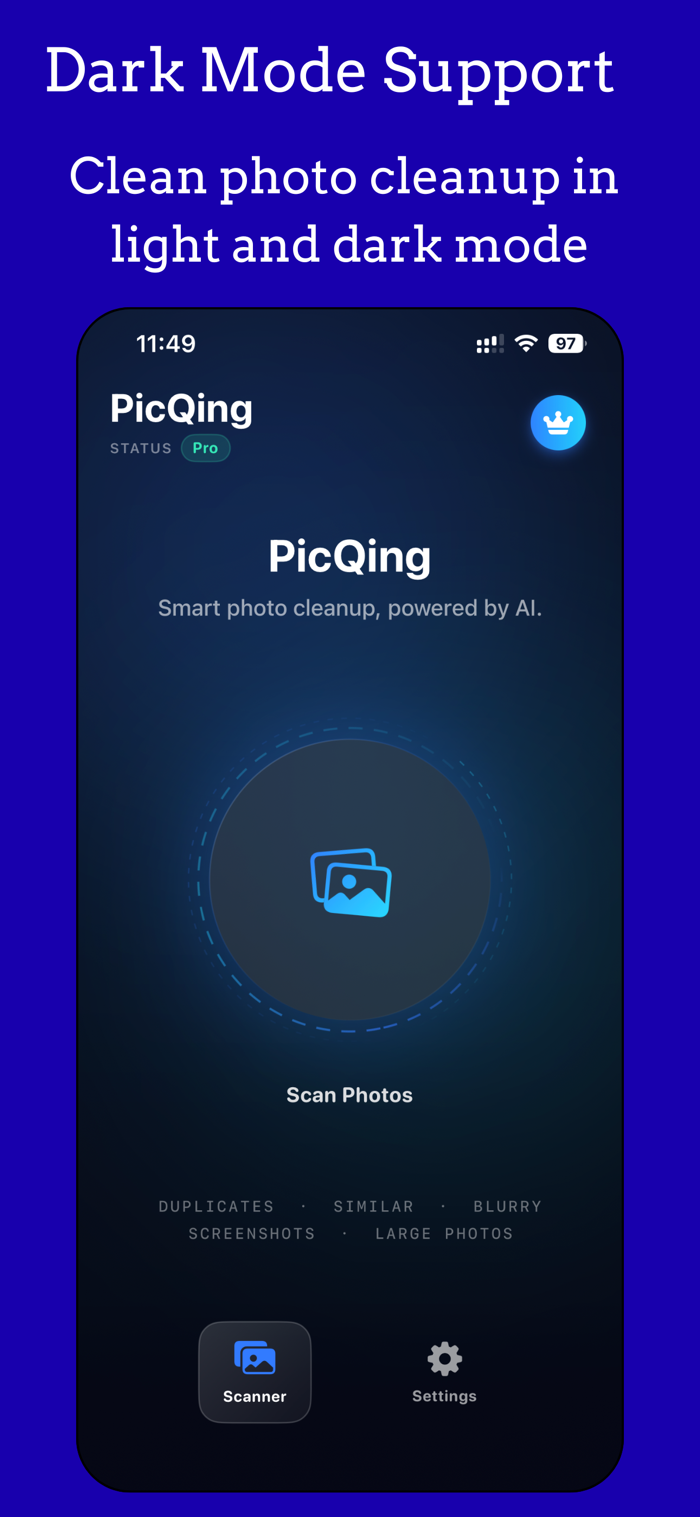
PicQing scans your entire photo library and finds the photos you don't need — duplicates, similar shots, screenshots, blurred images, large files, and WhatsApp photos. Review everything before you delete. Nothing is removed without your approval.
This app uses Apple's Vision framework and perceptual hashing for on-device photo similarity and duplicate detection. All processing runs locally on the device. No photos or data are sent to any server. No generative AI is used.
HOW IT WORKS
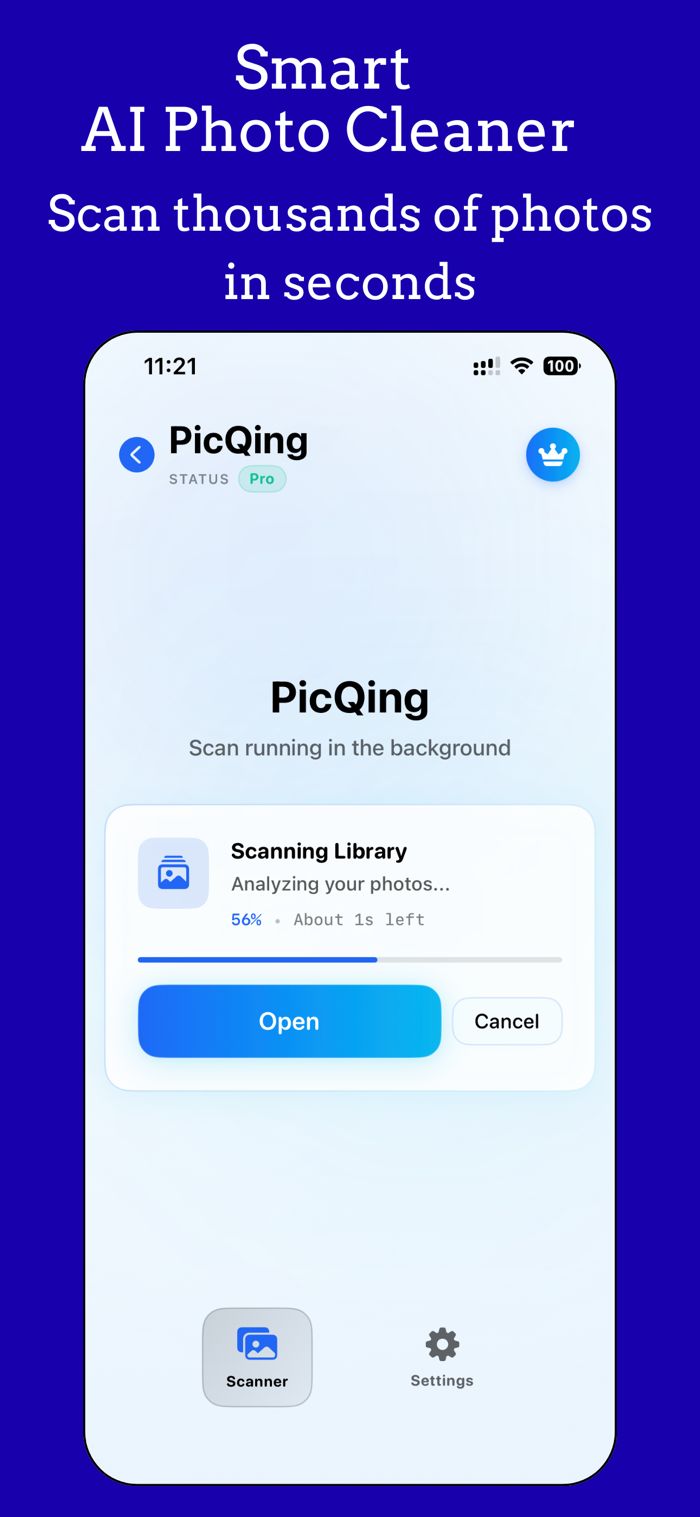
1. Tap "Start Scan" to analyze your photo library.
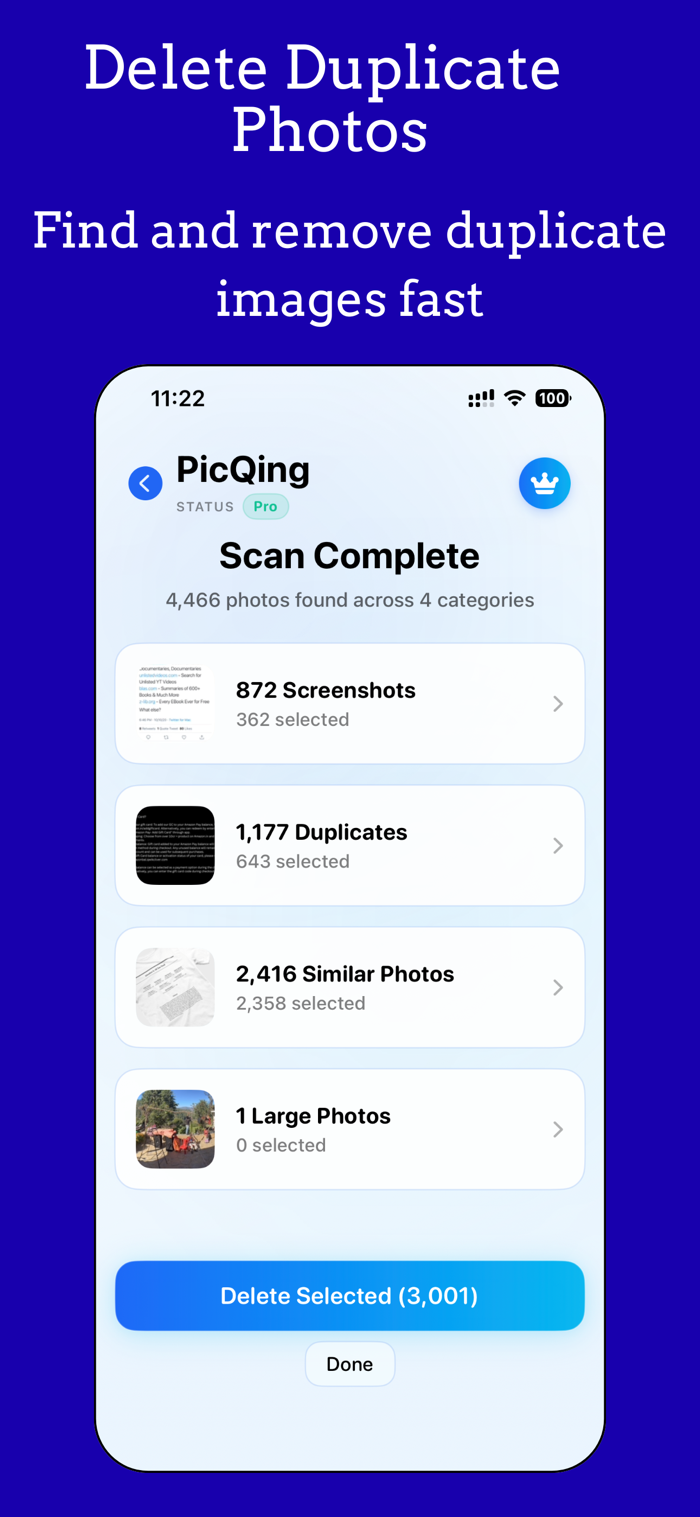
2. PicQing organizes results into 6 clear categories.
3. Review each category, select what to remove.
4. Delete selected photos to free up storage.
WHAT IT FINDS
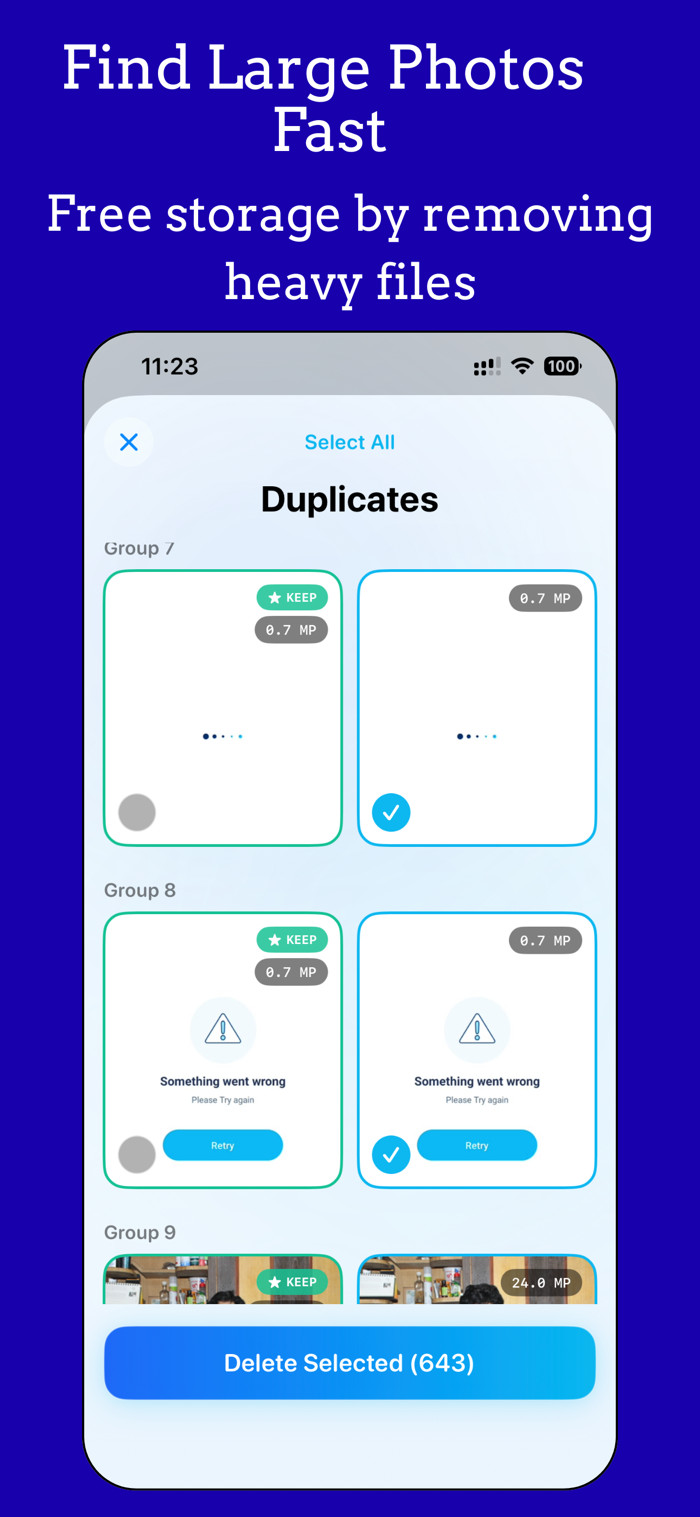
• Duplicates — Exact and near-identical photos grouped together. The best version is recommended to keep.
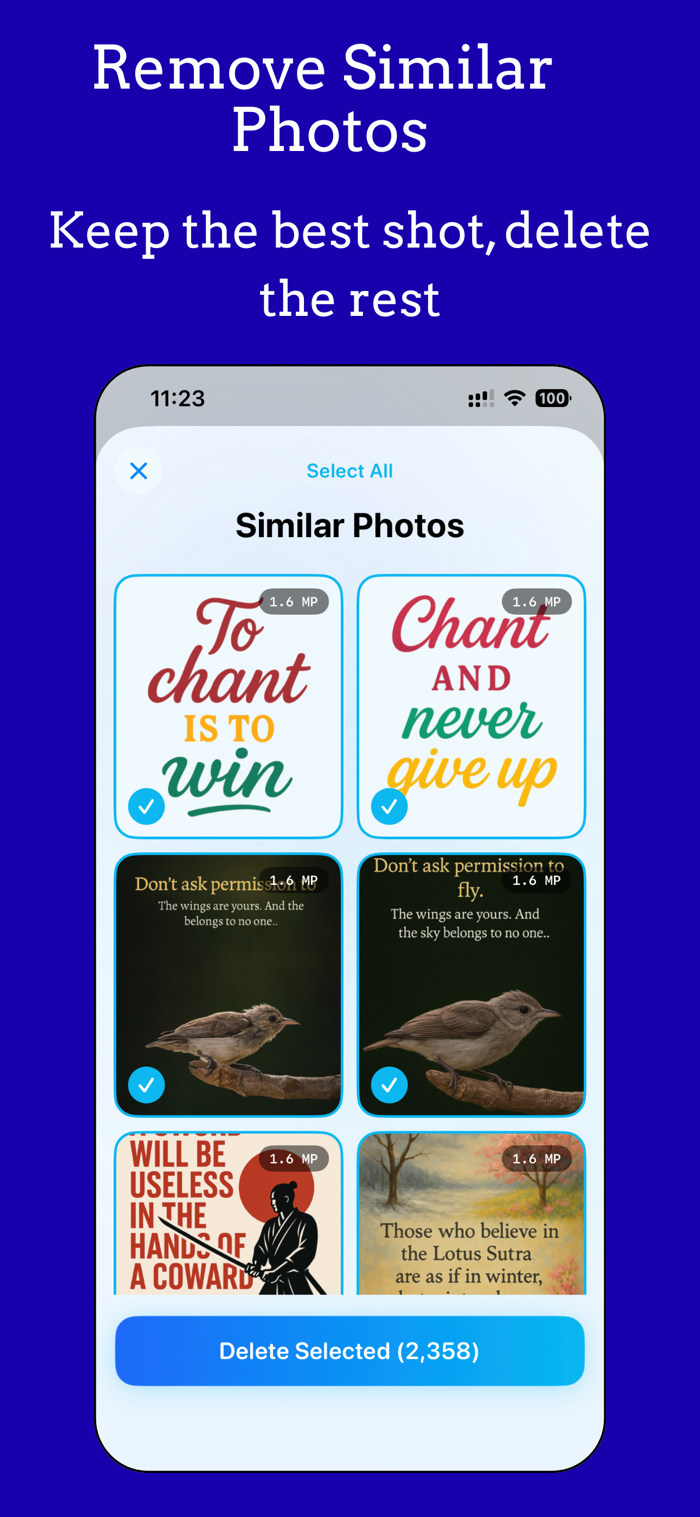
• Similar Photos — Burst shots and repeated takes grouped visually using AI-powered analysis.
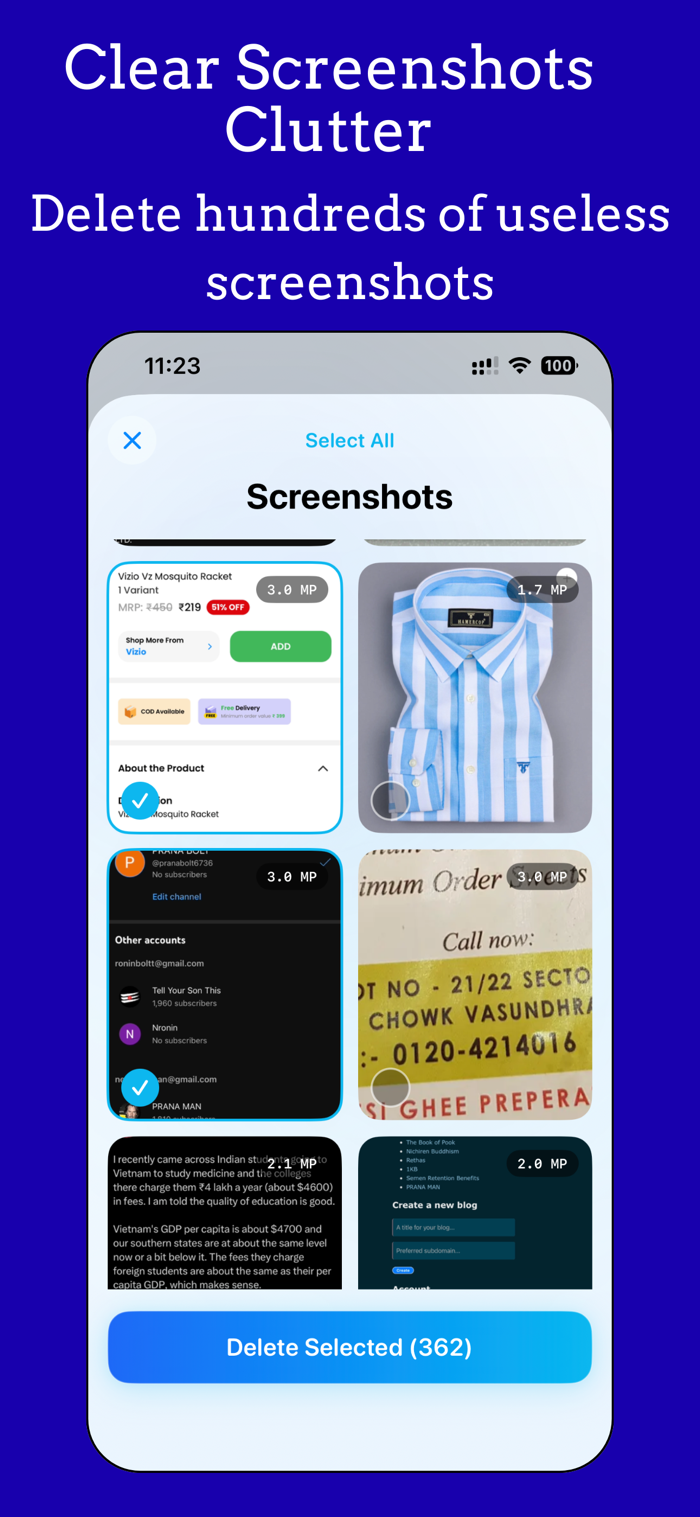
• Screenshots — Every screenshot on your device, listed for quick review.
• Blurred Photos — Out-of-focus and low-quality images detected automatically.
• Large Photos — High-resolution files taking up the most storage space.
• WhatsApp Photos — Images received through WhatsApp, identified by filename.
SMART RECOMMENDATIONS
PicQing uses perceptual hashing and Apple Vision framework to compare photos. For every group of duplicates or similar photos, the app recommends the best version to keep based on resolution ...

 +100宝石


 分享
分享






















用户评价
立即分享产品体验
你的真实体验,为其他用户提供宝贵参考
💎 分享获得宝石
【分享体验 · 获得宝石 · 增加抽奖机会】
将你的产品体验分享给更多人,获得更多宝石奖励!
💎 宝石奖励
每当有用户点击你分享的体验链接并点赞"对我有用",你将获得:
🔗 如何分享
复制下方专属链接,分享到社交媒体、群聊或好友:
💡 小贴士
分享时可以添加你的个人推荐语,让更多人了解这款产品的优点!
示例分享文案:
"推荐一款我最近体验过的应用,界面设计很精美,功能也很实用。有兴趣的朋友可以看看我的详细体验评价~"
领取结果