产品功能

应用市场介绍

GolfTracer tracks your golf shots using GPS on Apple Watch and iPhone.
Features:
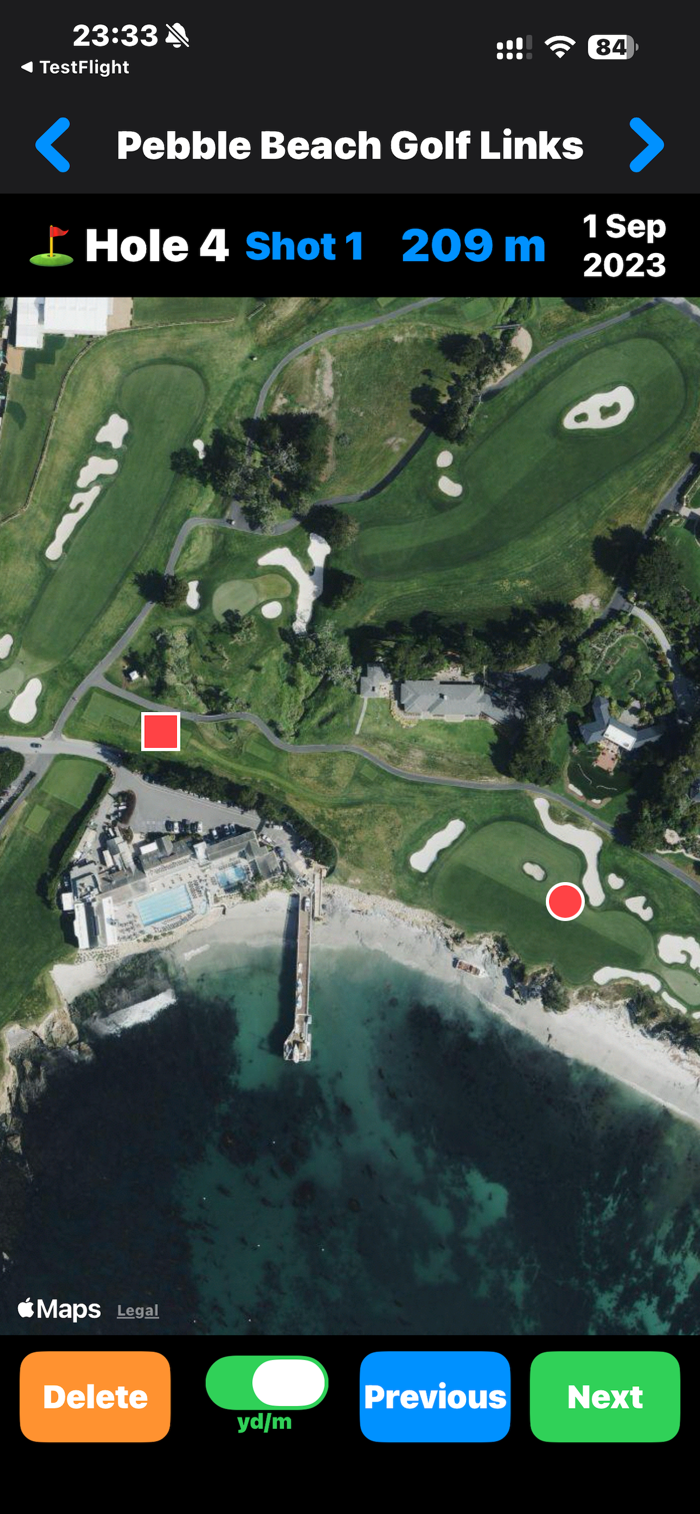
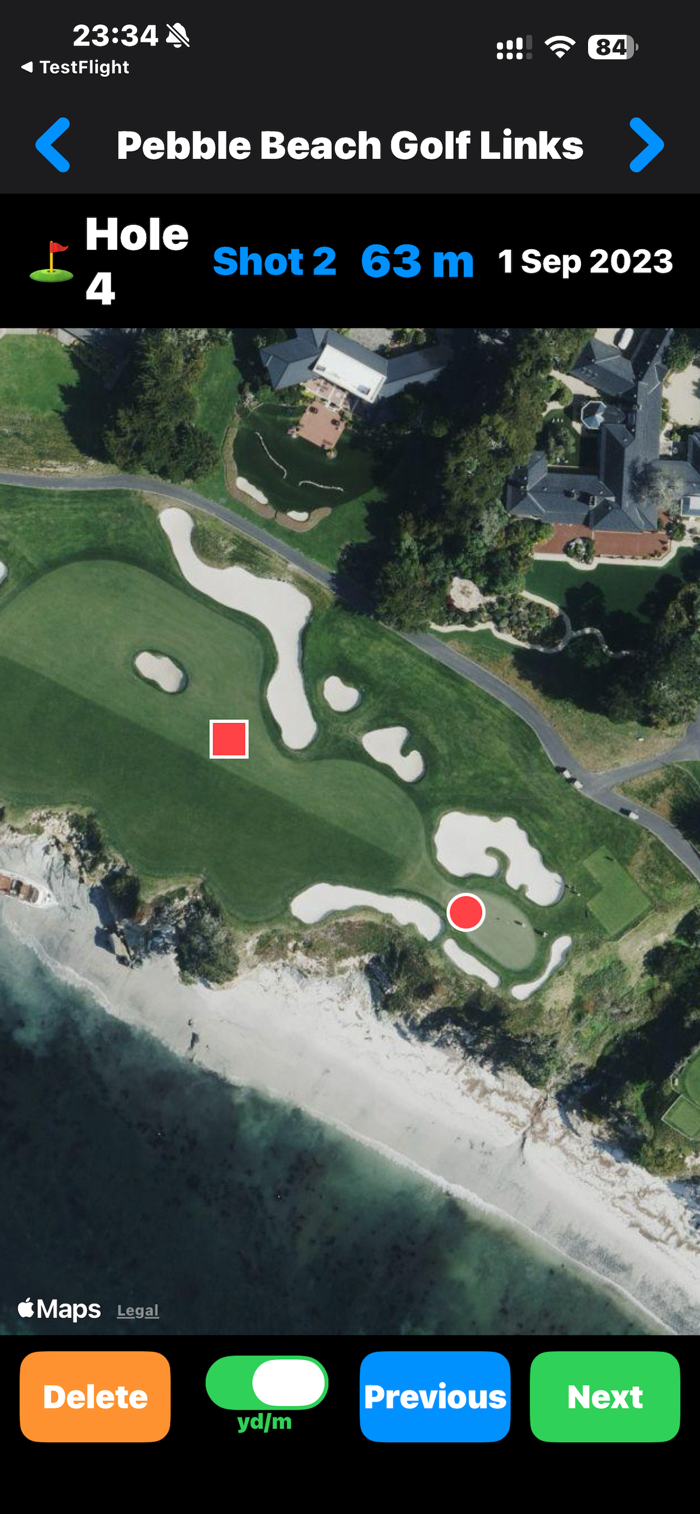
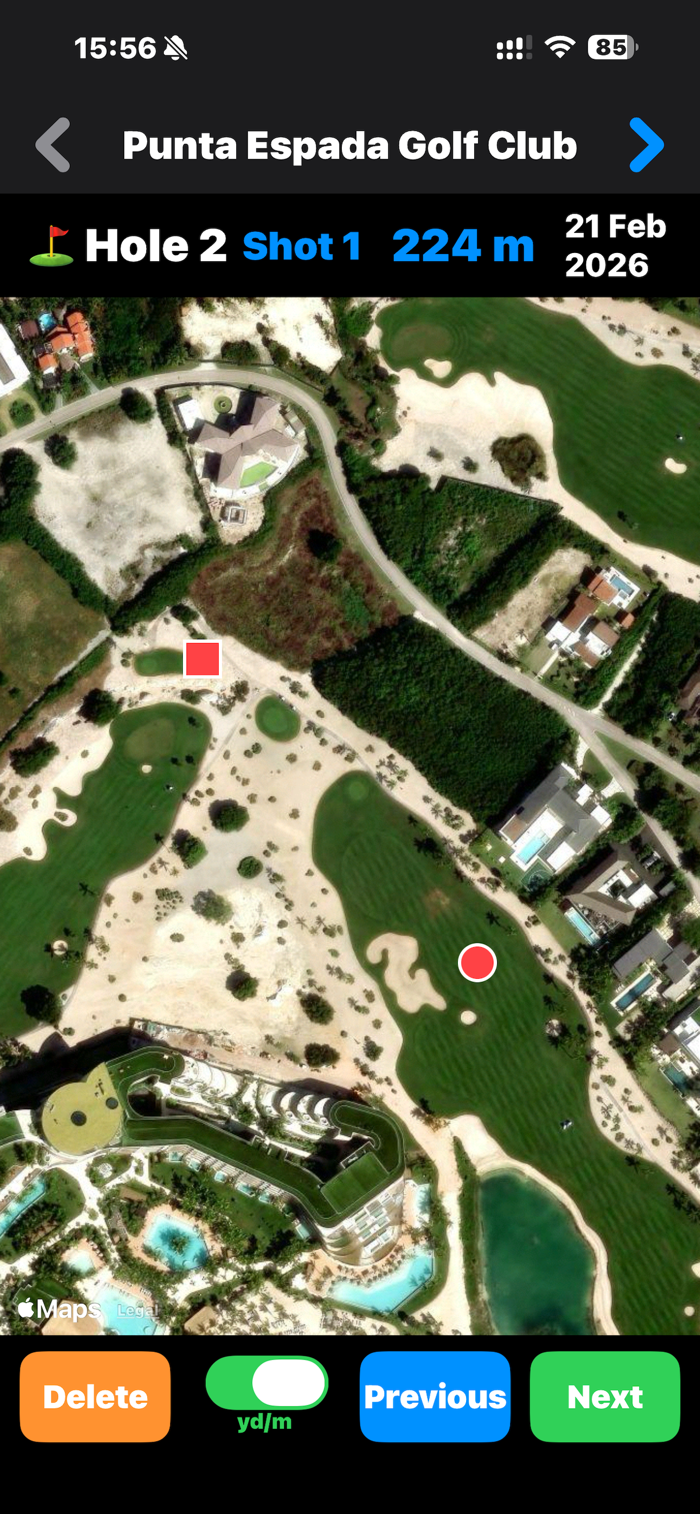
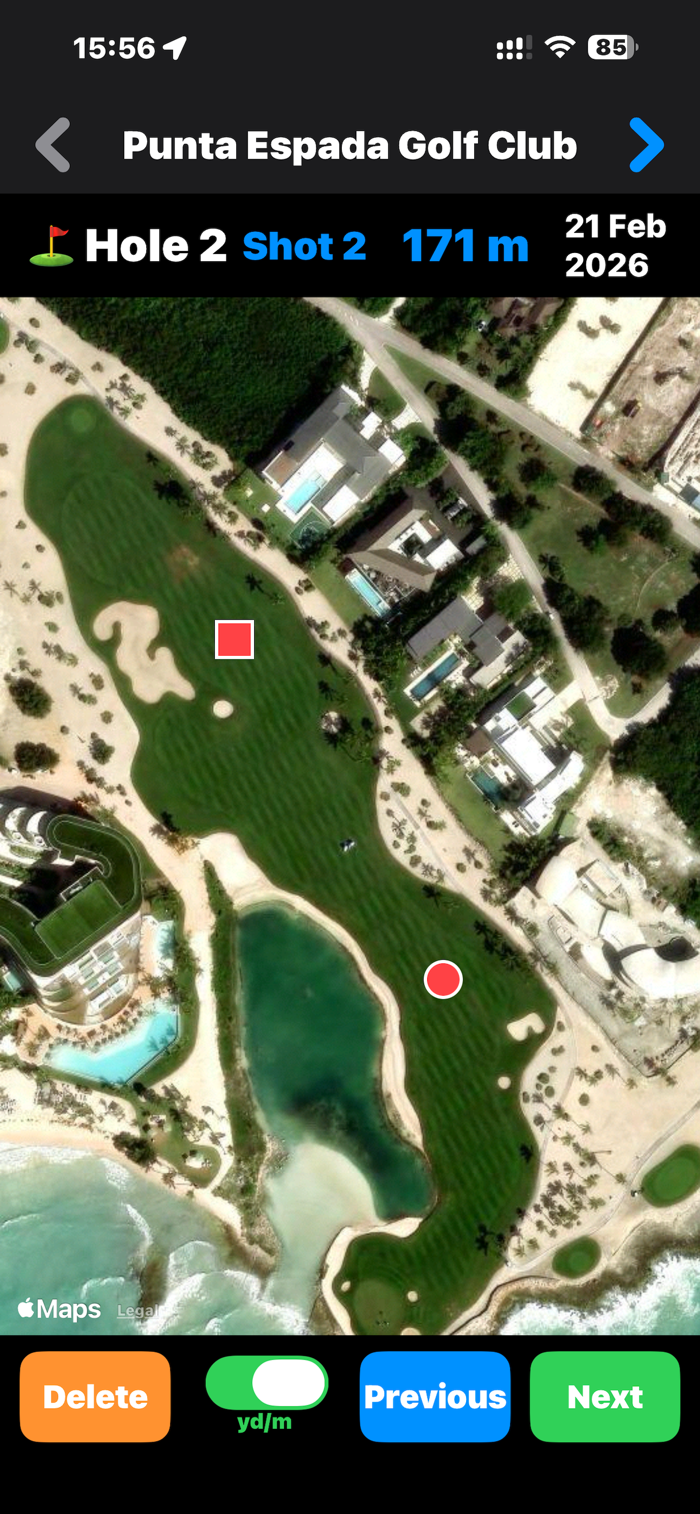
1. Record shot distances automatically with GPS
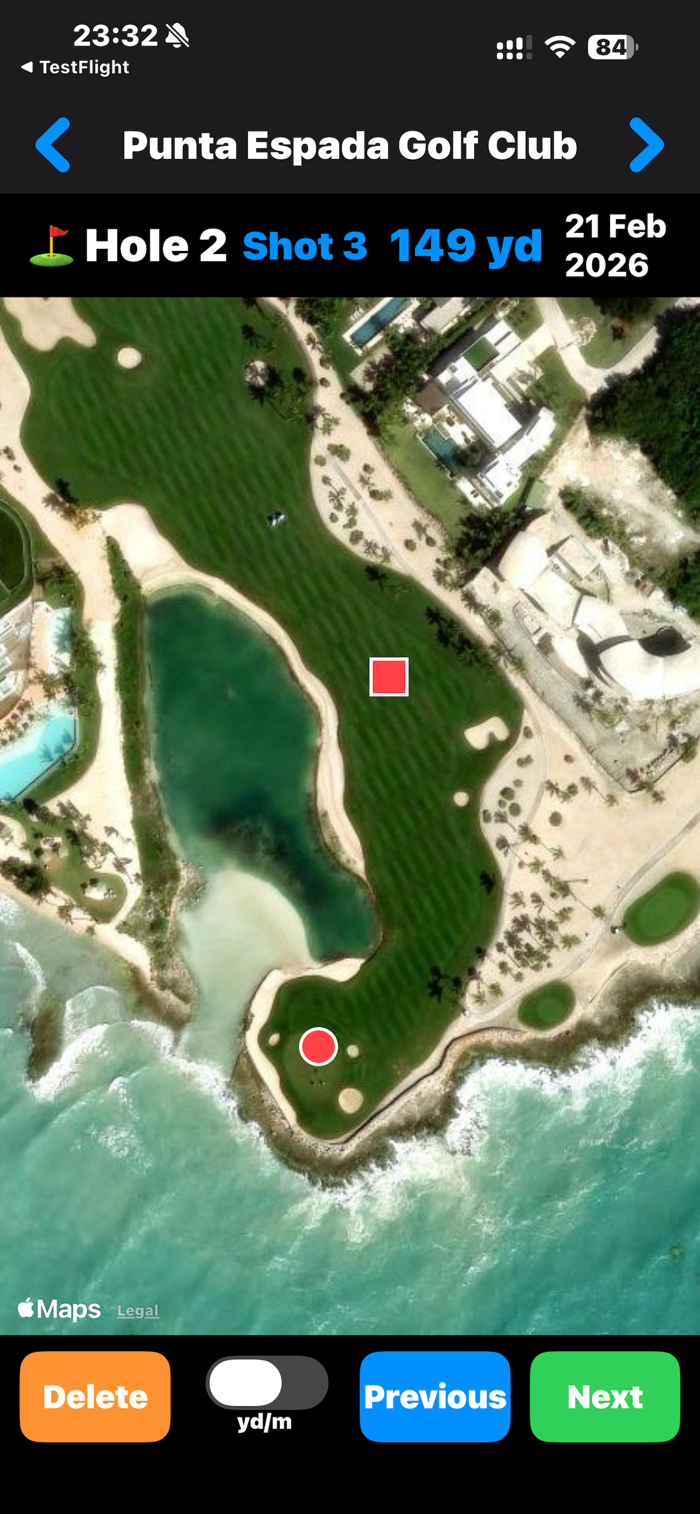
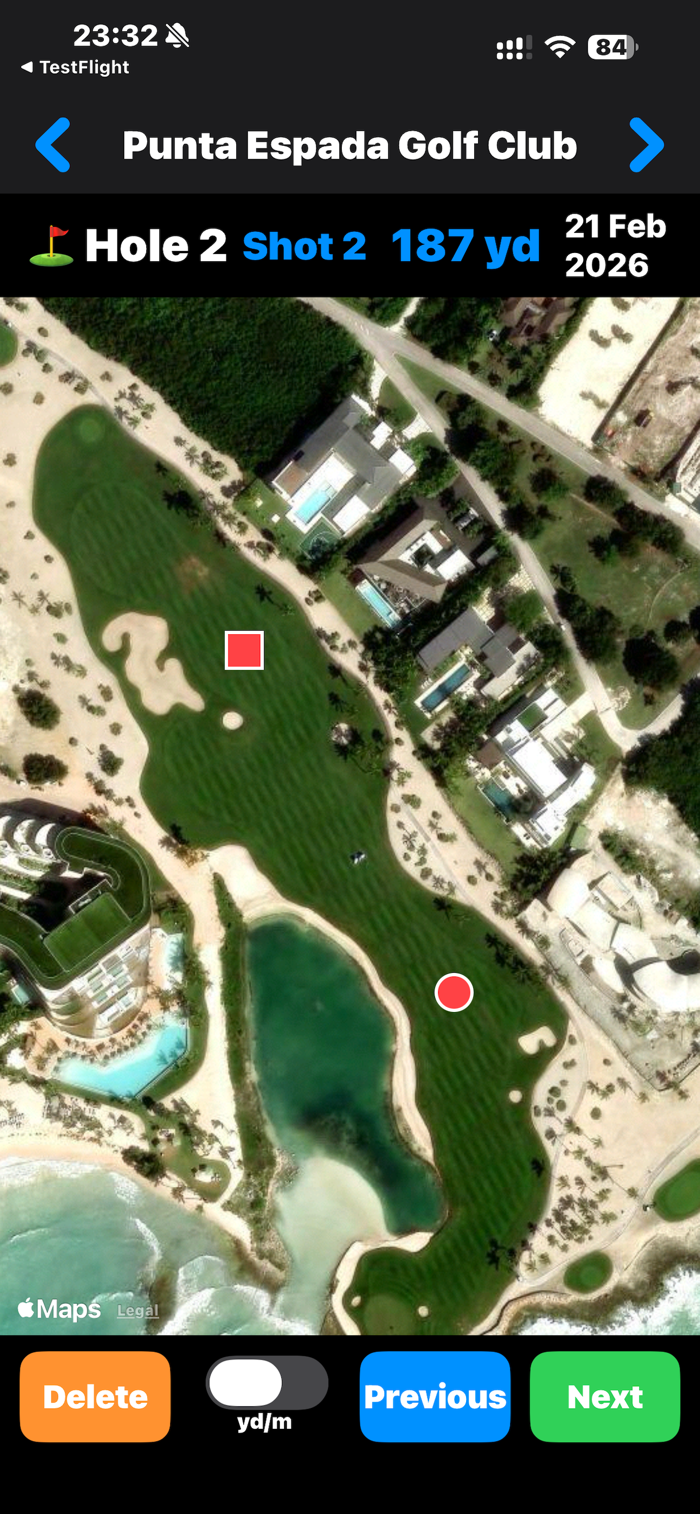
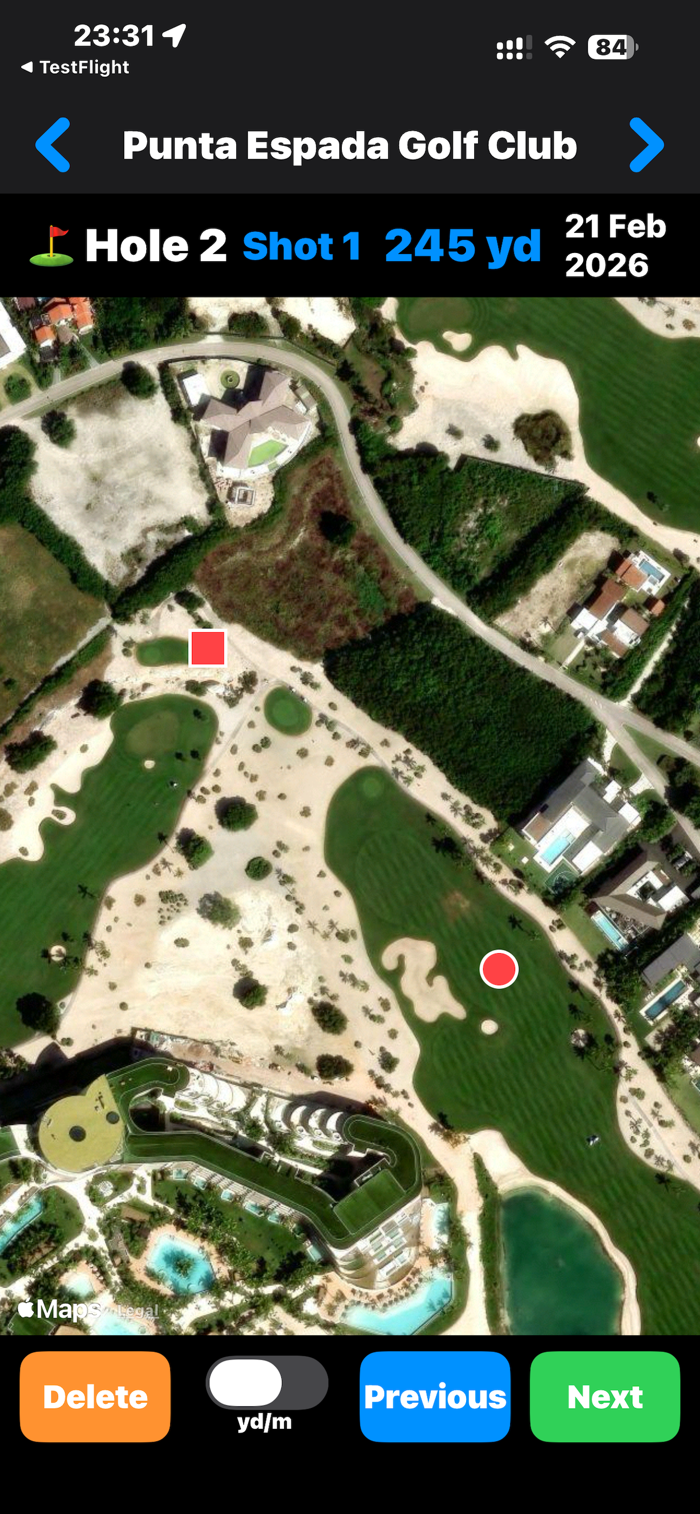
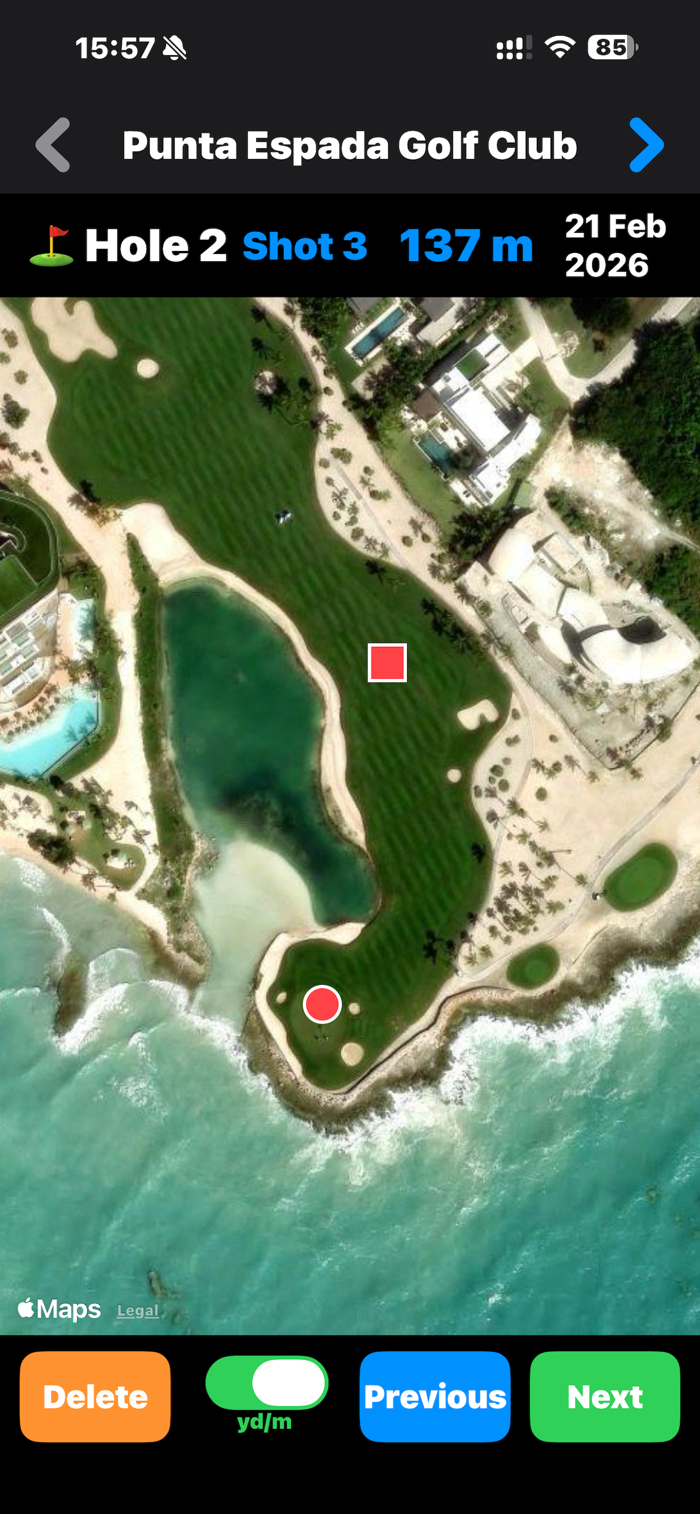
2. View shot locations on satellite map
3. Track up to 18 holes per round
4. Store up to 12 rounds of history
5. Works fully offline — no internet required
6. Apple Watch standalone operation
7. 4-color GPS signal indicator
Recommended Usage
1. When you arrive at the course, start GolfTracer on both your iPhone and Apple Watch before your first tee shot.
2. After starting, your iPhone will prompt you to enter the course name. Enter a name that is easy for you to recognize. 
Please note that the course name can only be entered once.
3. Press the green button to record each shot.
The first press (0 → 1) sets the starting position only and does not record a distance.
4. The distance from 1 → 2 records your tee shot, and 2 → 3 records your second shot.
5. After recording the landing point on the green, press NEXT to move to the next hole.
6. Press NEXT when your ball reaches the green to move to the next hole.
7. When you arrive at the next tee, press the green button (0 → 1) as you tee up your ball.
8. Enjoy your golf round!
Version 1.0 : Feature Release
Version 1.1 : iCloud Sync from iPhone to iPad
Version 1.2 : Next button locked until first shot is recorded per hole
Added a Yard/Meter toggle switch to easily switch distance units.
Version 1.3 : Added support for shotgun starts with starting hole selection via Digital Crown
Compatible with Apple Watch and iPhone.
Requires GPS signal outdoors.

收起

用户评价

立即分享产品体验

你的真实体验,为其他用户提供宝贵参考

宝石
评论可得 100 宝石
宝石随心兑换应用高级会员,每周更新 前往查看 >>
活动动态 0 人参加
查看更多评论