DeskRemote turns your iPhone into a powerful wireless remote for your Mac. Move the cursor, type, control media, switch apps, and more — all without getting up. Use this app for macOS: https://apps.apple.com/us/app/desk-remote-server/id6758866900
Connect via Wi-Fi or Bluetooth with zero configuration. Just open the app, tap your Mac, and start controlling.
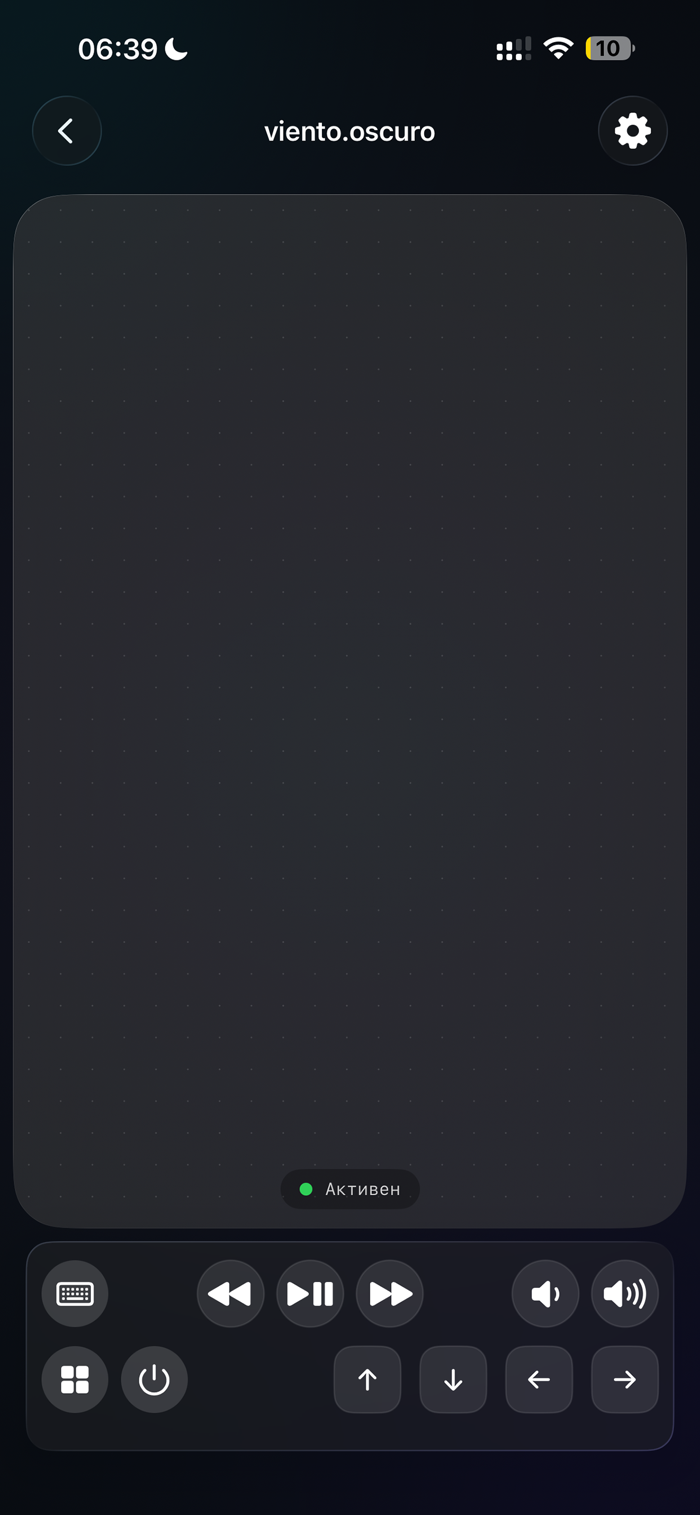
TRACKPAD
• Single finger — move the cursor
• Two fingers — scroll
• Tap — left click
• Double tap — double click
• Two-finger tap — right click
• Long press + drag — click and drag
• Pinch — zoom in/out
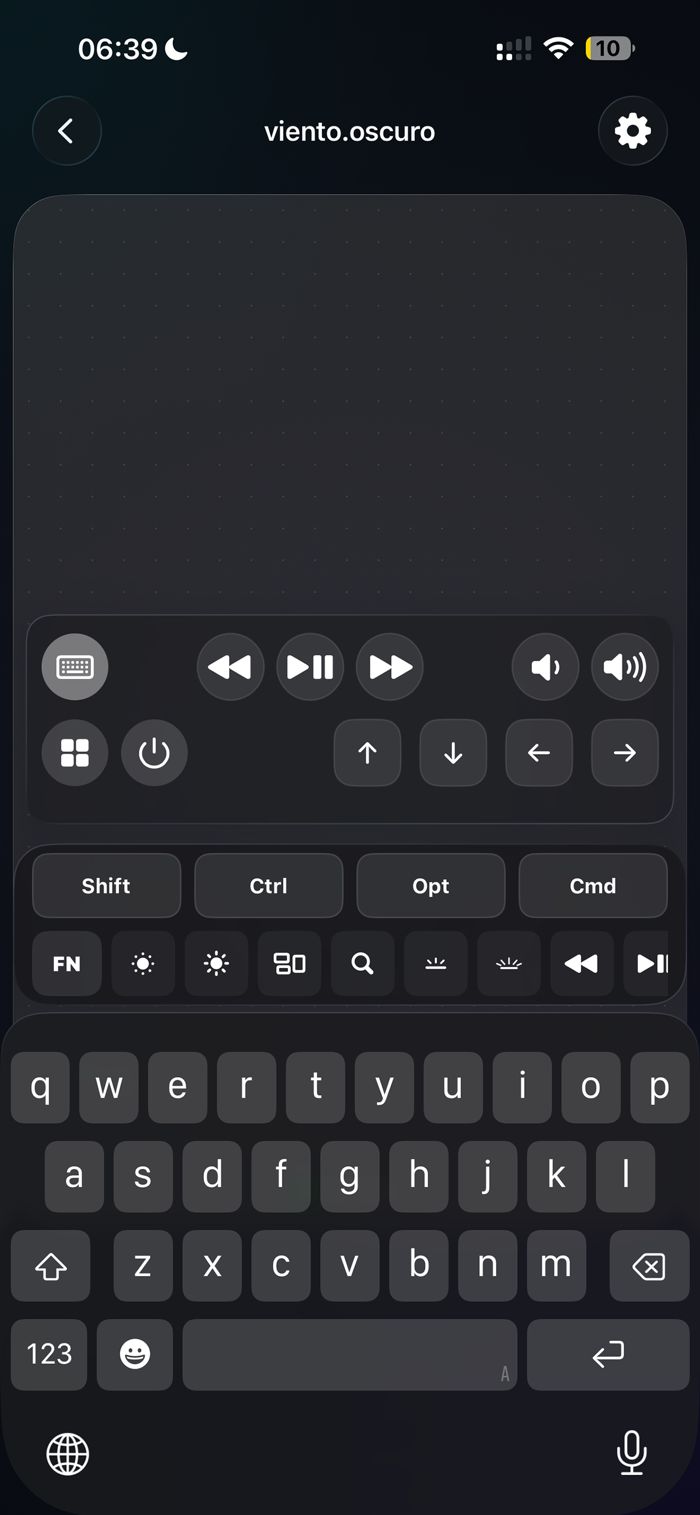
KEYBOARD
• Full text input
• Modifier keys: Cmd, Ctrl, Option
• F1–F12 function keys
• Arrow keys
• Backspace and special keys
MEDIA & SYSTEM CONTROLS
• Play / Pause / Next / Previous
• Volume up & down
• Screen brightness
• Mission Control & Spotlight
APP LAUNCHER
• View all running apps on your Mac
• Switch to any app with one tap
POWER MENU
• Sleep, restart, log out, shut down — remotely
CONNECTIVITY
• Auto-discovery via Wi-Fi (Bonjour) and Bluetooth LE
• Real-time connection status
• Instant reconnection
Free version includes trackpad, scrolling, clicks, and keyboard input. Upgrade to Pro to unlock media controls, volume, brightness, F-keys, arrow keys, app launcher, power menu, and advanced gestures.
Requires DeskRemote Server running on your Mac (free d...


 +100宝石


 分享
分享














用户评价
立即分享产品体验
你的真实体验,为其他用户提供宝贵参考
💎 分享获得宝石
【分享体验 · 获得宝石 · 增加抽奖机会】
将你的产品体验分享给更多人,获得更多宝石奖励!
💎 宝石奖励
每当有用户点击你分享的体验链接并点赞"对我有用",你将获得:
🔗 如何分享
复制下方专属链接,分享到社交媒体、群聊或好友:
💡 小贴士
分享时可以添加你的个人推荐语,让更多人了解这款产品的优点!
示例分享文案:
"推荐一款我最近体验过的应用,界面设计很精美,功能也很实用。有兴趣的朋友可以看看我的详细体验评价~"
关注 Mergeek 公众号
领奖遇到问题?联系小门助手