Desktop-Apps for macOS, Windows and Linux are available for free on http://www.omnicopy.de.
Story:
I often work on two or more computers in parallel ... coding on one computer, researching on another computer, getting e-mails on my smartphone. Several times a day I come to the point where I just want to quickly copy some text from one device to another. Write an e-mail to myself? Done that. Often. But it is not convenient. Pressing "copy" on one computer and "paste" on the other? Much better!
Application:
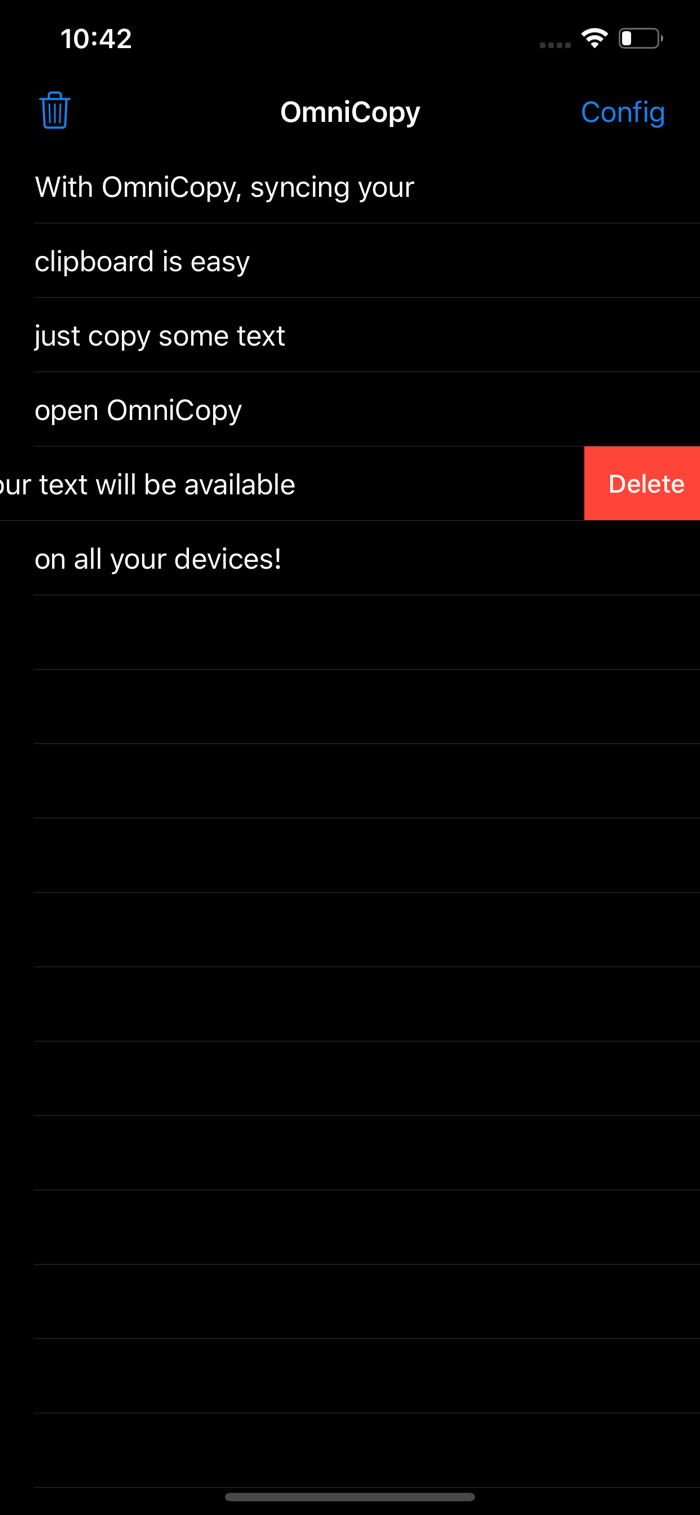
1.) Copy the text.
2.) Open OmniCopy. The clipboard is now copied to the Dropbox.
3.) On all your devices (e.g. PCs, cell phones, tablets) the text is now available through OmniCopy.
General remarks:
The OmniCopy iPhone (and iPad) App refreshes itself upon startup and via pull-to-refresh to go easy on your mobile data plan.
The desktop-apps however refresh automatically.
Right now this app only supports text (UTF-8).
Security:
OmniCopy uses the Dropbox API. All sent and received data is encrypted. The app only has access to the Dropbox folder "Apps/OmniCopy". If you delete this folder, all access tokens turn invalid.

 +100宝石


 分享
分享





















用户评价
立即分享产品体验
你的真实体验,为其他用户提供宝贵参考
💎 分享获得宝石
【分享体验 · 获得宝石 · 增加抽奖机会】
将你的产品体验分享给更多人,获得更多宝石奖励!
💎 宝石奖励
每当有用户点击你分享的体验链接并点赞"对我有用",你将获得:
🔗 如何分享
复制下方专属链接,分享到社交媒体、群聊或好友:
💡 小贴士
分享时可以添加你的个人推荐语,让更多人了解这款产品的优点!
示例分享文案:
"推荐一款我最近体验过的应用,界面设计很精美,功能也很实用。有兴趣的朋友可以看看我的详细体验评价~"
领取结果