Photo Fusion is a private AI photo editor and video editor for RAW editing, portrait retouching, creative filters, background edits, and high-quality export.
Edit RAW and HEIC photos, enhance portraits, apply professional presets, stylize videos, upscale images, and export content for social media — all directly on your device. No uploads. No account required. No switching between multiple editing apps.
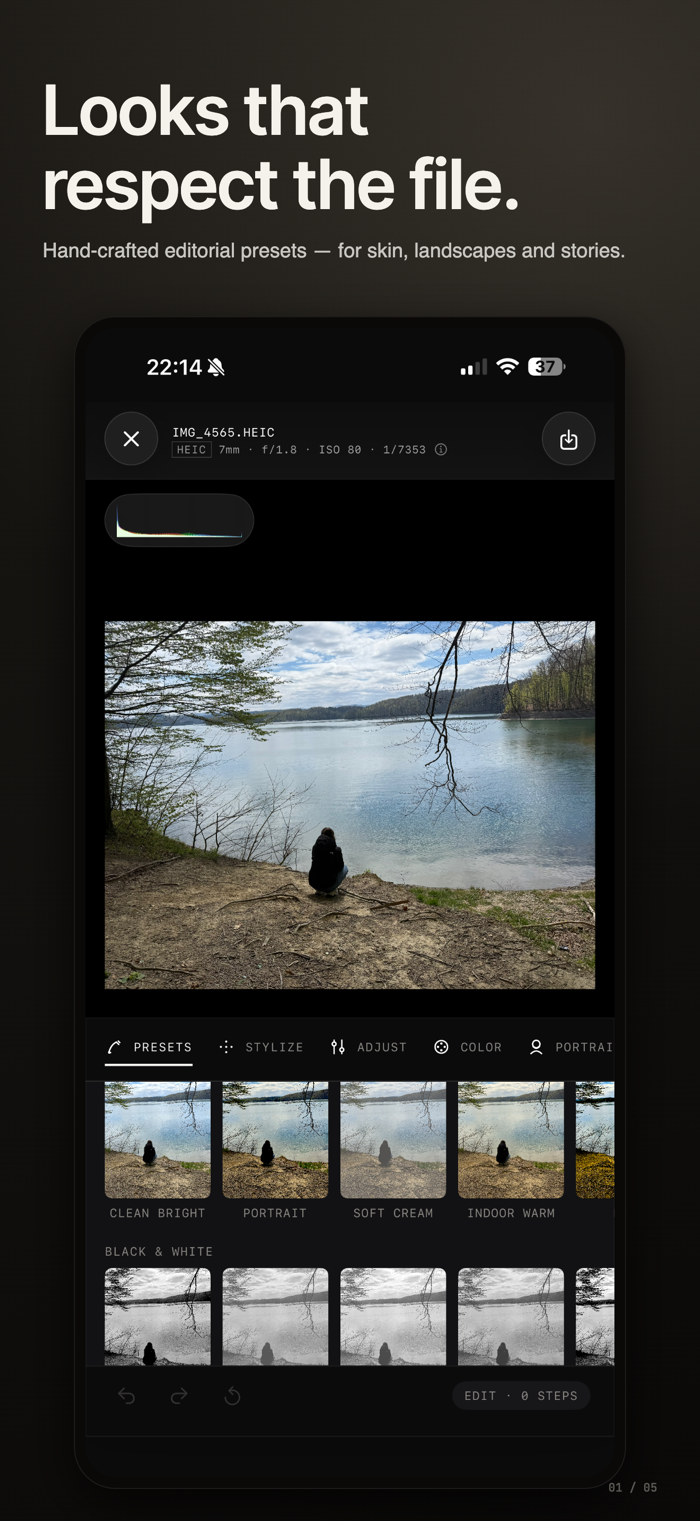
PHOTO AND RAW EDITING
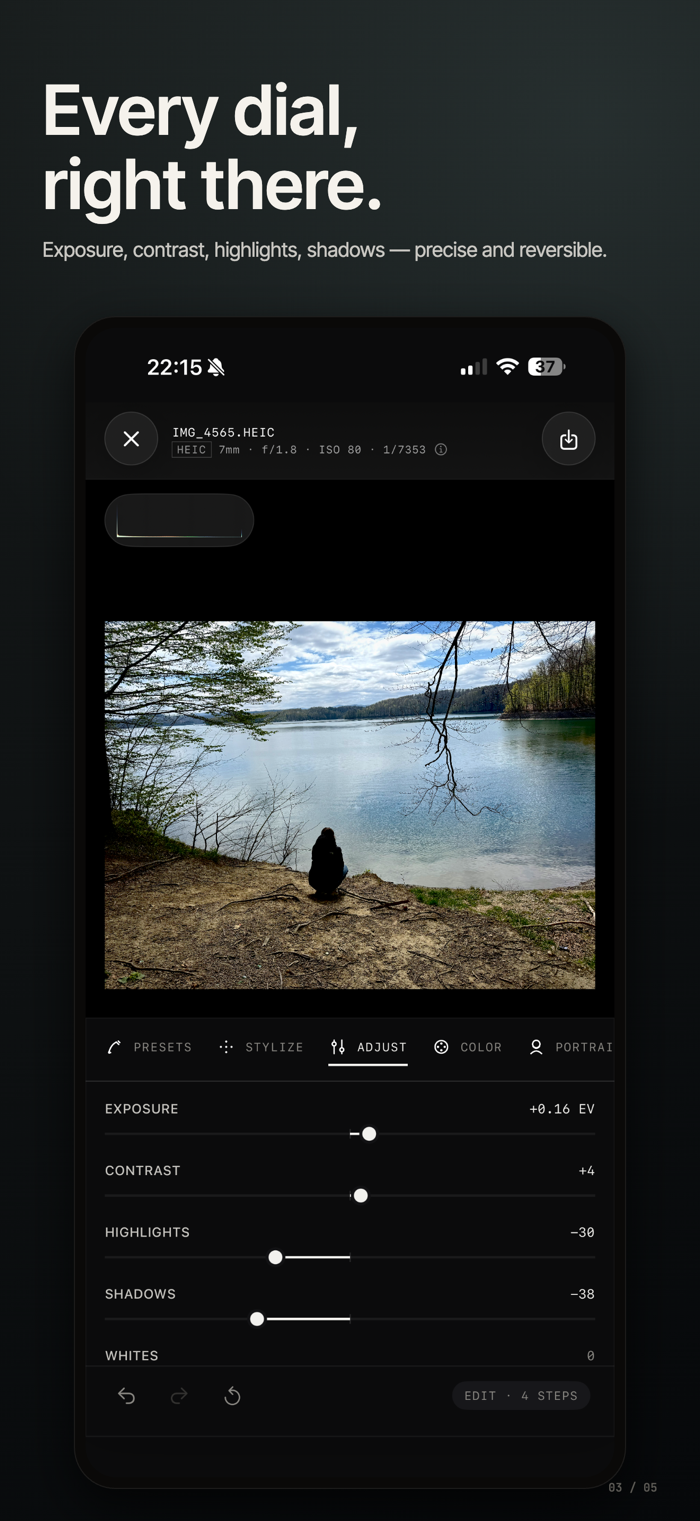
Create polished photos with non-destructive editing tools designed for detailed control.
• Edit RAW, HEIC, and standard image formats
• Adjust exposure, contrast, highlights, shadows, white balance, clarity, and vibrance
• Fine-tune colour with RGB curves and advanced HSL controls
• Apply 74 built-in presets across colour, black-and-white, and film looks
• Crop, rotate, straighten, flip, and correct perspective
• Review your edit history and return to earlier steps
AI PORTRAIT RETOUCH
Retouch portraits naturally with on-device AI.
• Smooth skin while keeping realistic texture
• Recover under-eye detail and enhance eyes
• Adjust face light and portrait tone
• Edit multiple faces in group photos and videos
VIDEO EDITING
Bring the same creative Photo Fusion tools to video.
• Apply presets and filters to video clips
• Trim videos with precise controls
• Add comic, manga, sketch, neon, duotone, poster, and halftone looks
• Retouch faces in video with AI portrait tools
• Export videos for Instagram, TikTok, Reels, and other platforms
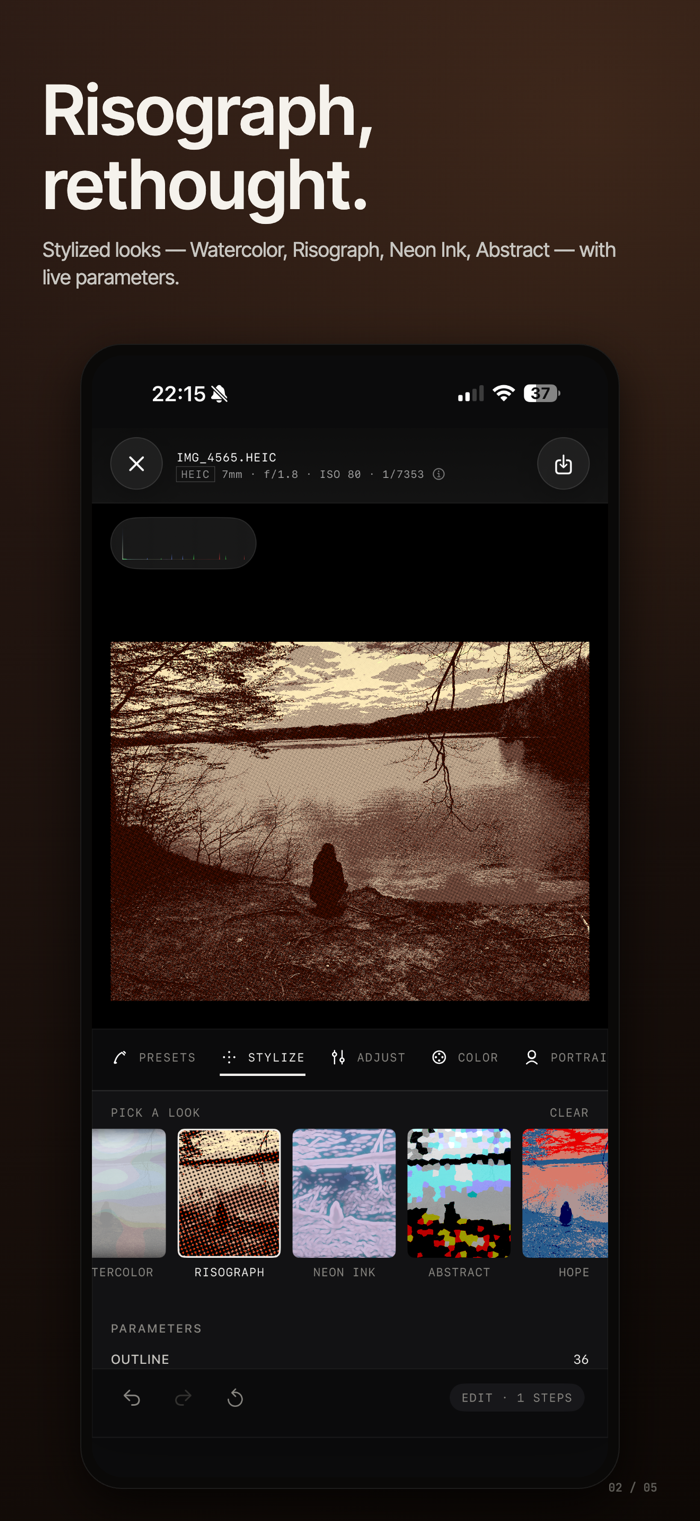
CREATIVE FILTERS AND STYLIZE TOOLS
Turn photos and videos into bold visual styles directly on your device.
• Comic, manga, cartoon, and graphic novel effects
• Pencil sketch, charcoal, ink, and etched line art
• Neon, duotone, poster, and halftone styles
• Adjustable outlines, detail, softness, and colour intensity
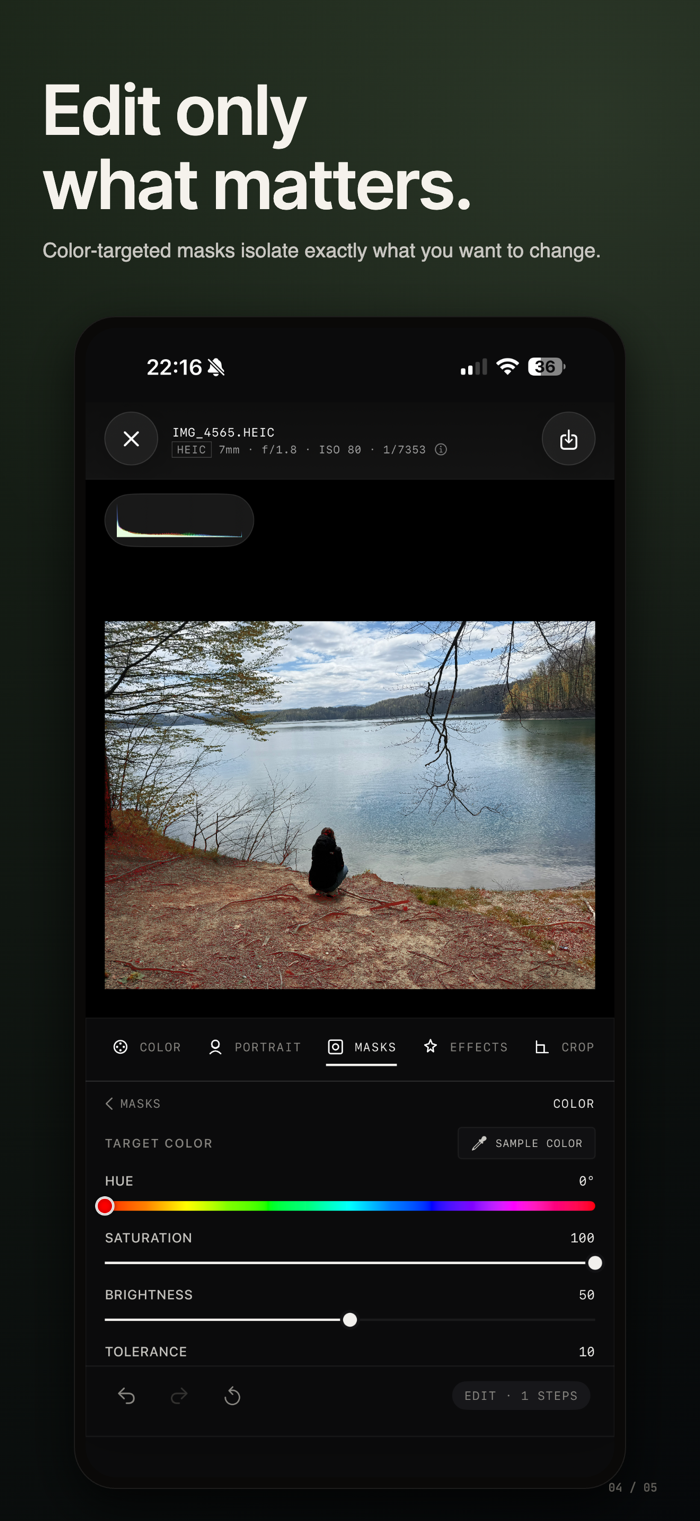
SELECTIVE EDITING AND BACKGROUND TOOLS
Make precise edits without affecting the whole image.
• Use radial and linear gradient masks
• Target luminance, colour, subject, foreground, background, and depth
• Replace, blur, recolour, or remove backgrounds
• Combine multiple masks and layered adjustments
UPSCALE AND EXPORT
Prepare photos and videos in the format you need.
• Upscale photos by 2x or 4x
• Choose fast or high-quality upscale modes
• Export images as JPEG, HEIC, or PNG
• Control compression quality for smaller or higher-fidelity files
• Export video as MP4 or MOV with HEVC or H.264
• Choose video resolution and quality up to 4K
• Track export progress while rendering, encoding, and saving
BUILT FOR APPLE DEVICES
Use Photo Fusion across iPhone, iPad, and Mac.
• iPhone: fast editing with a swipe-up tool drawer
• iPad: spacious layout with Apple Pencil support
• Mac: desktop editing workspace with keyboard shortcuts
One subscription covers iPhone, iPad, and Mac.
PRIVATE BY DESIGN
Every edit runs on your device.
• No photo or video uploads
• No account required
• Works offline
• Your media stays with you
Privacy Policy: https://pbeodev.com/apps/photo-fusion-photo-editor/privacy
Terms of Use: https://pbeodev.com/apps/photo-fusion-photo-editor/terms

 +100宝石


 分享
分享
















用户评价
立即分享产品体验
你的真实体验,为其他用户提供宝贵参考
💎 分享获得宝石
【分享体验 · 获得宝石 · 增加抽奖机会】
将你的产品体验分享给更多人,获得更多宝石奖励!
💎 宝石奖励
每当有用户点击你分享的体验链接并点赞"对我有用",你将获得:
🔗 如何分享
复制下方专属链接,分享到社交媒体、群聊或好友:
💡 小贴士
分享时可以添加你的个人推荐语,让更多人了解这款产品的优点!
示例分享文案:
"推荐一款我最近体验过的应用,界面设计很精美,功能也很实用。有兴趣的朋友可以看看我的详细体验评价~"
关注 Mergeek 公众号
领奖遇到问题?联系小门助手