PDF Converter is a complete document toolkit built for professionals, students, and anyone who works with files every day. Whether you are converting images to PDF, scanning a contract, generating an invoice, or protecting a sensitive document with a password, this app delivers results in seconds — with the precision of a desktop application and the convenience of your iPhone or iPad.
Core Features
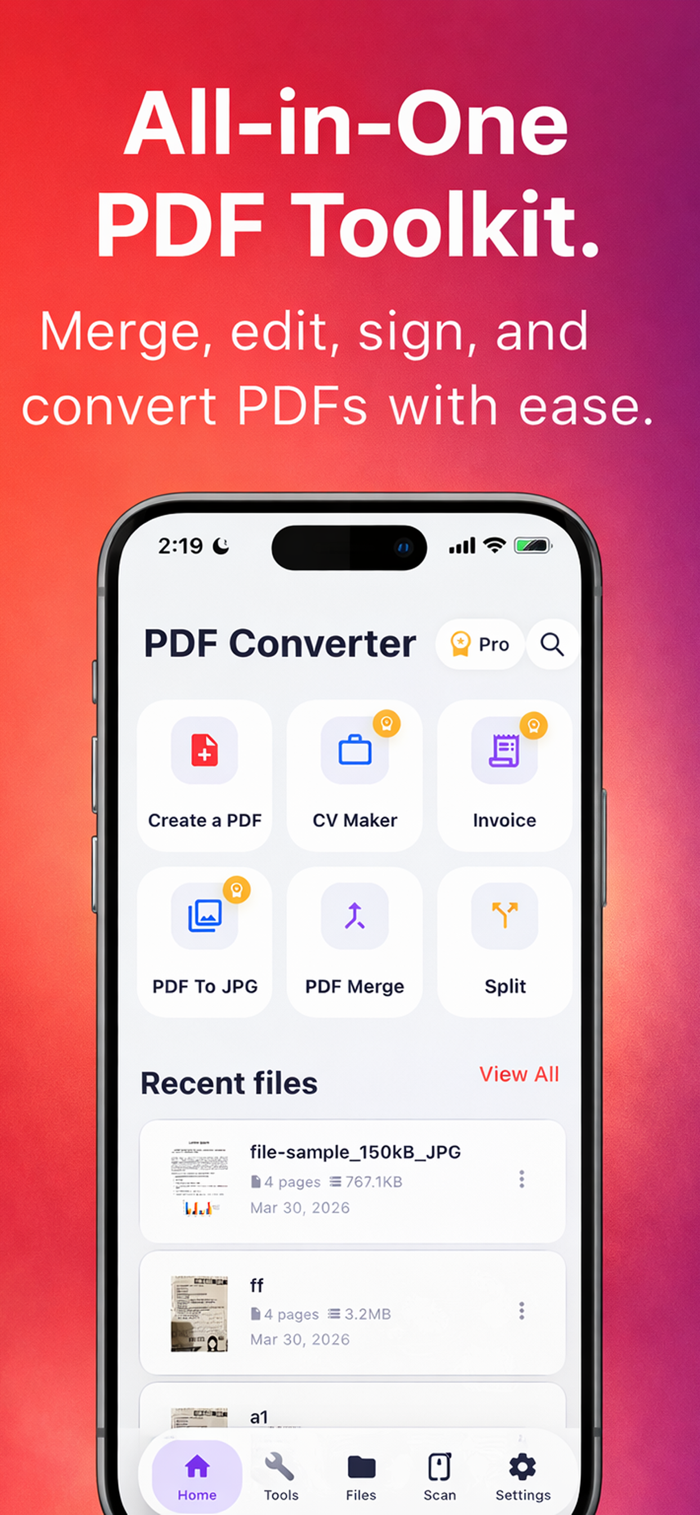
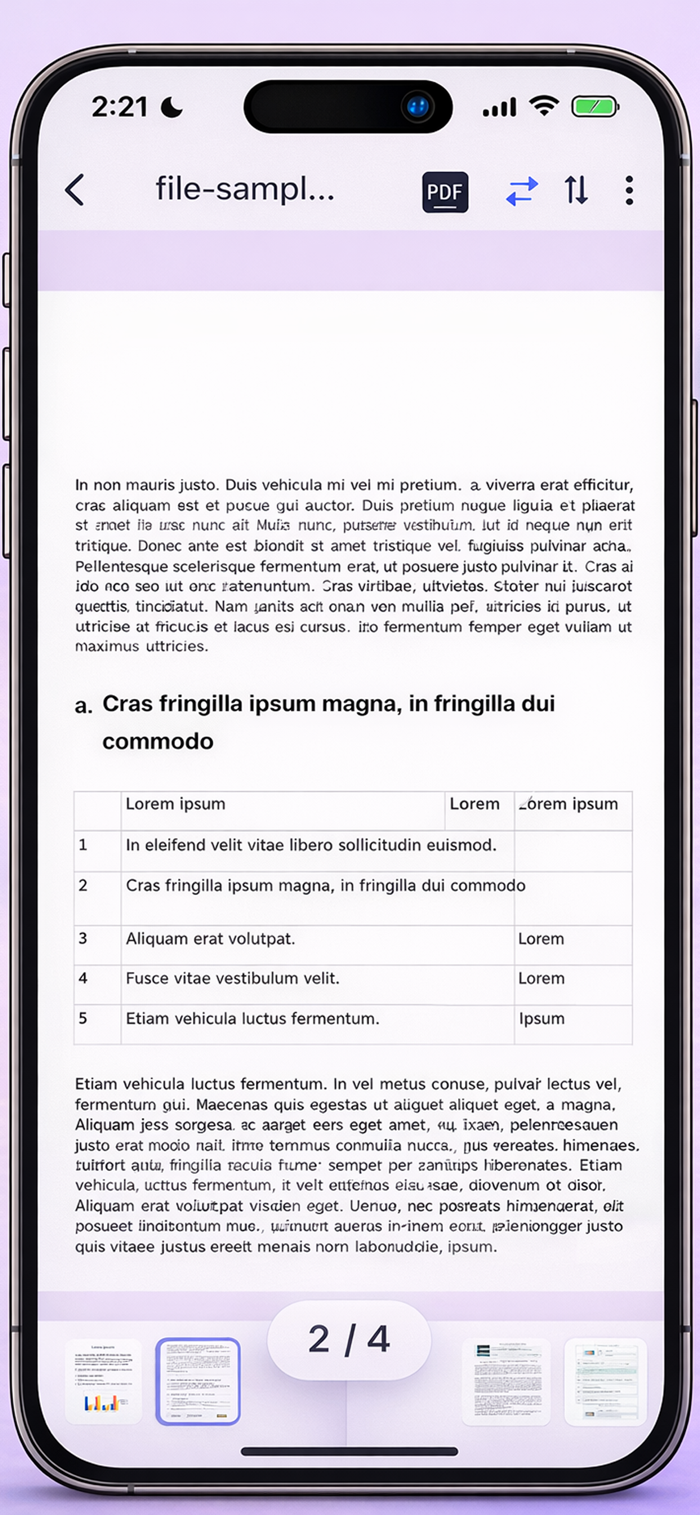
Convert images to PDF — turn any photo or screenshot into a clean, shareable PDF file instantly
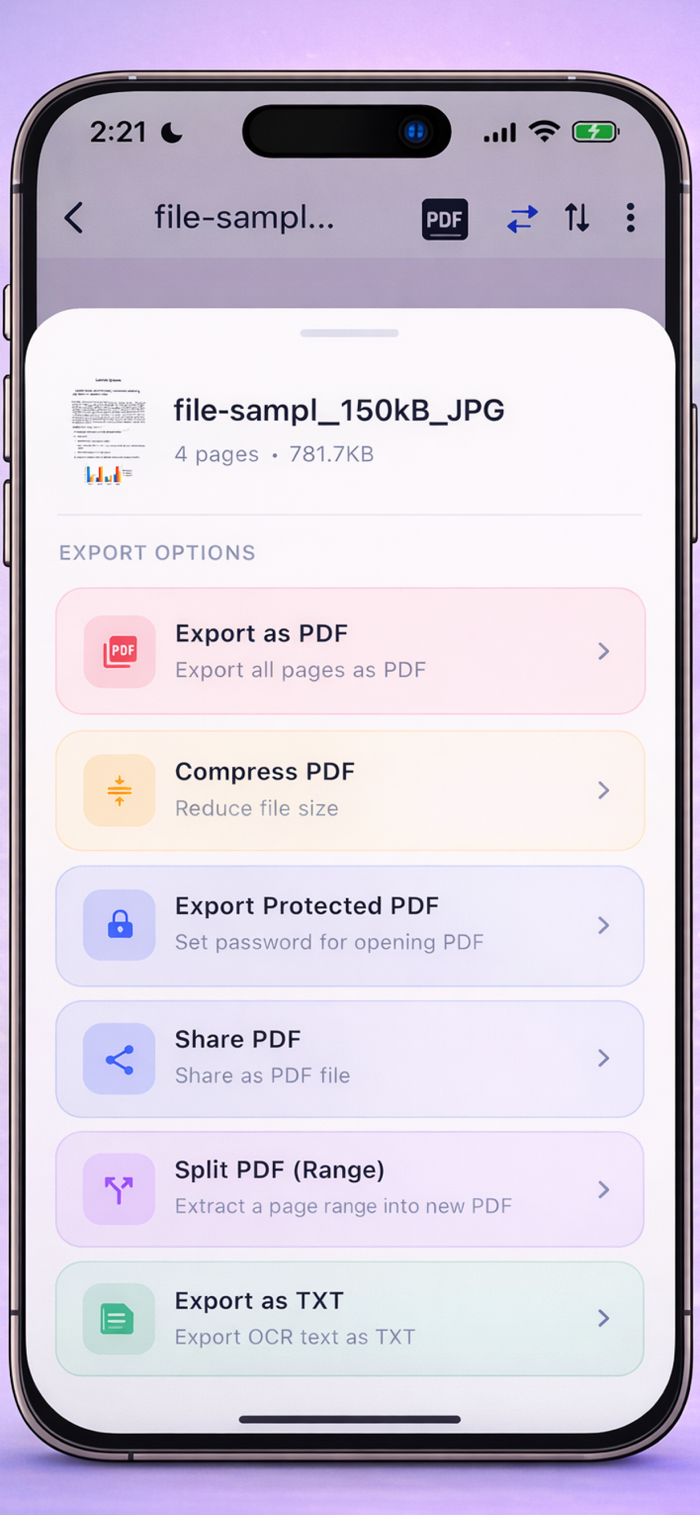
PDF to JPG — export any page as a high-resolution image, ready for email, presentations, or social
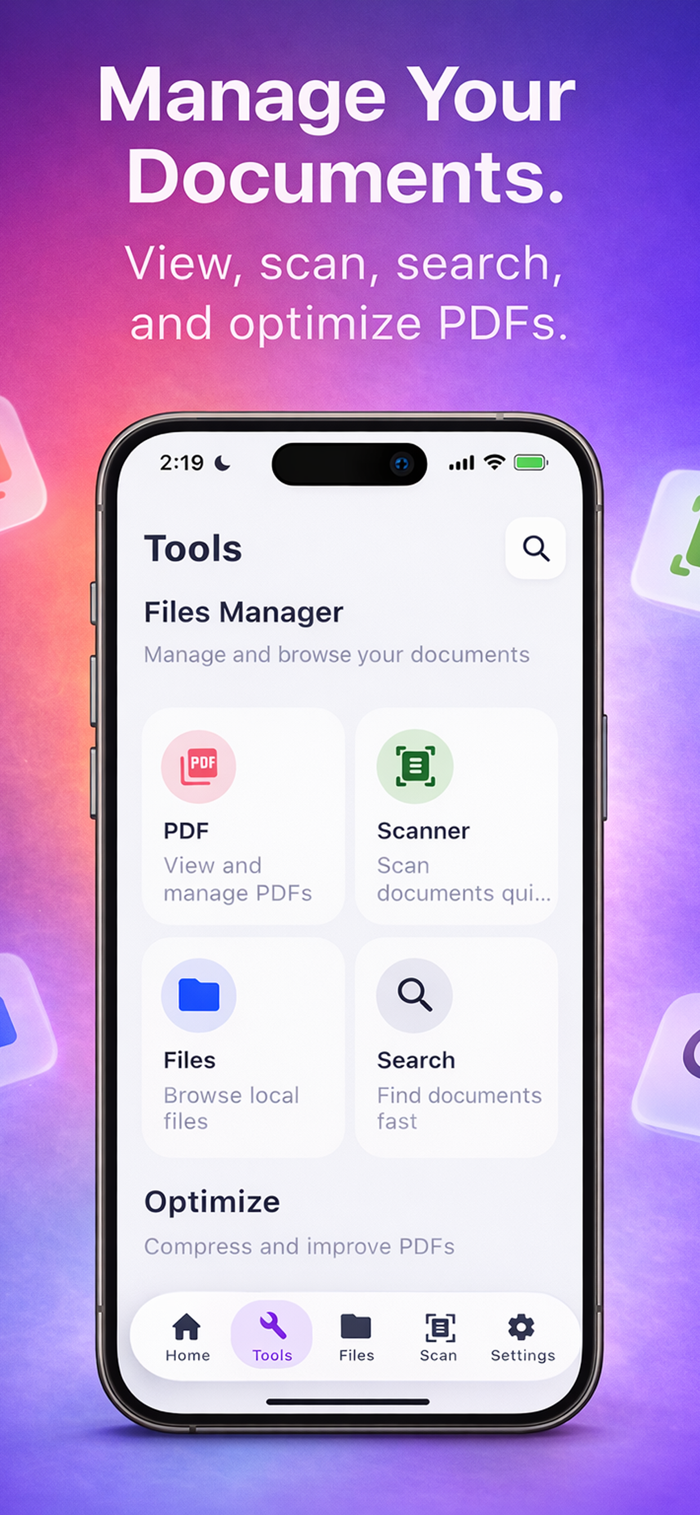
Document Scanner — scan physical documents using your camera and save them as PDF with sharp, print-quality output
Merge PDF — combine multiple files into one organized document in a single tap
Split PDF — extract specific pages or divide large files into smaller, manageable documents
Resume and CV Creator — build a professional resume from scratch with clean, recruiter-ready templates
Invoice Generator — create branded invoices in minutes, export as PDF, and send directly from the app
PDF Search — find any word or phrase instantly across multi-page documents without scrolling
Lock and Unlock PDF — protect files with password encryption or remove restrictions from secured documents
Built for Real Work
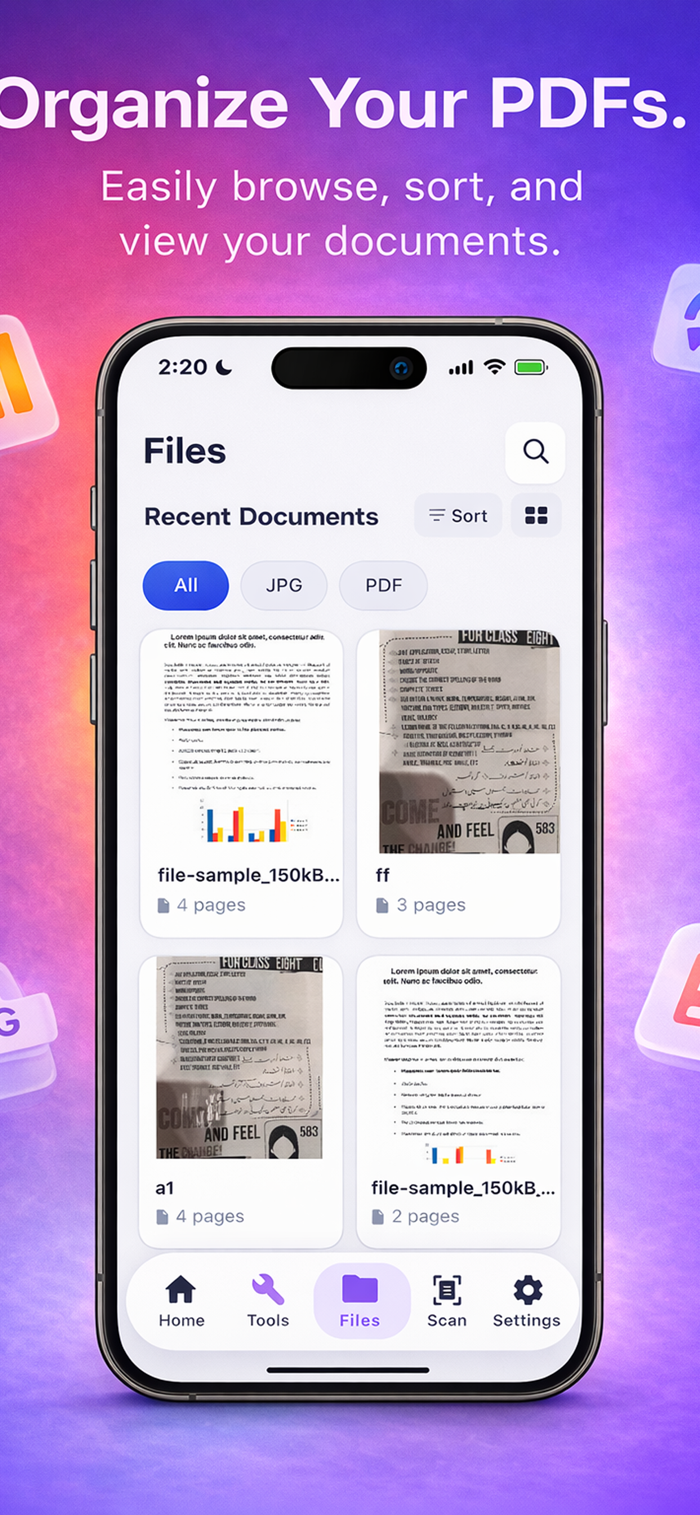
PDF Converter is designed around the way professionals actually work. Freelancers use it to send polished invoices and signed contracts. Students use it to organize lecture notes, scan assignments, and submit documents in the required format. Business users rely on it to manage, merge, and secure sensitive files on the go. The interface stays out of your way and lets the work happen fast.
Why Users Choose PDF Converter
There are dozens of PDF apps on the App Store. Most do one thing reasonably well. PDF Converter does everything you actually need — scanning, converting, creating, editing, protecting — without forcing you to install five separate apps or pay for a feature-limited subscription. It is the one utility that earns its place on your home screen and stays there.
Every tool in the app is optimized for mobile: large, clear controls, fast processing, and output files that look as good as anything produced on a desktop. Your documents will be ready to share, print, or archive the moment you are done.
Privacy and Security
Your documents stay on your device. PDF Converter processes files locally — your sensitive data is never uploaded to external servers without your explicit action. Password-protected PDFs are encrypted using industry-standard protocols, giving you full control over who can open or edit your files.
Note:
Payment will be charged to your iTunes account at confirmation of purchase. Your subscription will automatically renew unless auto-renew is turned off at least 24-hours before the end of the current subscription period. Your account will be charged for renewal within 24-hours prior to the end of the current subscription period. Automatic renewals will cost the same price you were originally charged for the subscription. You can manage your subscriptions and turn off auto-renewal by going to your Account Settings on the App Store after purchase. Read our terms of service and Privacy Policy for more information.
Privacy policy
https://haidershah-ios.blogspot.com/2026/03/privacy-policy-pdf-converter.html
Terms of use
https://haidershah-ios.blogspot.com/2025/10/terms-of-use.html

 +100宝石

 分享
分享















用户评价
立即分享产品体验
你的真实体验,为其他用户提供宝贵参考
💎 分享获得宝石
【分享体验 · 获得宝石 · 增加抽奖机会】
将你的产品体验分享给更多人,获得更多宝石奖励!
💎 宝石奖励
每当有用户点击你分享的体验链接并点赞"对我有用",你将获得:
🔗 如何分享
复制下方专属链接,分享到社交媒体、群聊或好友:
💡 小贴士
分享时可以添加你的个人推荐语,让更多人了解这款产品的优点!
示例分享文案:
"推荐一款我最近体验过的应用,界面设计很精美,功能也很实用。有兴趣的朋友可以看看我的详细体验评价~"
关注 Mergeek 公众号
领奖遇到问题?联系小门助手