[[ A STRANGE MUSIC TOOL FOR MANIAC MUSIC LOVERS! ]]
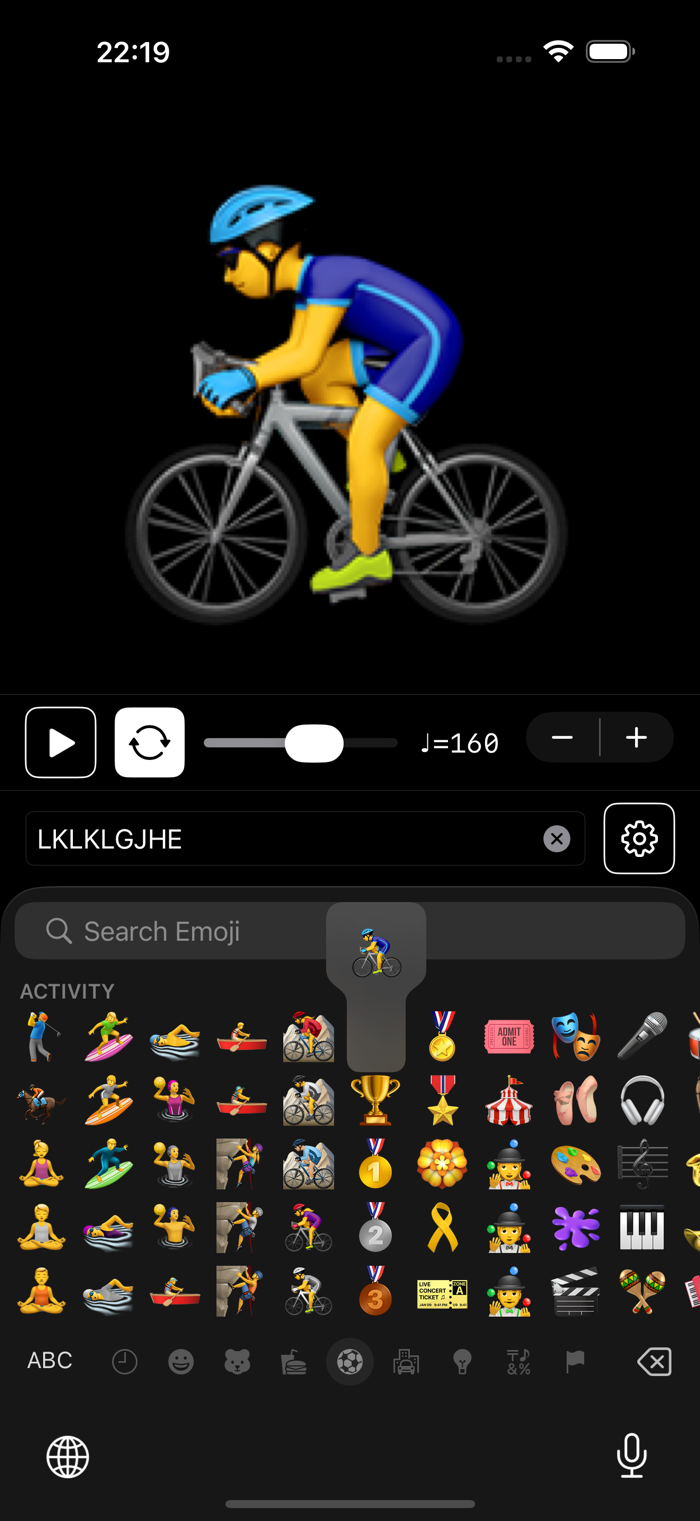
MIDIWriter is a unique app that converts keyboard input into MIDI note messages. Each character you type instantly produces sound. You can also enter a phrase and play it back as a sequence with adjustable tempo and loop options.
KEY FEATURES:
Built-in Sound Engine:
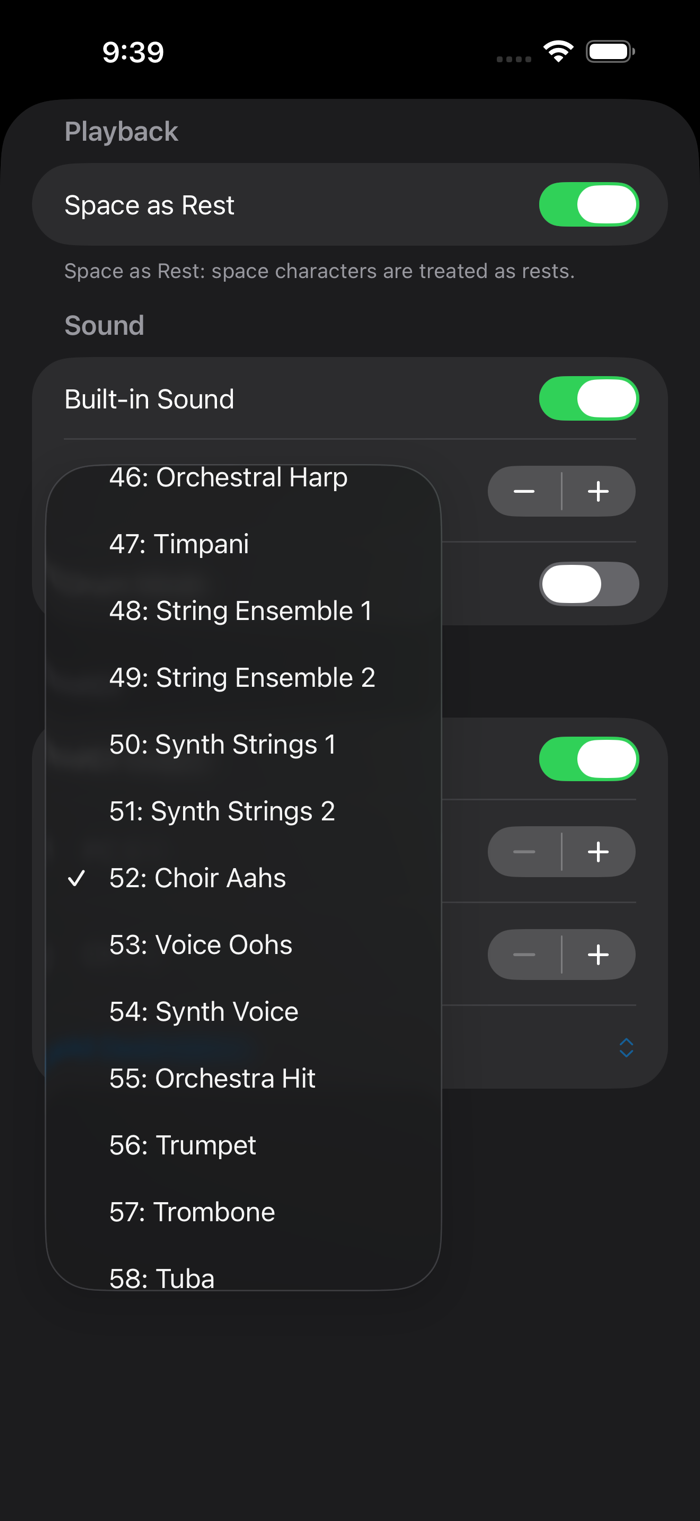
No external app required! MIDIWriter includes a built-in General MIDI sound engine with 128 instruments and 9 drum kits. Just type and hear the sound immediately.
Phrase Playback:
Enter any text and play it as a musical sequence. Adjust the tempo (1-480 BPM), enable loop mode, and let your words become music. Space characters can be used as rests.
Drum Mode:
Switch to drum mode to play percussion sounds. Choose from 9 GM drum kits including Standard, Room, Power, Electronic, 808/909, Jazz, Brush, and Orchestral.
MIDI Output:
Send MIDI to other apps or external devices. Configure MIDI channel (1-16), program change (0-127), and destination. Works with Virtual MIDI and MIDI Network Session. Can be used simultaneously with the built-in sound engine.
Keyboard Support:
Use the on-screen software keyboard, or connect a Bluetooth/USB hardware keyboard for a real typing experience. Supports Japanese input with proper IME handling.
MIDI Network Session:
Connect to Mac or other iOS devices over Wi-Fi to control CoreMIDI-compatible sound generators remotely.
Dark Mode & Rotation:
Full support fo...

 +100宝石


 分享
分享



















用户评价
立即分享产品体验
你的真实体验,为其他用户提供宝贵参考
💎 分享获得宝石
【分享体验 · 获得宝石 · 增加抽奖机会】
将你的产品体验分享给更多人,获得更多宝石奖励!
💎 宝石奖励
每当有用户点击你分享的体验链接并点赞"对我有用",你将获得:
🔗 如何分享
复制下方专属链接,分享到社交媒体、群聊或好友:
💡 小贴士
分享时可以添加你的个人推荐语,让更多人了解这款产品的优点!
示例分享文案:
"推荐一款我最近体验过的应用,界面设计很精美,功能也很实用。有兴趣的朋友可以看看我的详细体验评价~"
领取结果