INTRODUCTION产品介绍
Your AI writes. You stay in the loop.
FluxMd brings your agent's Markdown workspace to iPhone and iPad. Read the notes an AI agent is creating, respond from your phone, and work from the same files — whether they live in a local synced folder, on an SMB share, or behind WebDAV. No import step and no separate service: FluxMd reads and writes the shared folder directly.
Built for a real two-writer workflow: your agent works on another machine while you read or edit on iOS. FluxMd refreshes external changes, keeps an in-memory search index, reconnects network vaults, and preserves both versions of a file when a write conflict occurs.
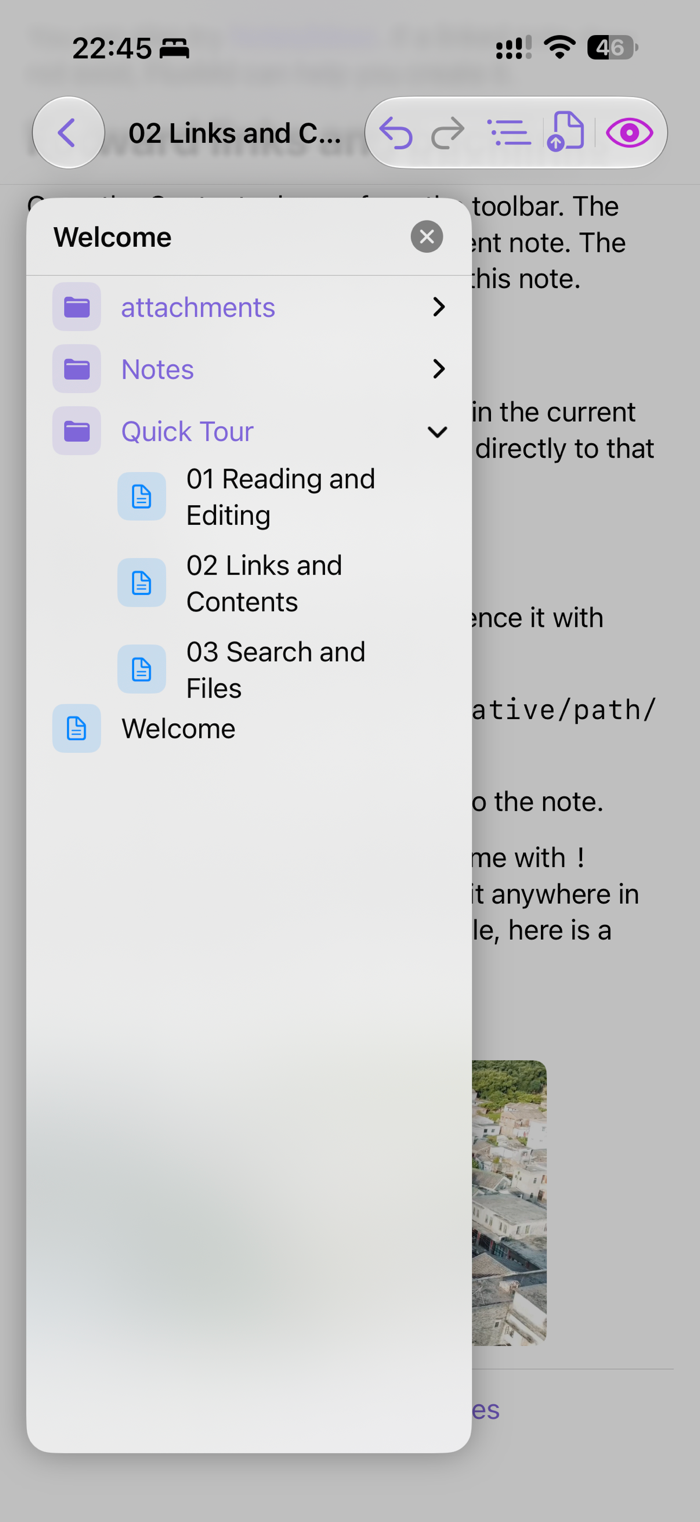
Use a fast Markdown editor, or switch to Live mode to tap directly into rendered headings, paragraphs, and lists. Navigate with a file tree and contents drawer, link notes with `[[wikilinks]]`, follow links to a specific heading, preview images, and keep moving through long notes without losing your place.