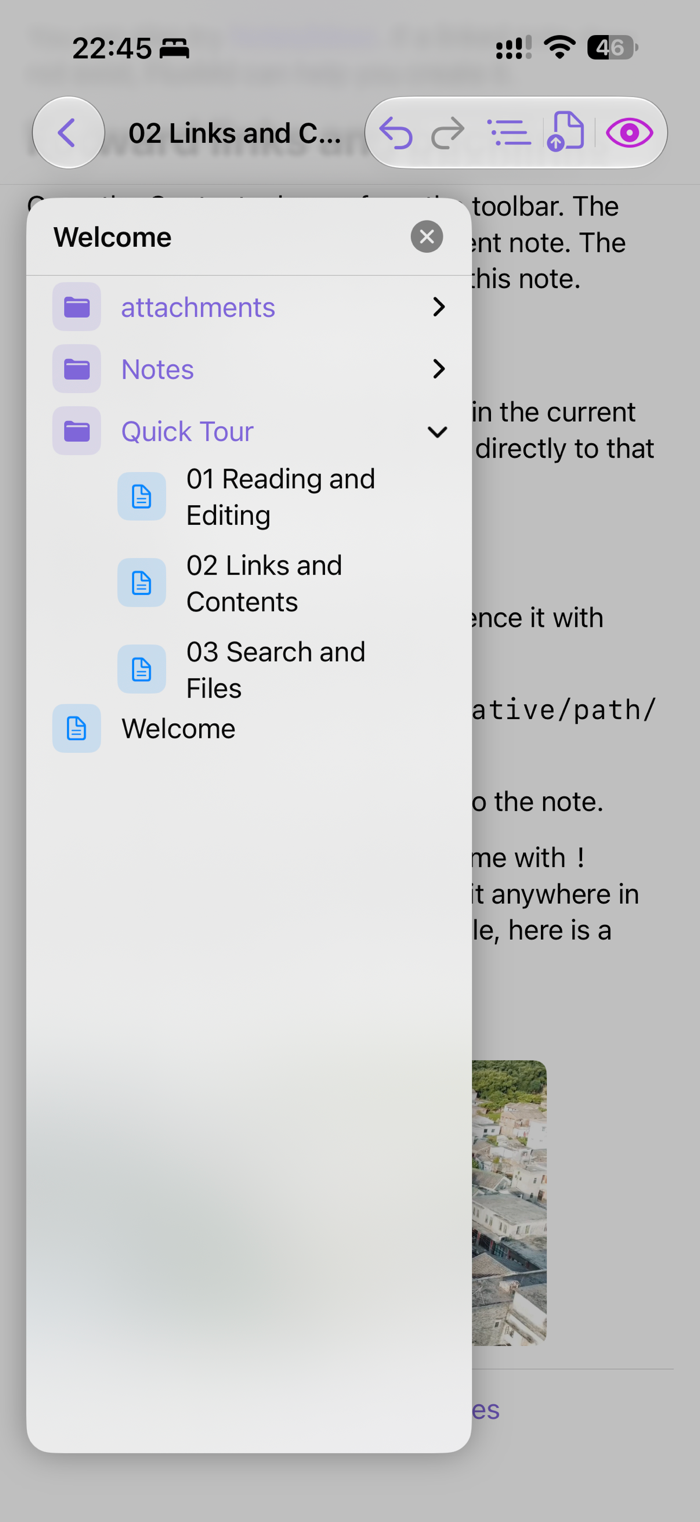
FluxMd is the iOS Markdown side of your AI agent's workspace. Point it at the same folder your remote AI writes to — over WebDAV, SMB, or a local sync folder — and the notes appear on your phone the moment the agent saves them. Edit on the phone, the agent sees it the next time it reads. No middleware, no API, no cloud account.
YOUR AI AGENT, ON YOUR PHONE
• The phone is a live window into whatever folder your remote AI writes to — OpenClaw, Hermes, or any other agent that saves to files. You watch the work happen.
• Edits you make on the phone reach the agent on the next read. It is a single shared folder, on disk, in real time.
• Local vault: pick any folder from the iOS Files app. A security-scoped bookmark keeps access across launches. Pair with iCloud Drive, Dropbox, Synology Drive, or any folder your agent can also see.
• SMB vault: connect to a NAS or file server. Passwords live in the iOS Keychain.
• WebDAV vault: connect to any WebDAV server — Nextcloud, Synology, or your own hosted instance.
• Auto-reconnect after the app suspends. No manual remount.
BUILT FOR TWO WRITERS, NOT ONE
The folder has two writers: the AI on the other machine, and you on the phone. Both directions are first-class.
• 30-second background poll detects external writes (the agent) and refreshes only the changed files. No full re-scan, no waiting.
• Edits you save on the phone write straight to the shared folder — the agent picks them up the next time it reads.
• On conflict, the new file gets a numeric suffix (e.g. "Foo 2.md") so nothing is lost. You can merge in your favorite editor.
• mtime-based change detection on the WebDAV client, with cache disabled — the phone never serves you a stale snapshot of what the agent just wrote.
• Reload button to force a fresh read when you know the agent just finished a big change.
A REAL MARKDOWN EDITOR
• Two modes, one tap apart:
• Edit — a fast UITextView with a formatting toolbar above the keyboard (H1/H2/H3, bold, italic, list, t…