
















加入 Mergeek 福利群
扫码添加小助手,精彩福利不错过!
若不方便扫码,请在 Mergeek 公众号,回复 群 即可加入
- 精品限免
- 早鸟优惠
- 众测送码
 Font Maker: Custom Keyboard
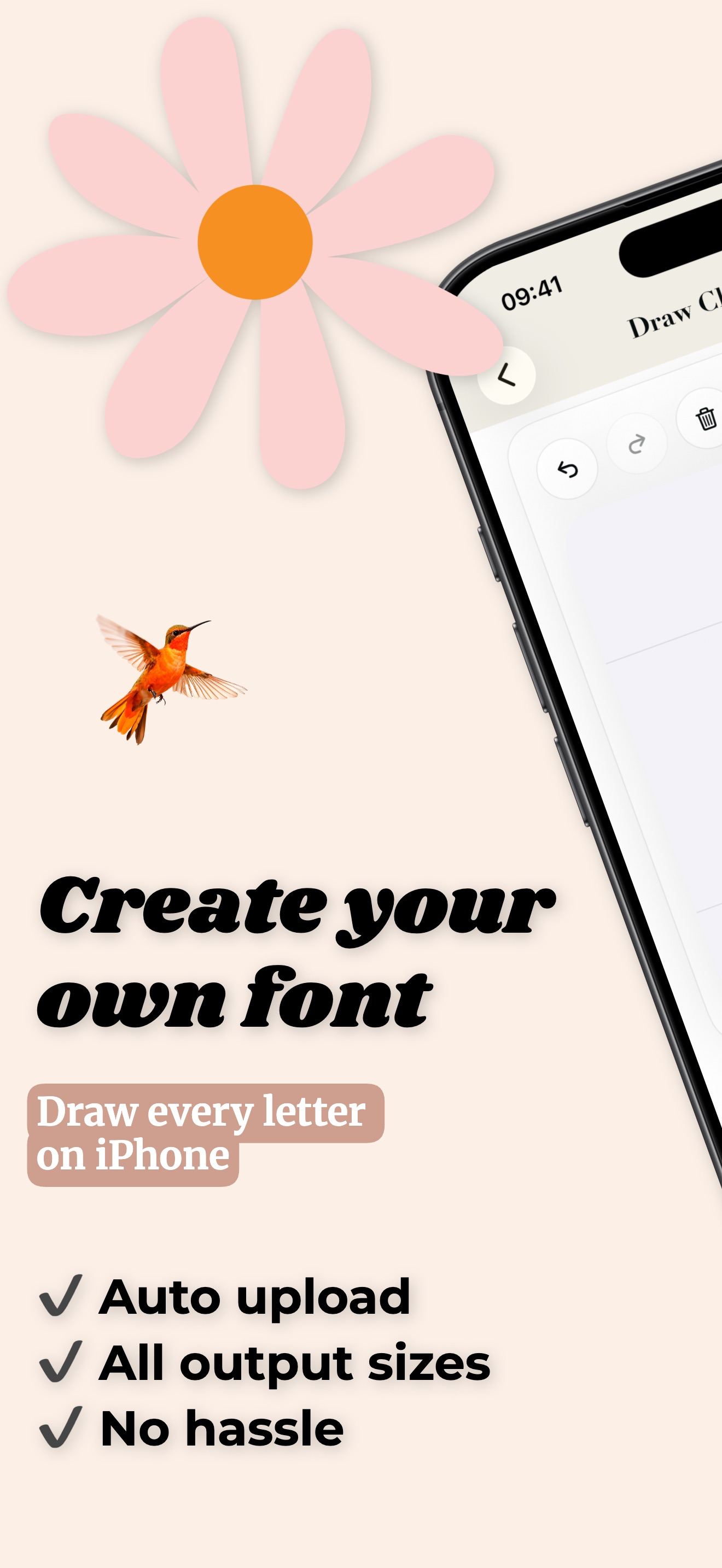
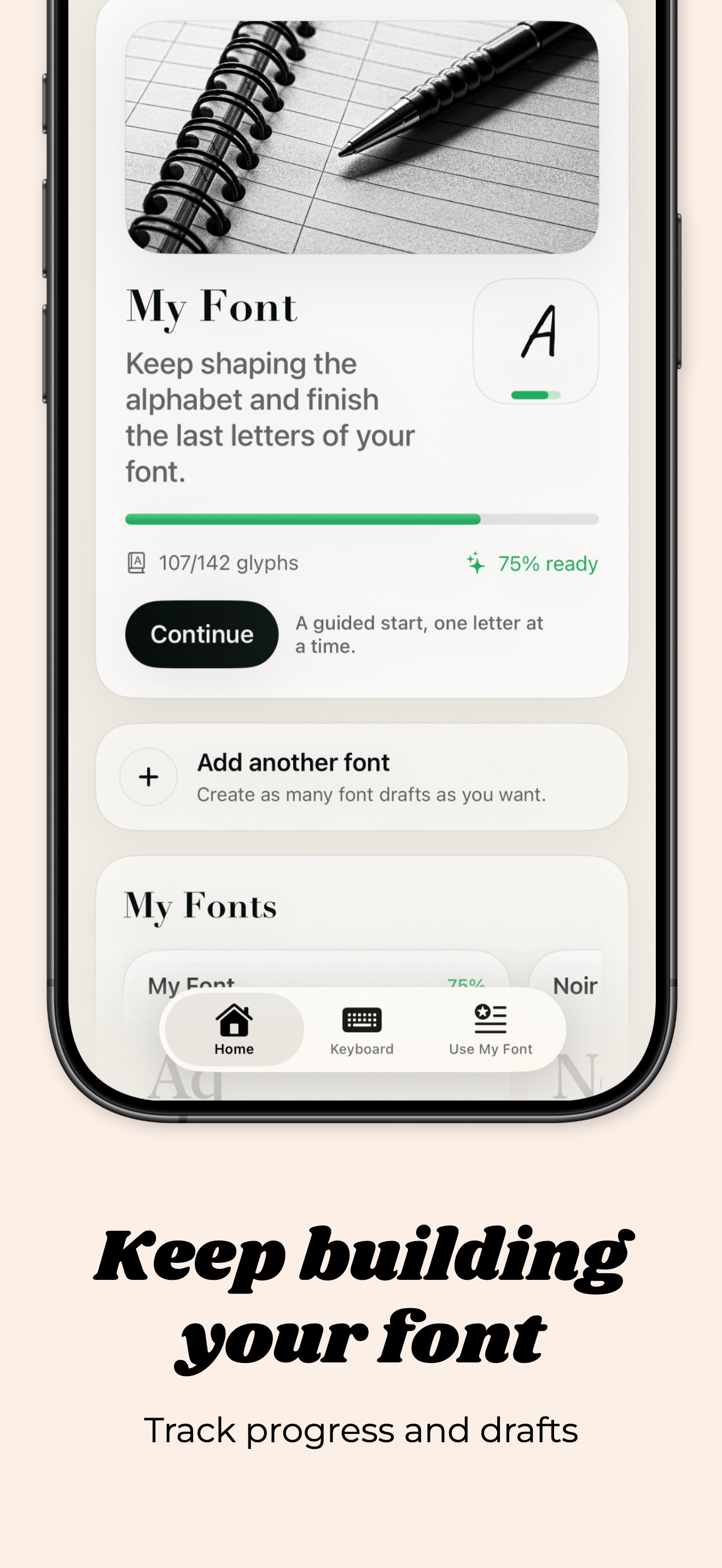
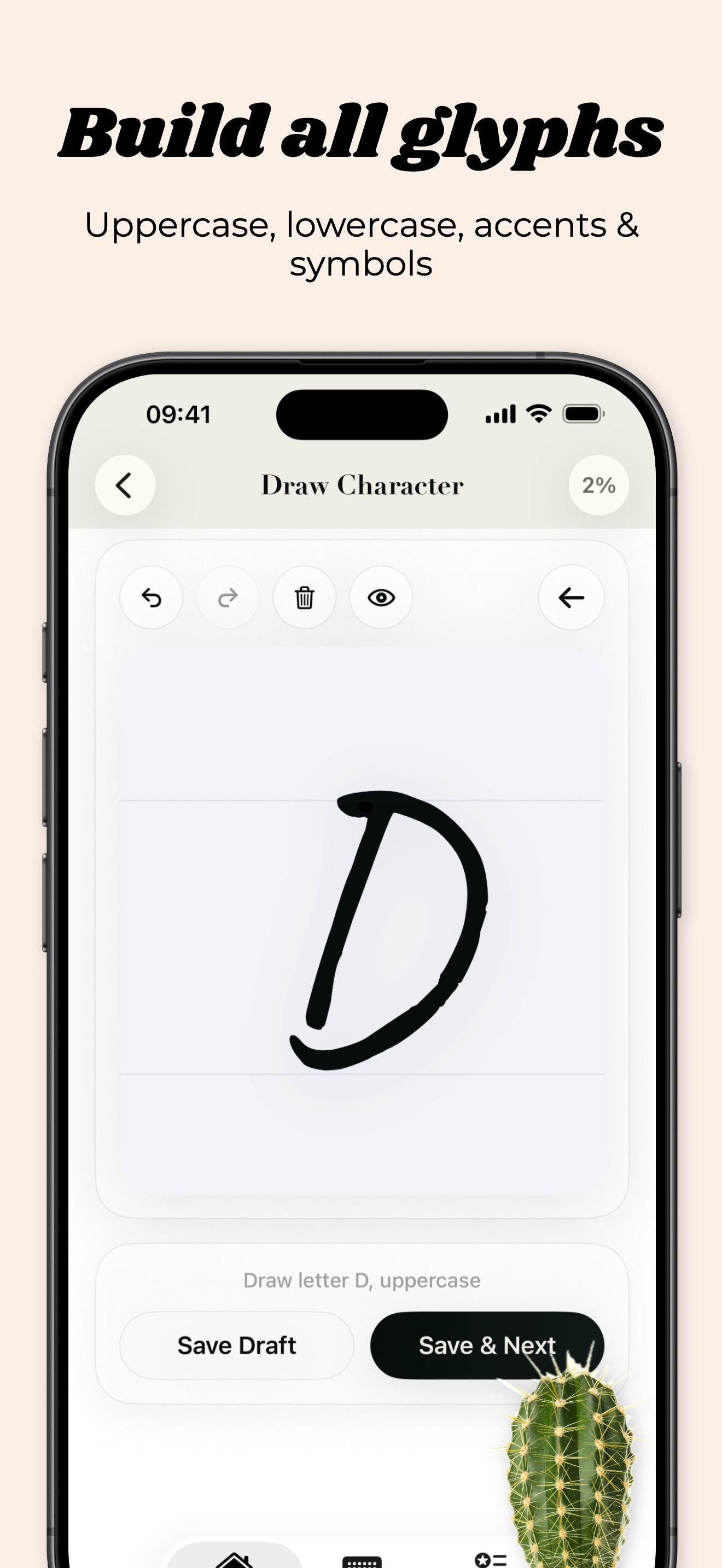
Turn your handwriting into a real font. Create your own custom typeface directly on iPhone by drawing each letter, number, and symbol by hand. Font Maker guides you from the first character to a complete font, lets you preview the result in real contexts, and exports a real TTF file you can save, test, and share. Whether you want a personal handwritten font, custom lettering for content, or a creative tool for typography experiments, Font Maker gives you everything in one place. What you can do with Font Maker - Create a font project from scratch - Draw uppercase, lowercase, numbers, punctuation, and international characters - Use guides and reference characters while drawing - Undo, redo, save drafts, and refine individual glyphs - Preview your font in notes, messages, and headline-style layouts - Export your font as a real TTF file - Generate PNG artwork with your custom font for stories, posts, covers, and thumbnails - Choose transparent or solid backgrounds for PNG exports - Import external font files and manage them inside the app - Install supported fonts for use in compatible apps - Set up and customize a companion keyboard experience Designed for real creative workflows Font Maker is built for creators, designers, lettering fans, journaling lovers, and anyone who wants a font that feels personal. You can move from sketching letters to testing style, exporting assets, and reusing your type across different use cases. Important note Custom keyboards on iPhone cannot force every app to display your font automatically. For the exact visual result, use PNG export. For compatible apps that support custom fonts, use the exported or installed TTF file. EULA By using this app, you agree to Apple's Standard End User License Agreement (EULA): https://www.apple.com/legal/internet-services/itunes/dev/stdeula/
Turn your handwriting into a real font. Create your own custom typeface directly on iPhone by drawing each letter, number, and symbol by hand. Font Maker guides you from the first character to a complete font, lets you preview the result in real contexts, and exports a real TTF file you can save, test, and share. Whether you want a personal handwritten font, custom lettering for content, or a creative tool for typography experiments, Font Maker gives you everything in one place. What you can do with Font Maker - Create a font project from scratch - Draw uppercase, lowercase, numbers, punctuation, and international characters - Use guides and reference characters while drawing - Undo, redo, save drafts, and refine individual glyphs - Preview your font in notes, messages, and headline-style layouts - Export your font as a real TTF file - Generate PNG artwork with your custom font for stories, posts, covers, and thumbnails - Choose transparent or solid backgrounds for PNG exports - Import external font files and manage them inside the app - Install supported fonts for use in compatible apps - Set up and customize a companion keyboard experience Designed for real creative workflows Font Maker is built for creators, designers, lettering fans, journaling lovers, and anyone who wants a font that feels personal. You can move from sketching letters to testing style, exporting assets, and reusing your type across different use cases. Important note Custom keyboards on iPhone cannot force every app to display your font automatically. For the exact visual result, use PNG export. For compatible apps that support custom fonts, use the exported or installed TTF file. EULA By using this app, you agree to Apple's Standard End User License Agreement (EULA): https://www.apple.com/legal/internet-services/itunes/dev/stdeula/
第一时间掌握精选限免应用/游戏信息
自定义喜欢的应用/游戏的价格变动
了解内购应用/游戏的限免或降价活动
查看应用/游戏价格历史等待合适时机再出手
第一时间收到价格通知不错过省钱机会

扫码下载 Follow
 日历规划 环形日历
现代日历将时间切割成均匀的方格,但自然从不是这样运作的——CircleTime让日历重新连接时间的自...

 ToChart
一款本地化、安全、极简的数据分析工具,所有数据处理均在您的设备上完成,绝不离开本地。Windows、...
 试试双拼
试试双拼
试试双拼是 App Store 上第一款双拼输入法练习软件,通过这个软件你能方便的学习双拼规则,练习...
 7
7


现代日历将时间切割成均匀的方格,但自然从不是这样运作的——CircleTime让日历重新连接时间的自...
9


一款本地化、安全、极简的数据分析工具,所有数据处理均在您的设备上完成,绝不离开本地。Windows、...
9

试试双拼是 App Store 上第一款双拼输入法练习软件,通过这个软件你能方便的学习双拼规则,练习...
天天发现优质应用
 到主屏幕
到主屏幕


产品名
这项是必须填的哦~可用平台
产品链接
这项是必须填的哦~产品一句话介绍
这项是必须填的哦~开发者邮箱
你也可以发送更多的产品故事到 hi@mergeek.com
我们会让你的产品被更多用户看到!
产品名
这项是必须填的哦~可用平台
产品链接
这项是必须填的哦~产品一句话介绍
这项是必须填的哦~开发者邮箱
你也可以发送更多的产品故事到 hi@mergeek.com
我们会让你的产品被更多用户看到!
已经成功发送到你的邮箱了,请注意查收
你成为这个产品的发现者啦,说说你的推荐语吧!