












 App Store






加入 Mergeek 福利群
扫码添加小助手,精彩福利不错过!
若不方便扫码,请在 Mergeek 公众号,回复 群 即可加入
- 精品限免
- 早鸟优惠
- 众测送码
 XPSView
 4.5
4.5
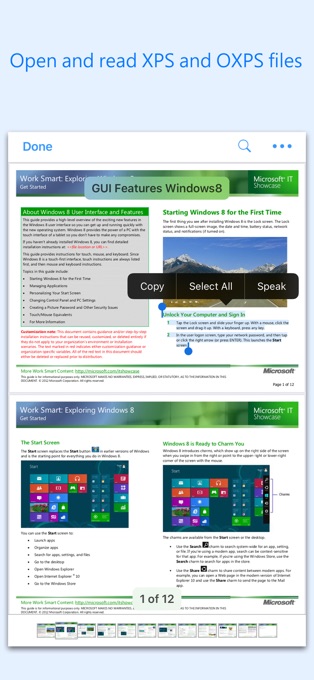
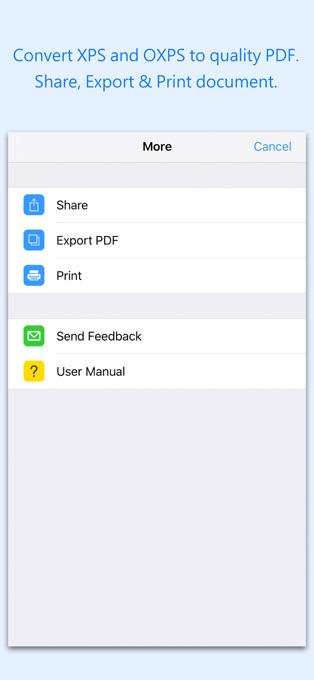
XPSView allows you to open and read XPS (XML Paper Specification, *.xps) and OpenXPS (*.oxps) documents on iOS device. It offers you fantastic reading experience using document outlines, page thumbnails and text search features. In addition, XPSView allows you to convert XPS and OXPS documents into PDF and make it available for any PDF viewing application.
Are you having plenty of XPS/OXPS files that no decent viewer available to open on your iPhone and iPad? Do you receive XPS/OXPS documents as email attachments on your iPhone and iPad? The easiest way to circumvent these problems is this XPSView app.
* * * XPSView is also available for macOS on the Mac App Store * * *
READING FEATURES:
- Fully selectable and searchable text contents. Select and copy text to clipboard for further use.
- Pinch out and Pinch in to ZoomIn and ZoomOut view.
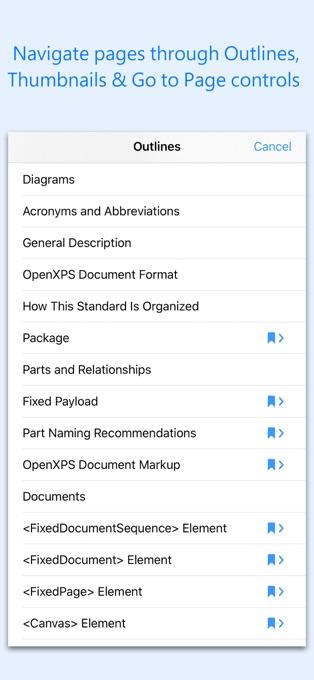
- Navigate through topics by document outlines, if exist.
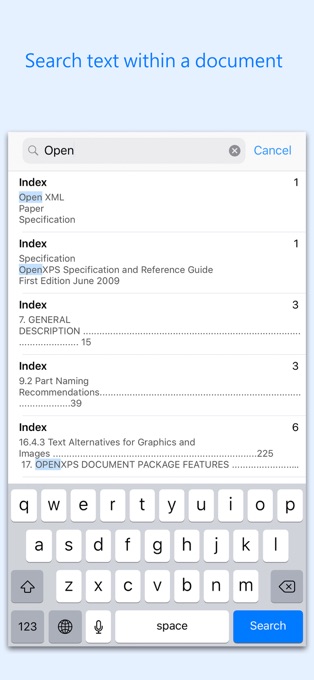
- Search text feature to find a character, word or sentence any where in a document.
- Scroll through your document by Page Thumbnails or Go to page feature.
XPS/OXPS to PDF CONVERSION FEATURES:
- Converts XPS/OXPS to fully vector-PDF documents. Preserves text, vector graphics and raster images as editable PDF contents.
- Preserves Bookmarks (Outline).
- Preserves XPS internal and external topic hyperlinks into PDF. It automatically maintains XPS topic and page navigation links into PDF compatible annotations.
- Preserves metadata properties.
DOCUMENT MANAGEMENT
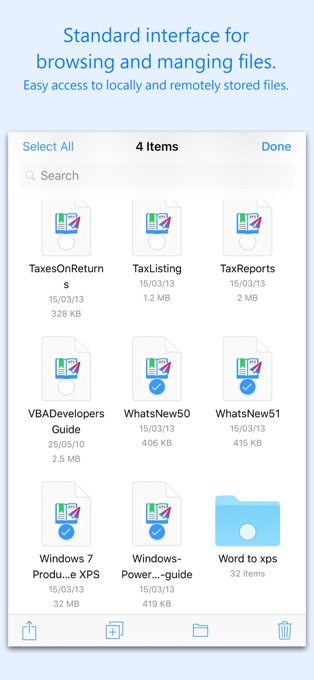
- The inbuilt document browse view automatically gives you the option to share documents using the Share button or a drag-and-drop action. It also provides a standard interface for browsing and managing documents.
- Automatically handles access to iCloud for you within the app. It also provides access to documents managed by third-party storage service extensions installed on your device.
- Browse, find and sort documents to help you locate the document you want. Tap the file that you want to open.
- You can move, delete, duplicate and rename a document with document manager in browser view.
- In the document manager, you can group related documents into folders so they’re easy to find.
Note: XPSView is standalone application running natively to convert XPS and OXPS to PDF securely on your device.
You can refer User Manual for any assistance Or Contact Support.
Privacy Policy: http://rootrisetech.com/xpsview-privacy-policy
Terms of Use(EULA): https://www.apple.com/legal/internet-services/itunes/dev/stdeula/
XPSView allows you to open and read XPS (XML Paper Specification, *.xps) and OpenXPS (*.oxps) documents on iOS device. It offers you fantastic reading experience using document outlines, page thumbnails and text search features. In addition, XPSView allows you to convert XPS and OXPS documents into PDF and make it available for any PDF viewing application.
Are you having plenty of XPS/OXPS files that no decent viewer available to open on your iPhone and iPad? Do you receive XPS/OXPS documents as email attachments on your iPhone and iPad? The easiest way to circumvent these problems is this XPSView app.
* * * XPSView is also available for macOS on the Mac App Store * * *
READING FEATURES:
- Fully selectable and searchable text contents. Select and copy text to clipboard for further use.
- Pinch out and Pinch in to ZoomIn and ZoomOut view.
- Navigate through topics by document outlines, if exist.
- Search text feature to find a character, word or sentence any where in a document.
- Scroll through your document by Page Thumbnails or Go to page feature.
XPS/OXPS to PDF CONVERSION FEATURES:
- Converts XPS/OXPS to fully vector-PDF documents. Preserves text, vector graphics and raster images as editable PDF contents.
- Preserves Bookmarks (Outline).
- Preserves XPS internal and external topic hyperlinks into PDF. It automatically maintains XPS topic and page navigation links into PDF compatible annotations.
- Preserves metadata properties.
DOCUMENT MANAGEMENT
- The inbuilt document browse view automatically gives you the option to share documents using the Share button or a drag-and-drop action. It also provides a standard interface for browsing and managing documents.
- Automatically handles access to iCloud for you within the app. It also provides access to documents managed by third-party storage service extensions installed on your device.
- Browse, find and sort documents to help you locate the document you want. Tap the file that you want to open.
- You can move, delete, duplicate and rename a document with document manager in browser view.
- In the document manager, you can group related documents into folders so they’re easy to find.
Note: XPSView is standalone application running natively to convert XPS and OXPS to PDF securely on your device.
You can refer User Manual for any assistance Or Contact Support.
Privacy Policy: http://rootrisetech.com/xpsview-privacy-policy
Terms of Use(EULA): https://www.apple.com/legal/internet-services/itunes/dev/stdeula/
第一时间掌握精选限免应用/游戏信息
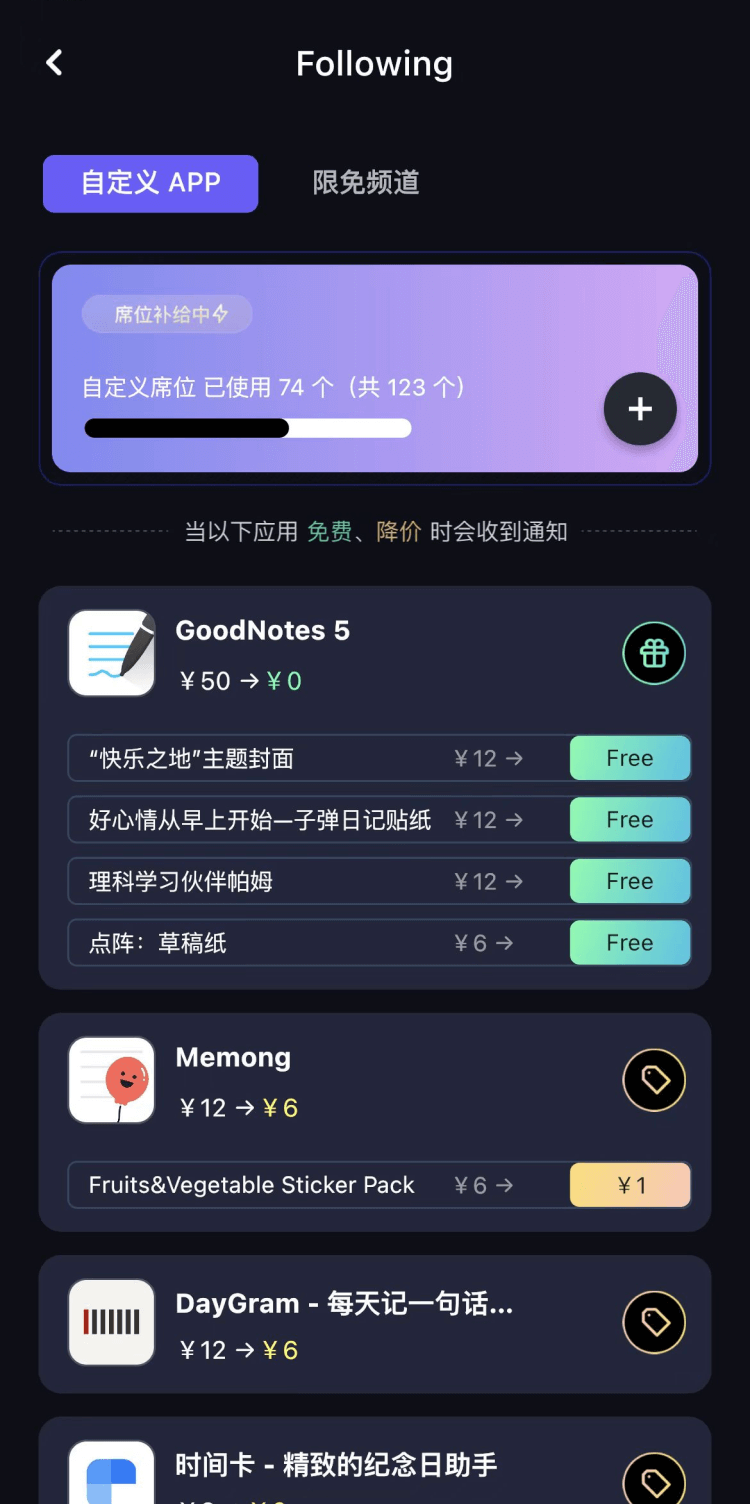
自定义喜欢的应用/游戏的价格变动
了解内购应用/游戏的限免或降价活动
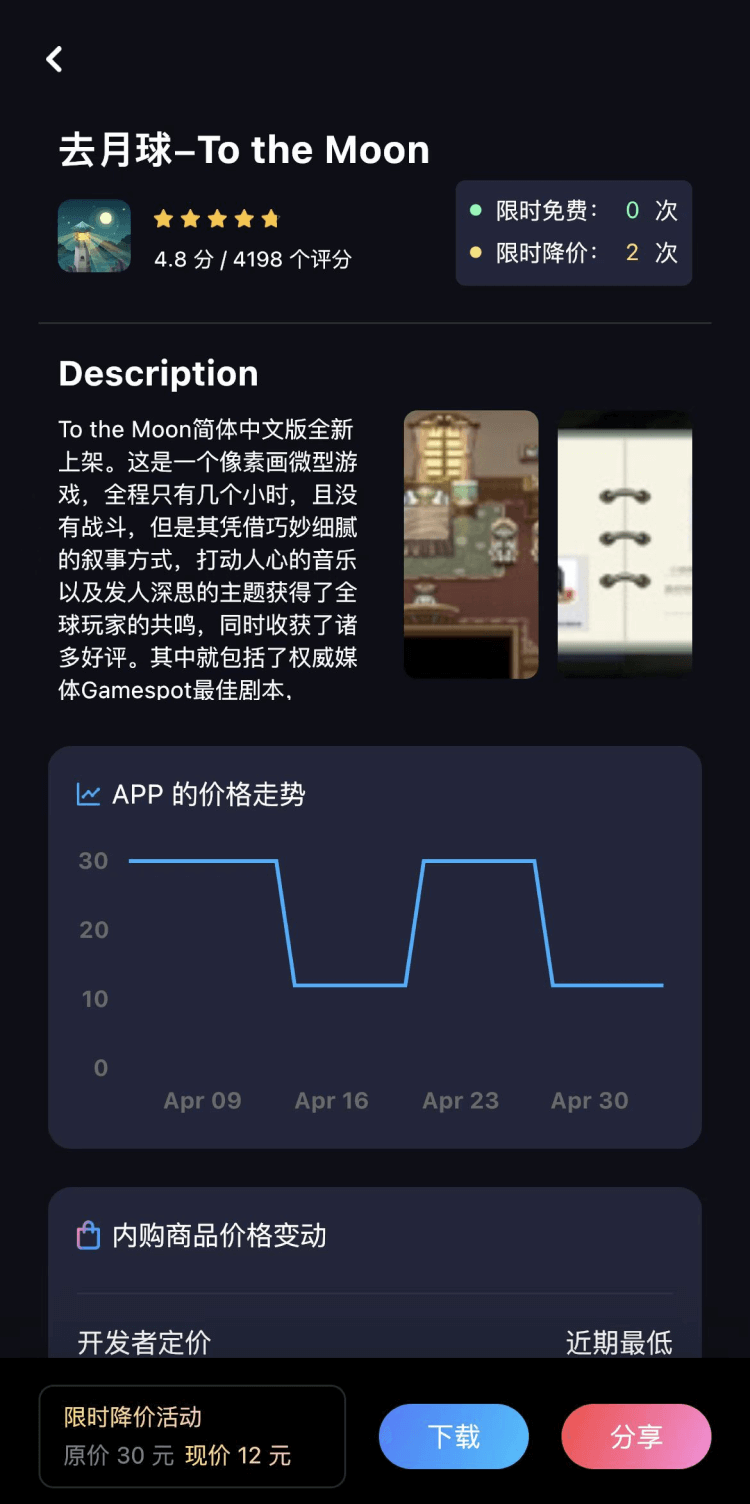
查看应用/游戏价格历史等待合适时机再出手
第一时间收到价格通知不错过省钱机会

扫码下载 Follow
 DeepSider
【Sora2视频免费生成】最新版国内直连Sora2,无水印免费使用,无需邀请码,一键生成大片,人物自...

 沉浸式打码
沉浸式打码
自定义超准确的 AI 头像 / 昵称自动打码工具。 导入一张微信聊天截图,或者抖音/小红书/微博评论...
 PaperFake:论文创作平台
PaperFake 是一款基于大模型的原创论文生成工具,用户只需要输入论文标题,学科就可以在 10 ...
 7
7


【Sora2视频免费生成】最新版国内直连Sora2,无水印免费使用,无需邀请码,一键生成大片,人物自...
5


自定义超准确的 AI 头像 / 昵称自动打码工具。 导入一张微信聊天截图,或者抖音/小红书/微博评论...
4


PaperFake 是一款基于大模型的原创论文生成工具,用户只需要输入论文标题,学科就可以在 10 ...
天天发现优质应用
 到主屏幕
到主屏幕


产品名
这项是必须填的哦~可用平台
产品链接
这项是必须填的哦~产品一句话介绍
这项是必须填的哦~开发者邮箱
你也可以发送更多的产品故事到 hi@mergeek.com
我们会让你的产品被更多用户看到!
产品名
这项是必须填的哦~可用平台
产品链接
这项是必须填的哦~产品一句话介绍
这项是必须填的哦~开发者邮箱
你也可以发送更多的产品故事到 hi@mergeek.com
我们会让你的产品被更多用户看到!
已经成功发送到你的邮箱了,请注意查收
你成为这个产品的发现者啦,说说你的推荐语吧!