















加入 Mergeek 福利群
扫码添加小助手,精彩福利不错过!
若不方便扫码,请在 Mergeek 公众号,回复 群 即可加入
- 精品限免
- 早鸟优惠
- 众测送码
 SmartScan Pro: PDF scanner
 4.8
4.8
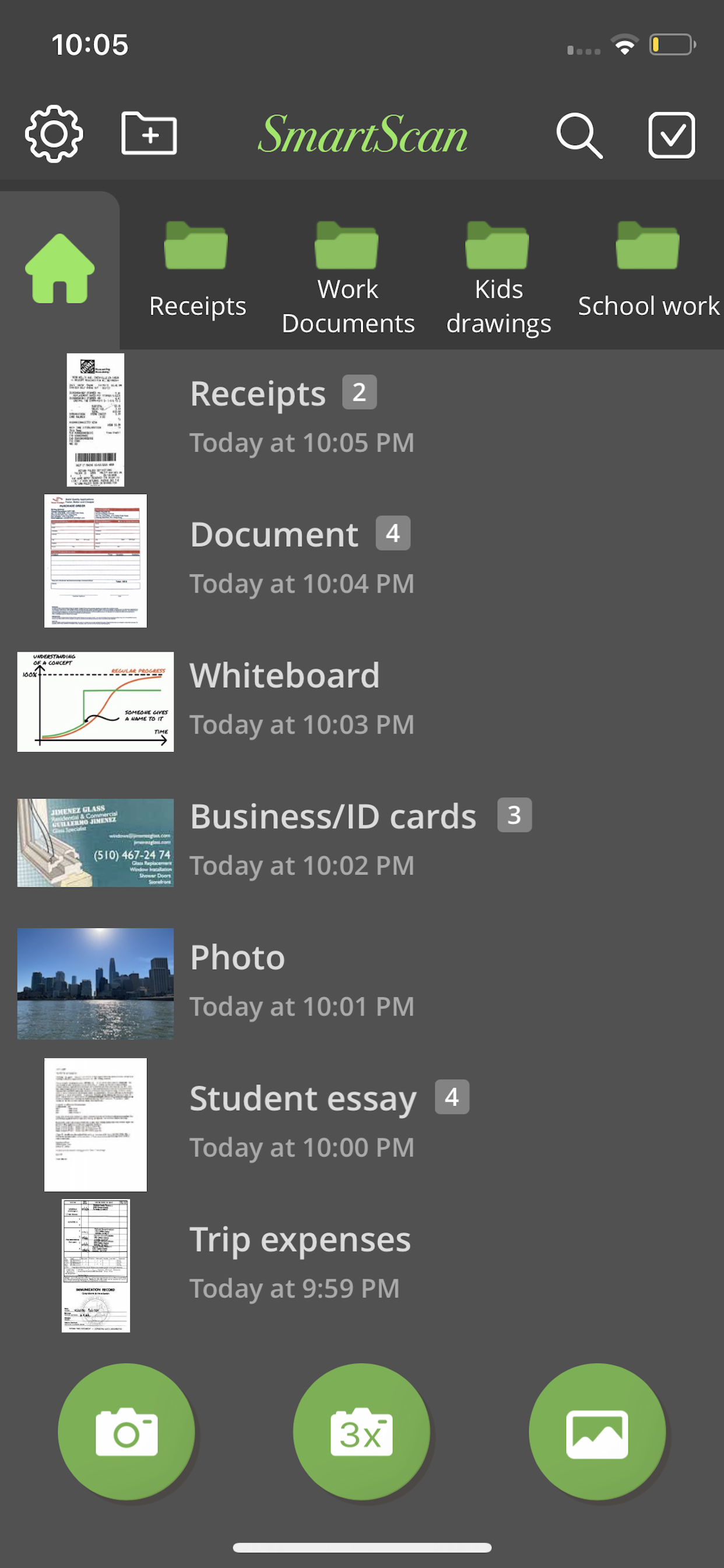
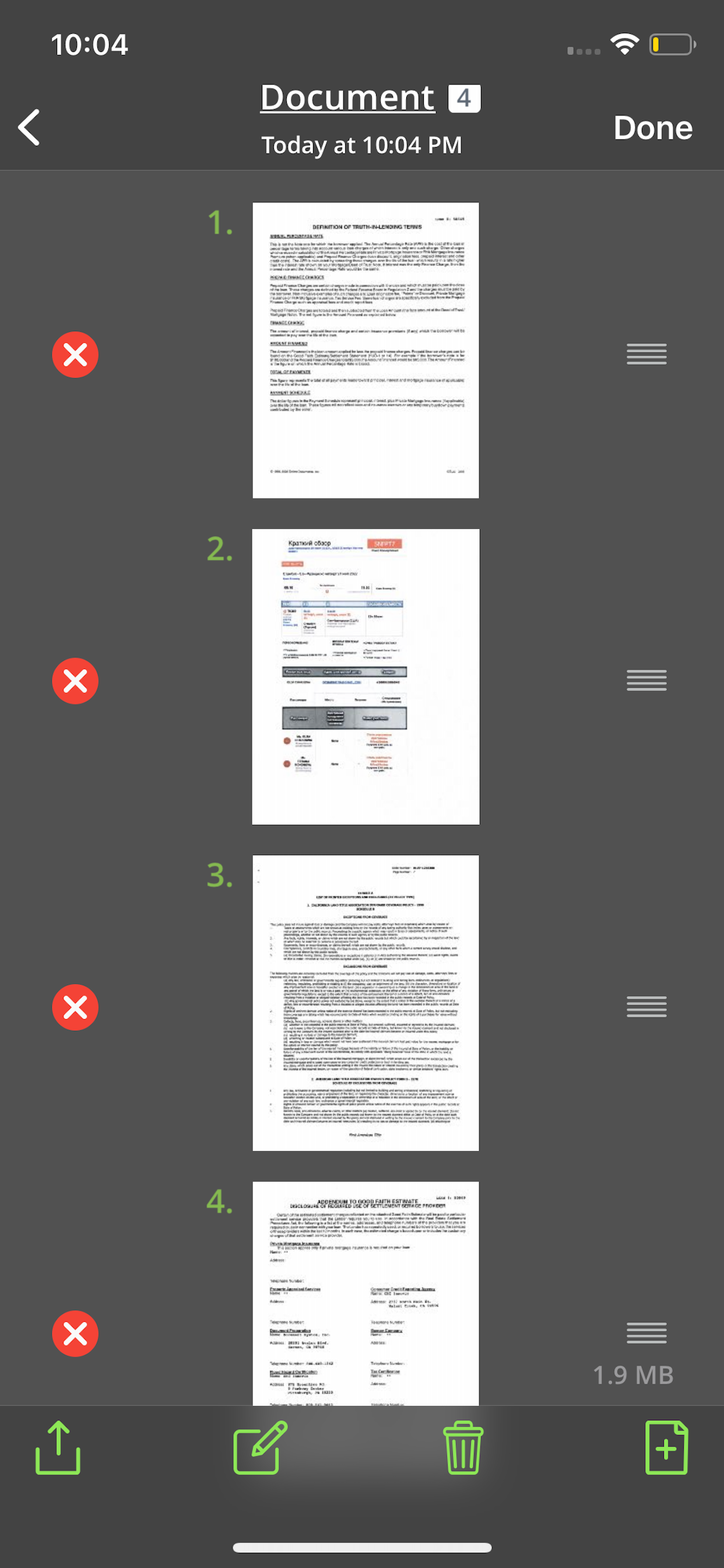
Your iPhone becomes a fully-featured, powerful document scanner with SmartScan. You can quickly and easily scan your multipage documents in high quality PDF or JPEG files on your iPhone or iPad. You can then rename and organize them, and send them anywhere.
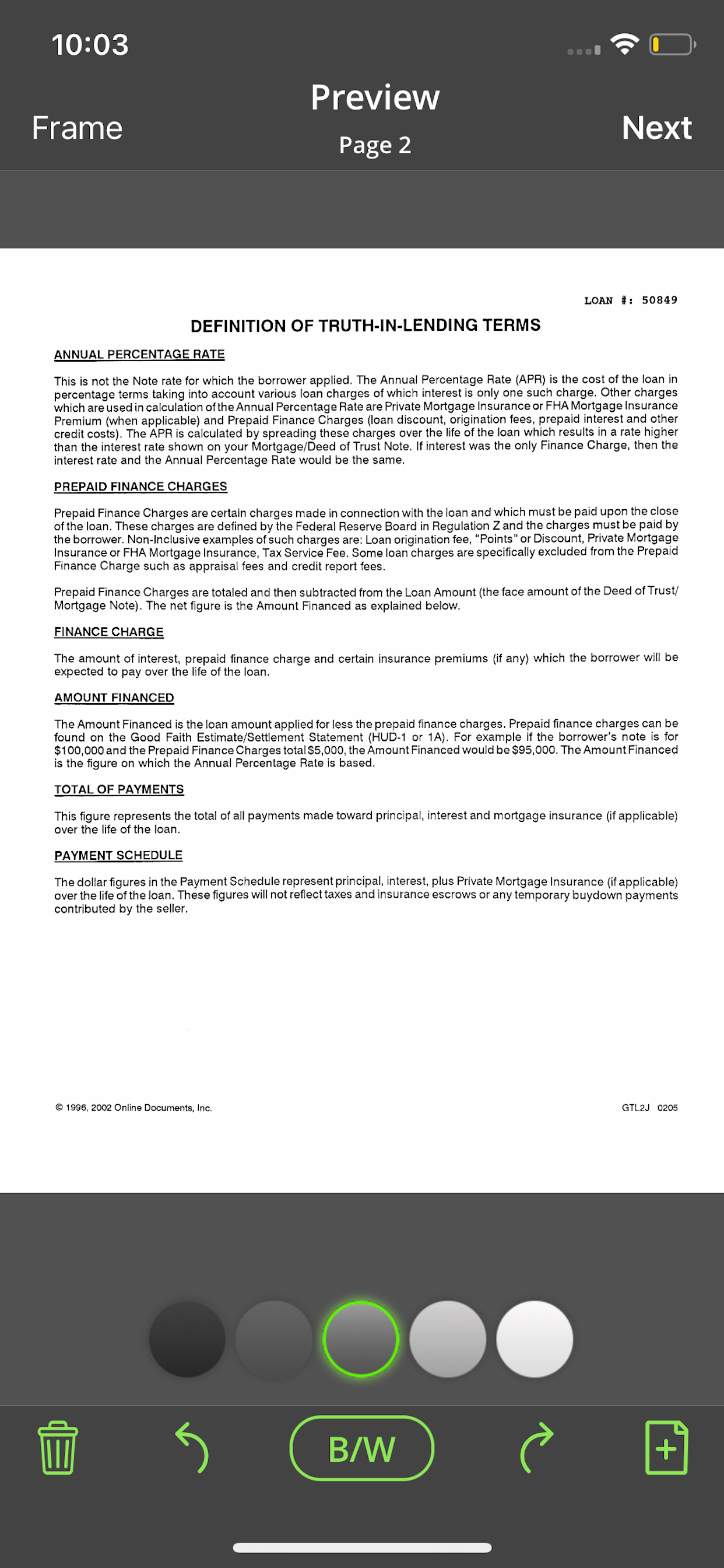
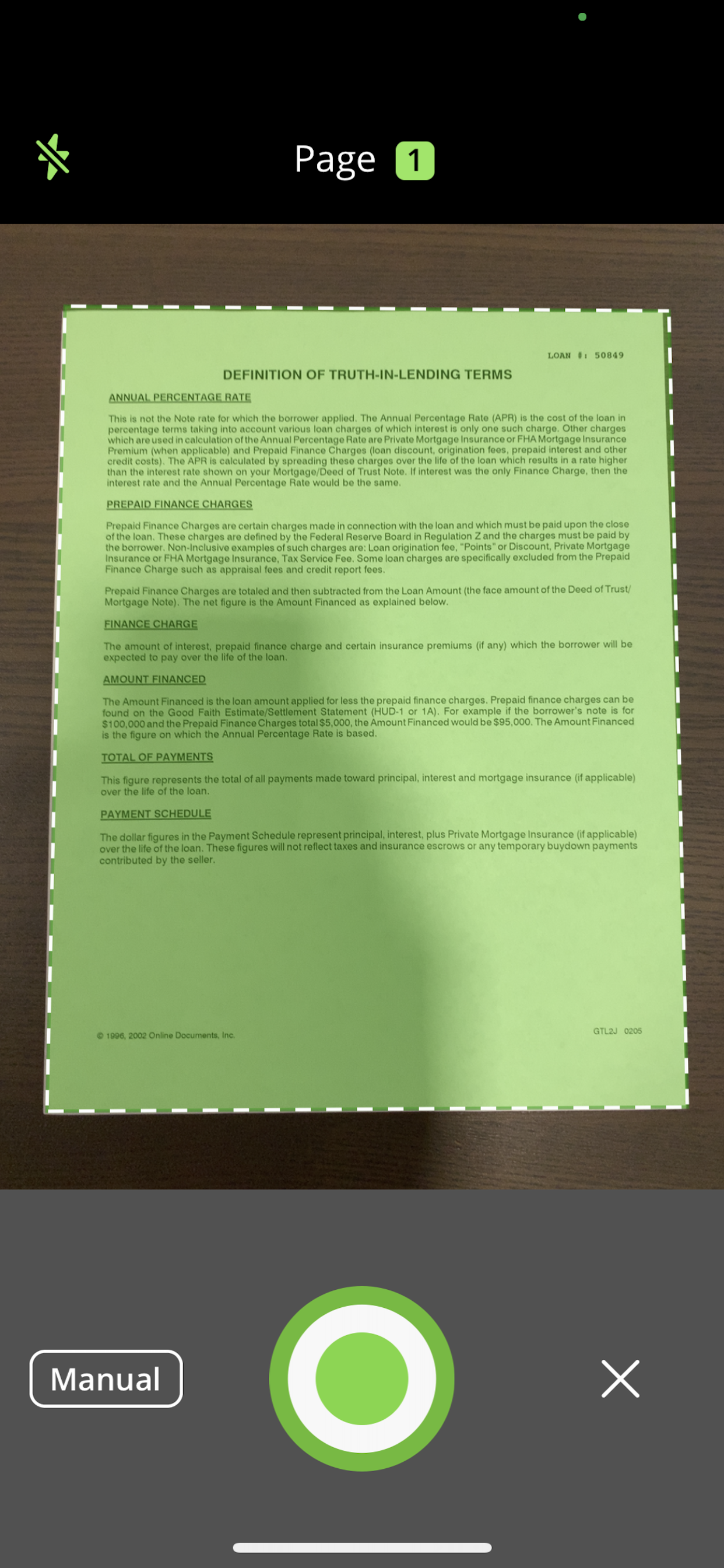
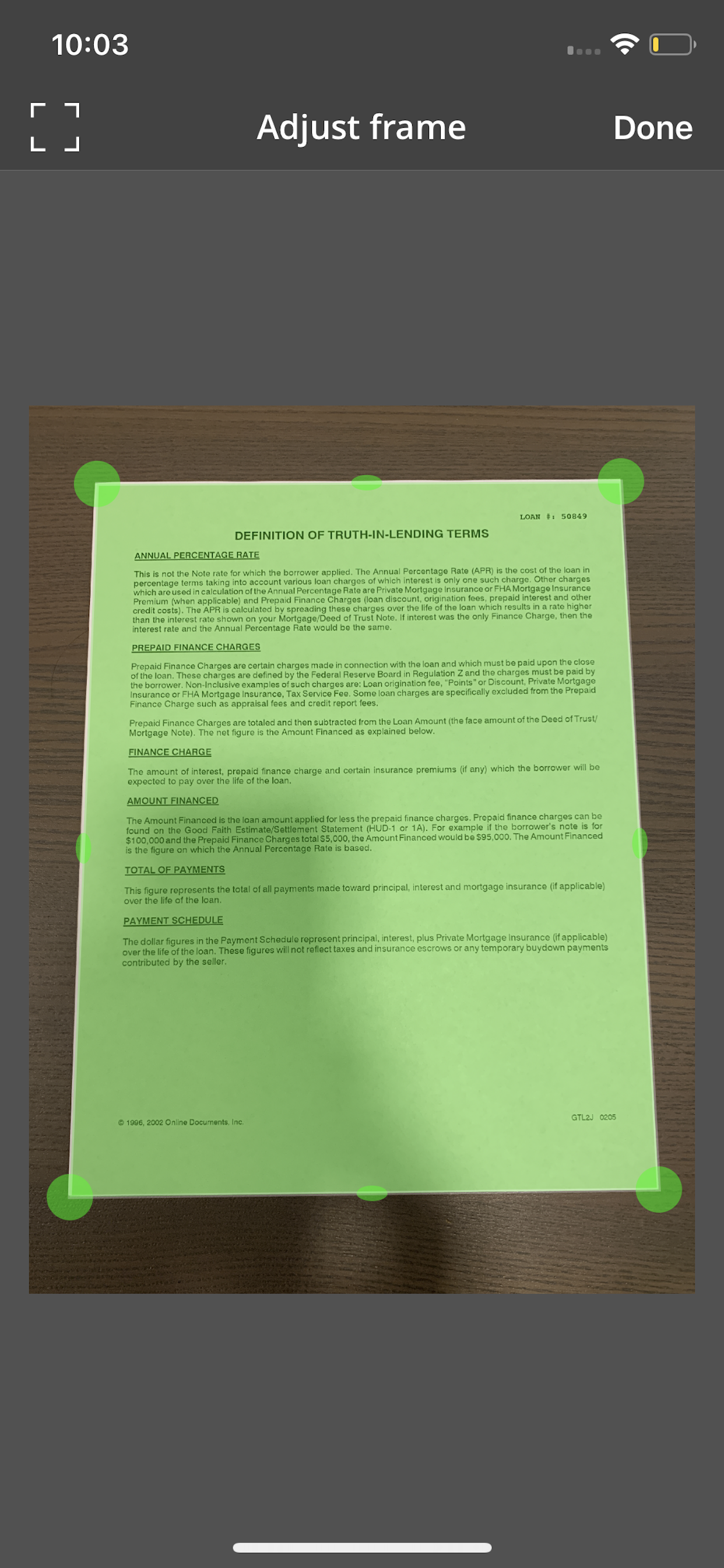
SmartScan uses complex and efficient algorithms to accurately detect document edges, correct their perspective, eliminate shadows, and perfectly contrast text, black on white. You can also choose between color and black-and-white photo modes. Our user interface is powerful and easy to use. With this app you can easily adjust the brightness, color, and rotation of your device.
SmartScan offers SuperScan, a scanning mode that captures sharper images, especially in low-light conditions. Acquiring multiple takes of the same scan, SuperScan guarantees the best result.
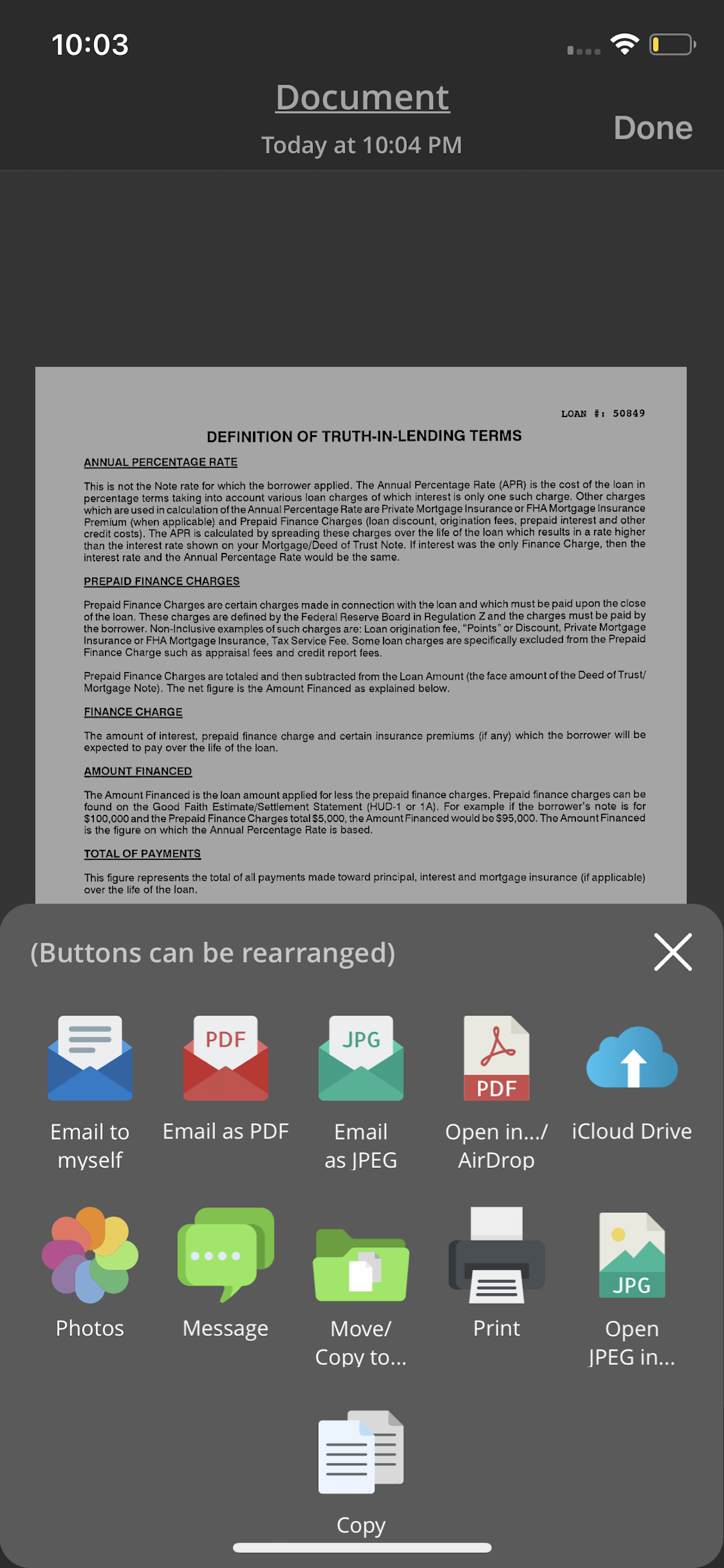
SmartScan also has an "Email to myself" feature that works with a single tap.
SMARTSCAN FEATURES:
• Automatic document edge detection and shooting. Perspective correction
• SuperScan mode for sharpest scans
• Document naming, storage in folders and smart search
• “Email to myself” feature for quick routine emails
• Add and reorder pages at any time
• Arrange multiple receipts or business cards on a PDF page for printing, etc.
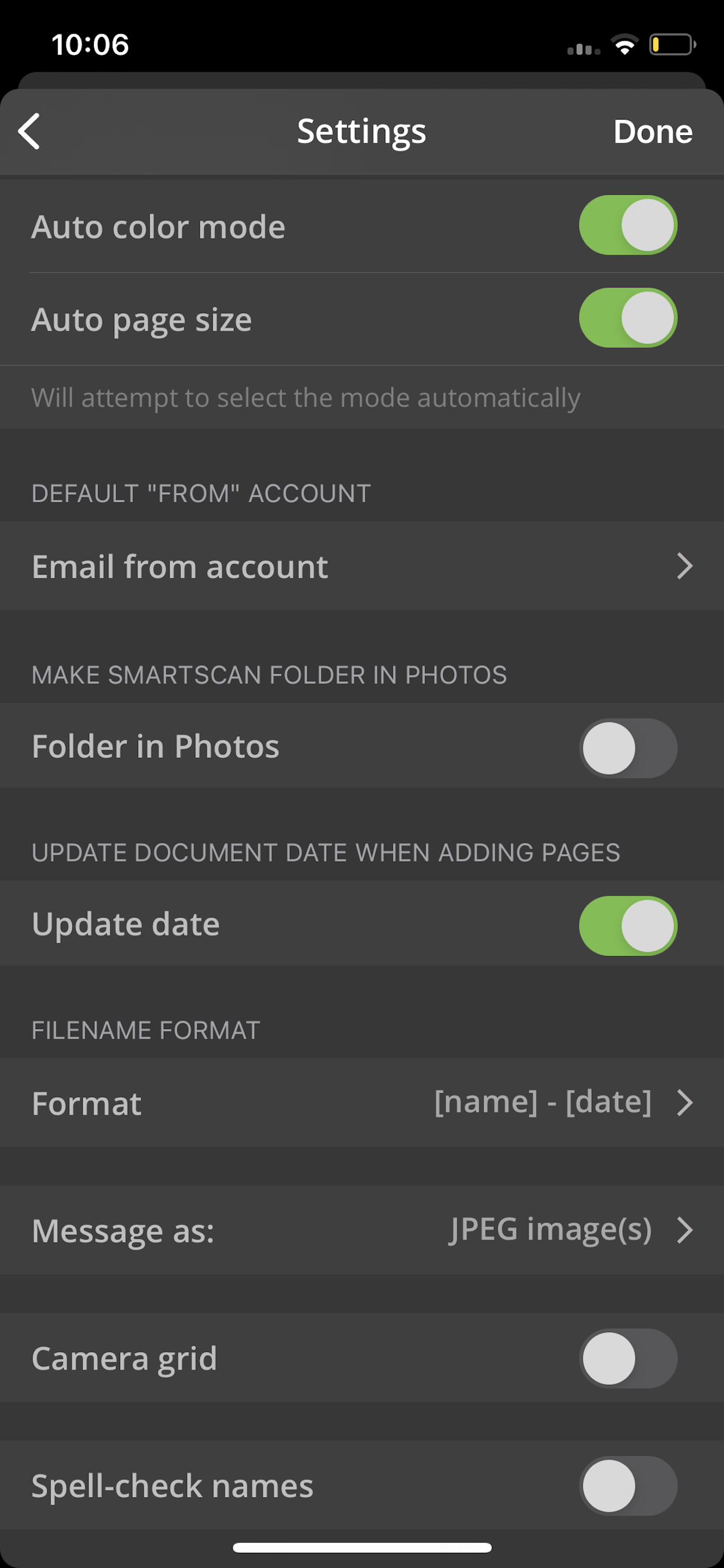
• Email or message documents as PDF, JPEG, or PNG, or save to Photos
• Touch ID & passcode lock
• Upload, auto-upload and backup to iCloud Drive
• Open PDFs or JPEGs in other apps like Dropbox or Google Drive to send to clouds
• Copy & paste scans to other scans or Clipboard, and merge
• AirDrop function
• Printing via AirPrint or printing apps
• Compact attachments with adjustable size
• Ultra-fast processing
Scanning tips
• Make sure the document is laying flat in a bright location
• For optimal edge detection results, make sure to have a contrasting outline or margin around your document while snapping the photo
• When shooting in low light conditions, use flash to illuminate the scene. However, be careful not to produce too much glare from shiny documents or surfaces.
SmartScan is on a road of constant improvement, and we value your input and feedback.
If you have any questions or problems with the SmartScan app, please email us at support@amaximapps.com. We would be happy to help you out.
Our Privacy policy: https://www.amaximapps.com/ssepp.htm
License agreement: https://www.apple.com/legal/internet-services/itunes/dev/stdeula/
Your iPhone becomes a fully-featured, powerful document scanner with SmartScan. You can quickly and easily scan your multipage documents in high quality PDF or JPEG files on your iPhone or iPad. You can then rename and organize them, and send them anywhere.
SmartScan uses complex and efficient algorithms to accurately detect document edges, correct their perspective, eliminate shadows, and perfectly contrast text, black on white. You can also choose between color and black-and-white photo modes. Our user interface is powerful and easy to use. With this app you can easily adjust the brightness, color, and rotation of your device.
SmartScan offers SuperScan, a scanning mode that captures sharper images, especially in low-light conditions. Acquiring multiple takes of the same scan, SuperScan guarantees the best result.
SmartScan also has an "Email to myself" feature that works with a single tap.
SMARTSCAN FEATURES:
• Automatic document edge detection and shooting. Perspective correction
• SuperScan mode for sharpest scans
• Document naming, storage in folders and smart search
• “Email to myself” feature for quick routine emails
• Add and reorder pages at any time
• Arrange multiple receipts or business cards on a PDF page for printing, etc.
• Email or message documents as PDF, JPEG, or PNG, or save to Photos
• Touch ID & passcode lock
• Upload, auto-upload and backup to iCloud Drive
• Open PDFs or JPEGs in other apps like Dropbox or Google Drive to send to clouds
• Copy & paste scans to other scans or Clipboard, and merge
• AirDrop function
• Printing via AirPrint or printing apps
• Compact attachments with adjustable size
• Ultra-fast processing
Scanning tips
• Make sure the document is laying flat in a bright location
• For optimal edge detection results, make sure to have a contrasting outline or margin around your document while snapping the photo
• When shooting in low light conditions, use flash to illuminate the scene. However, be careful not to produce too much glare from shiny documents or surfaces.
SmartScan is on a road of constant improvement, and we value your input and feedback.
If you have any questions or problems with the SmartScan app, please email us at support@amaximapps.com. We would be happy to help you out.
Our Privacy policy: https://www.amaximapps.com/ssepp.htm
License agreement: https://www.apple.com/legal/internet-services/itunes/dev/stdeula/
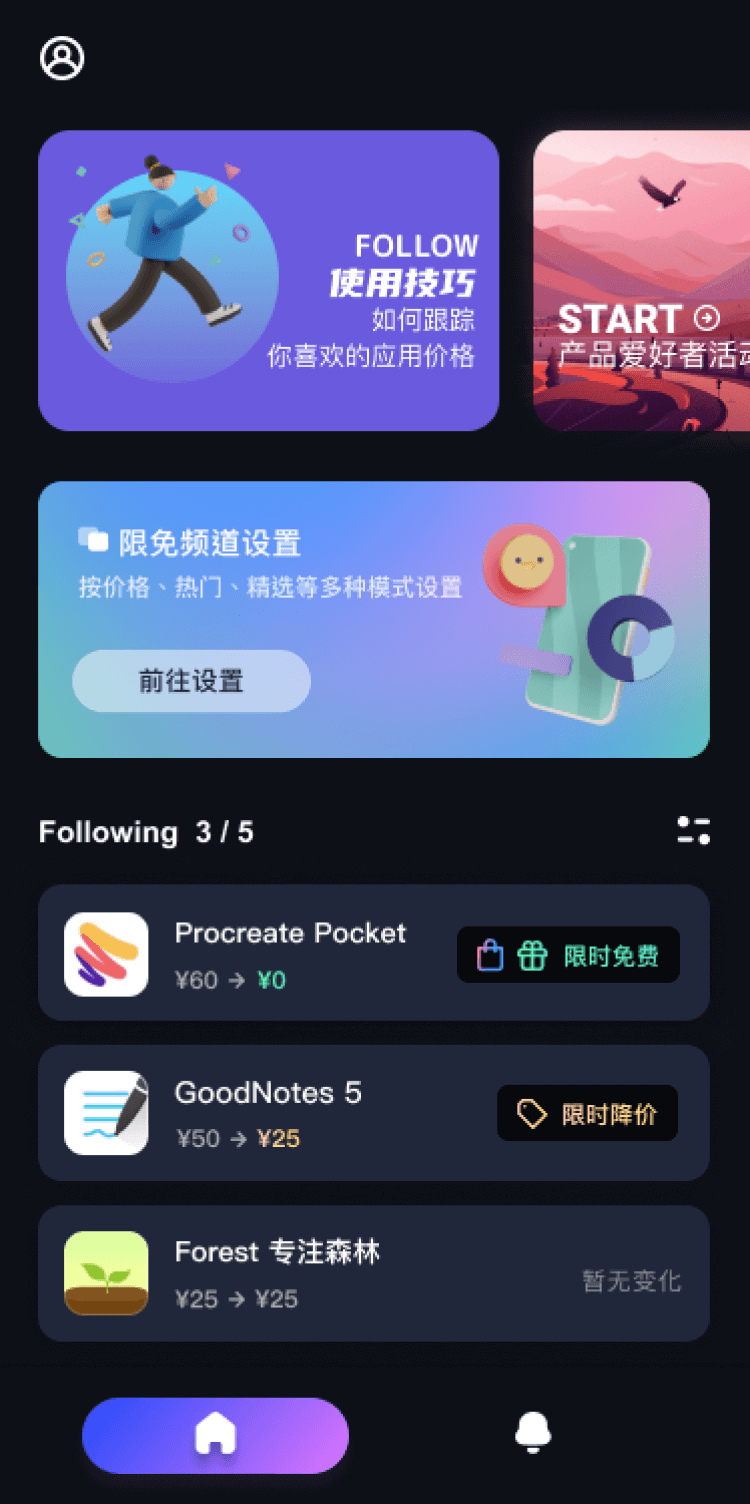
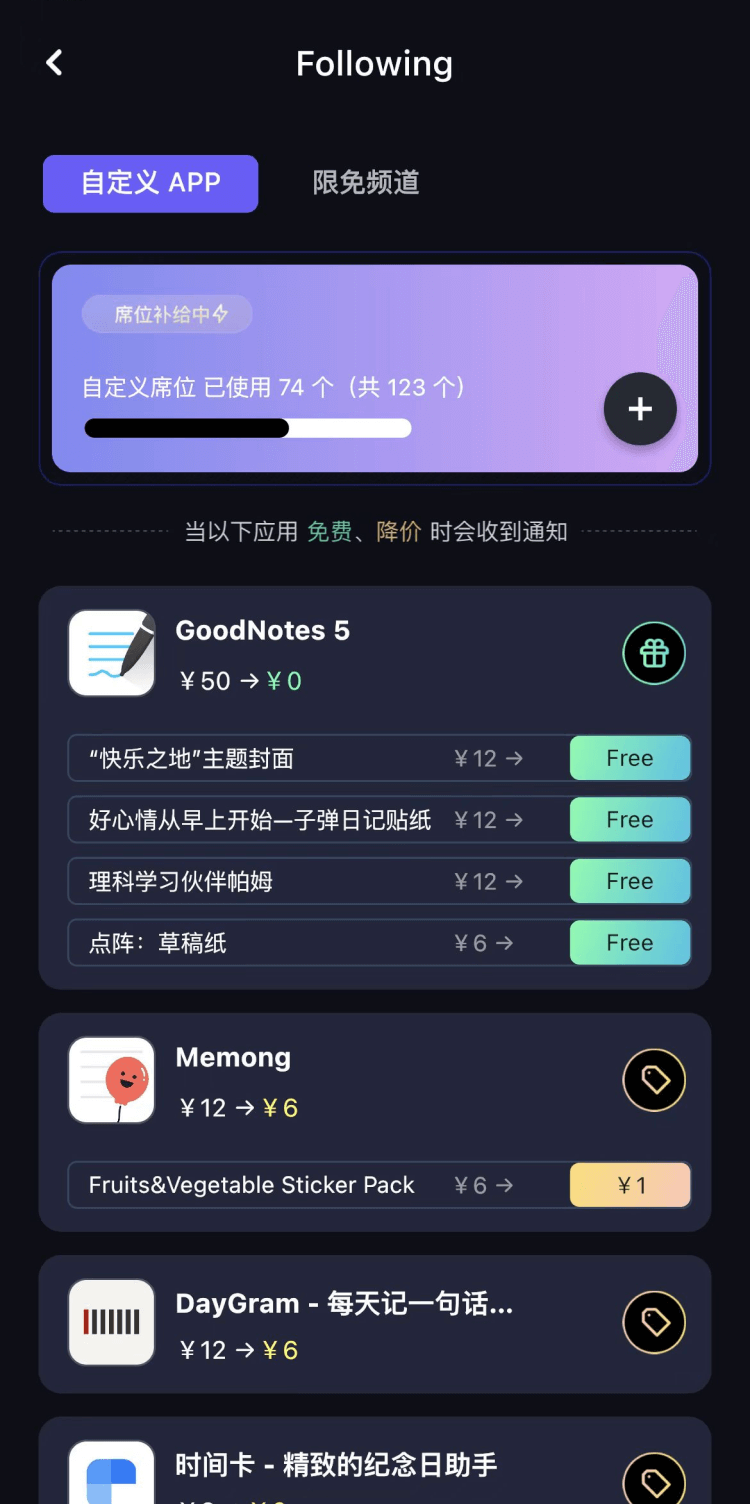
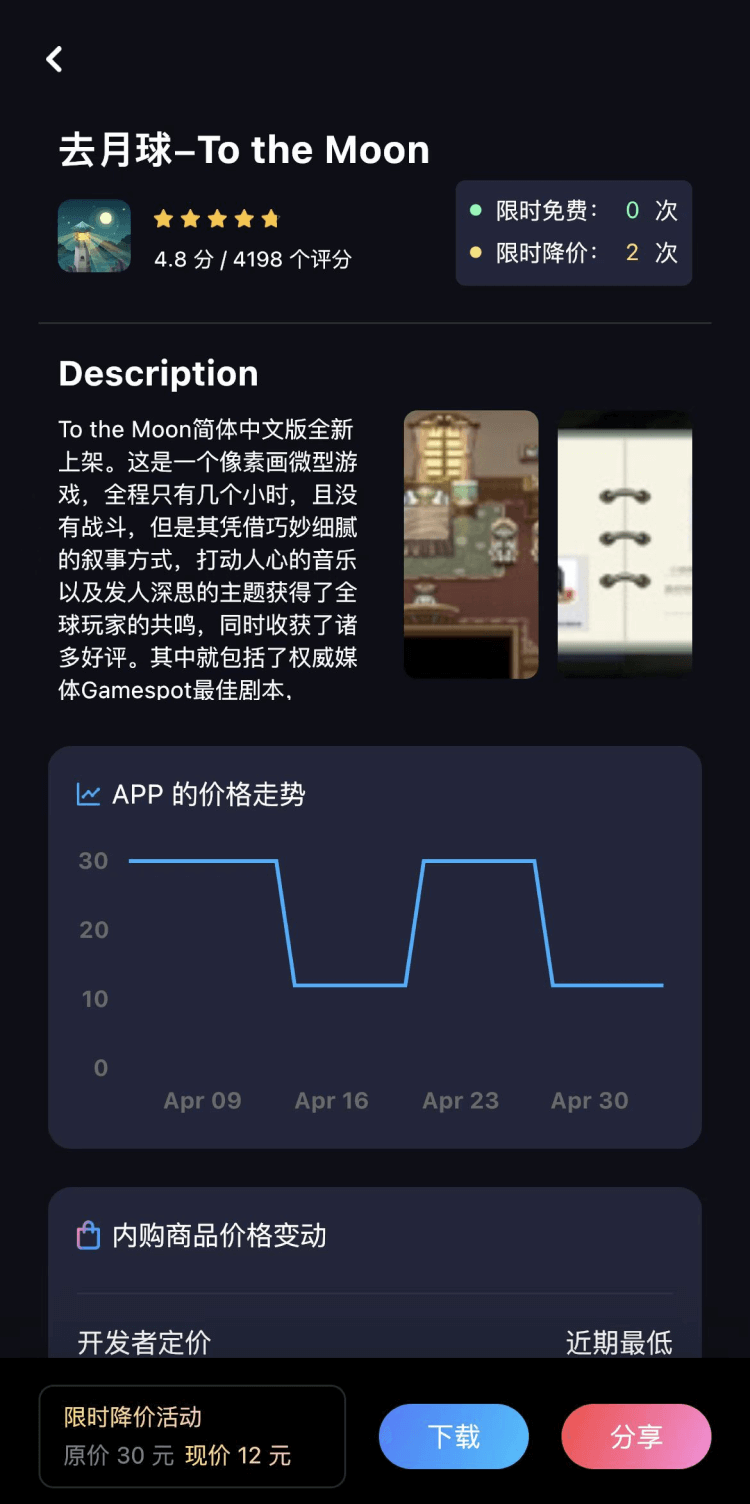
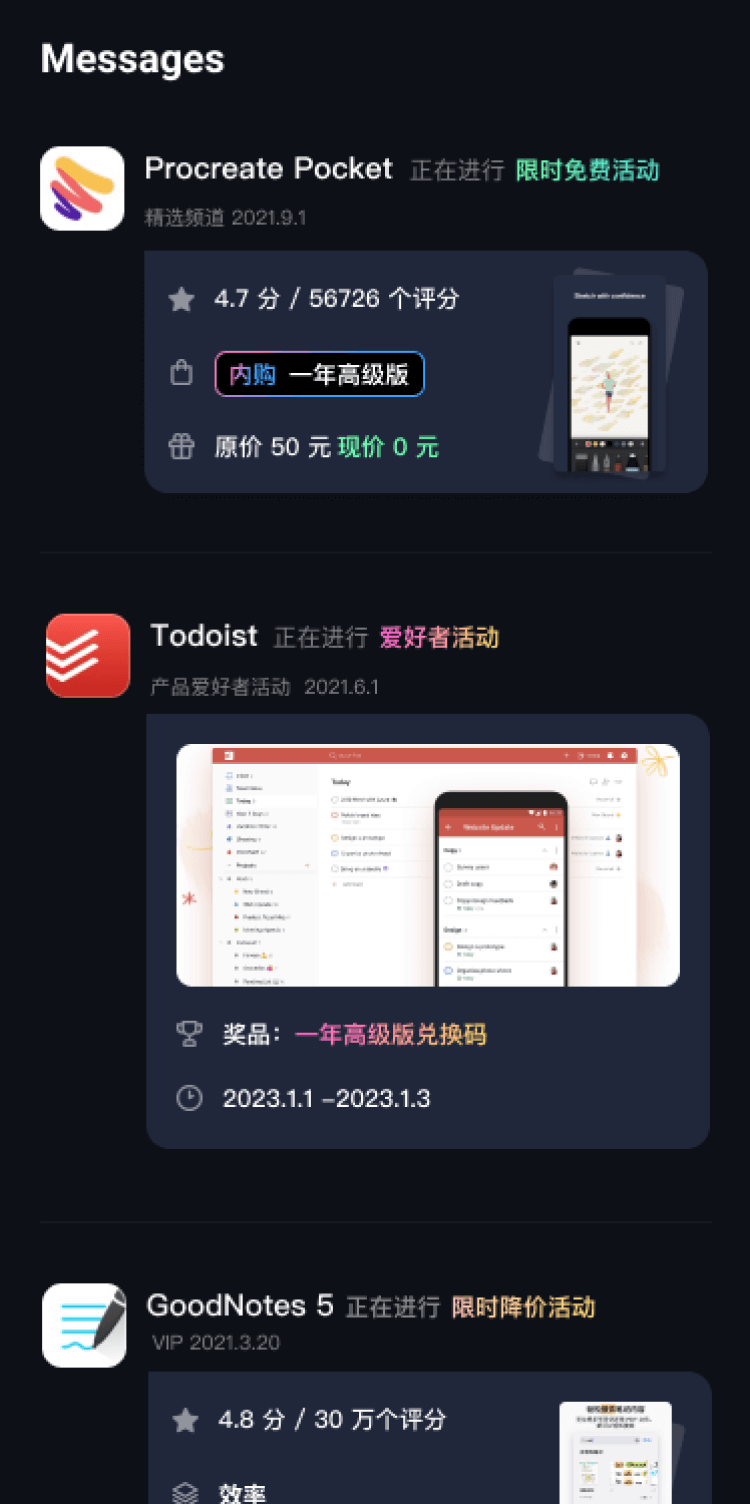
第一时间掌握精选限免应用/游戏信息
自定义喜欢的应用/游戏的价格变动
了解内购应用/游戏的限免或降价活动
查看应用/游戏价格历史等待合适时机再出手
第一时间收到价格通知不错过省钱机会
扫码下载 Follow
 口袋扫描王
口袋扫描王
手机秒变扫描仪! 口袋扫描王可以快速的将纸质文档扫描成高清电子文档,并将其转换为多种文件格式如PDF...

 番茄坐姿
番茄坐姿
「番茄坐姿」配合耳机来监控坐姿情况的番茄钟 APP,轻盈的界面,让番茄工作法发挥最大效果,详细也整洁...
 Teak浏览器
支持用户脚本,去广告,同时兼容 Adguard 和 Adblock 的规则,自定义多种搜索引擎的移动...
 167
167


手机秒变扫描仪! 口袋扫描王可以快速的将纸质文档扫描成高清电子文档,并将其转换为多种文件格式如PDF...
40

「番茄坐姿」配合耳机来监控坐姿情况的番茄钟 APP,轻盈的界面,让番茄工作法发挥最大效果,详细也整洁...
100
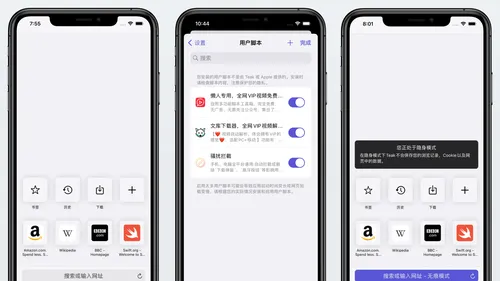
支持用户脚本,去广告,同时兼容 Adguard 和 Adblock 的规则,自定义多种搜索引擎的移动...
天天发现优质应用
 到主屏幕
到主屏幕


产品名
这项是必须填的哦~可用平台
产品链接
这项是必须填的哦~产品一句话介绍
这项是必须填的哦~开发者邮箱
你也可以发送更多的产品故事到 hi@mergeek.com
我们会让你的产品被更多用户看到!
产品名
这项是必须填的哦~可用平台
产品链接
这项是必须填的哦~产品一句话介绍
这项是必须填的哦~开发者邮箱
你也可以发送更多的产品故事到 hi@mergeek.com
我们会让你的产品被更多用户看到!
已经成功发送到你的邮箱了,请注意查收
你成为这个产品的发现者啦,说说你的推荐语吧!