Scrappy is a digital scrapbook for ideas, research, and fun. Use Scrappy to save text, links and images—and find them again.
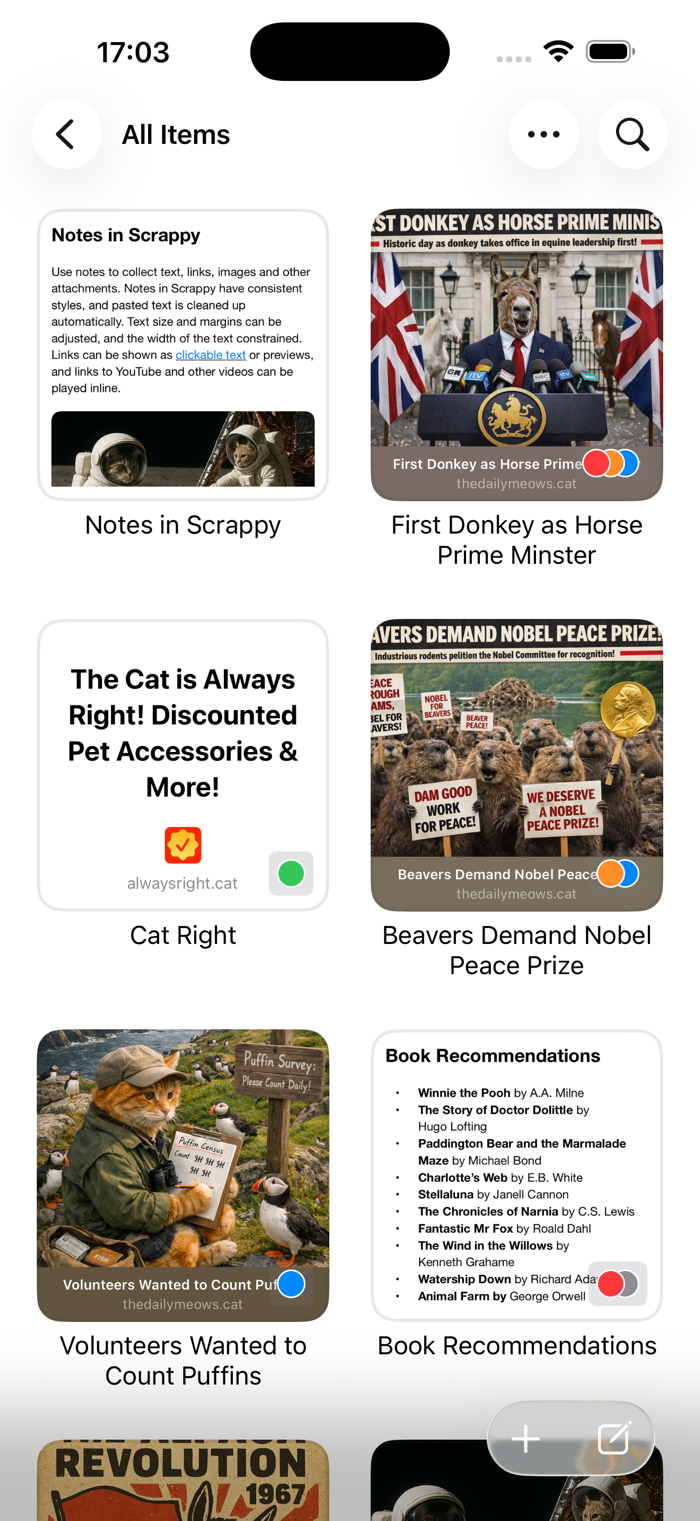
Scrappy shows everything as large thumbnails that open to fill the view, where you can swipe through items individually.
Scrappy’s sidebar shows favorites, recent items, and categories for things like notes, images, and web links to help you find what you need, along with its excellent search features.
You can also create your own lists, including smart lists, with customizable icons and colors, and items can have searchable, and optionally color-coded tags too.
In addition to notes, web links and images, Scrappy can play movie and audio files, has built-in support for previewing PDFs and text files, and can show other files with Quick Look.
* GETTING STUFF IN
- Scrappy’s Share extension can save web links, images, files and text from within other apps
- If you’ve already copied something, use New from Clipboard to create a new item from the home screen or within the app itself
- You can also take photos or videos with the camera, and add photos and videos from your Photos library
* NOTES
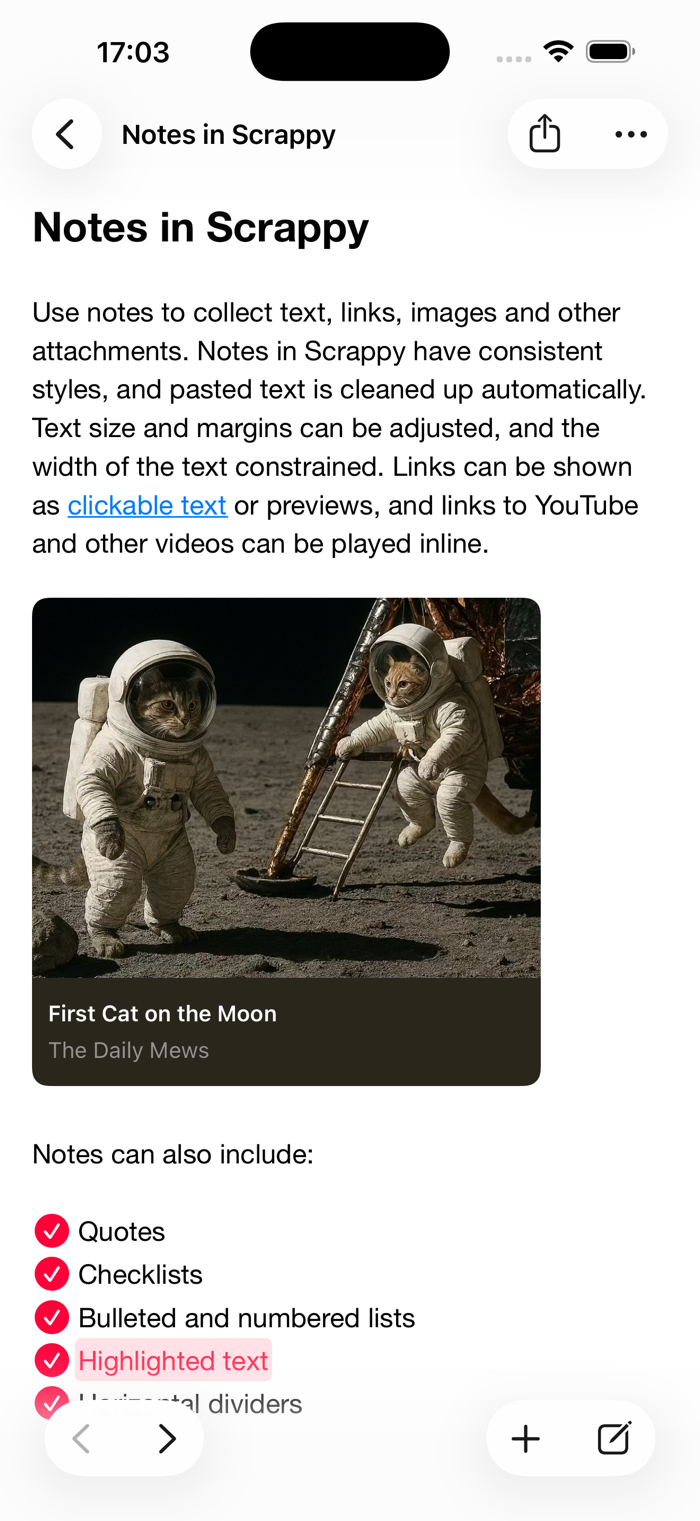
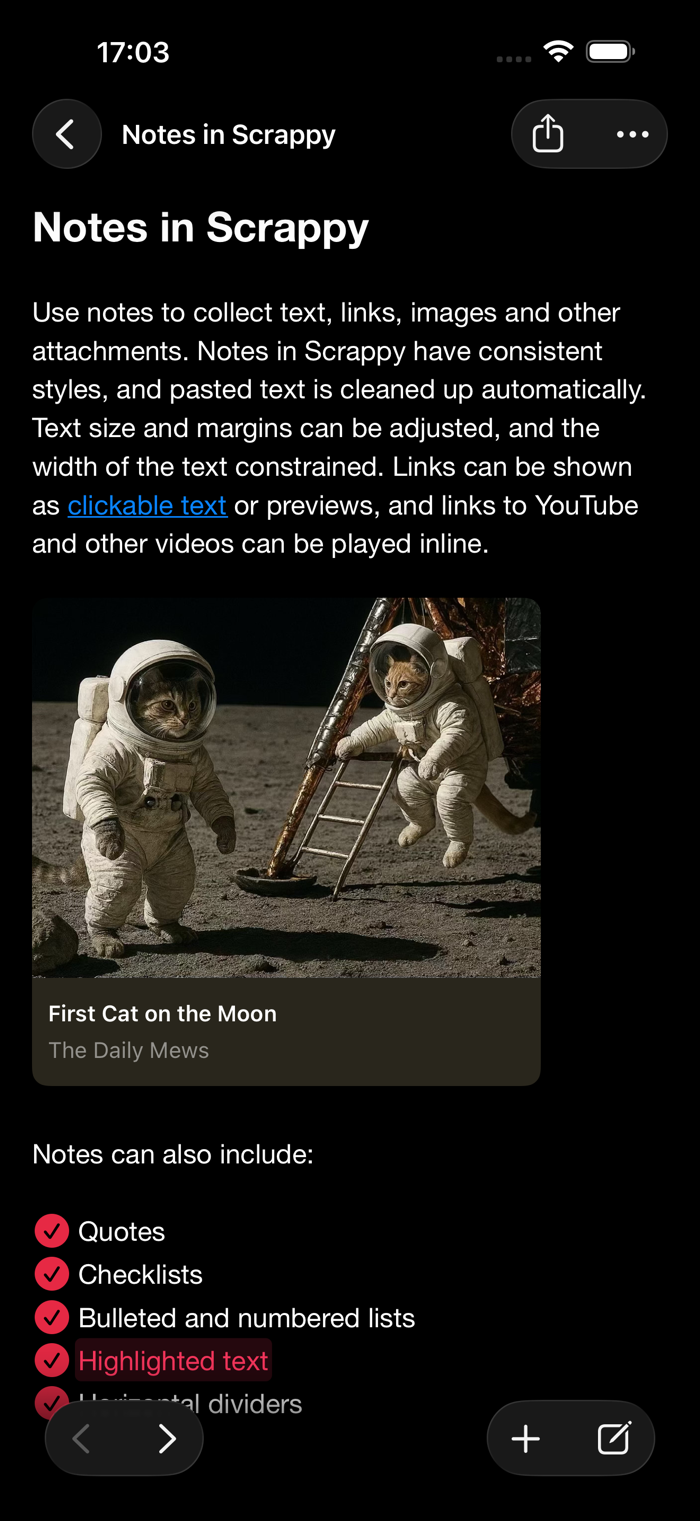
Use notes to collect text, links, images and other attachments.
- Notes have consistent styles, and pasted text is cleaned up automatically
- Links can be shown as clickable text or previews
- Links to YouTube and other videos can be played inline
- Include quotes, checklists, bulleted and numbered lists, highlighted text, horizontal dividers, and links to other items
- Lock notes to protect sensitive information with a password that only you know
* WEB LINKS
When you save a web link to Scrappy, what’s shown adapts to the content:
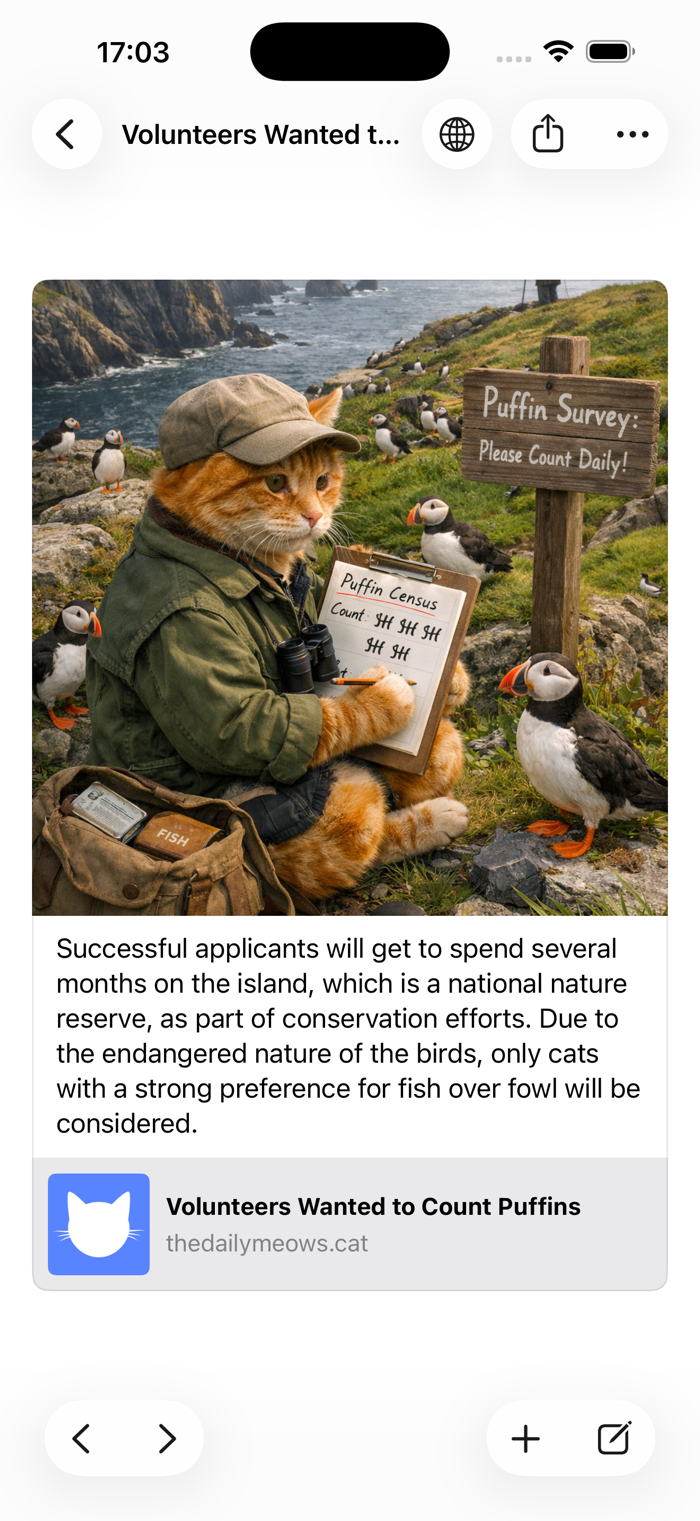
- Articles resemble reader mode in web browsers with a featured image and cleaned-up text
- Other links, such as social media posts, will appear as cards with a summary and image
- YouTube and other links to videos can be played
Scrappy also supports links with highlights, showing only that text, and when you view the original page the highlighted text will be scrolled into view.
When viewing web links, Scrappy lets you:
- Remove portions of text from articles
- Edit information about the links
- Save the original page for offline viewing too, if required
* SEARCH
Once you’ve got things into Scrappy, you’ll want to find them again. Scrappy finds items by their name, date, kind, URL, tags and content, including text in scanned PDFs and images.
Scrappy finds images by the text and prominent features they contain, and what they represent, such as screenshots, illustrations and receipts.
Search suggestions appear as you type, and you can combine these to drill down to what you need. Found text is highlighted as you swipe through results.
Scrappy also lets you create Smart Lists to match items against a set of rules.
* GETTING STUFF OUT
Finally, it’s no good putting things in an app if you can’t get them back out again. All the items you add to Scrappy can be dragged to other apps or saved as files, and you can export any list or the entire library as files and folders in standard formats that any good app can understand.
* SUBSCRIPTIONS
Use of Scrappy requires a paid subscription that you can purchase in the app.
Payment will be charged to your account following any free trial offered unless cancelled in Account Settings at least 24-hours before the end of the trial period. The subscription will automatically renew unless auto-renew is turned off at least 24-hours before the end of the current period.
Subscriptions may be managed and auto-renewal may be turned off by going to Account Settings after purchase.
If you start a free trial and cancel before it ends, you cannot reactivate the free trial.
When your subscription ends, you will lose access to any functionality provided by the subscription.
Terms of Use:
https://reinventedsoftware.com/scrappy/terms.html

 +100宝石


 分享
分享

























用户评价
立即分享产品体验
你的真实体验,为其他用户提供宝贵参考
💎 分享获得宝石
【分享体验 · 获得宝石 · 增加抽奖机会】
将你的产品体验分享给更多人,获得更多宝石奖励!
💎 宝石奖励
每当有用户点击你分享的体验链接并点赞"对我有用",你将获得:
🔗 如何分享
复制下方专属链接,分享到社交媒体、群聊或好友:
💡 小贴士
分享时可以添加你的个人推荐语,让更多人了解这款产品的优点!
示例分享文案:
"推荐一款我最近体验过的应用,界面设计很精美,功能也很实用。有兴趣的朋友可以看看我的详细体验评价~"
领取结果