产品功能

应用市场介绍

Screen Recorder - Live is a broadcasting app for live streaming via the phone screen. With this app, users can live stream their phone screens on their YouTube, Facebook, and Twitch accounts.


This app utilizes the iOS screen recorder feature to capture the screen stream and further live stream to the users' social media accounts.


How to Use


1. Enable the screen recording option in the iOS device by going to Settings -> Control Center -> Custom Controls


2. This will make the screen recording option available on the iOS Control Center.


3. Swipe down from the upper right edge of the device to open the Control Center


4. Long press the screen recording button, and a list of available apps will be shown.


5. Select Screen Recorder and LiveStream from the list, then press the Start Broadcast button


6. Your iOS phone screen will now be played to the app


7. You can also choose to include audio recording by clicking the microphone on/off button


This feature is especially useful for gaming communities who want to live stream their games on their social media accounts


Please note that you need to make the necessary settings in your YouTube, Facebook, and Twitch accounts before starting to play the live stream


Other Features:


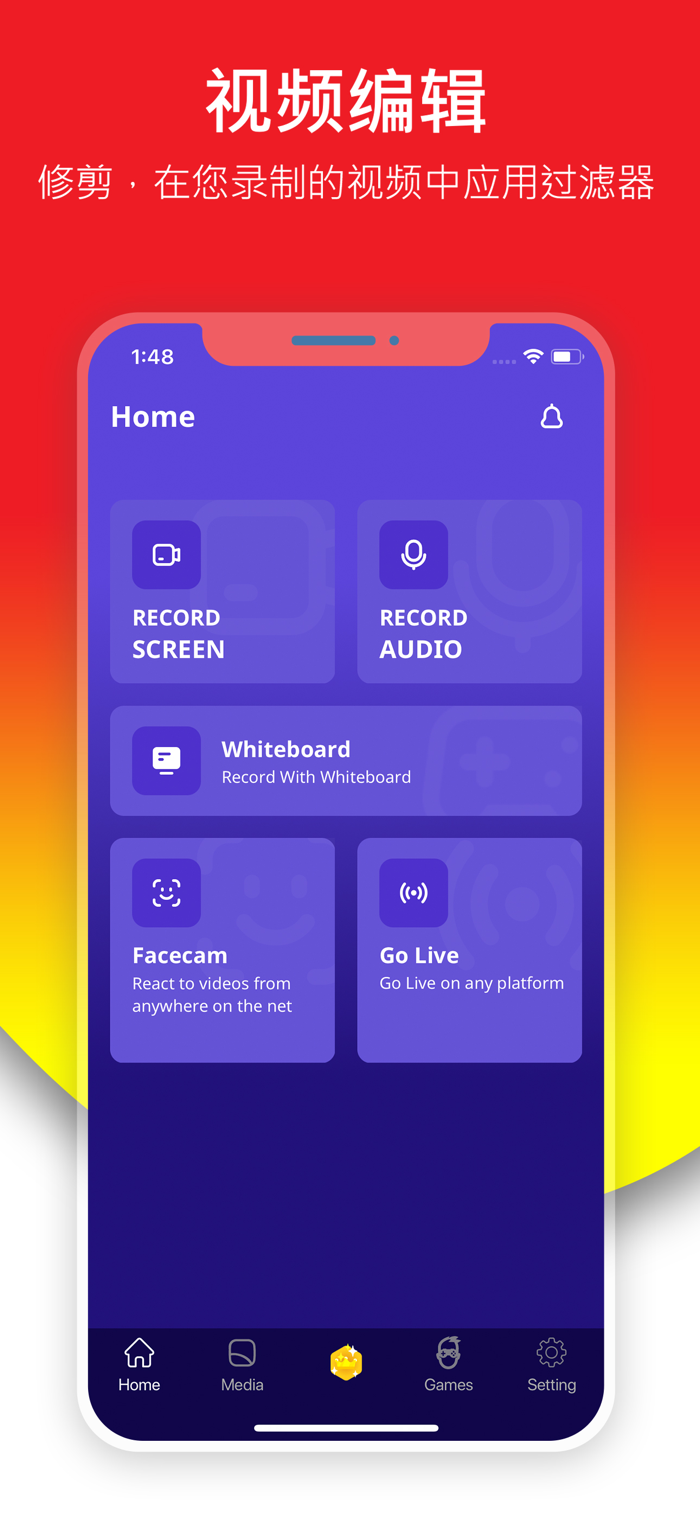
Screen Recording


In addition to live streaming the phone screen, users can also choose to save the screen recording to the local device. This feature is very useful for -


1. App developers - who may want to explain the usage of their apps


2. Testers - Quality assurance testers can use this feature to create videos explaining scenarios like replicating bugs in the app, etc.


3. App marketers can use this feature to create tutorials and video demos of their apps


Video Editing


Videos saved on the local device can be edited using multiple video editing features provided by the app. Specifically, users can edit videos -


1. Add a face cam to the video


2. Merge two videos


3. Trim the video


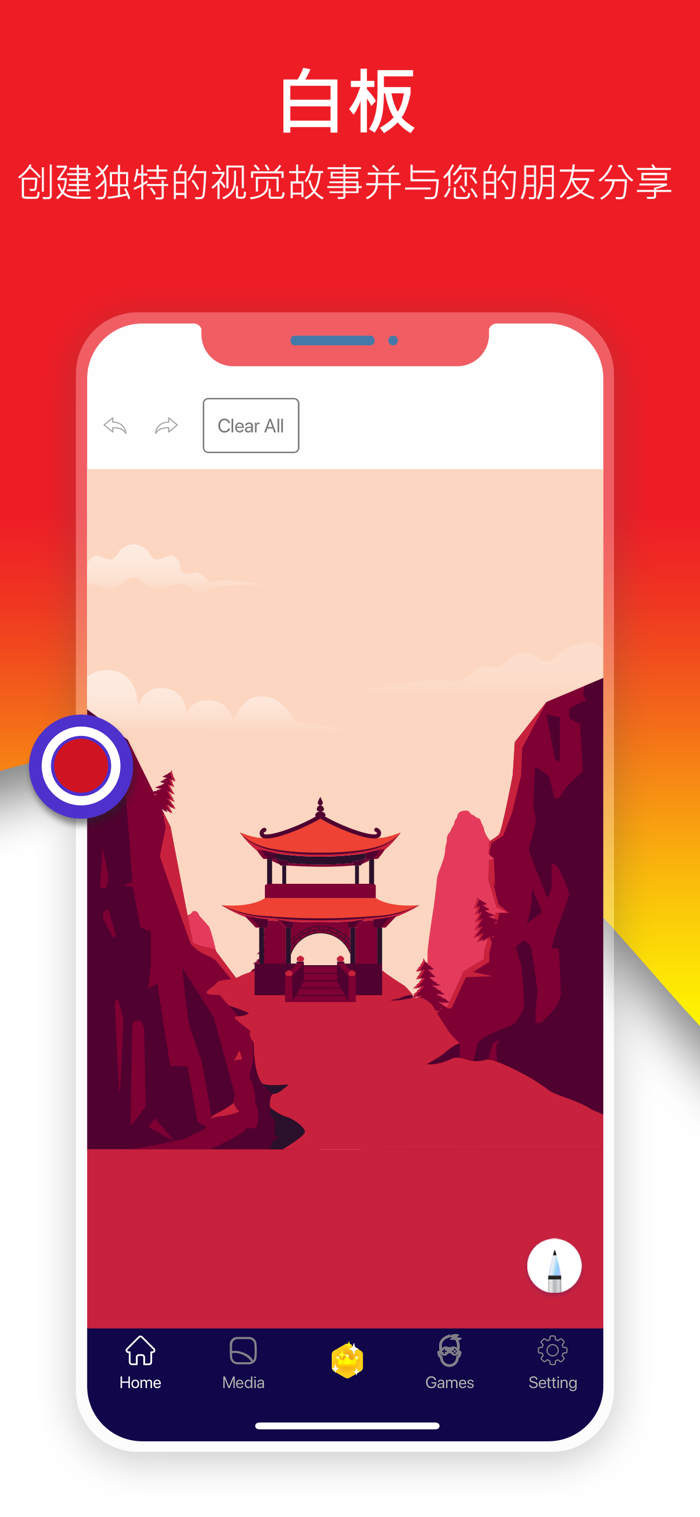
4. Draw on the video


5. Add stickers to the video


6. Add text to the video


7. Add some audio to the video


8. Change the video speed


Upload Video to YouTube


Users can also choose to upload the screen recording video to their YouTube accounts. This feature is available in the app.


You can share feedback about the app via support@AppScreenRecorder.com


Follow us on Facebook:


https://www.facebook.com/AppScreenRecorder


Please subscribe to our YouTube channel: https://www.youtube.com/channel/UCOy2x-EU53cwKSOkdUTlIgw?view_as=subscriber

收起

用户评价

立即分享产品体验

你的真实体验,为其他用户提供宝贵参考

宝石
评论可得 100 宝石
宝石随心兑换应用高级会员,每周更新 前往查看 >>
活动动态 0 人参加
查看更多评论