Csv Editor - Smart Csv opens the CSV files other apps choke on. Files with hundreds of thousands of rows open in seconds, scroll smoothly, and edit like a real spreadsheet — right on your iPhone or iPad.
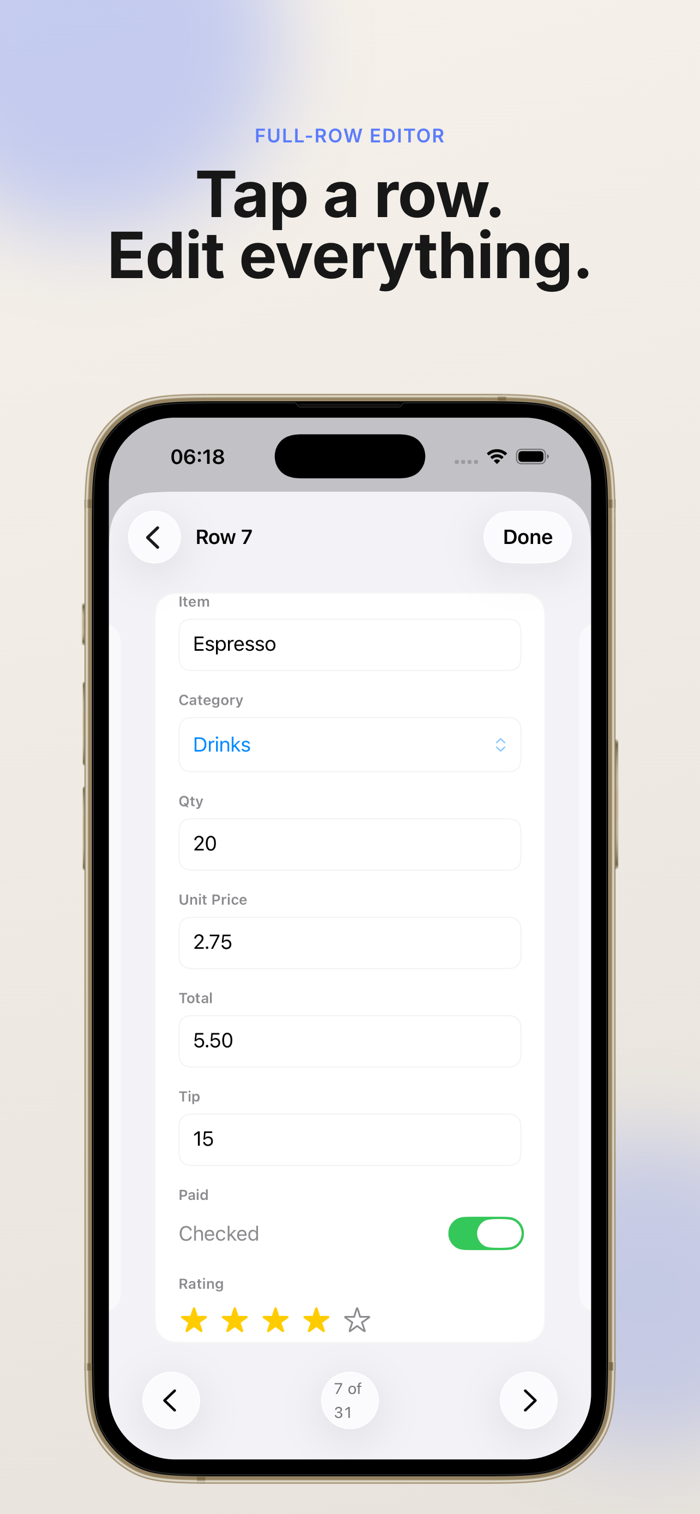
EDIT LIKE A SPREADSHEET • Tap to select, tap again to edit — Excel-style on touch • Insert, delete, and reorder rows and columns • Undo and redo everything • Freeze rows and columns so headers stay put while you scroll • Select ranges with drag handles, clear whole ranges at once
BUILT FOR BIG FILES • Opens 500,000+ row files without slowing down • Background loading with live progress — start reading immediately • Smooth flick-scrolling through the whole sheet
SORT & FILTER • Excel-style AutoFilter per column • Sort text, numbers, and dates the way Excel does • Filtered rows are protected: edits and deletes never touch hidden data
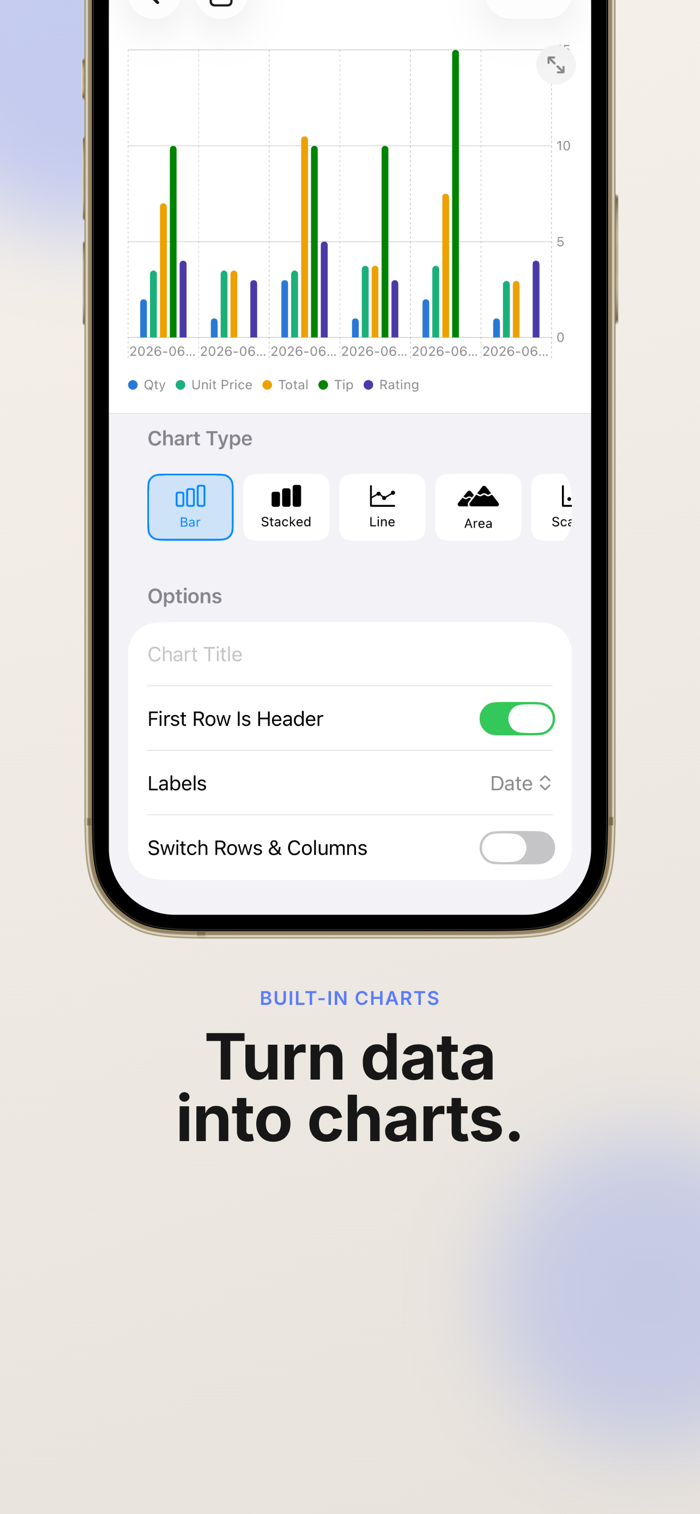
CHARTS (PRO) • Turn any selection into a chart in two taps • Bar, line, and more, powered by Swift Charts • Save chart images to your photo library or share them
SMART FORMAT HANDLING • Auto-detects delimiters, headers, and encodings • Opens TSV and other delimited files • Re-open with custom parse settings when a file is unusual
FREE VS PRO The free version includes full editing, sorting, and filtering for files up to 100 rows. Csv Editor Pro unlocks: • Unlimited rows — open and edit files of any size • Charts
Your files are never truncated: even in the free version, every row of your file is preserved when you save.
Pro is available as a one-time lifetime purchase, or as a monthly or yearly auto-renewing subscription. Subscriptions renew unless canceled at least 24 hours before the end of the period and can be managed in your App Store account settings.
Terms of Use: https://mygems.app/term Privacy Policy: https://mygems.app/privacy


 +100宝石


 分享
分享











用户评价
立即分享产品体验
你的真实体验,为其他用户提供宝贵参考
💎 分享获得宝石
【分享体验 · 获得宝石 · 增加抽奖机会】
将你的产品体验分享给更多人,获得更多宝石奖励!
💎 宝石奖励
每当有用户点击你分享的体验链接并点赞"对我有用",你将获得:
🔗 如何分享
复制下方专属链接,分享到社交媒体、群聊或好友:
💡 小贴士
分享时可以添加你的个人推荐语,让更多人了解这款产品的优点!
示例分享文案:
"推荐一款我最近体验过的应用,界面设计很精美,功能也很实用。有兴趣的朋友可以看看我的详细体验评价~"
关注 Mergeek 公众号
领奖遇到问题?联系小门助手