The newly upgraded Commander One v3.0 brings a further enhanced file management experience.
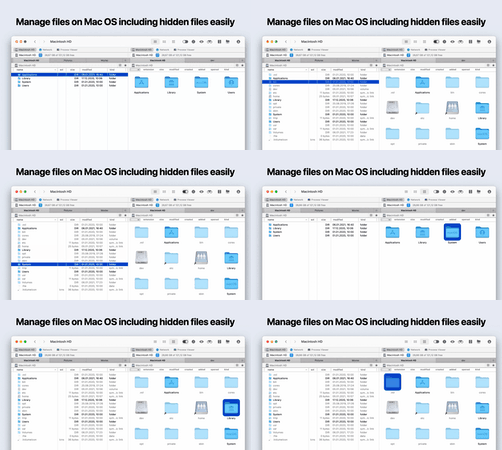
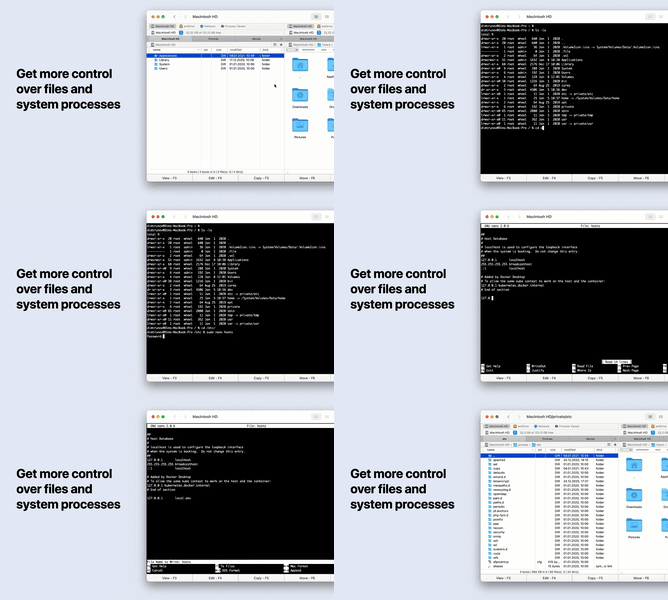
Commander One is a file manager developed by Swift, featuring a dual-pane interface for handling files most efficiently. Besides its user-friendly advantages, this software also runs fast and is powerful, enabling comprehensive and seamless operations on files and folders.
Cultofmac.com - "If you're disappointed with the built-in file manager on OS X, Commander One is an excellent alternative Mac software."
Lifehacker.com - "After installing this software, you can enjoy features such as dual-pane browsing, an unlimited number of tabs, various sorting options, easily toggling to show hidden folders, etc. There are also many new keyboard shortcuts for easily moving files. If you don't like the operations of Finder, Commander One will be an excellent alternative."
Dual-pane view:
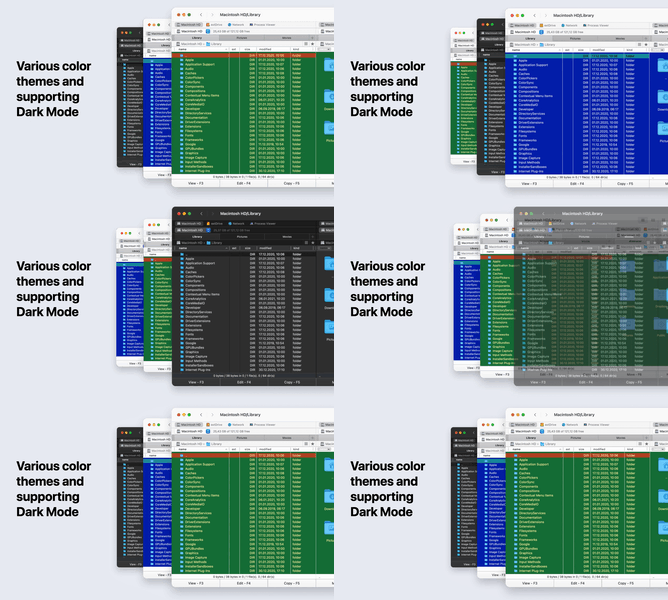
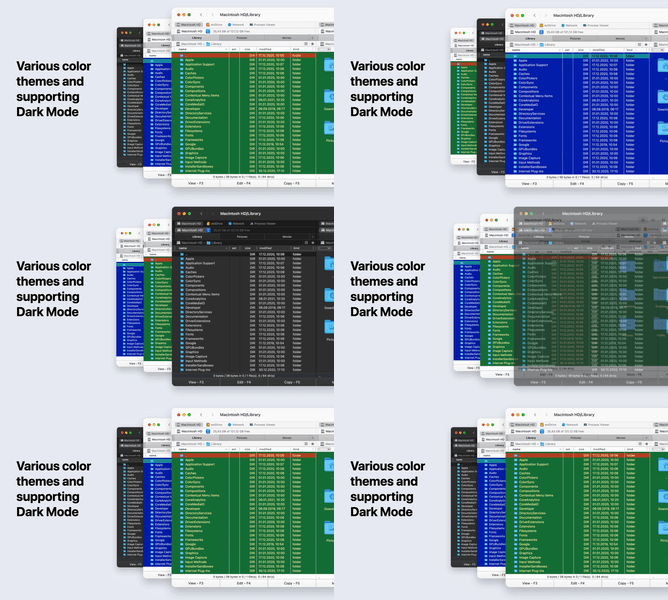
- The classic dual-pane interface with freely adjustable styles (color theme, font).
- Supports adjusting the dark mode according to time (only supported from version 10.14 onwards).
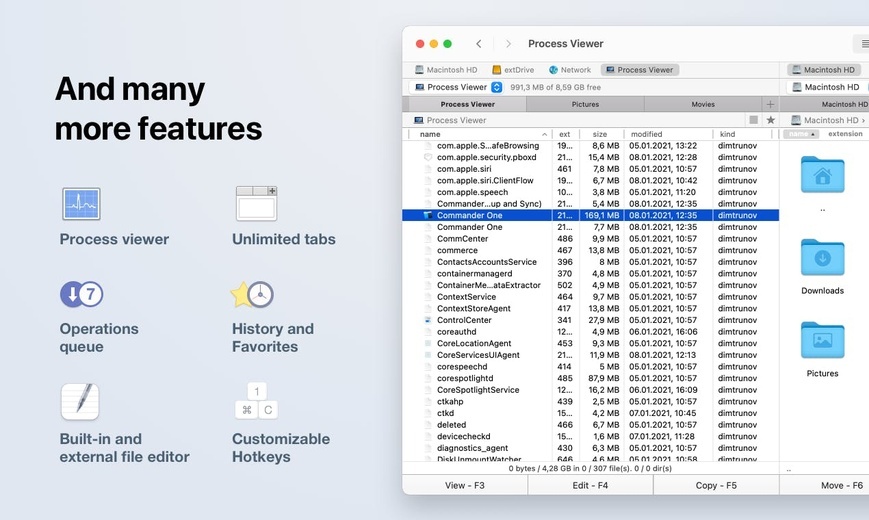
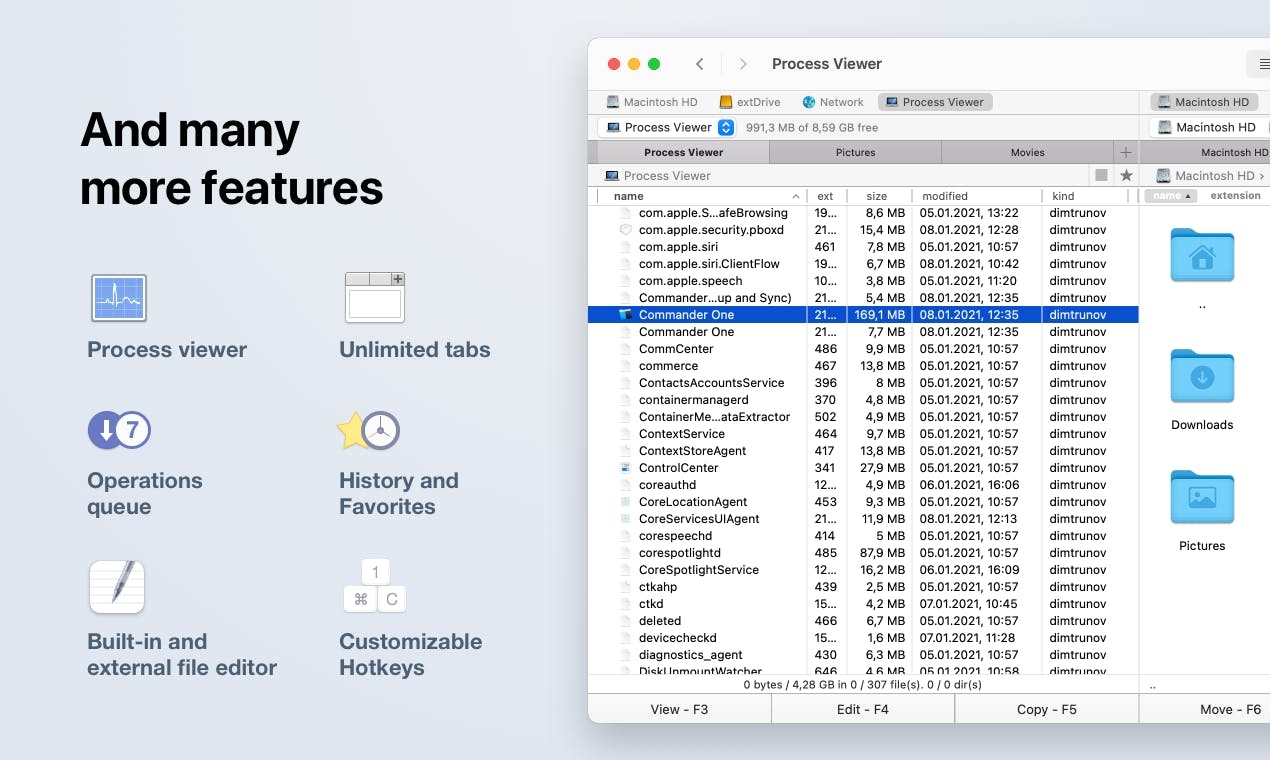
- Can support an unlimited number of tabs to access any number of folders.
- For different types of files, supports three viewing modes, namely full size, thumbnail, and icon.
Click navigation and display:
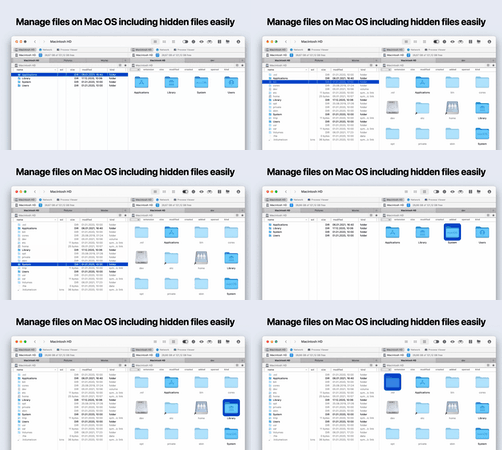
- Click to view hidden files.
- Supports queuing file operations, including those already in progress.
- Supports drag-and-drop function.
- Rename files and folders when moving.
Different search methods:
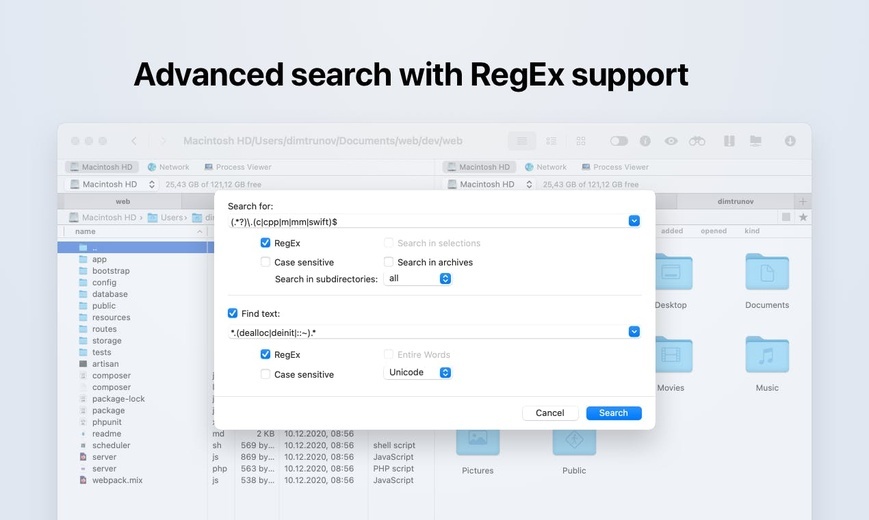
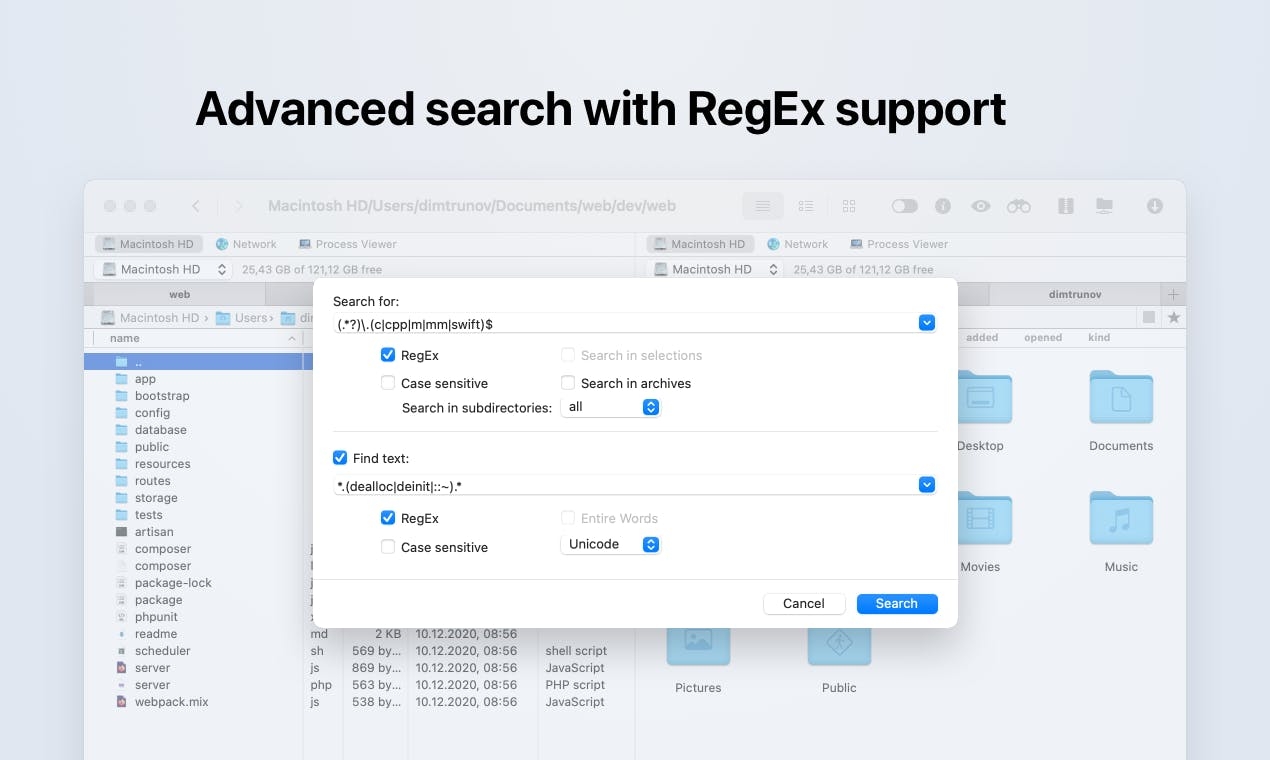
- Built-in search supporting Regex.
- Search by document content.
- Focus search.
Commander One offers many useful features to simplify your daily work:
- Configure keyboard shortcuts for the most frequently used operations.
- View and process multiple files simultaneously in brief mode.
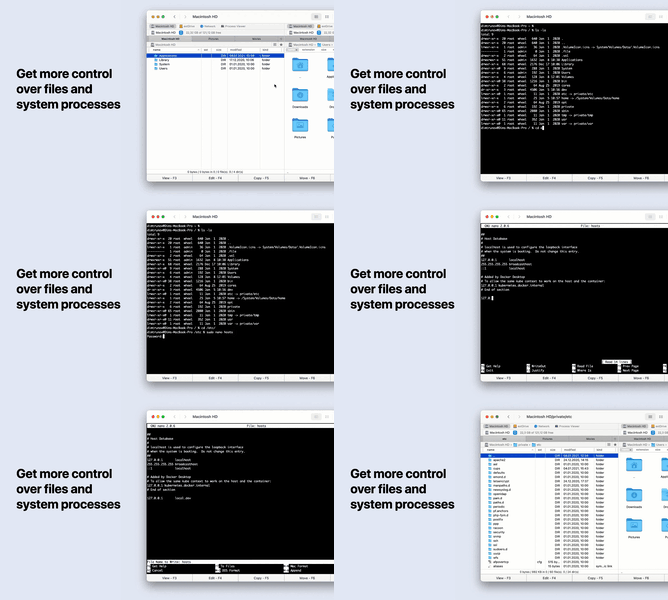
- Process viewer.
- Supports Finder tags.
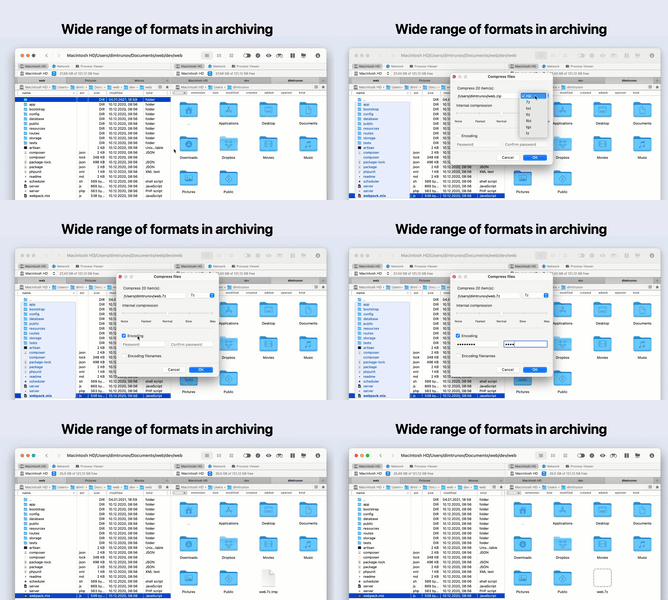
- Compress and decompress files, and open ZIP compressed files in the way of a normal folder.
- Open file formats such as.ipa,.apk,.jar,.ear,.war, etc. just like opening a normal folder.
- Preview all types of files before opening, including Hex and Binary files.
- Detect the network and quickly list computers using the NetBIOS protocol.
- Seamlessly access opened folders or frequently used folders through the history and favorites bar.
- Select the program to open a folder by using "Main Menu - File" or "Open With" in the context menu.
- Select the interface language.
*The professional version of Commander One can be purchased within the program*
Extra features of the professional version of Commander One
- Built-in FTP, SFTP, FTPS managers, and can set file permissions through these protocols.
- Quick FTP transfer: Click to copy/move/edit/send/upload large files.
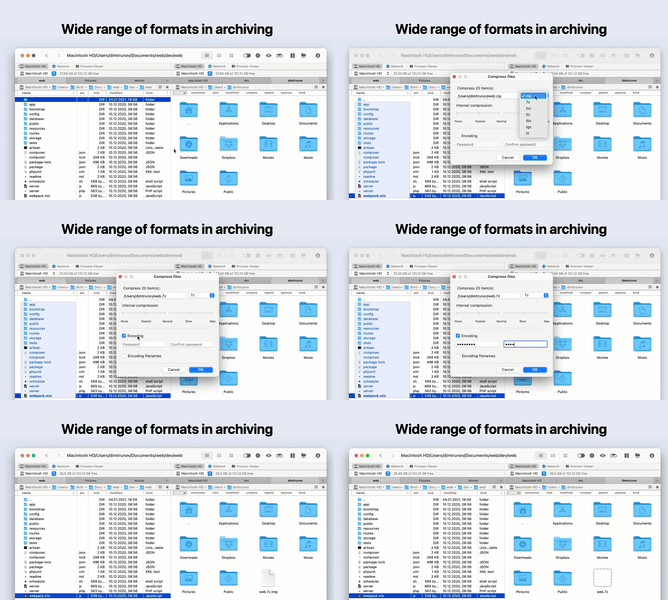
- Supports 7zip format, can compress, extract, fully access, and search.
- Supports RAR format, can extract, fully access, and search.
- Supports TarGz format, can compress, extract, search, and fully access.
- Customize themes to personalize the interface.
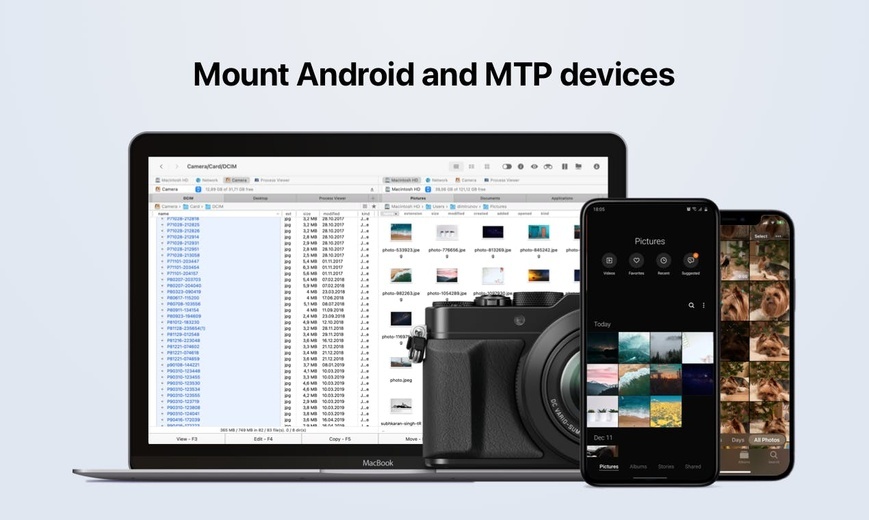
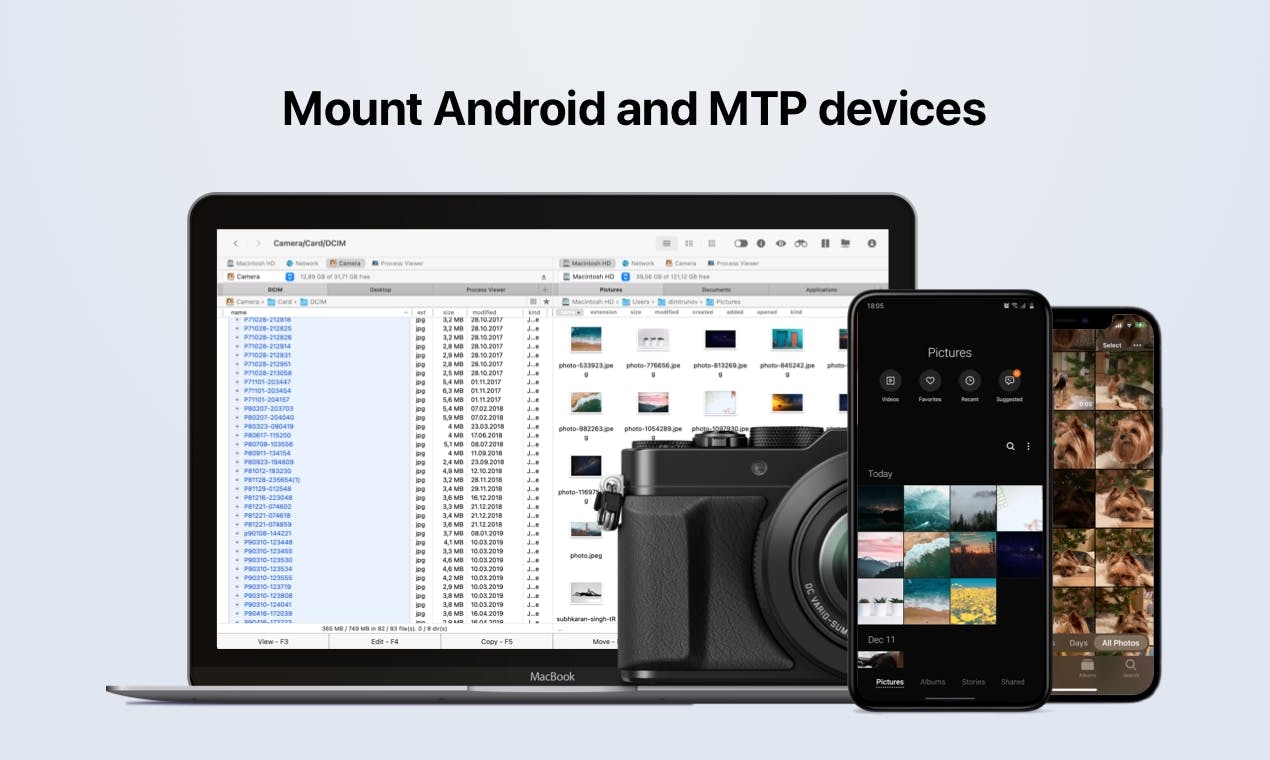
- Connect MTP devices, browse files, and efficiently handle your photos and videos.
- Map Dropbox and Dropbox Business accounts as a hard drive for convenient access.
- Easily share Dropbox links.
- Mount any number of Google Drive accounts, and handle files and folders without downloading them to the Mac computer, including the "Shared with Me" folder.
- Map an unlimited number of WebDAV connections and access online files.
- Mount and handle Amazon S3 cloud storage, as well as S3-compatible storage spaces.
- Access, manage, and organize files on Box.com.
- Manage online files stored in a Microsoft OneDrive account just like managing local files.
- Map and handle files on Backblaze B2.
- Click to access pCloud accounts.
- Map Mega cloud services and manage files stored in the cloud services.
- Mount OpenStack SWIFT for perfect access to online files.
- Easily transfer files between cloud storage and network servers.
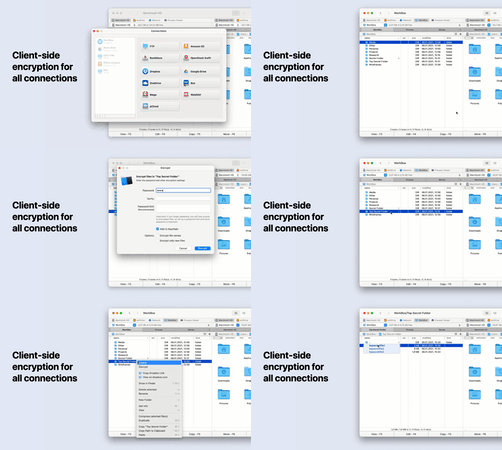
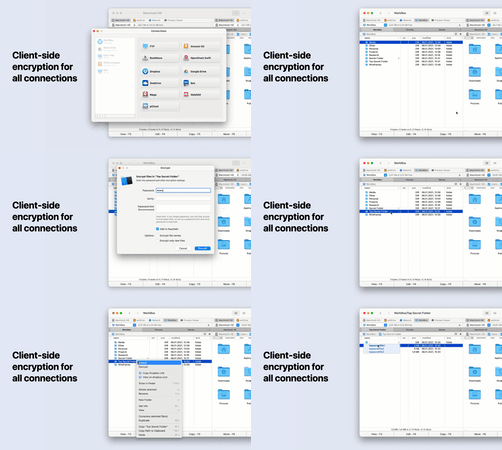
- Encrypt all online connections to protect file security.
Welcome to contact us at any time, email: support@electronic.us. We are always ready to help. Welcome to feedback problems, and we will solve the problems you feedback in subsequent versions

 +100宝石


 分享
分享




















用户评价
立即分享产品体验
你的真实体验,为其他用户提供宝贵参考
💎 分享获得宝石
【分享体验 · 获得宝石 · 增加抽奖机会】
将你的产品体验分享给更多人,获得更多宝石奖励!
💎 宝石奖励
每当有用户点击你分享的体验链接并点赞"对我有用",你将获得:
🔗 如何分享
复制下方专属链接,分享到社交媒体、群聊或好友:
💡 小贴士
分享时可以添加你的个人推荐语,让更多人了解这款产品的优点!
示例分享文案:
"推荐一款我最近体验过的应用,界面设计很精美,功能也很实用。有兴趣的朋友可以看看我的详细体验评价~"
领取结果