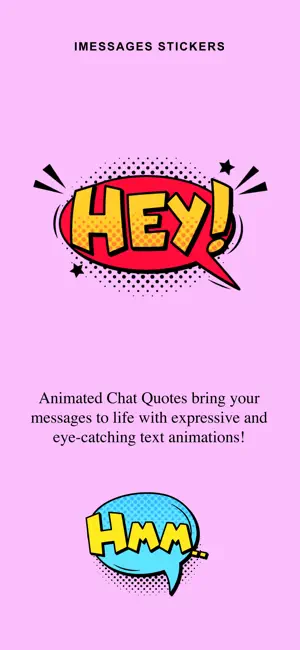
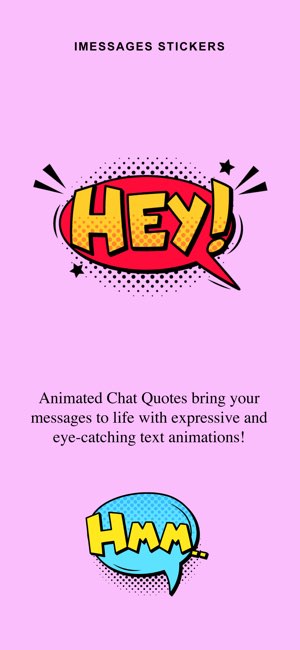
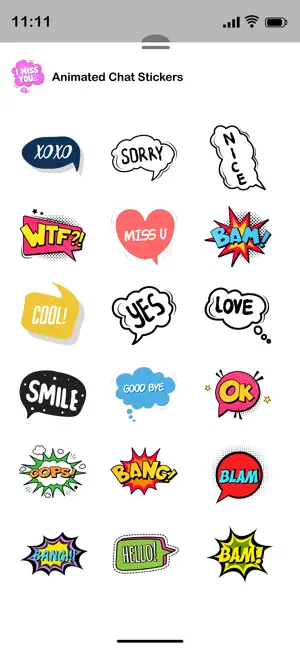
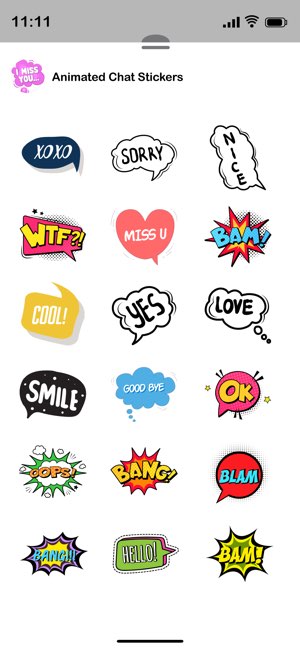
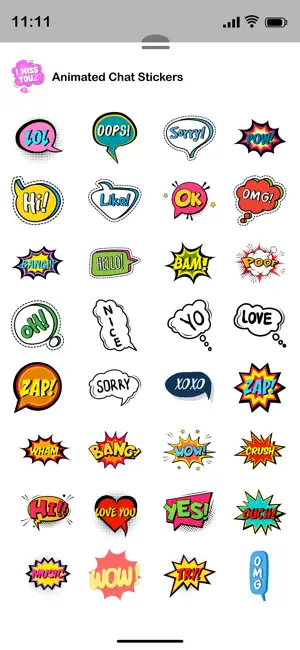
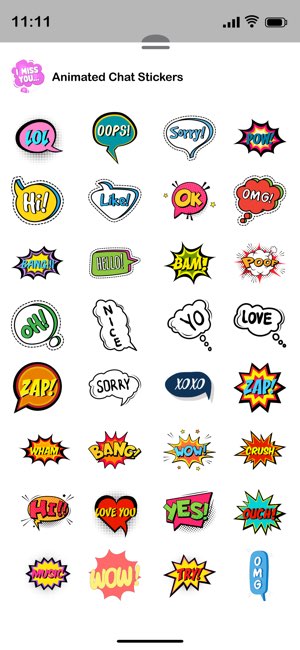
Bring your conversations to life with fun, expressive animated stickers!
How to Use the Stickers on iMessage:-
Open the Messages app on your iPhone.
Select any existing conversation or start a new one.
Tap the “+” icon next to the message input field.
Choose Stickers from the menu.
Your downloaded sticker packs will appear — just tap and send your favourite one!
Make your chats more fun and expressive in seconds.

 +100宝石


 分享
分享




















用户评价
立即分享产品体验
你的真实体验,为其他用户提供宝贵参考
💎 分享获得宝石
【分享体验 · 获得宝石 · 增加抽奖机会】
将你的产品体验分享给更多人,获得更多宝石奖励!
💎 宝石奖励
每当有用户点击你分享的体验链接并点赞"对我有用",你将获得:
🔗 如何分享
复制下方专属链接,分享到社交媒体、群聊或好友:
💡 小贴士
分享时可以添加你的个人推荐语,让更多人了解这款产品的优点!
示例分享文案:
"推荐一款我最近体验过的应用,界面设计很精美,功能也很实用。有兴趣的朋友可以看看我的详细体验评价~"
领取结果