产品功能

应用市场介绍

The Couple
Connect with your lover and create a space just for two.
Our anniversary, dating diary, and the birthdays of the two of you are all in one space!
Record stories, share photos, and capture memories with your loved one.
With The Couple, you won't miss precious moments even in the busy daily life.

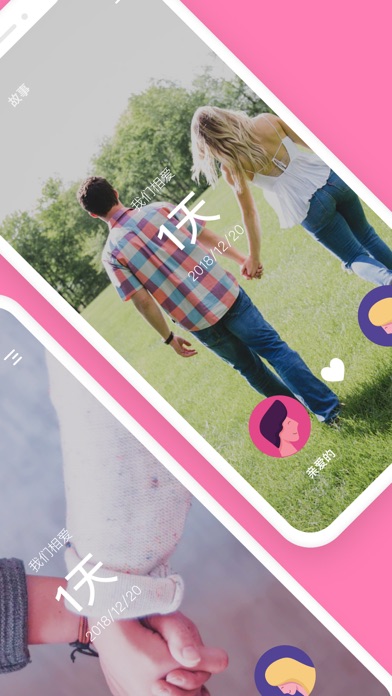
■ Automatically calculated our anniversary
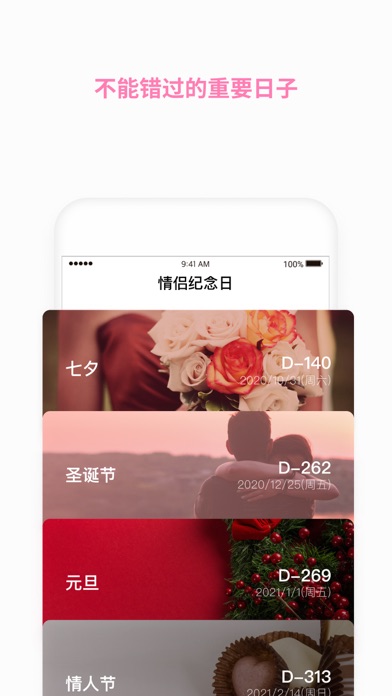
It's convenient to confirm anniversaries like 100 days, 200 days, 1st anniversary, 2nd anniversary, etc.
You can receive notifications for each anniversary!
- Easily manage your schedule with the anniversary list automatically calculated every 100 days.
- Reminder function 7, 3, 5, and 1 day before and on the anniversary day. Don't miss important days!

■ Freely decorated app background screen
- We offer various themes, hearts, background effects, and background photos for you.
- Put your photo on the background screen and decorate it in your style with various effects!
- There are also various fonts in the app to add more atmosphere.

■ Stories left by date
- Please leave records of precious days.
- You can upload three photos in one story. (30 photos for premium users)
- You can add captions to each photo and record the story in the photo.
- You can leave messages, share with each other, and download photos.

■ Check anniversaries using the home screen widget
- View the anniversaries and birthdays with your loved one through various widgets on the iPhone home screen!

* Method for setting the home screen widget *
1. Long press on the blank area of the iPhone home screen.
2. Press the + button in the upper corner.
3. Select The Couple from the list.
4. After selecting the widget, click "Add Widget" at the bottom to complete.
5. Long press the widget and select "Widget Edit" to change options.
Long press the widget to "Edit Widget"

■ If you want to use it more specially, The Couple Premium
Upgrade to a premium member and use all premium services.
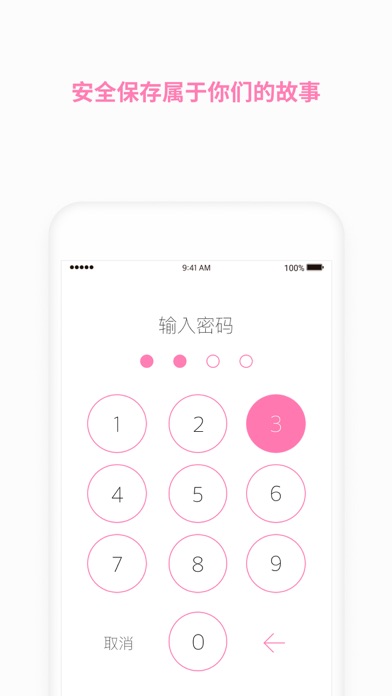
(Remove ads, multiple themes and decoration functions, upload photos, save photos, lock function, etc.)
- Your subscription payment will be charged to your Apple app store account.
- If you don't cancel your subscription at least 24 hours before the end of the subscription period, it will automatically renew.
- When canceling the subscription, you need to directly cancel the subscription in the app store using the Apple app store account that has been settled.
- To cancel the subscription, you must directly cancel the subscription from the app store using the paid Apple app store account.
- Only the same Apple app store account can be used to resume the subscription.
- If you cancel the subscription (payment), you can still use the service during the remaining period.

* For inquiries about APP errors and abnormal operations, please use the following contact information.
- Email: help@thedaybefore.kr
- APP -> Settings -> Inquiries

收起

用户评价

立即分享产品体验

你的真实体验,为其他用户提供宝贵参考

宝石
评论可得 100 宝石
宝石随心兑换应用高级会员,每周更新 前往查看 >>
活动动态 0 人参加
查看更多评论