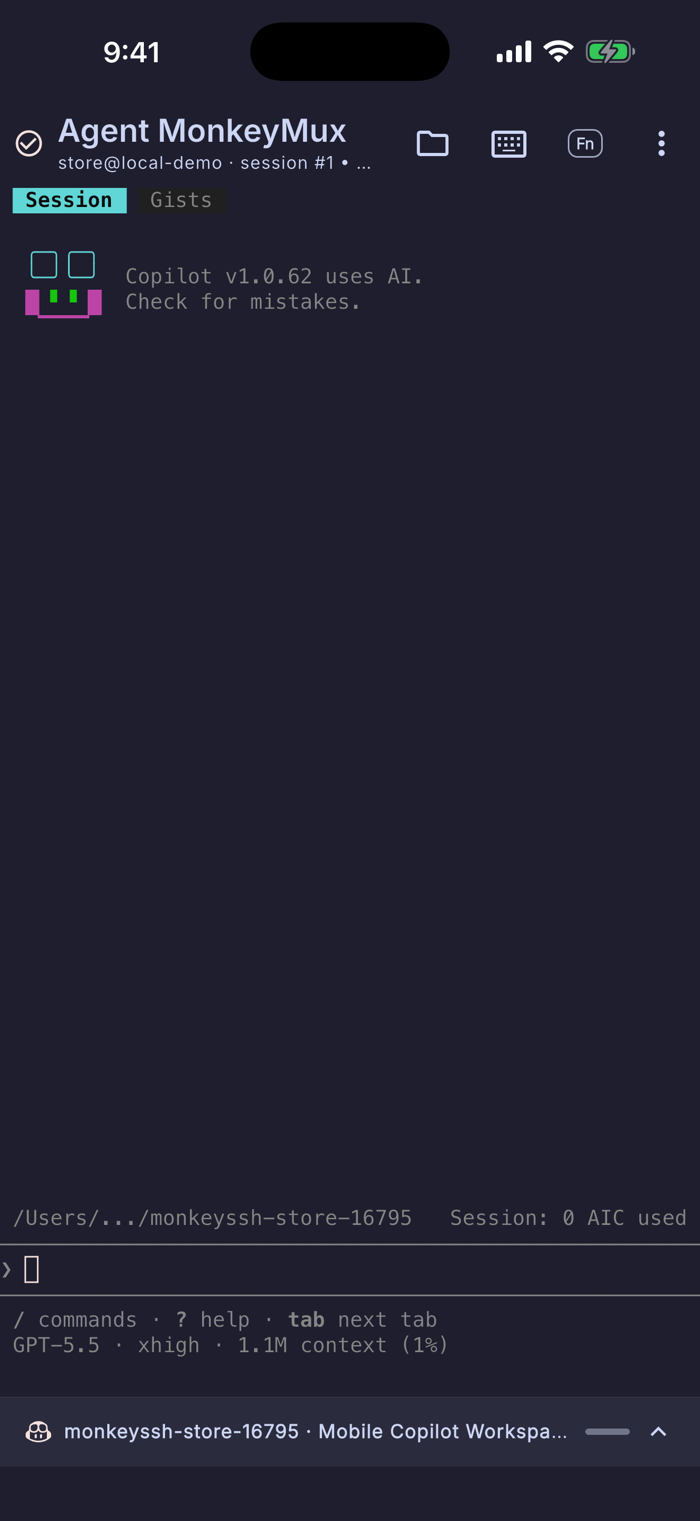
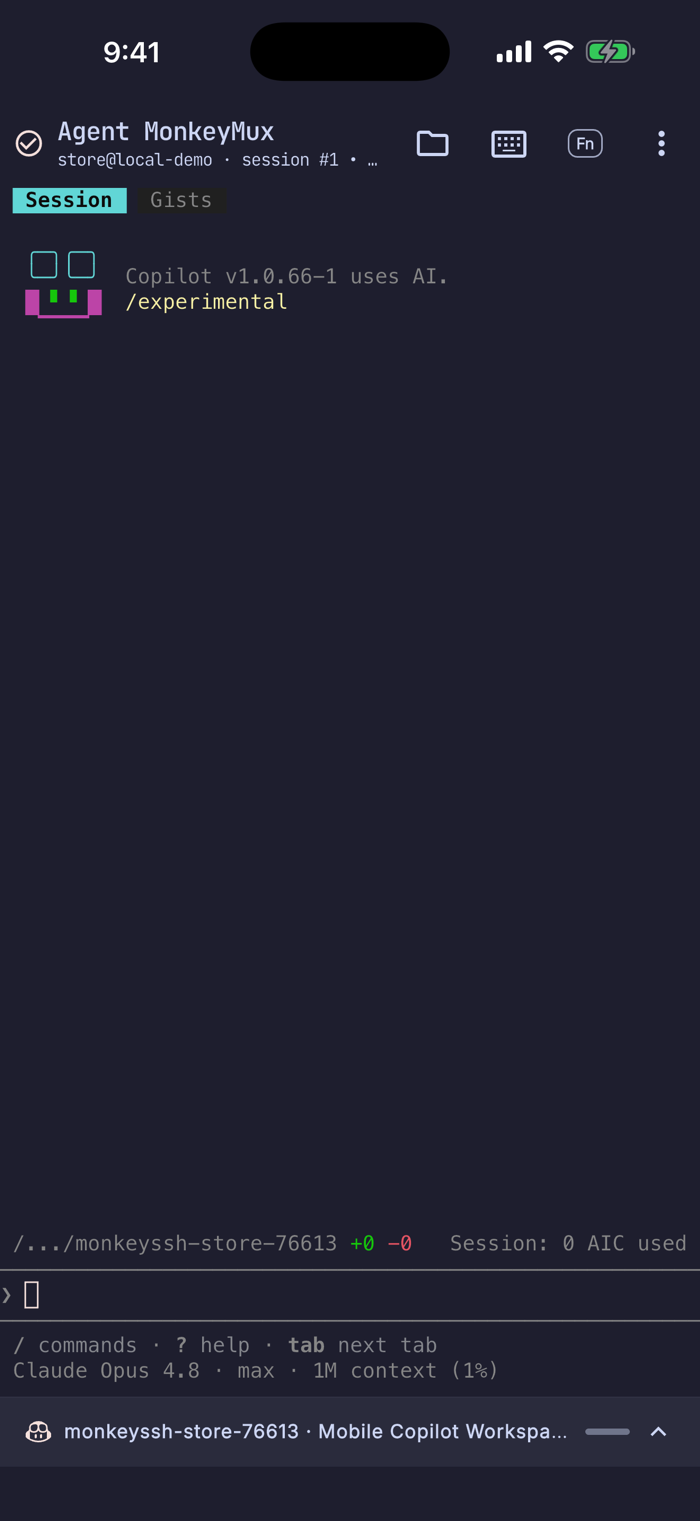
MonkeySSH is the mobile SSH workspace for agentic coding. Connect to your servers, attach to MonkeyMux or tmux, switch remote windows, resume coding agents, browse files, forward ports, and keep long-running work alive from your phone.
Built for modern remote development:
- Mobile terminal with xterm-256color, themes, gestures, modifier keys, function keys, macros, and IME-friendly typing.
- MonkeyMux and tmux remote windows with a fast window switcher, wide-screen sidebar, status badges, alerts, and reconnect-friendly sessions.
- Agent workflows with scoped recent-session discovery and saved launch presets for Claude Code, Copilot CLI, Codex, Gemini CLI, OpenCode, Antigravity, and Cursor Agent.
- SFTP workspace for browsing, uploading, downloading, creating, and editing remote files.
- SSH key management with Ed25519/RSA generation, import, export, and host-key verification.
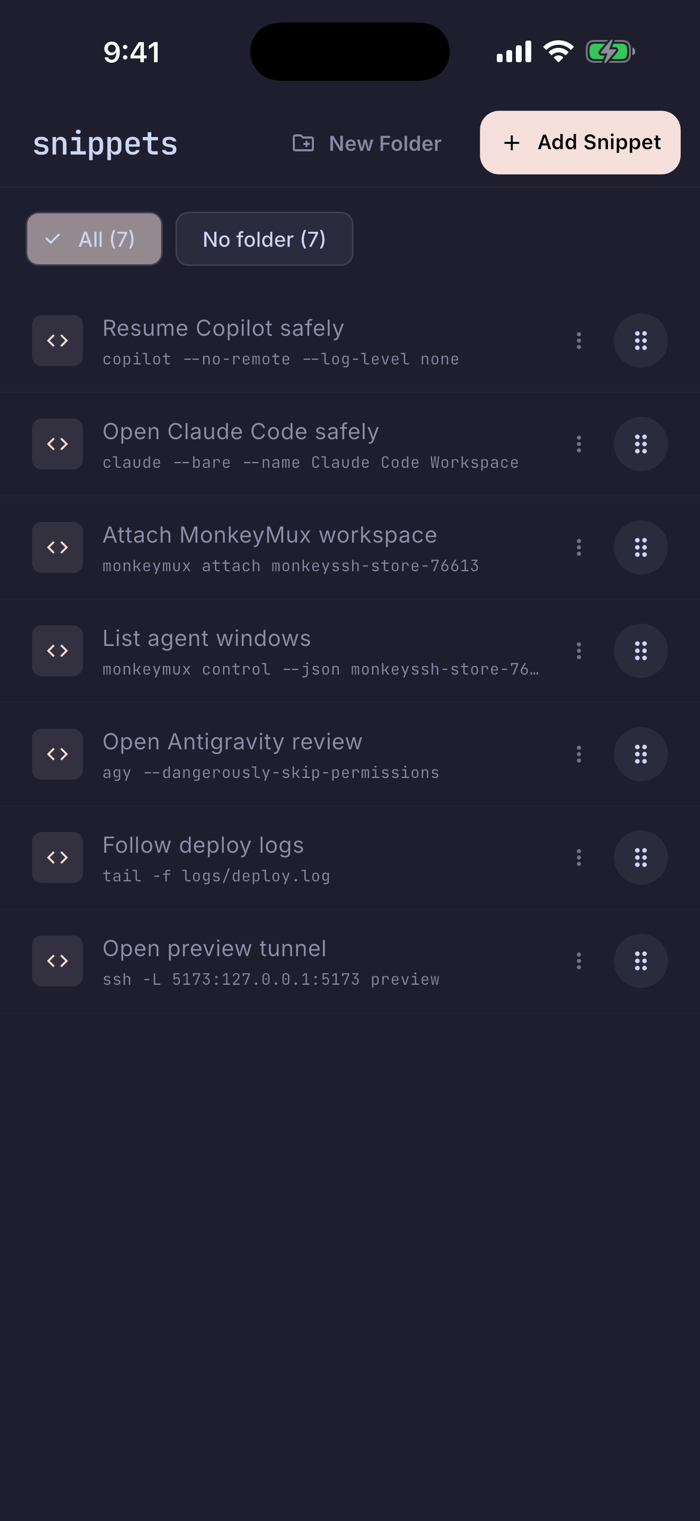
- Snippets, auto-connect commands, home-screen shortcuts, and port forwarding for repeatable remote workflows.
- Local-first security with PIN/biometrics, encrypted transfer bundles, encrypted migration packages, and no required cloud sync.
- Optional analytics and crash reports that are off by default and exclude commands, terminal output, paths, hostnames, usernames, clipboard contents, and credentials.
MonkeySSH keeps SSH practical on mobile while adding the workflow shortcuts remote developers need when they are away from a laptop.
Terms of Use (EULA): https://www.apple.com/legal/internet-services/itunes/dev/stdeula/
Privacy Policy: https://github.com/depollsoft/MonkeySSH/blob/main/docs/privacy-policy.md


 +100宝石

 分享
分享














用户评价
立即分享产品体验
你的真实体验,为其他用户提供宝贵参考
💎 分享获得宝石
【分享体验 · 获得宝石 · 增加抽奖机会】
将你的产品体验分享给更多人,获得更多宝石奖励!
💎 宝石奖励
每当有用户点击你分享的体验链接并点赞"对我有用",你将获得:
🔗 如何分享
复制下方专属链接,分享到社交媒体、群聊或好友:
💡 小贴士
分享时可以添加你的个人推荐语,让更多人了解这款产品的优点!
示例分享文案:
"推荐一款我最近体验过的应用,界面设计很精美,功能也很实用。有兴趣的朋友可以看看我的详细体验评价~"
关注 Mergeek 公众号
领奖遇到问题?联系小门助手