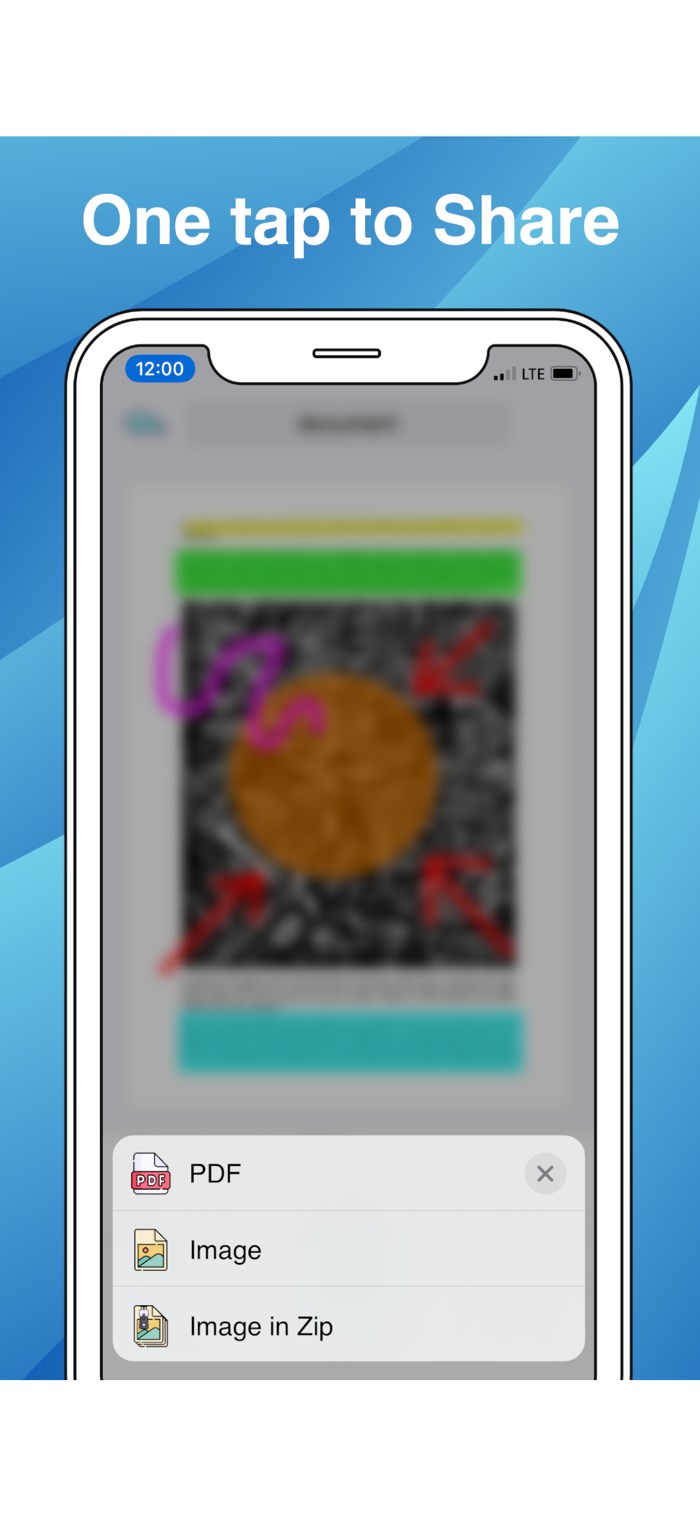
Quickly scan, edit and share any document as a PDF or JPG file. PDF Scanner App will turn your iPhone or iPad into a powerful mobile scanner.
Scan anything — documents, receipts, business cards, notes, and books — and save your scans as multipage PDF or JPG files.
SCAN:
- LIVE scan text on Image, Camera with AI
- LIVE Translate any language on Image, Camera with AI
- Scan any document automatically or manually and save it as a PDF file or image.
- Try various Camera Modes to scan specific types of documents.
- Import documents right from Photos, Files for further editing and sharing.
- Choose between the automatic or manual image capturing modes.
EDITS:
- Re-crop scans, change page perspective and borders, apply filters, adjust contrast, and correct or change the orientation.
- Organize and reorder pages in multipage documents.
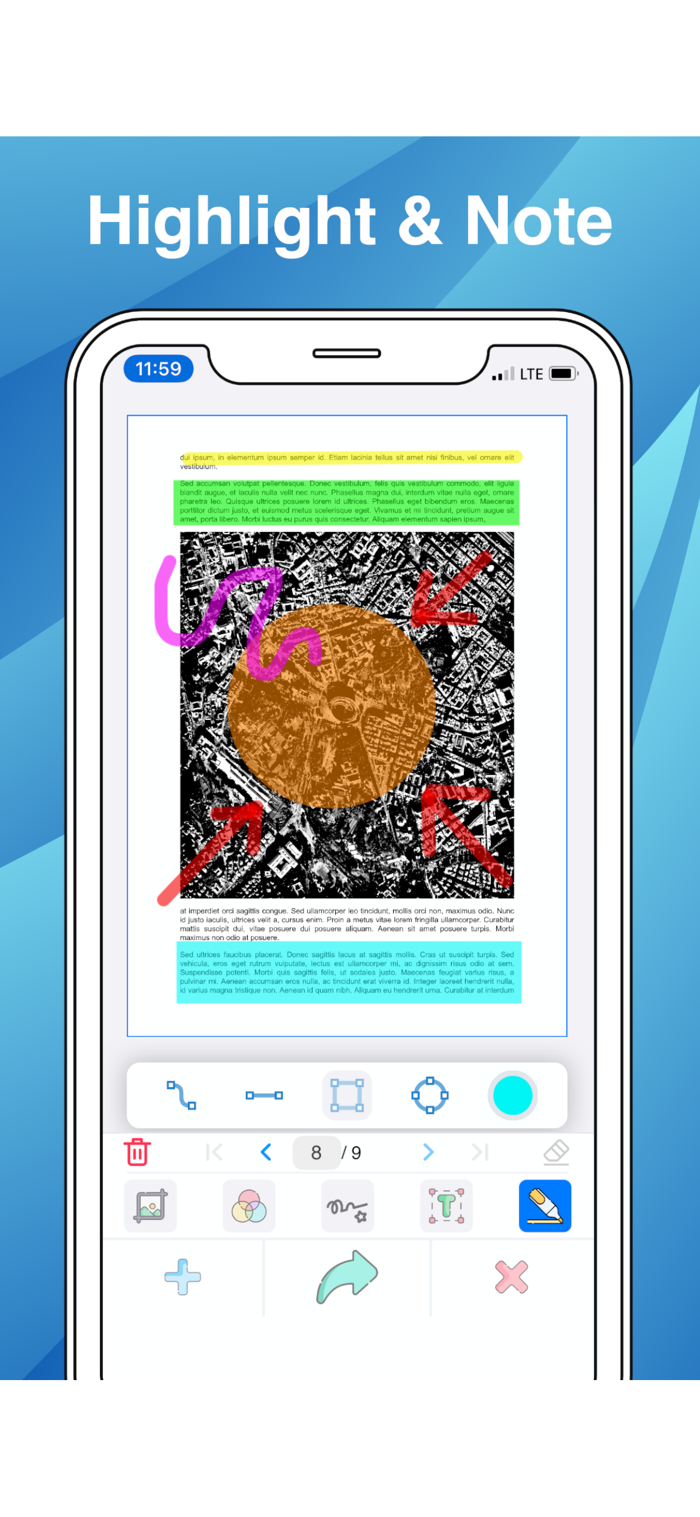
- Highlight the key points of your scans or Note.
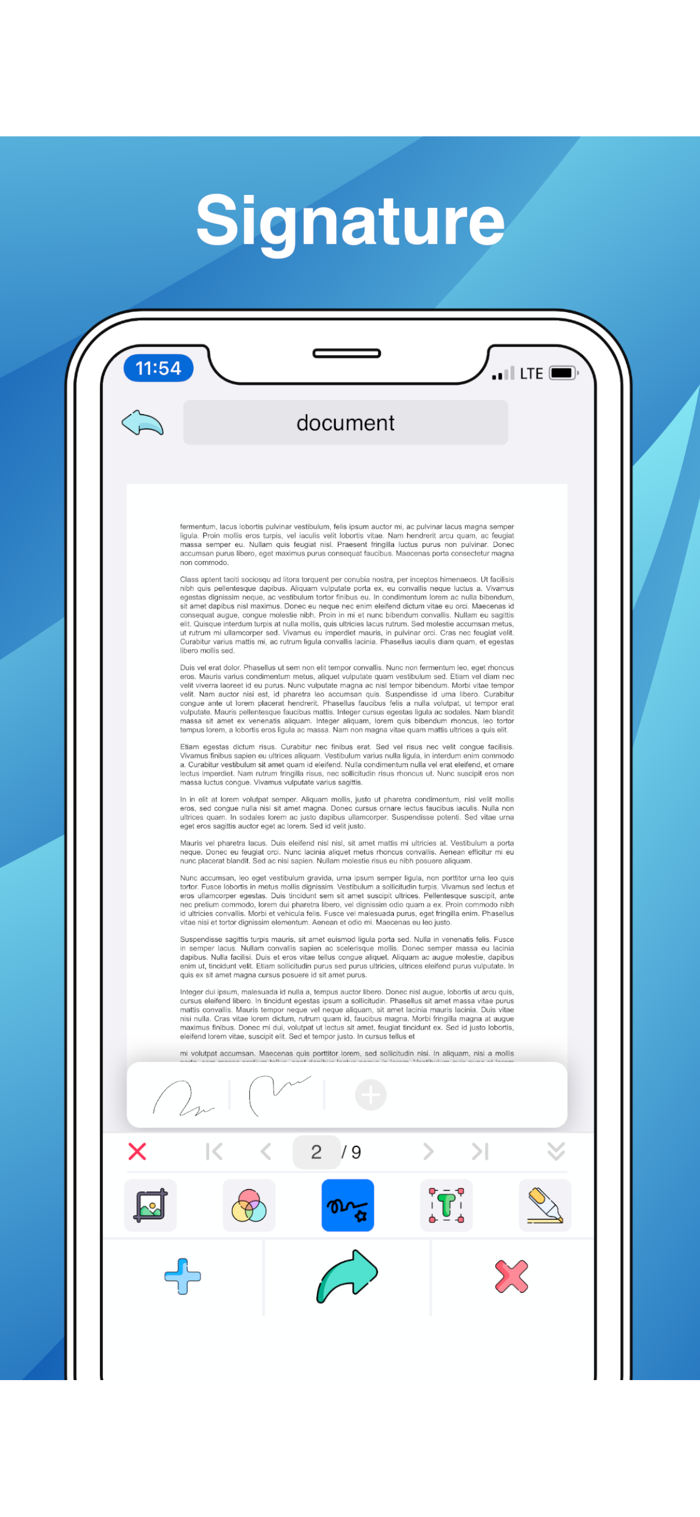
- Add Signature. Create and save one or more signatures, and add them to scans whenever you need.
- Recognize and extract text from your scans with OCR (Optical Character Recognition) technology.
CONVERT:
- Convert any file: doc, docx, xls, xlsx, ppt, pptx, txt, csv, html, gif, tiff... to PDF or JPG file.
Subscription Info
• Free trial
• Weekly, monthly and annual payment options
• Unlock all features
• No ads
Any unused portion of the Free Trial will be forfeited when You purchase a subscription. Payment will be charged to iTunes Account at confirmation of purchase. Subscription automatically renews unless autorenewal is turned off at least 24 hours before the end of current period. Payment for renewal is charged within 24 hours prior to the end of the current period. You can manage Your subscription and turn off the autorenewal by going to Your Account Settings after purchase.
Terms & Privacy:
https://koolappstore.blogspot.com/p/privacy-personal-information-we-do-not.html
Thanks for comment!
Support: appbibo@gmail.com

 +100宝石


 分享
分享


















用户评价
立即分享产品体验
你的真实体验,为其他用户提供宝贵参考
💎 分享获得宝石
【分享体验 · 获得宝石 · 增加抽奖机会】
将你的产品体验分享给更多人,获得更多宝石奖励!
💎 宝石奖励
每当有用户点击你分享的体验链接并点赞"对我有用",你将获得:
🔗 如何分享
复制下方专属链接,分享到社交媒体、群聊或好友:
💡 小贴士
分享时可以添加你的个人推荐语,让更多人了解这款产品的优点!
示例分享文案:
"推荐一款我最近体验过的应用,界面设计很精美,功能也很实用。有兴趣的朋友可以看看我的详细体验评价~"
关注 Mergeek 公众号
领奖遇到问题?联系小门助手