产品功能

应用市场介绍

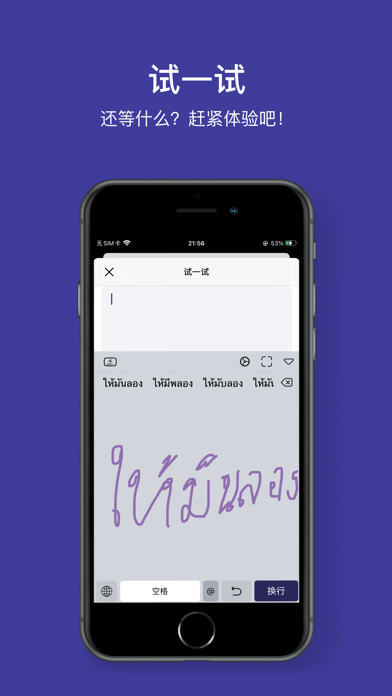
Thai Handwriting Input Method: An input method for handwriting Thai characters

= = = Product Features = = =

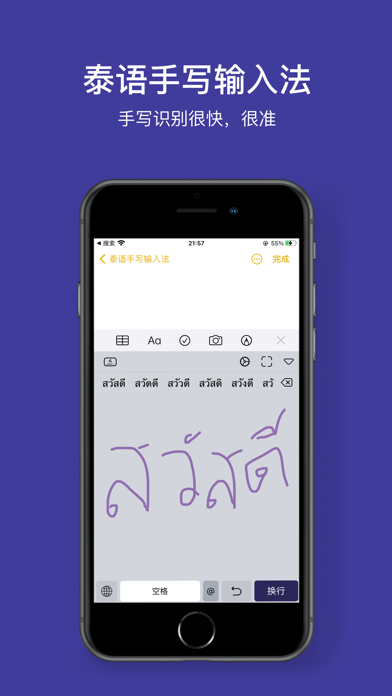
【Accurate Recognition】With an extensive word library, it can accurately recognize even the most scribbled handwriting.
【Recognition PLUS】Arabic numerals, symbols, and the 26 English letters are all supported!
【High-quality Voice Reading of Handwritten Content】It can read the handwritten content and supports speed adjustment. (Enter "My" -> "Settings" -> "Sound" -> "Read Handwritten Content" to enable it.)
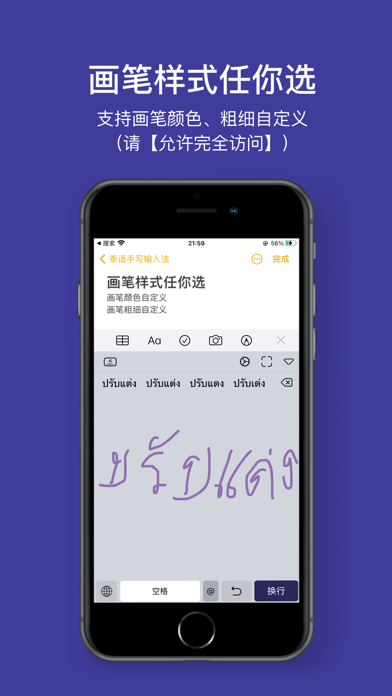
【Customizable Pen Color】You can freely choose any pen color you like!
【Customizable Pen Thickness】Drag it to adjust the pen thickness as you want!
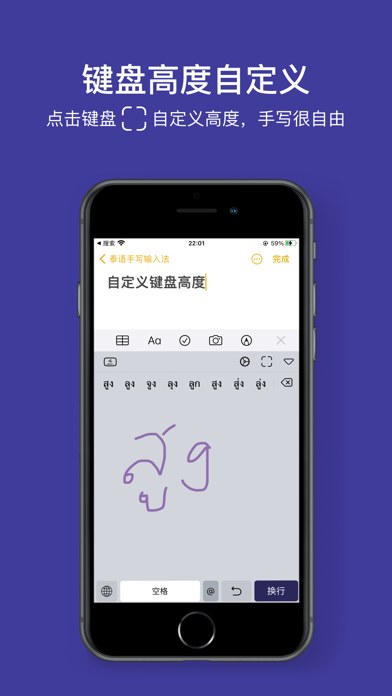
【Customizable Keyboard Height】Enjoy free handwriting on a large screen.
【Stable Input】Continuously optimized to ensure stability.
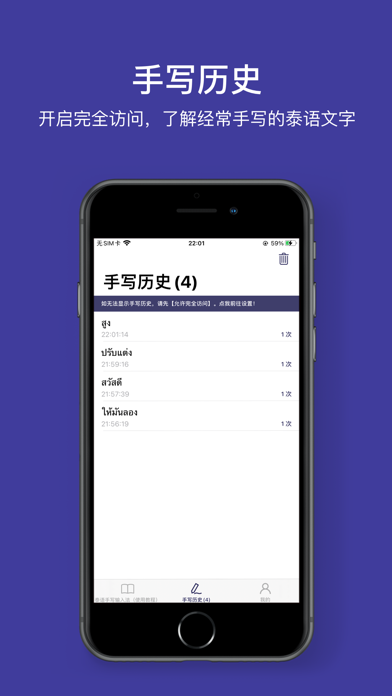
【Handwriting History】View the Thai characters you often write.
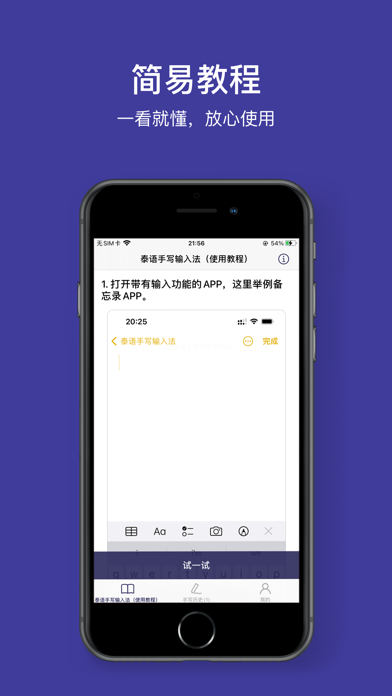
【Give it a Try】Follow the tutorial to quickly get started.
【Offline Use】No need to be connected to the internet, and the operation is natural.
【Theme Follow】The appearance follows the system's light and dark mode.

【Tip 1】How to enable the Thai Handwriting Input Method?

First step: After installation, enter System Settings -> General -> Keyboard -> Add New Keyboard -> Third-party Keyboard and select Thai Handwriting Input Method -> Thai Handwriting Input Method -> Enable Full Access (to view your handwriting history and use the self-selected keys) -> Finish.
Second step: Open any input box -> Long press the globe key and select 【Thai Handwriting Input Method】

【Tip 2】How to view the handwriting history and use the self-selected keys?

Enter System Settings -> General -> Keyboard -> Thai Handwriting Input Method -> Enable Full Access

【Tip 3】How to customize the height of the keyboard?

Open any input box -> Set the keyboard to 【Thai Handwriting Input Method】 keyboard -> Click the 「」 button in the upper right corner of the keyboard to adjust.

【Tip 4】If you have downloaded the Thai Handwriting Input Method but can't find it, please try restarting the associated App or the device! (Or update to the latest stable iOS system)

= = = Thanks = = =

Thank you all. Your support (five-star reviews) will make us do better!!

收起

用户评价

立即分享产品体验

你的真实体验,为其他用户提供宝贵参考

宝石
评论可得 100 宝石
宝石随心兑换应用高级会员,每周更新 前往查看 >>
活动动态 0 人参加
查看更多评论