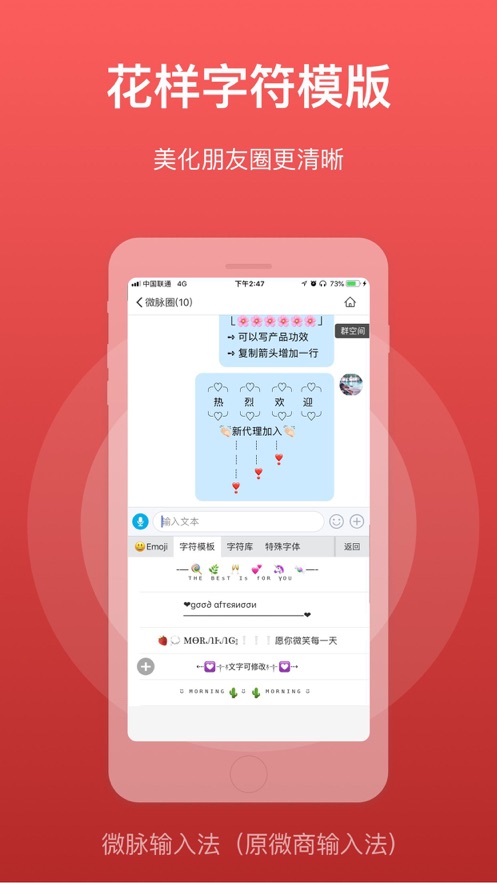
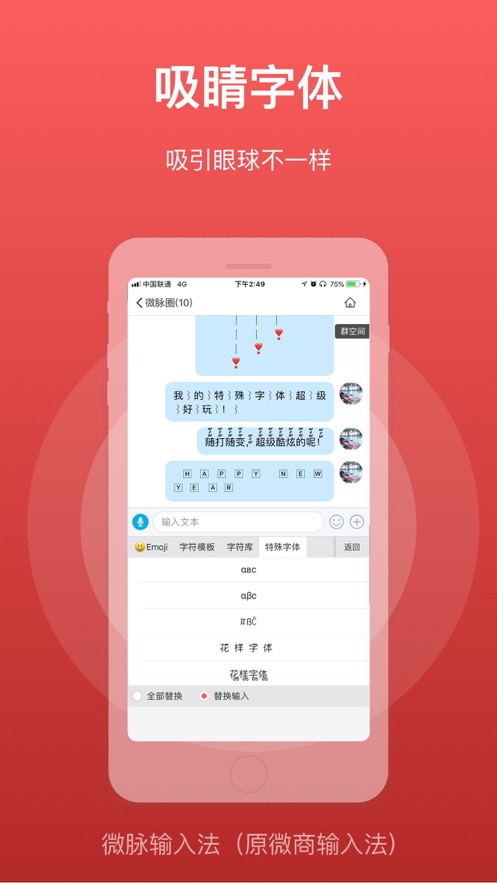
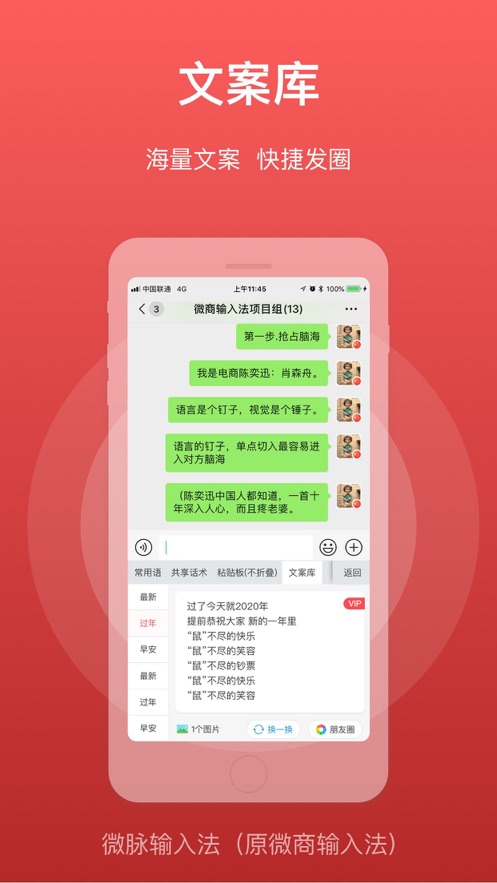
Weimai Input Method supports non-folding input in Moments! An input method specially customized for WeChat business! It supports the nine-square grid, 26-key, stroke input, double pinyin, and Wubi input. Features: Shared common phrases (shared conversation scripts), keyboard calculator, non-folding in Moments, fancy character templates, eye-catching fonts, shared picture gallery, copywriting library, quote reply, etc.
[Installation method]: After installation, open the APP, open the phone system settings - General - Keyboard - then click Keyboard - click Add New Keyboard - select Weimai Input Method - then click Weimai Input Method - click Allow Full Access.
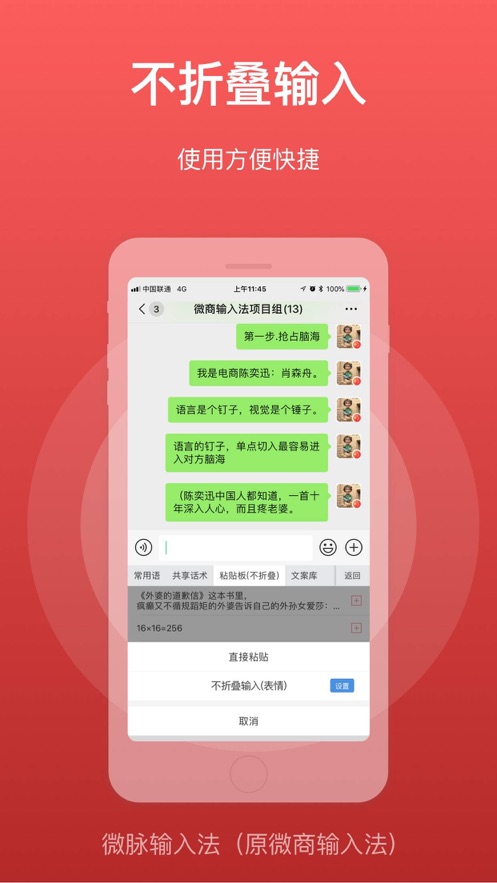
[Non-folding method]: Copy the text - click Quick Paste or click the clipboard icon - select Non-folding Input.
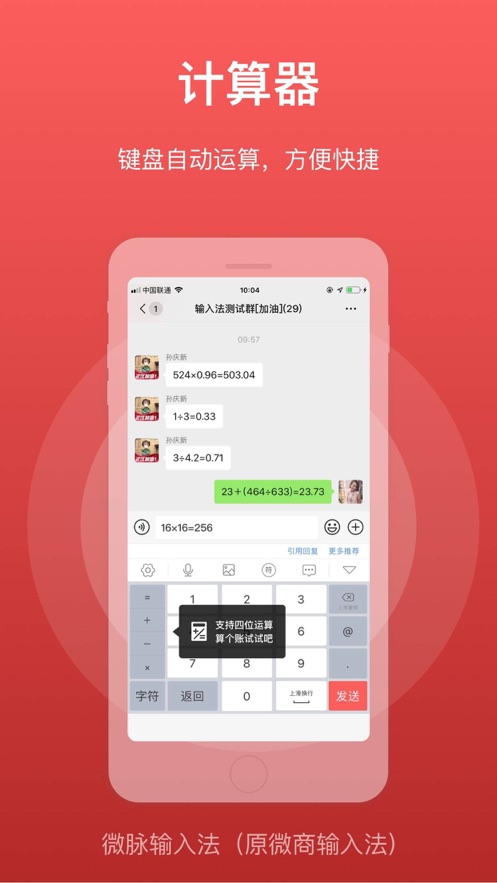
Main features: Supports stroke input, nine-square grid, 26-key input, and the number keys support calculator!
Method to switch between the nine-square grid and 26-key: Click the gear icon in the upper left corner of the keyboard.
Functions:
1. Fancy character templates to create advanced skills in Moments;
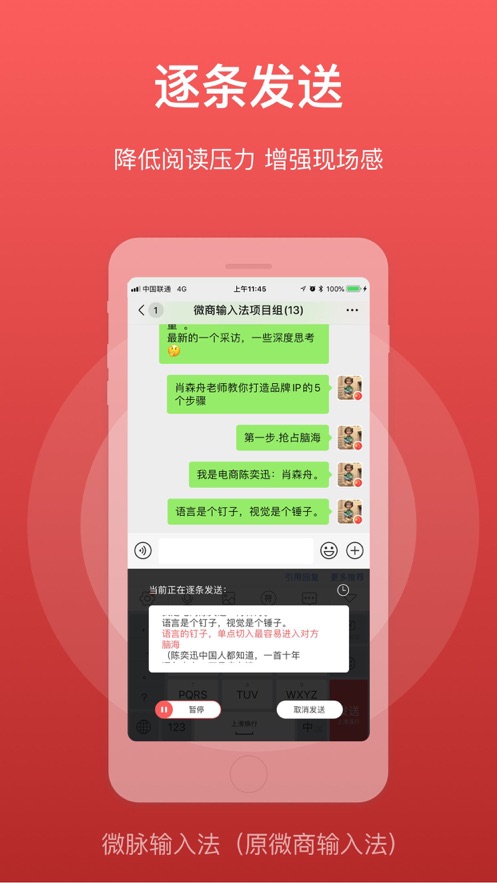
2. Supports sending pictures, long press to move the order;
3. Supports highlighting pictures with frames;
4. Special emoji, easy to input;
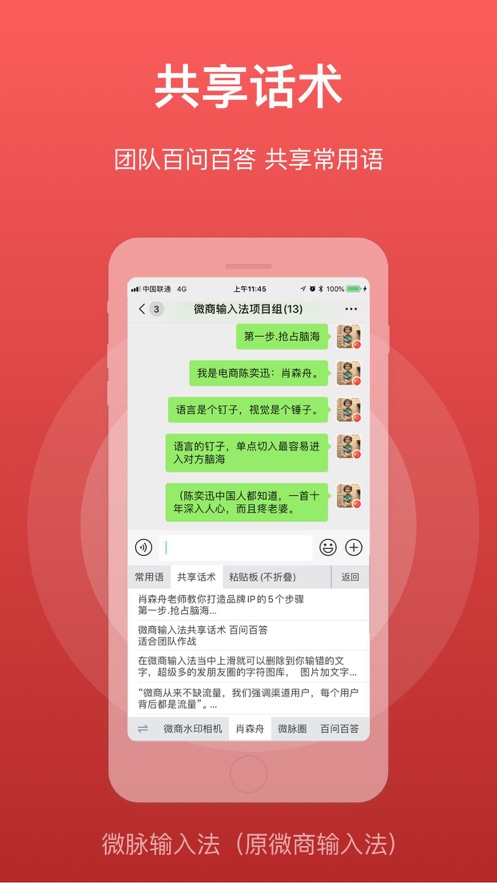
5. Common phrases, you can add common conversation scripts!
6. Special fonts, black font serial numbers ~
7. Supports emoji!
8. Supports voice-to-text inpu...

 +100宝石


 分享
分享

















用户评价
立即分享产品体验
你的真实体验,为其他用户提供宝贵参考
💎 分享获得宝石
【分享体验 · 获得宝石 · 增加抽奖机会】
将你的产品体验分享给更多人,获得更多宝石奖励!
💎 宝石奖励
每当有用户点击你分享的体验链接并点赞"对我有用",你将获得:
🔗 如何分享
复制下方专属链接,分享到社交媒体、群聊或好友:
💡 小贴士
分享时可以添加你的个人推荐语,让更多人了解这款产品的优点!
示例分享文案:
"推荐一款我最近体验过的应用,界面设计很精美,功能也很实用。有兴趣的朋友可以看看我的详细体验评价~"
关注 Mergeek 公众号
领奖遇到问题?联系小门助手