Markup reads and edits your Markdown beautifully — and it works with the folder
of notes you already have, on your iPhone and iPad.
POINT IT AT YOUR FOLDER — OR A GITHUB REPO
• Open any folder of .md files from iCloud Drive or Files — the same vault you
use on your Mac. Nothing to import, no lock-in.
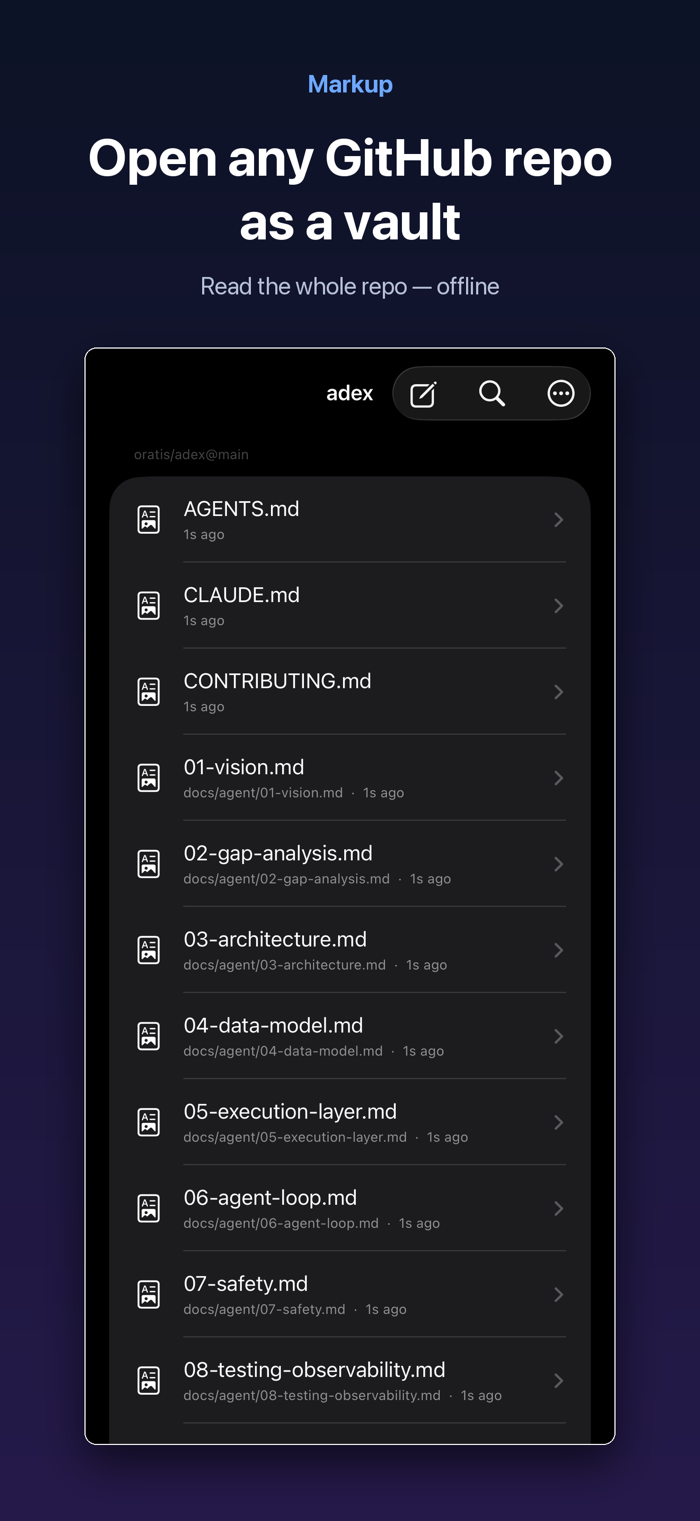
• Open a GitHub repo as a vault and read the whole thing offline.
• Open several vaults and switch between them.
READ LIKE A PAGE
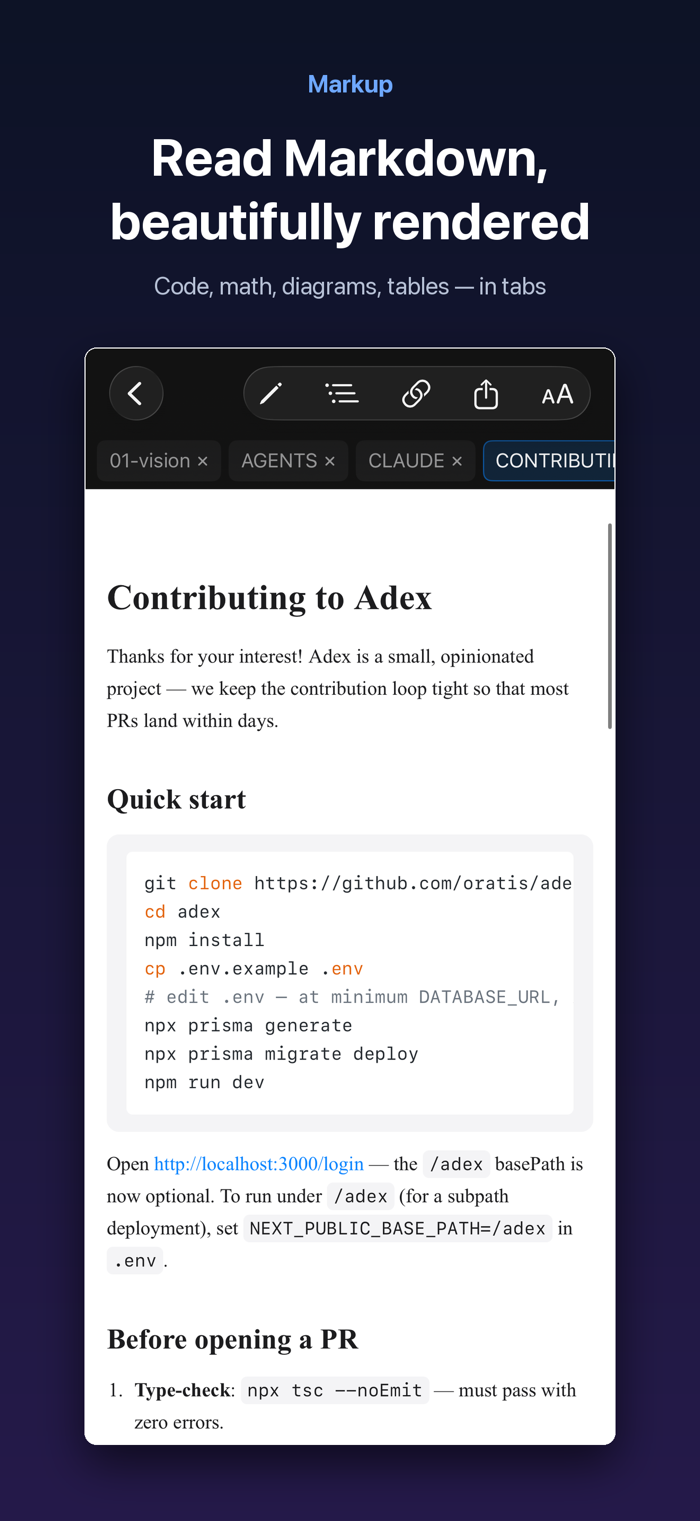
• High-fidelity rendering: syntax-highlighted code, LaTeX math, Mermaid
diagrams, tables, task lists, and GitHub-style callouts.
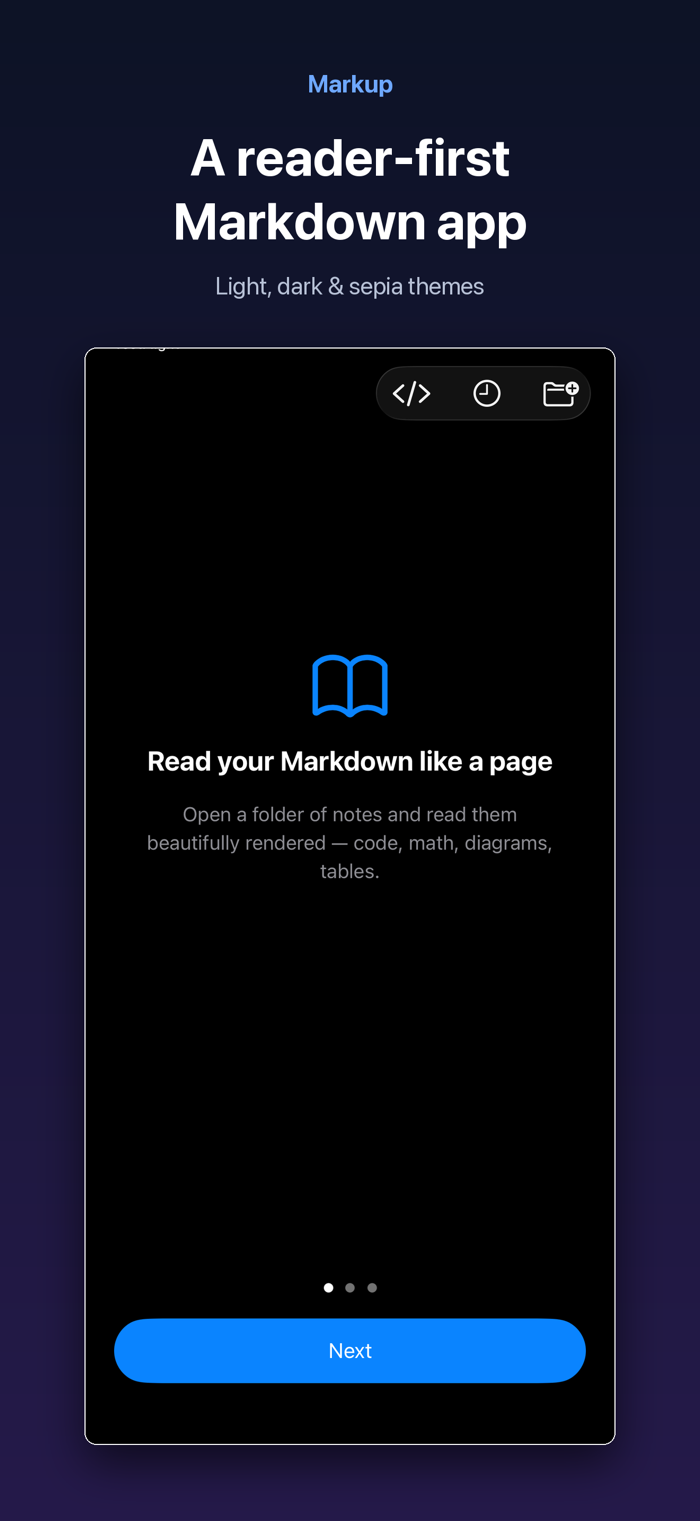
• Light / Dark / Sepia themes, adjustable text size and width, Dynamic Type.
• Wikilinks, backlinks with context, a per-document outline, and tags.
FIND ANYTHING
• Full-text search with tag: and path: filters; fuzzy Quick Open.
EDIT WITH EASE
• A focused Markdown editor with smart lists, auto-closing brackets, table
formatting, and inline [[wikilink]] and #tag autocomplete.
• Insert images straight into your vault. Export or share as PDF, HTML, or
Markdown.
iPAD
• Open documents in tabs; edit with a live rendered preview beside the source.
• Hardware-keyboard shortcuts.
HTML, TOO
• Open and read .html and web bundles, with scripts off by default for safety.
PRIVATE BY DEFAULT
• No account required, no telemetry, no tracking. Your notes stay on your device
and your iCloud. Signing...


 +100宝石


 分享
分享











用户评价
立即分享产品体验
你的真实体验,为其他用户提供宝贵参考
💎 分享获得宝石
【分享体验 · 获得宝石 · 增加抽奖机会】
将你的产品体验分享给更多人,获得更多宝石奖励!
💎 宝石奖励
每当有用户点击你分享的体验链接并点赞"对我有用",你将获得:
🔗 如何分享
复制下方专属链接,分享到社交媒体、群聊或好友:
💡 小贴士
分享时可以添加你的个人推荐语,让更多人了解这款产品的优点!
示例分享文案:
"推荐一款我最近体验过的应用,界面设计很精美,功能也很实用。有兴趣的朋友可以看看我的详细体验评价~"
关注 Mergeek 公众号
领奖遇到问题?联系小门助手