











加入 Mergeek 福利群
扫码添加小助手,精彩福利不错过!
若不方便扫码,请在 Mergeek 公众号,回复 群 即可加入
- 精品限免
- 早鸟优惠
- 众测送码
 Koho Keyboard
Koho Keyboard – A custom iOS keyboard with advanced typing features, special character transformations, haptic feedback, and a modern design.
Koho Keyboard
Koho Keyboard is a powerful and elegant custom keyboard extension for iOS that brings advanced typing capabilities to your device. With a modern, glassy interface that matches iOS design standards, Koho Keyboard delivers intelligent character transformations, smooth performance, and an exceptional typing experience.
Key Features
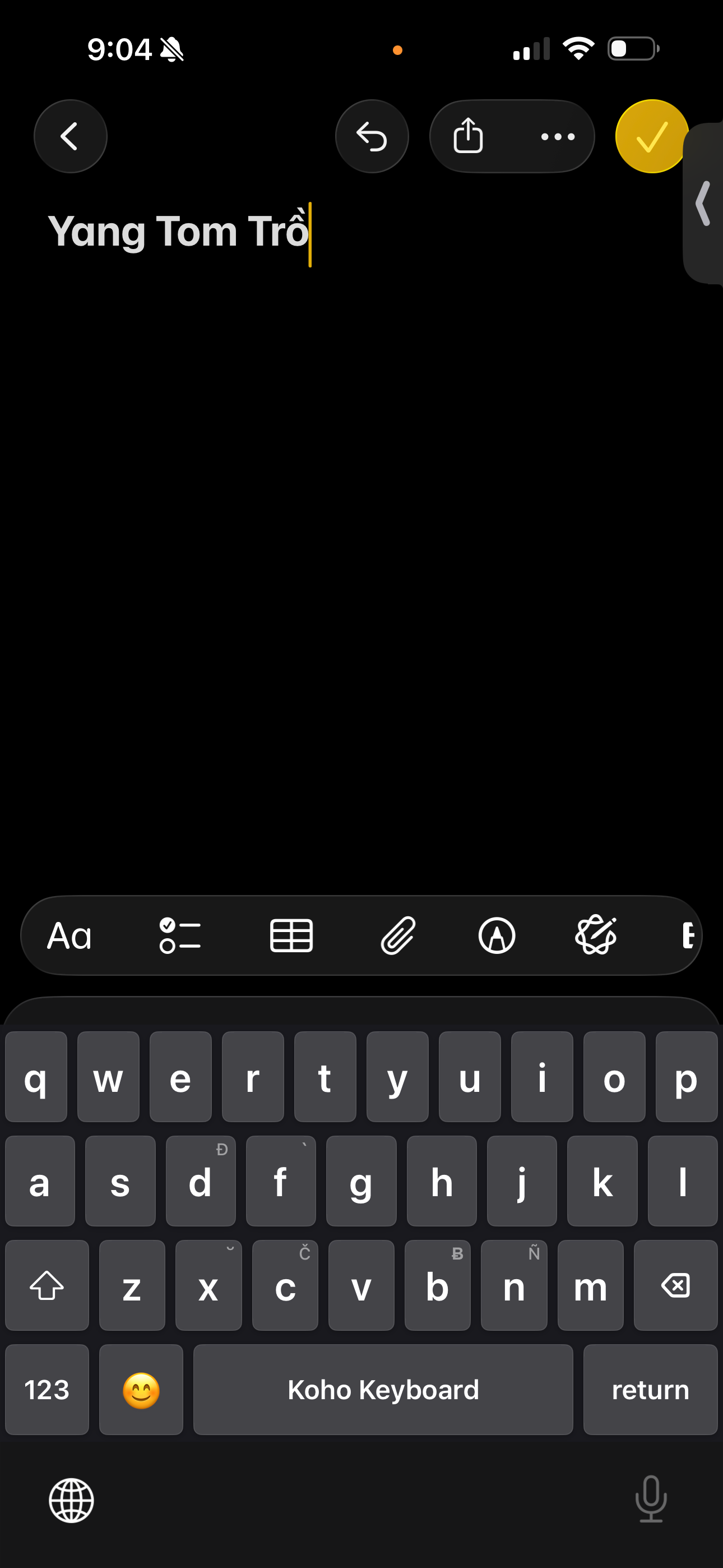
Advanced Typing Logic Type special characters effortlessly using intuitive key combinations. Koho Keyboard automatically transforms your input into the correct diacritics, including breve marks, circumflex accents, horn vowels, and grave accents.
Special Character Transformations
Breve vowels: vowel + x → ă, ĕ, ĭ, ŏ, ŭ
Circumflex vowels: type the vowel twice → â, ê, ô
Horn vowels: o + w → ơ, u + w or u + u → ư
Grave accent: vowel + f → à, è, ì, ò, ù
Special consonants: double the consonant → č, đ, ƀ, ñ
Supports combined characters even when a vowel already has a diacritic
Modern Design A clean, glassy interface that integrates seamlessly with iOS. Automatically adapts to light and dark mode for a consistent, native look and feel.
Performance Optimized Built for speed and responsiveness. Zero‑delay character transformations, instant shift response, and smooth animations ensure a fast and fluid typing experience.
Haptic Feedback Provides satisfying tactile feedback on every keypress. Medium‑intensity haptics enhance the typing feel. Full Access is required for haptic feedback.
Privacy First Koho Keyboard operates entirely offline. No data collection, no tracking, and no internet access. All typing stays on your device. Full Access is required only for haptic feedback and advanced features, never for data collection.
Smart Features
Auto‑capitalization
Double‑space for period insertion
Smart keyboard switching
Context‑aware capitalization
Caps lock via double‑tap
Emoji keyboard support
Numbers and symbols mode
Perfect For
Users who type special characters and diacritics
Anyone looking for a modern, elegant keyboard alternative
Privacy‑focused users who prefer offline functionality
People who enjoy haptic feedback while typing
Getting Started
Install Koho Keyboard from the App Store
Open Settings > General > Keyboard > Keyboards
Tap Add New Keyboard and select Koho Keyboard
Tap Koho Keyboard again and enable Allow Full Access for haptic feedback
Start typing with advanced character transformations
Privacy and Security Koho Keyboard does not collect, store, or transmit any personal data. All typing happens locally on your device. The keyboard does not access the internet or share any information. Full Access is required only for haptic feedback and advanced features.
Support For questions, feedback, or support, please contact us through the app or visit our support page.
Version 1.0 Initial release with full feature set, including advanced character transformations, haptic feedback, and a modern UI design.
Koho Keyboard – A custom iOS keyboard with advanced typing features, special character transformations, haptic feedback, and a modern design.
Koho Keyboard
Koho Keyboard is a powerful and elegant custom keyboard extension for iOS that brings advanced typing capabilities to your device. With a modern, glassy interface that matches iOS design standards, Koho Keyboard delivers intelligent character transformations, smooth performance, and an exceptional typing experience.
Key Features
Advanced Typing Logic Type special characters effortlessly using intuitive key combinations. Koho Keyboard automatically transforms your input into the correct diacritics, including breve marks, circumflex accents, horn vowels, and grave accents.
Special Character Transformations
Breve vowels: vowel + x → ă, ĕ, ĭ, ŏ, ŭ
Circumflex vowels: type the vowel twice → â, ê, ô
Horn vowels: o + w → ơ, u + w or u + u → ư
Grave accent: vowel + f → à, è, ì, ò, ù
Special consonants: double the consonant → č, đ, ƀ, ñ
Supports combined characters even when a vowel already has a diacritic
Modern Design A clean, glassy interface that integrates seamlessly with iOS. Automatically adapts to light and dark mode for a consistent, native look and feel.
Performance Optimized Built for speed and responsiveness. Zero‑delay character transformations, instant shift response, and smooth animations ensure a fast and fluid typing experience.
Haptic Feedback Provides satisfying tactile feedback on every keypress. Medium‑intensity haptics enhance the typing feel. Full Access is required for haptic feedback.
Privacy First Koho Keyboard operates entirely offline. No data collection, no tracking, and no internet access. All typing stays on your device. Full Access is required only for haptic feedback and advanced features, never for data collection.
Smart Features
Auto‑capitalization
Double‑space for period insertion
Smart keyboard switching
Context‑aware capitalization
Caps lock via double‑tap
Emoji keyboard support
Numbers and symbols mode
Perfect For
Users who type special characters and diacritics
Anyone looking for a modern, elegant keyboard alternative
Privacy‑focused users who prefer offline functionality
People who enjoy haptic feedback while typing
Getting Started
Install Koho Keyboard from the App Store
Open Settings > General > Keyboard > Keyboards
Tap Add New Keyboard and select Koho Keyboard
Tap Koho Keyboard again and enable Allow Full Access for haptic feedback
Start typing with advanced character transformations
Privacy and Security Koho Keyboard does not collect, store, or transmit any personal data. All typing happens locally on your device. The keyboard does not access the internet or share any information. Full Access is required only for haptic feedback and advanced features.
Support For questions, feedback, or support, please contact us through the app or visit our support page.
Version 1.0 Initial release with full feature set, including advanced character transformations, haptic feedback, and a modern UI design.
第一时间掌握精选限免应用/游戏信息
自定义喜欢的应用/游戏的价格变动
了解内购应用/游戏的限免或降价活动
查看应用/游戏价格历史等待合适时机再出手
第一时间收到价格通知不错过省钱机会

扫码下载 Follow
 Teak浏览器
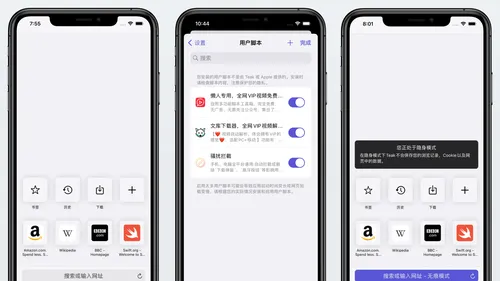
支持用户脚本,去广告,同时兼容 Adguard 和 Adblock 的规则,自定义多种搜索引擎的移动...

 Emote AI 生活管理笔记
Emote 笔记重置版已上线,带来多重全新体验:笔记架构全面升级,融合笔记、AI 与日程管理,打造高...
 One Player
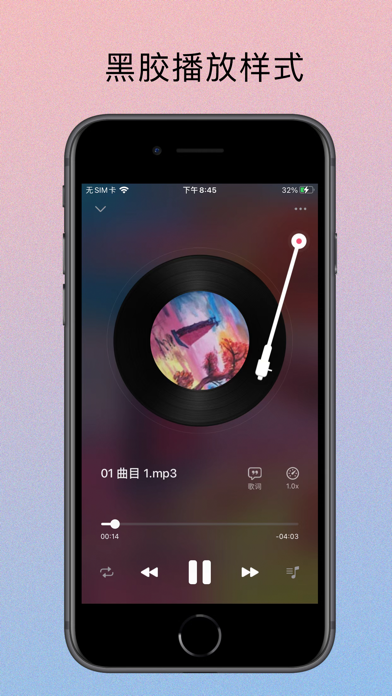
OnePlayer是一款本地离线音乐播放器,目前已经支持iPhone、iPad、Apple Watc...
 100
100

支持用户脚本,去广告,同时兼容 Adguard 和 Adblock 的规则,自定义多种搜索引擎的移动...
45


Emote 笔记重置版已上线,带来多重全新体验:笔记架构全面升级,融合笔记、AI 与日程管理,打造高...
68
OnePlayer是一款本地离线音乐播放器,目前已经支持iPhone、iPad、Apple Watc...
天天发现优质应用
 到主屏幕
到主屏幕


产品名
这项是必须填的哦~可用平台
产品链接
这项是必须填的哦~产品一句话介绍
这项是必须填的哦~开发者邮箱
你也可以发送更多的产品故事到 hi@mergeek.com
我们会让你的产品被更多用户看到!
产品名
这项是必须填的哦~可用平台
产品链接
这项是必须填的哦~产品一句话介绍
这项是必须填的哦~开发者邮箱
你也可以发送更多的产品故事到 hi@mergeek.com
我们会让你的产品被更多用户看到!
已经成功发送到你的邮箱了,请注意查收
你成为这个产品的发现者啦,说说你的推荐语吧!