














加入 Mergeek 福利群
扫码添加小助手,精彩福利不错过!
若不方便扫码,请在 Mergeek 公众号,回复 群 即可加入
- 精品限免
- 早鸟优惠
- 众测送码
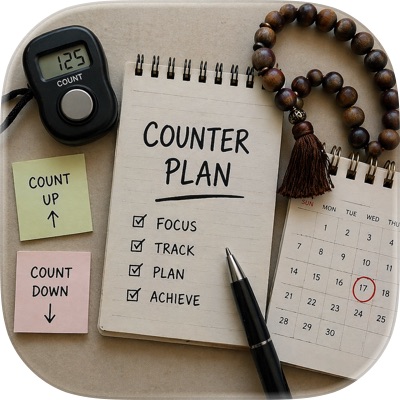 Counter Plan:倒數日計數器
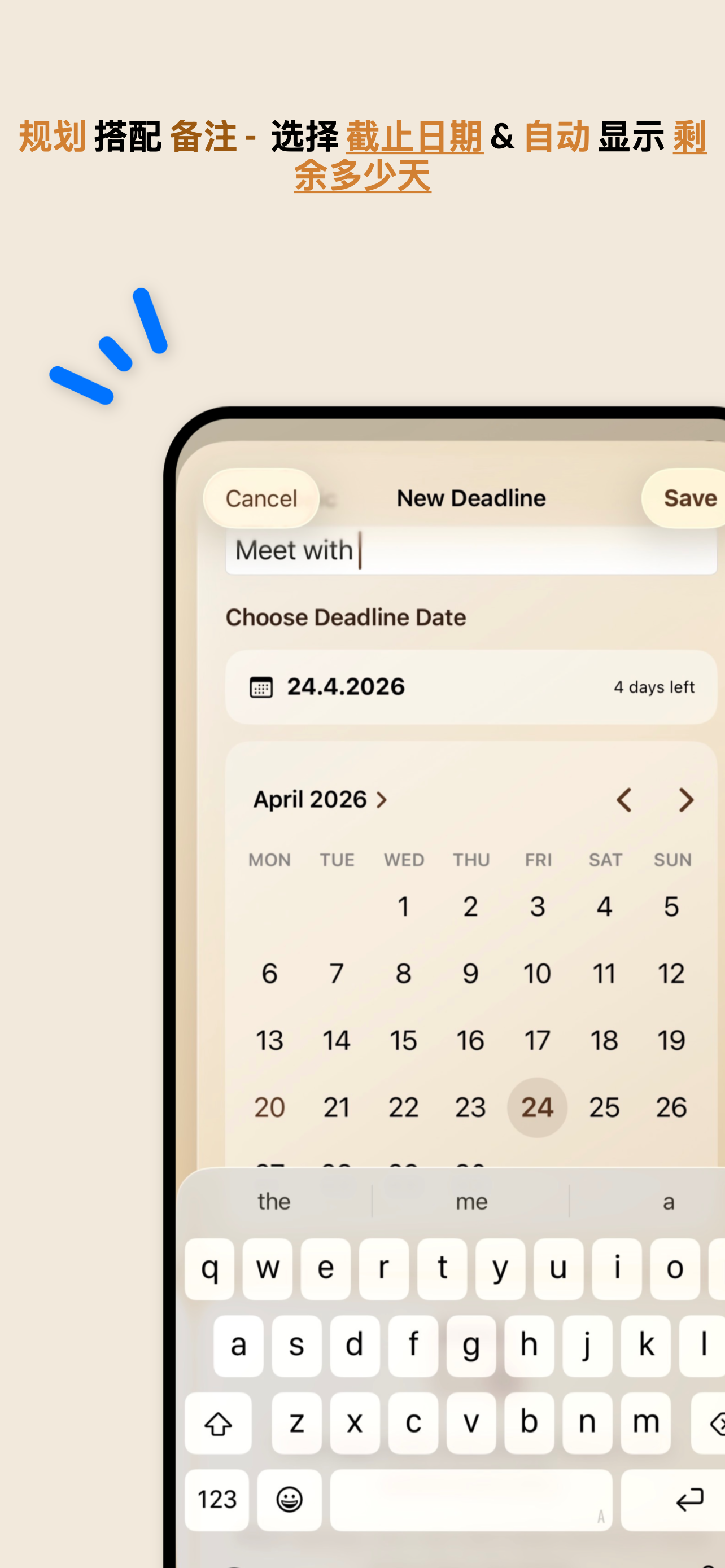
Counter Plan is an elegant all-in-one— private counters, tasbih, deadlines , tracking and date records in one app. MAIN TABS : 1. COUNT DOWN Use Count Down when you want to start from a number and reduce it step by step. Example: You create a topic called “Study Pages” and enter 40. Every time you finish one page or one step, tap the button and the app counts down: 40 → 39 → 38 → 37 Each tap is saved with the date and time, so you can see exactly when you completed every step. You can use Count Down for: • study pages • therapy sessions • workouts left • lessons left • tasks left • goals • daily plans If you tap by mistake, you can delete that entry and the number corrects itself. 2. DATA COLLECTION Use Data Collection to save important personal date records with notes. You can add: • start date • end date • expected future date • note Example for period tracking: A woman can create a record for her period and save: Start date: when the period started End date: when it ended Expected date: when the next period is expected Note: symptoms, pain, mood, or anything important Example: Topic: Period Start: 1 May End: 5 May Expected: 29 May Note: pain on first day, normal after day three Data Collection can also be used by anyone for: • personal planning • health notes • medication notes • travel dates • project dates • appointments • important events • routine tracking • reminders • private notes The expected date is chosen by the user. Counter Plan does not give medical advice or medical predictions. It simply helps you collect and organize dates and notes clearly. 3. DEADLINE Use Deadline when you have an important future date and want to know how many days are left. Example: You choose an exam date, travel date, project launch date, appointment date or event date. The app shows: “20 days left” If you open the app 10 days later, it automatically recalculates and shows: “10 days left” You do not need to update it manually. Counter Plan saves the target date and calculates the days left based on today’s date. You can also add tasks you want to complete before the deadline and tick them when they are done. Use Deadline for: • exams • trips • launches • events • appointments • goals • projects • task planning • important dates 4. TASBIH Use Tasbih as a digital tasbih shomar / dhikr counter. Create a tasbih topic, choose a target such as 33 or 100, then tap the counter button. The app can show: • current count • target count • total count • recent count history Use Tasbih for: • tasbih • dhikr • zikr • tasbeeh • spiritual counting • repeated counting • daily personal counting It works like a clean digital counter with a simple luxury design. 5. COUNT UP Use Count Up when you want to count how many times you did something. Example: You create a topic called “Workout”. Every time you exercise, tap Add One. The app counts: 0 → 1 → 2 → 3 Each count is saved with date and time. You can also add a note to each count. Use Count Up for: • workouts • habits • study sessions • practice days • reading sessions • water glasses • completed calls • daily progress • personal tracking 6. MORE The More tab lets you visit the INGOAMPT website for more apps, tools and articles. You can also support the app by giving stars through Apple’s official App Store review prompt. WHY COUNTER PLAN? Counter Plan is made for people who want a simple app to organize daily life, track progress and remember important dates. With Counter Plan, you can: • count down from any number • count up progress • track deadlines • calculate days left • save start and end dates • save expected future dates • add notes • use a tasbih counter • tick deadline tasks • edit records • delete mistakes • keep your daily plan organized Instead of using many separate apps for counters, date logs, tasbih, deadlines, notes and tasks, Counter Plan brings everything together in one clear app.
Counter Plan is an elegant all-in-one— private counters, tasbih, deadlines , tracking and date records in one app. MAIN TABS : 1. COUNT DOWN Use Count Down when you want to start from a number and reduce it step by step. Example: You create a topic called “Study Pages” and enter 40. Every time you finish one page or one step, tap the button and the app counts down: 40 → 39 → 38 → 37 Each tap is saved with the date and time, so you can see exactly when you completed every step. You can use Count Down for: • study pages • therapy sessions • workouts left • lessons left • tasks left • goals • daily plans If you tap by mistake, you can delete that entry and the number corrects itself. 2. DATA COLLECTION Use Data Collection to save important personal date records with notes. You can add: • start date • end date • expected future date • note Example for period tracking: A woman can create a record for her period and save: Start date: when the period started End date: when it ended Expected date: when the next period is expected Note: symptoms, pain, mood, or anything important Example: Topic: Period Start: 1 May End: 5 May Expected: 29 May Note: pain on first day, normal after day three Data Collection can also be used by anyone for: • personal planning • health notes • medication notes • travel dates • project dates • appointments • important events • routine tracking • reminders • private notes The expected date is chosen by the user. Counter Plan does not give medical advice or medical predictions. It simply helps you collect and organize dates and notes clearly. 3. DEADLINE Use Deadline when you have an important future date and want to know how many days are left. Example: You choose an exam date, travel date, project launch date, appointment date or event date. The app shows: “20 days left” If you open the app 10 days later, it automatically recalculates and shows: “10 days left” You do not need to update it manually. Counter Plan saves the target date and calculates the days left based on today’s date. You can also add tasks you want to complete before the deadline and tick them when they are done. Use Deadline for: • exams • trips • launches • events • appointments • goals • projects • task planning • important dates 4. TASBIH Use Tasbih as a digital tasbih shomar / dhikr counter. Create a tasbih topic, choose a target such as 33 or 100, then tap the counter button. The app can show: • current count • target count • total count • recent count history Use Tasbih for: • tasbih • dhikr • zikr • tasbeeh • spiritual counting • repeated counting • daily personal counting It works like a clean digital counter with a simple luxury design. 5. COUNT UP Use Count Up when you want to count how many times you did something. Example: You create a topic called “Workout”. Every time you exercise, tap Add One. The app counts: 0 → 1 → 2 → 3 Each count is saved with date and time. You can also add a note to each count. Use Count Up for: • workouts • habits • study sessions • practice days • reading sessions • water glasses • completed calls • daily progress • personal tracking 6. MORE The More tab lets you visit the INGOAMPT website for more apps, tools and articles. You can also support the app by giving stars through Apple’s official App Store review prompt. WHY COUNTER PLAN? Counter Plan is made for people who want a simple app to organize daily life, track progress and remember important dates. With Counter Plan, you can: • count down from any number • count up progress • track deadlines • calculate days left • save start and end dates • save expected future dates • add notes • use a tasbih counter • tick deadline tasks • edit records • delete mistakes • keep your daily plan organized Instead of using many separate apps for counters, date logs, tasbih, deadlines, notes and tasks, Counter Plan brings everything together in one clear app.
第一时间掌握精选限免应用/游戏信息
自定义喜欢的应用/游戏的价格变动
了解内购应用/游戏的限免或降价活动
查看应用/游戏价格历史等待合适时机再出手
第一时间收到价格通知不错过省钱机会

扫码下载 Follow
 iCareFone
iCareFone 是一款功能强大的 APP,深受全球1800000+用户信赖。 WiFi传输:可轻...

 语音通知
语音通知
这一款“会说话”的提醒软件,它在 AppStore 里的名字很直白,就叫做“语音通知”!因为它的核心...
 今日抽烟
今日抽烟
一个记录抽烟和戒烟的软件,可以帮助用户记录每天抽烟以及戒烟次数,辅助大家戒烟的手机软件。 软件可以很...
 8
8


iCareFone 是一款功能强大的 APP,深受全球1800000+用户信赖。 WiFi传输:可轻...
74

这一款“会说话”的提醒软件,它在 AppStore 里的名字很直白,就叫做“语音通知”!因为它的核心...
96


一个记录抽烟和戒烟的软件,可以帮助用户记录每天抽烟以及戒烟次数,辅助大家戒烟的手机软件。 软件可以很...
天天发现优质应用
 到主屏幕
到主屏幕


产品名
这项是必须填的哦~可用平台
产品链接
这项是必须填的哦~产品一句话介绍
这项是必须填的哦~开发者邮箱
你也可以发送更多的产品故事到 hi@mergeek.com
我们会让你的产品被更多用户看到!
产品名
这项是必须填的哦~可用平台
产品链接
这项是必须填的哦~产品一句话介绍
这项是必须填的哦~开发者邮箱
你也可以发送更多的产品故事到 hi@mergeek.com
我们会让你的产品被更多用户看到!
已经成功发送到你的邮箱了,请注意查收
你成为这个产品的发现者啦,说说你的推荐语吧!