产品功能

应用市场介绍

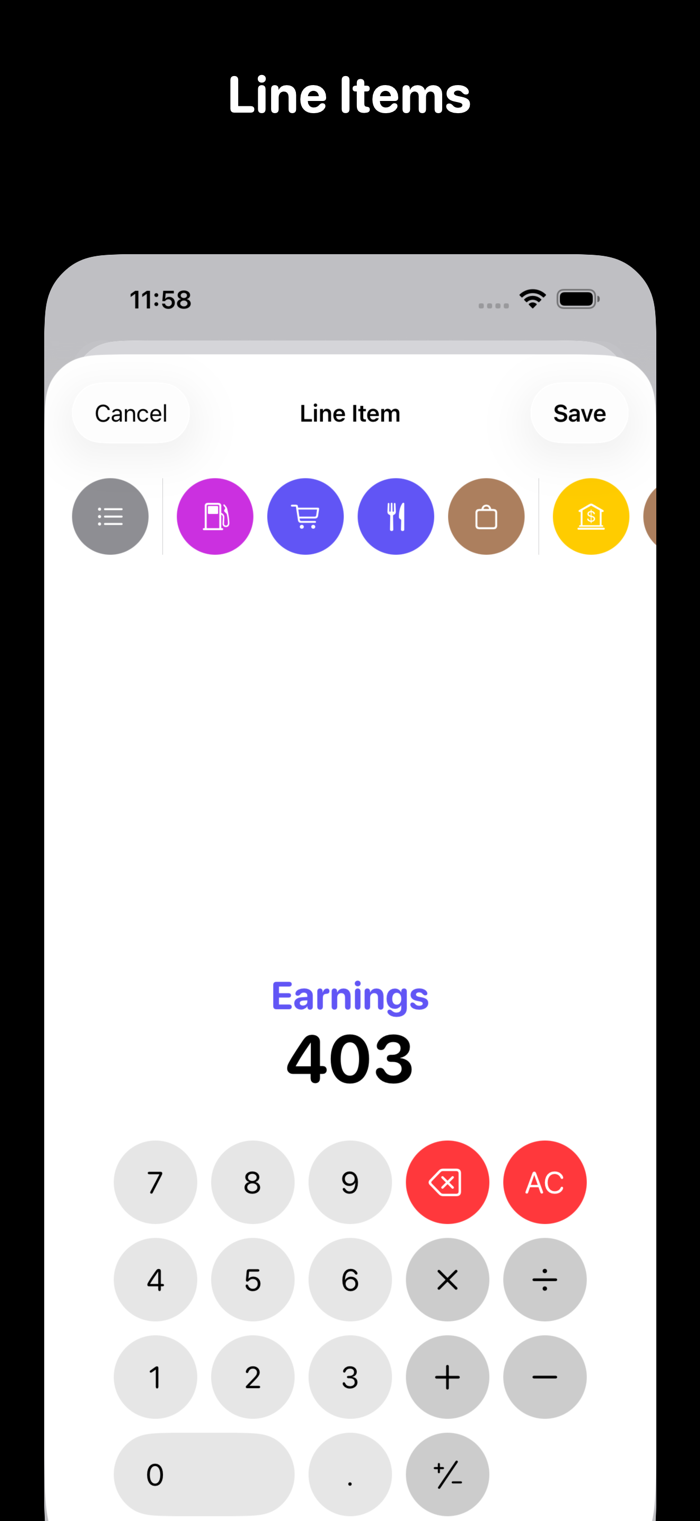
Ledger is designed around double-entry accounting. Because Ledger is based on proven accounting practices, your transactions can be as complex as you need them to be. Record income, expenses, transfers, and splits through a simple interface.

When viewing accounts and their transactions, balances are at the forefront. Balances are charted for each account. For bank accounts, see significant deposits and withdrawals at a glance. For income and expenses, see your budget plotted against your spending balances — a budget tracker that shows how you're actually doing against your plan.

Capture transactions using CSV import. Rules can be created to assign categories based on transaction text. You can also set up automations in Shortcuts, saving entries when using Apple Pay.

Sometimes a calendar is the best way to navigate your spending. From the main screen, it shows any transactions that happened on a given day. Open it from an expense account and you can see how often you're dining out, making online purchases, and so on — a budget calendar that makes patterns easy to spot.

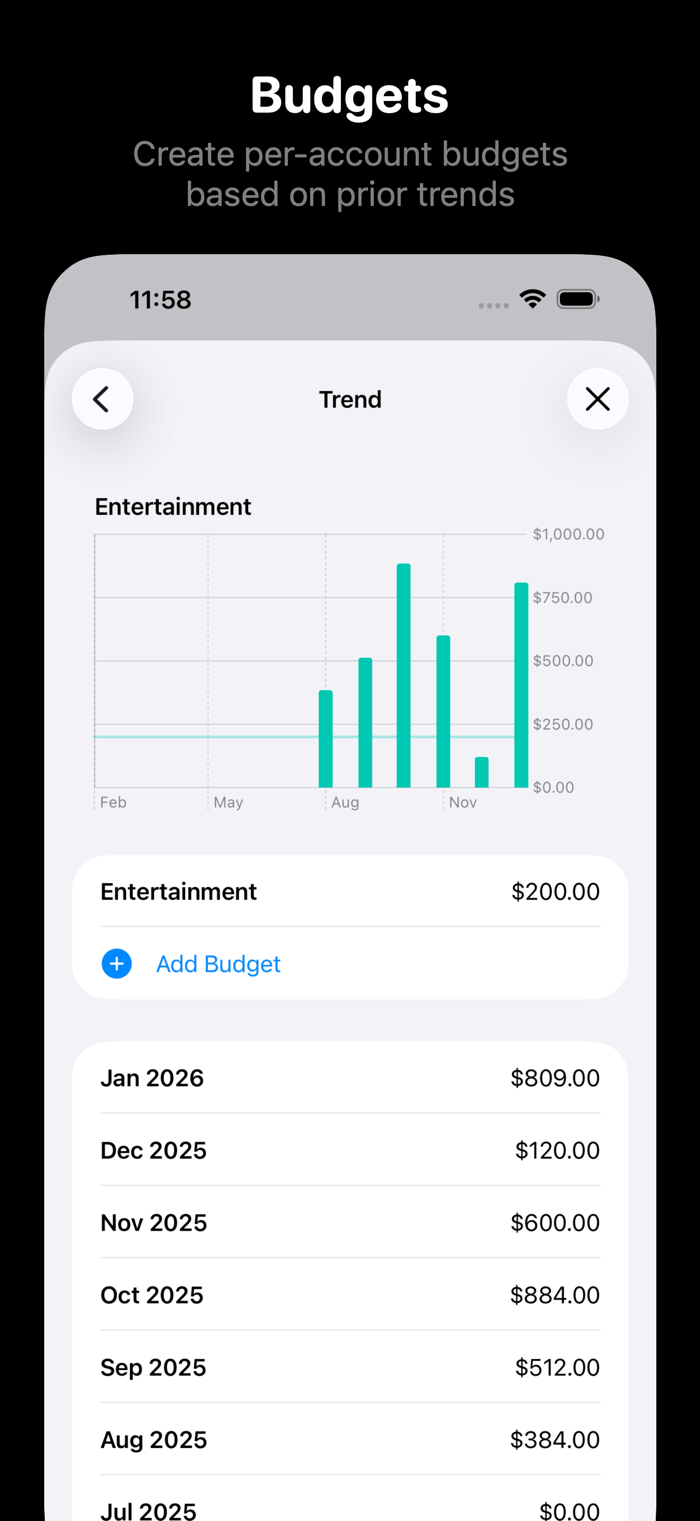
Budgets can be a great tool when managing your money, but sometimes it's hard to know where to start. Open stats from each account to see your per-month spending over the past year. Once you create your budget, that line is overlaid on the spending chart.

Sometimes your invoices come far in advance. Ledger supports transaction statuses. When you receive an invoice, record it as "planned." From the main screen, open the Upcoming screen to see which invoices are coming due. For more predictable expenses, create a schedule and assign a template transaction. Entries can be generated on those dates as they occur.

Ledger supports backup and restore. It supports iPhone and iPad, and your data can be synced between devices. Dark mode and Spotlight search are also supported.

收起

用户评价

立即分享产品体验

你的真实体验,为其他用户提供宝贵参考

宝石
评论可得 100 宝石
宝石随心兑换应用高级会员,每周更新 前往查看 >>
活动动态 0 人参加
查看更多评论