Outline is an easy way for you to set up your own virtual private network (VPN) server to more safely access the open internet and keep your communications private.
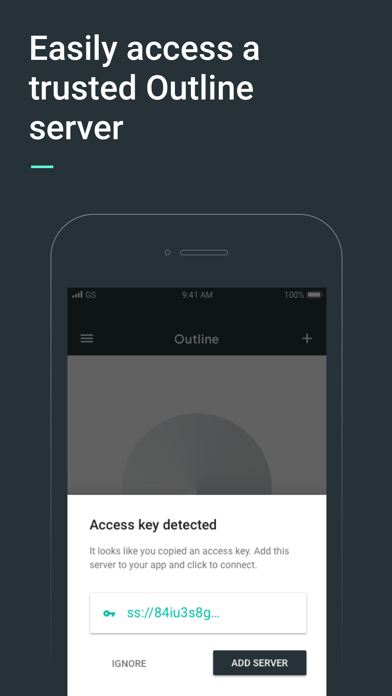
If you have received an access key, download the Outline app to get started.
If you haven’t received an access key, you’ll first need to set-up your own server. Get started by downloading the Outline Manager from getoutline.org. Creating your own server is quick and easy, and instructions in the Manager will guide you through each step.
How Do I Set Up Outline?
- Outline consists of two related products: the Outline Manager and Outline.
- The Outline Manager lets you create and operate your own VPN, and share access with anyone you choose by sending them an invitation directly from the Manager. Once you’ve downloaded the Manager, you can easily set up a VPN server on a cloud provider in less than five minutes.
- After setup is complete, you can download the Outline app on your phone and desktop.
- Share internet access with coworkers or friends by inviting them directly from the Manager.
- If you’ve received an access code from someone using an Outline Manager you’re all set! Just download the app and get started.
Why use Outline?
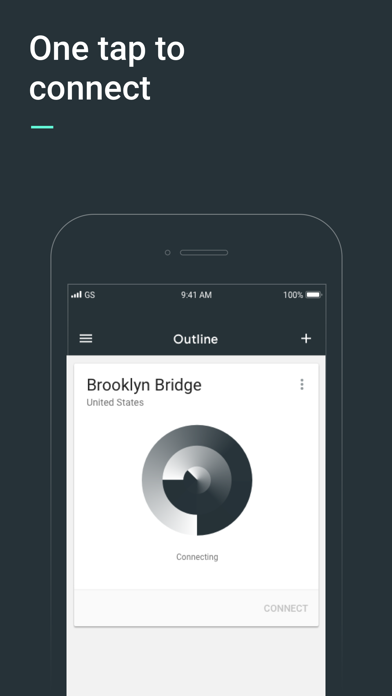
- Fast, reliable access to the open internet, powered by the Shadowsocks protocol
- Allows you to create and maintain your own VPN server and provide access with those you trust
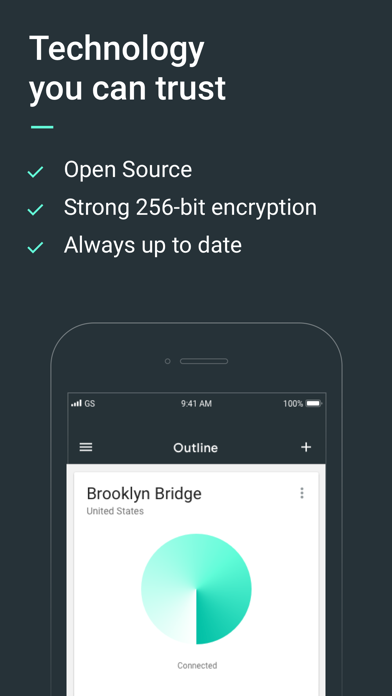
- Strong encryption keeps your communications private...

 +100宝石


 分享
分享

















用户评价
立即分享产品体验
你的真实体验,为其他用户提供宝贵参考
💎 分享获得宝石
【分享体验 · 获得宝石 · 增加抽奖机会】
将你的产品体验分享给更多人,获得更多宝石奖励!
💎 宝石奖励
每当有用户点击你分享的体验链接并点赞"对我有用",你将获得:
🔗 如何分享
复制下方专属链接,分享到社交媒体、群聊或好友:
💡 小贴士
分享时可以添加你的个人推荐语,让更多人了解这款产品的优点!
示例分享文案:
"推荐一款我最近体验过的应用,界面设计很精美,功能也很实用。有兴趣的朋友可以看看我的详细体验评价~"
关注 Mergeek 公众号
领奖遇到问题?联系小门助手