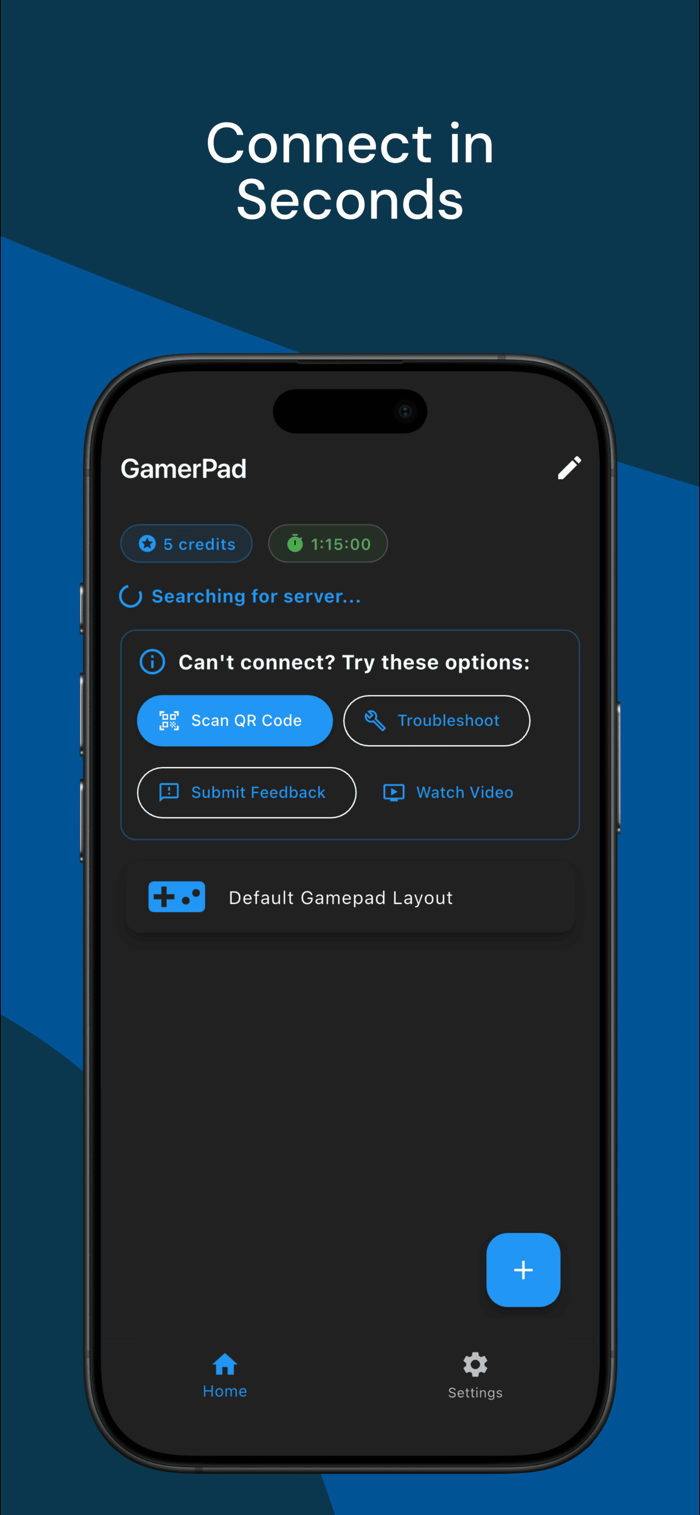
GamerPad turns your iPhone or iPad into a wireless gamepad for Windows PCs and supported Macs.
Unlike keyboard/mouse mapping tools, GamerPad is built for controller-supported games that expect gamepad input. Install the desktop companion, connect your phone and computer to the same Wi-Fi network, and start playing with a controller layout on your screen.
Key features:
- Real virtual gamepad approach for Windows and supported Macs
- Multiple phones can connect as separate controllers
- Automatic desktop discovery on the same local network
- QR code fallback when discovery is blocked by network settings
- Dual joysticks, triggers, D-pad, and ABXY buttons
- Custom layouts for different game genres
- Forgiving touch controls that help trigger the intended button
- Floating joystick behavior that starts where your thumb lands
- Haptic feedback for button and game vibration where supported
Great for:
- Steam games with controller support
- Emulators and retro games
- Racing games and platformers
- Couch co-op and local multiplayer
- Players who need an extra controller without buying hardware
Requirements:
- GamerPad mobile app
- GamerPad desktop companion for Windows or supported Macs
- Phone and computer on the same local network
- A game that accepts controller input
Gameplay input stays on your local network during pairing and play. Analytics, cras...


 +100宝石


 分享
分享














用户评价
立即分享产品体验
你的真实体验,为其他用户提供宝贵参考
💎 分享获得宝石
【分享体验 · 获得宝石 · 增加抽奖机会】
将你的产品体验分享给更多人,获得更多宝石奖励!
💎 宝石奖励
每当有用户点击你分享的体验链接并点赞"对我有用",你将获得:
🔗 如何分享
复制下方专属链接,分享到社交媒体、群聊或好友:
💡 小贴士
分享时可以添加你的个人推荐语,让更多人了解这款产品的优点!
示例分享文案:
"推荐一款我最近体验过的应用,界面设计很精美,功能也很实用。有兴趣的朋友可以看看我的详细体验评价~"
关注 Mergeek 公众号
领奖遇到问题?联系小门助手