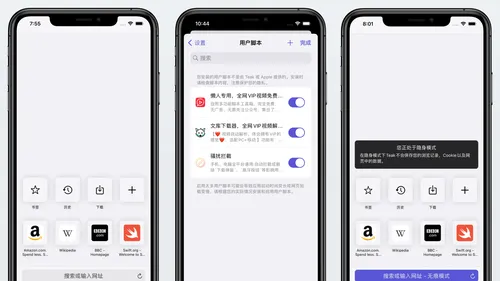
产品功能

应用市场介绍

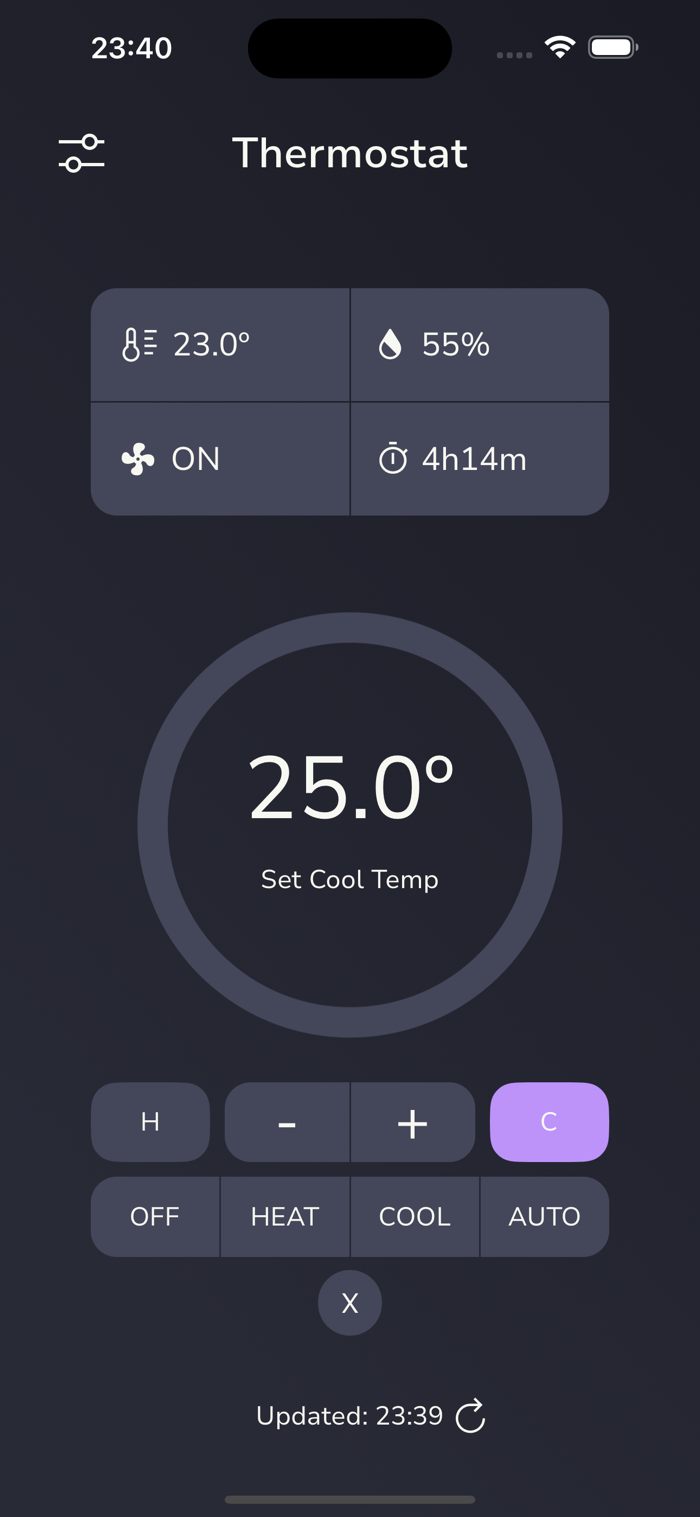
This app lets you view the data from and control your Venstar thermostat locally.

Note: "Locally" refers to the fact that your Venstar thermostat has a local API. This app is interacting with this local API. Meaning, unless you have remote mode enabled and are running the companion app on a computer, then, if your phone isn't connected to the same Wi-Fi network as your thermostat, you won't be able to read from it or control it.

Data you can view:

* Current temperature
* Set temperature
* Humidity
* Mode (heat, cool, auto)
* Fan state
* Today’s runtime
* Runtime for each day of the past week
* The average daily runtime for the past week

What you can control:

* Increase/decrease the set temperature
* Change the mode (heating, cooling, auto)
* Change the fan mode (always on or auto)

Optional push notifications are available to let you know when the thermostat state changes from idle to active (e.g. heating or cooling) or vice versa. These push notifications require the companion app to be running on a computer as well as an API key. More info here: https://thermostat-controller.studiojq.io/push

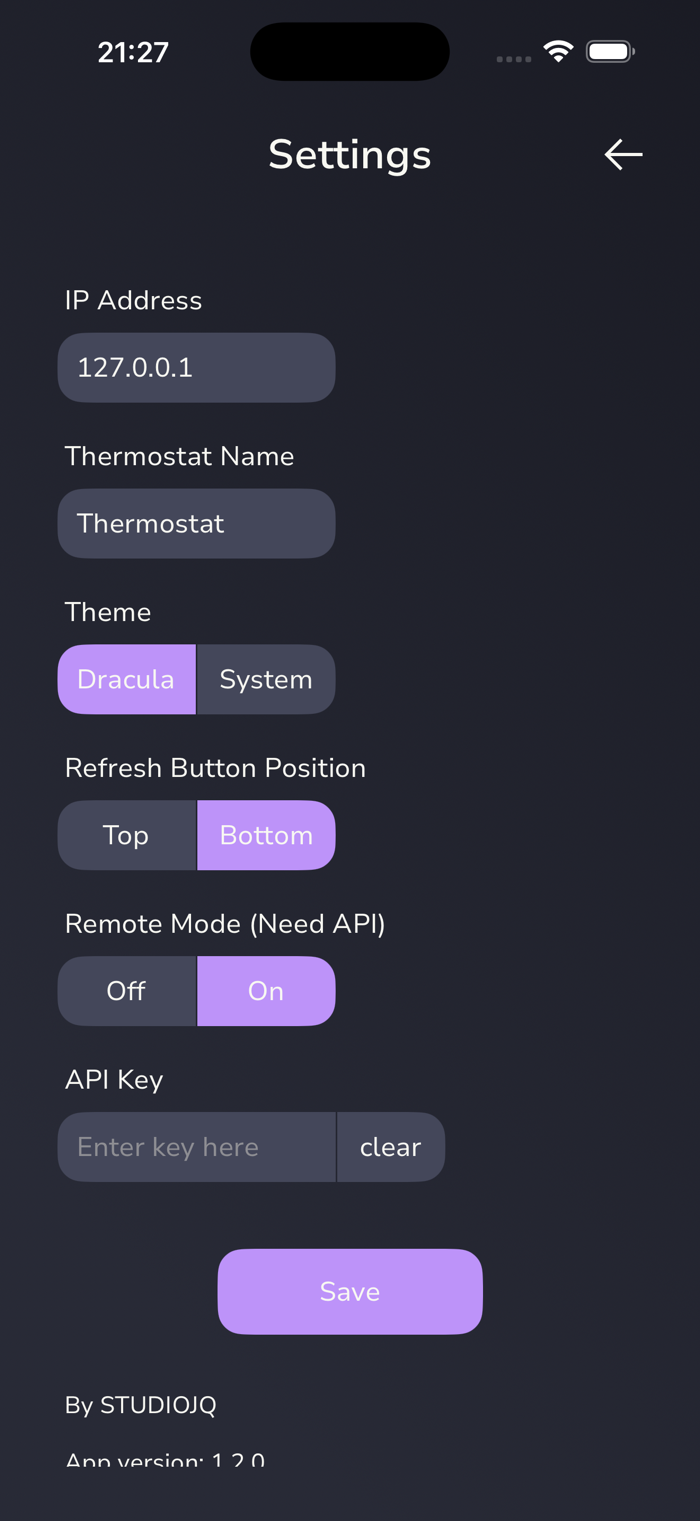
An optional remote mode is now also available, which lets you view your thermostat data while not on the same Wi-Fi network as the thermostat (i.e. from anywhere). This remote mode requires the companion app to be running on a computer as well as an API key. The remote mode is view only. You cannot control your thermostat remotely. More info here: https://thermostat-controller.studiojq.io/remote

Documentation: https://thermostat-controller.studiojq.io

收起

用户评价

立即分享产品体验

你的真实体验,为其他用户提供宝贵参考

宝石
评论可得 100 宝石
宝石随心兑换应用高级会员,每周更新 前往查看 >>
活动动态 0 人参加
查看更多评论