DeskRoute gives your iPhone a clear way back to the computer you left behind, and a simple way to trigger coding agents when work still needs to move.
When a file, approval or quick correction still blocks the day, the app keeps the next step simple:
- choose the saved computer
- reconnect through the route that fits the situation
- act on the computer, trigger coding agents, and move on
DeskRoute supports three practical return paths:
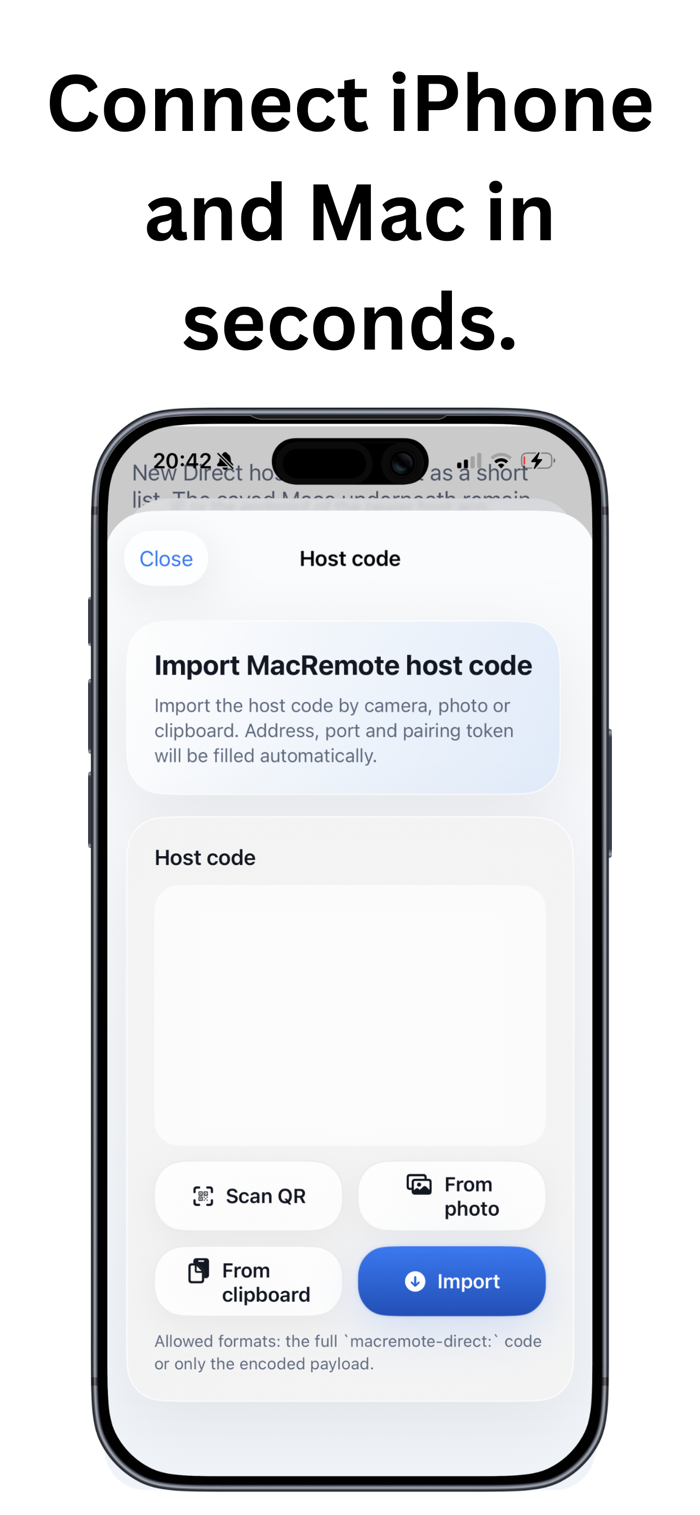
- Direct host access as the primary path when the separate host app is nearby and ready for pairing
- Relay as the continuation of the same path when distance becomes part of the day
- Private VNC only as the secondary fallback when iPhone and computer already share a trusted private network
The iPhone experience stays focused:
- one clear dashboard instead of a remote-control cockpit
- direct touch, touchpad mode, keyboard input and fast actions
- understandable reconnect behaviour when the network changes
A separate app called DeskRoute Host runs on the Mac. It keeps pairing, permissions, trusted devices and update readiness visible in one place.

 +100宝石

 分享
分享




















用户评价
立即分享产品体验
你的真实体验,为其他用户提供宝贵参考
💎 分享获得宝石
【分享体验 · 获得宝石 · 增加抽奖机会】
将你的产品体验分享给更多人,获得更多宝石奖励!
💎 宝石奖励
每当有用户点击你分享的体验链接并点赞"对我有用",你将获得:
🔗 如何分享
复制下方专属链接,分享到社交媒体、群聊或好友:
💡 小贴士
分享时可以添加你的个人推荐语,让更多人了解这款产品的优点!
示例分享文案:
"推荐一款我最近体验过的应用,界面设计很精美,功能也很实用。有兴趣的朋友可以看看我的详细体验评价~"
关注 Mergeek 公众号
领奖遇到问题?联系小门助手