See your earrings before you stitch a single bead. Preview Mode renders your peyote triangle designs in true 3D, with real seed-bead finishes like matte, opaque, transparent, silver-lined, gold-lined, metallic, luster, and AB/iris. You can spin it, light it, and know you’ll love it, before you ever pick up a needle.
When you're ready to bead, the app reads your pattern to you. No more squinting at a printed chart, and losing your place. Press "Make" and the app announces each bead, by color name, letter, or number. Your current bead glows so you always know where you are. Pair the app with a Bluetooth foot pedal (a "page turner") to advance beads completely hands-free and keep beading without ever putting your work down. No pedal? A simple tap works, too.
Have you ever wanted to create peyote triangle earrings but felt overwhelmed getting started? We've made it so much easier. No more designing on bead graph paper or buying patterns that aren't quite what you want.
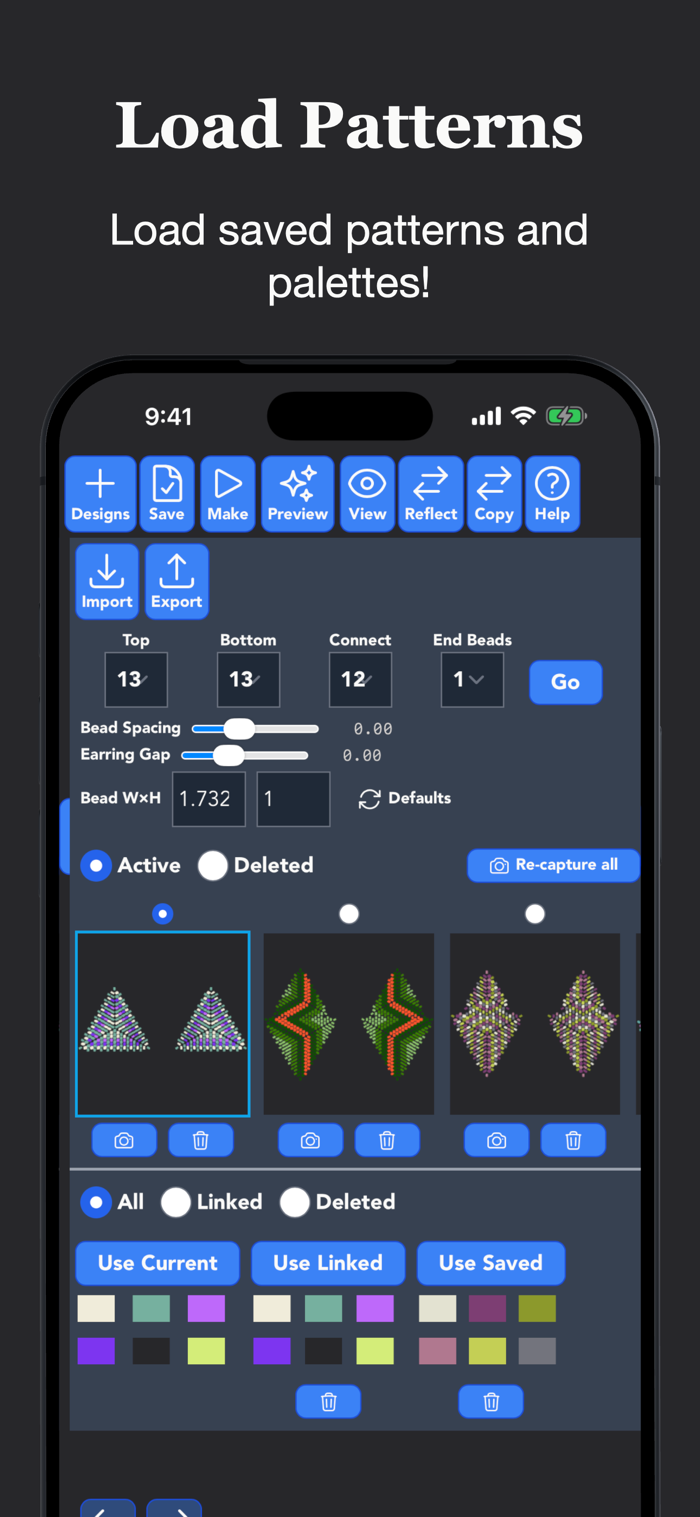
Undo and redo any change, and set real-world bead dimensions and spacing for an accurate preview.
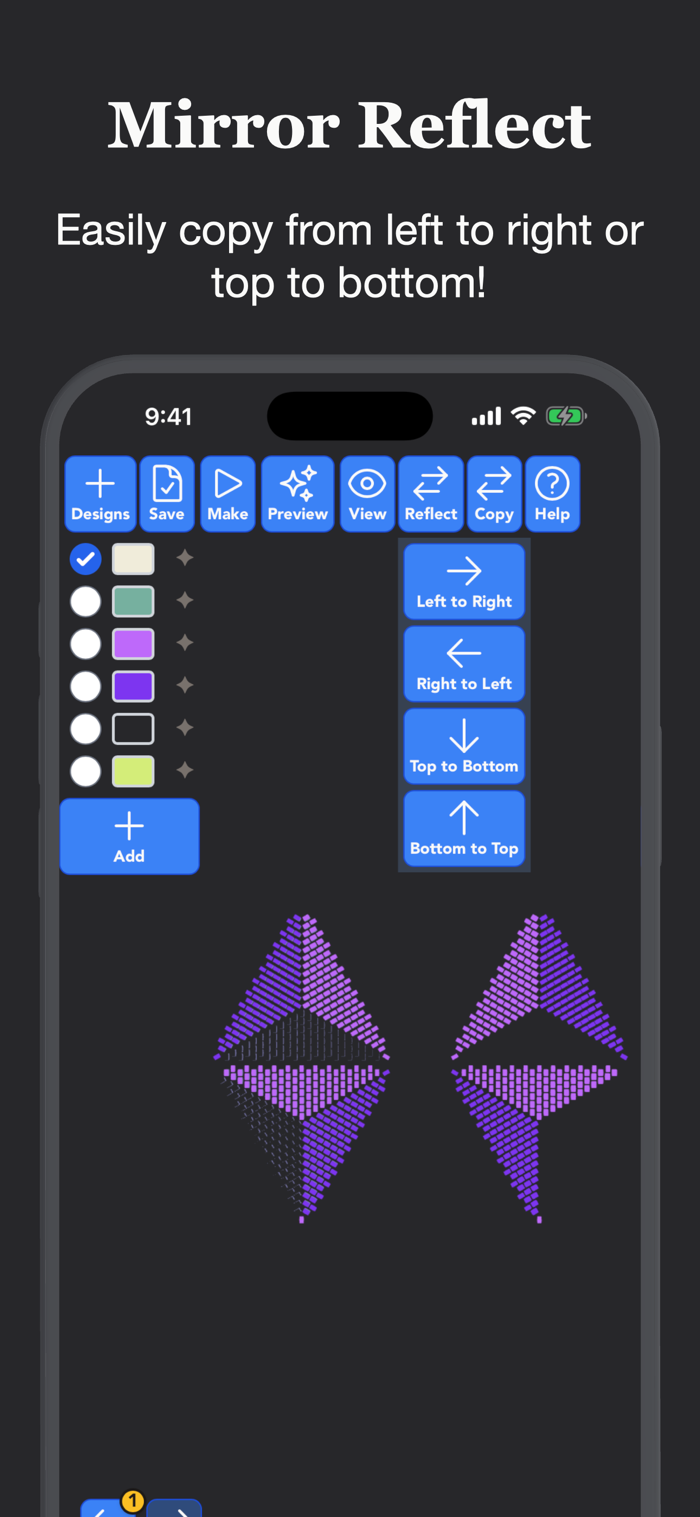
Build a template of triangle sizes from 2–25 rows for the top and bottom of the left and right earring. Add connector beads to join the top and bottom triangles, and make them part of your design. You can also choose single right and left triangles if you want to create a pair of small or statement earrings. The app automatically mirrors the front of the earring onto the back for a t...


 +100宝石


 分享
分享














用户评价
立即分享产品体验
你的真实体验,为其他用户提供宝贵参考
💎 分享获得宝石
【分享体验 · 获得宝石 · 增加抽奖机会】
将你的产品体验分享给更多人,获得更多宝石奖励!
💎 宝石奖励
每当有用户点击你分享的体验链接并点赞"对我有用",你将获得:
🔗 如何分享
复制下方专属链接,分享到社交媒体、群聊或好友:
💡 小贴士
分享时可以添加你的个人推荐语,让更多人了解这款产品的优点!
示例分享文案:
"推荐一款我最近体验过的应用,界面设计很精美,功能也很实用。有兴趣的朋友可以看看我的详细体验评价~"
关注 Mergeek 公众号
领奖遇到问题?联系小门助手