Leave your laptop behind. Enjoy the freedom to work from anywhere.
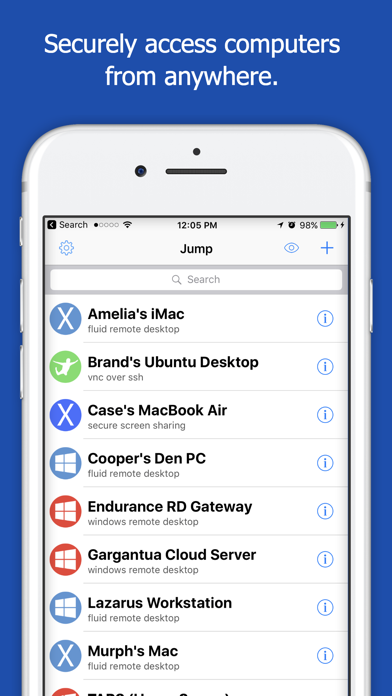
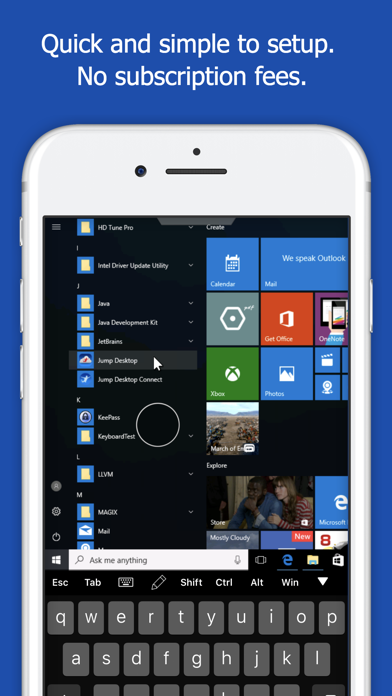
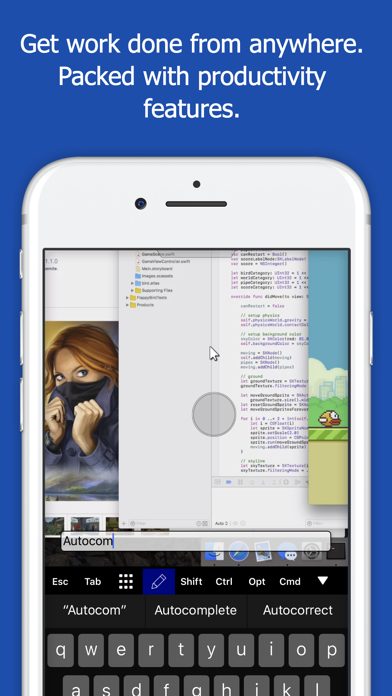
Jump Desktop is a powerful remote desktop application that lets you control your computer from your iPad, iPhone or iPod Touch. Compatible with RDP and VNC, Jump Desktop is secure, reliable and very easy to set up.
Easy setup and reliable:
Jump Desktop is very easy to setup; anyone can do it! Just visit: https://jumpdesktop.com on your PC or Mac, click the ‘Automatic Setup’ link and follow step-by-step instructions. You’ll be up and running in no time.
Secure and built on open standards:
Jump Desktop is a RDP and VNC client. You don't need to download additional software if you already have RDP or VNC configured and know the address of your computer. Just enter your IP address or hostname to connect.
Powerful features:
* Works with almost any computer and operating system
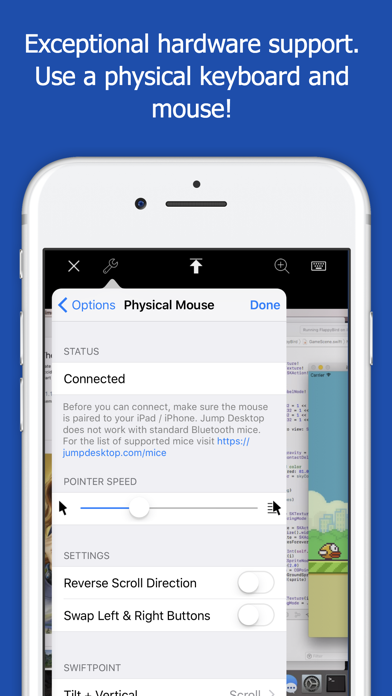
* Supports a physical mouse! Exclusive feature on the App Store! Important limitation: Jump Desktop does not work with standard Bluetooth mice and requires a specific Bluetooth mouse that pairs with iOS
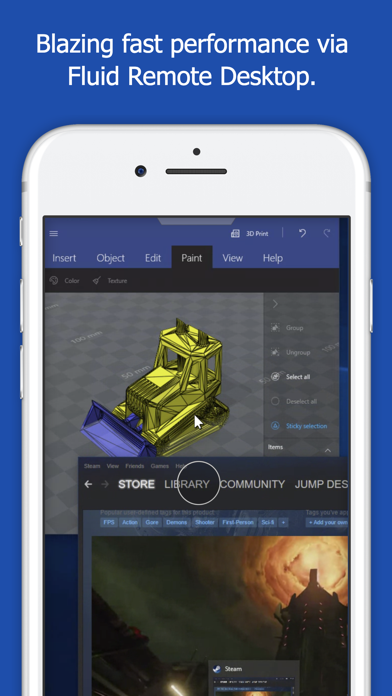
* New Fluid Remote Desktop protocol supports high performance remote desktop
* Easy and secure setup: Automatically configure your PC or Mac for remote access using Wi-Fi/3G/LTE without worrying about your router settings. Setup as many computers as you like – there are no limits!
* Built for iPad Pro, iPad, iPhone and iPod
* iPad Pro features: Full support for split-screen multitasking and...

 +100宝石

 分享
分享


















用户评价
立即分享产品体验
你的真实体验,为其他用户提供宝贵参考
💎 分享获得宝石
【分享体验 · 获得宝石 · 增加抽奖机会】
将你的产品体验分享给更多人,获得更多宝石奖励!
💎 宝石奖励
每当有用户点击你分享的体验链接并点赞"对我有用",你将获得:
🔗 如何分享
复制下方专属链接,分享到社交媒体、群聊或好友:
💡 小贴士
分享时可以添加你的个人推荐语,让更多人了解这款产品的优点!
示例分享文案:
"推荐一款我最近体验过的应用,界面设计很精美,功能也很实用。有兴趣的朋友可以看看我的详细体验评价~"
关注 Mergeek 公众号
领奖遇到问题?联系小门助手