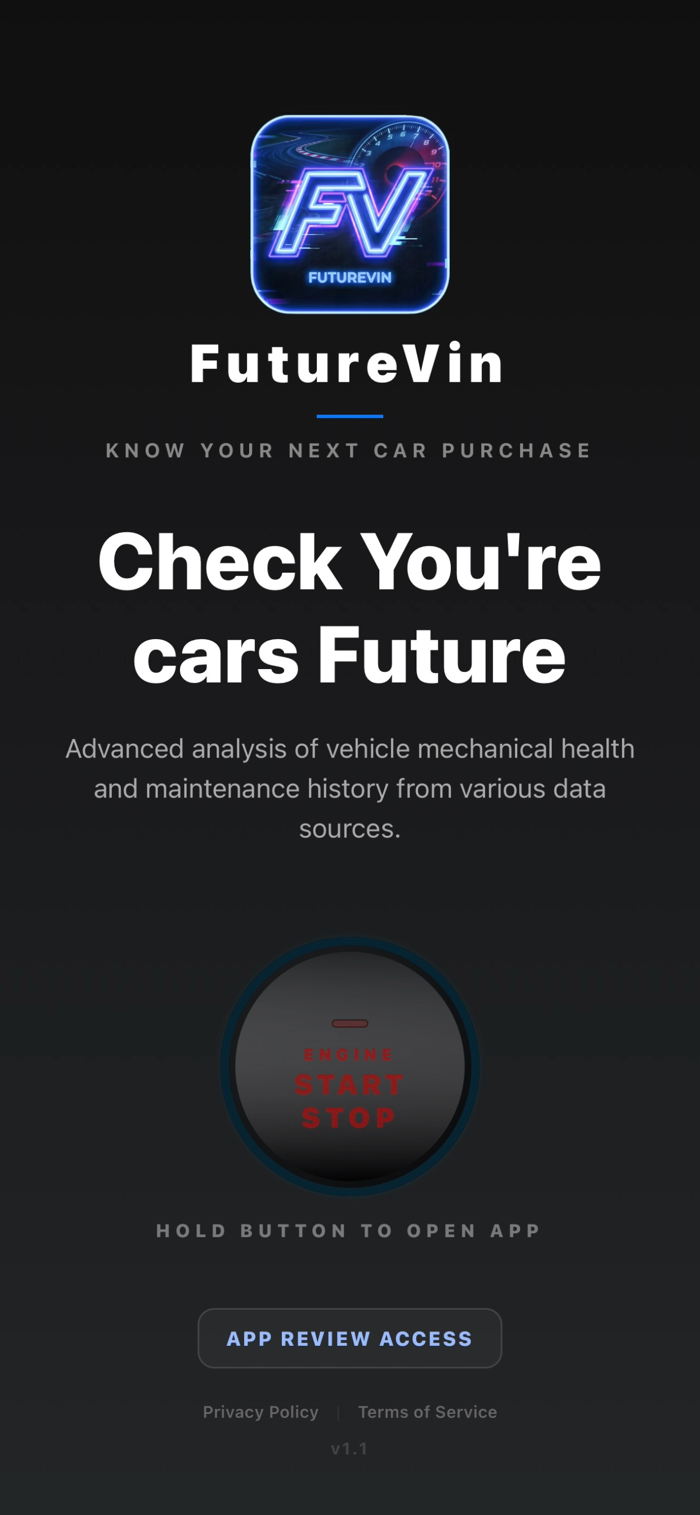
FutureVIN helps you check a car’s future reliability, ownership risk, and likely costs before you buy.
How to Use It (3 Simple Steps)
Step 1: Enter the VIN
Every car has a unique 17-character VIN (Vehicle Identification Number). You can find it:
On the dashboard (through the windshield)
On the driver’s door frame sticker
On the title or registration
Type, paste, or scan the VIN in the app.
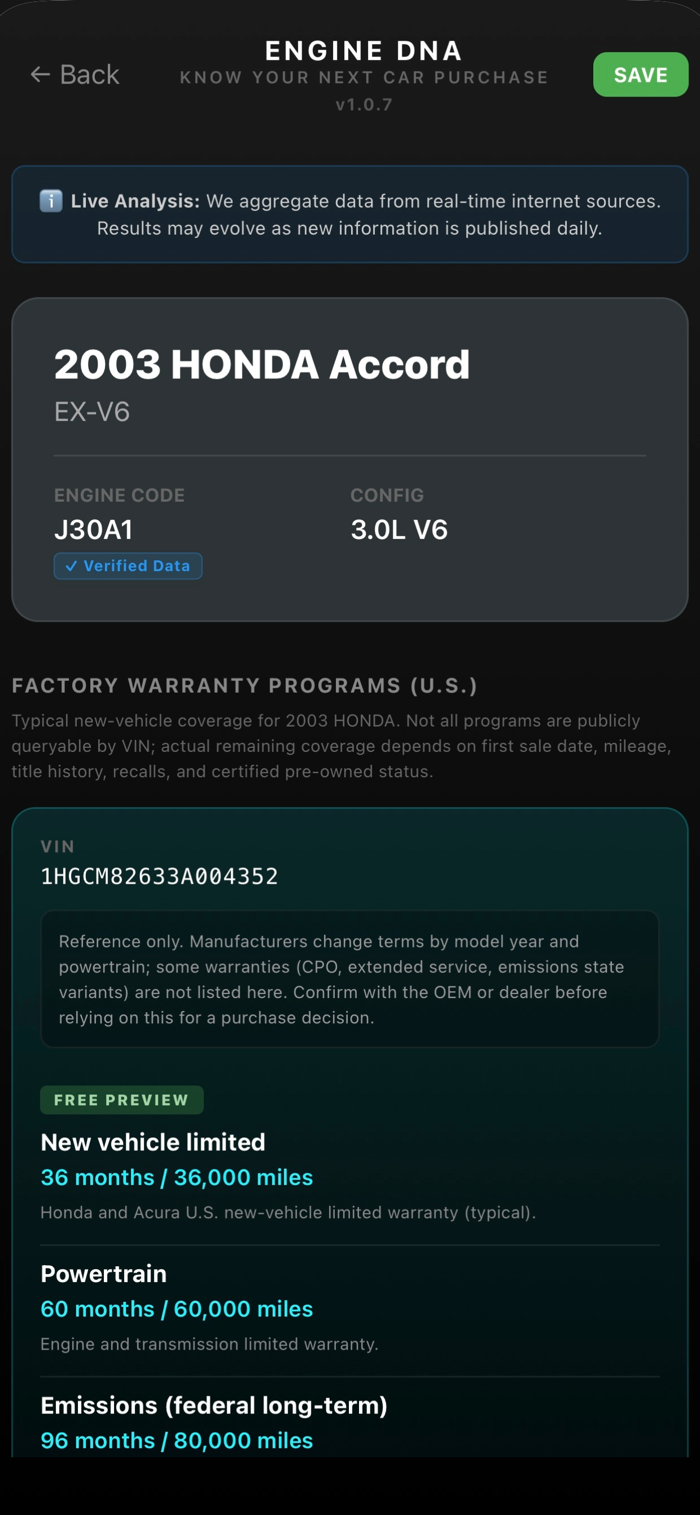
Step 2: Get Your Engine DNA Report
FutureVIN analyzes the vehicle and shows:
Make, Model, and Year
Engine code and configuration
Common known issues for that engine family
Reliability score (P-Score, 0–100)
80–100 = Strong reliability profile
50–79 = Mixed profile, monitor known risks
0–49 = Higher-risk profile, more reported issues
Reliability timeline by mileage
Legal/class-action history (when available)
Insurance price trajectory (modeled trend)
Market value trend over time
Step 3: Make a Smarter Buying Decision
Use your report to:
Decide if the car is worth buying
Estimate future risk and maintenance exposure
Ask better questions before purchase
Compare cars using objective data points
New Features in FutureVIN
Factory Warranty Programs (Reference)
See typical warranty categories by make/year.
Free users get a preview; full list is unlocked in paid reports.
Insurance Price Trajectory
Understand how insurance may trend ...


 +100宝石

 分享
分享

















用户评价
立即分享产品体验
你的真实体验,为其他用户提供宝贵参考
💎 分享获得宝石
【分享体验 · 获得宝石 · 增加抽奖机会】
将你的产品体验分享给更多人,获得更多宝石奖励!
💎 宝石奖励
每当有用户点击你分享的体验链接并点赞"对我有用",你将获得:
🔗 如何分享
复制下方专属链接,分享到社交媒体、群聊或好友:
💡 小贴士
分享时可以添加你的个人推荐语,让更多人了解这款产品的优点!
示例分享文案:
"推荐一款我最近体验过的应用,界面设计很精美,功能也很实用。有兴趣的朋友可以看看我的详细体验评价~"
关注 Mergeek 公众号
领奖遇到问题?联系小门助手